
The Simple Desktop Email Helper

The problem
If you ever send emails from an application or website during development, you're familiar with the fear of an email being released into the wild. Are you positive none of the 'test' emails are addressed to colleagues or worse, customers? Of course, you can set up and maintain a test email server for development -- but that's a chore. Plus, the delay when waiting to view new test emails can radically slow your development cycle.
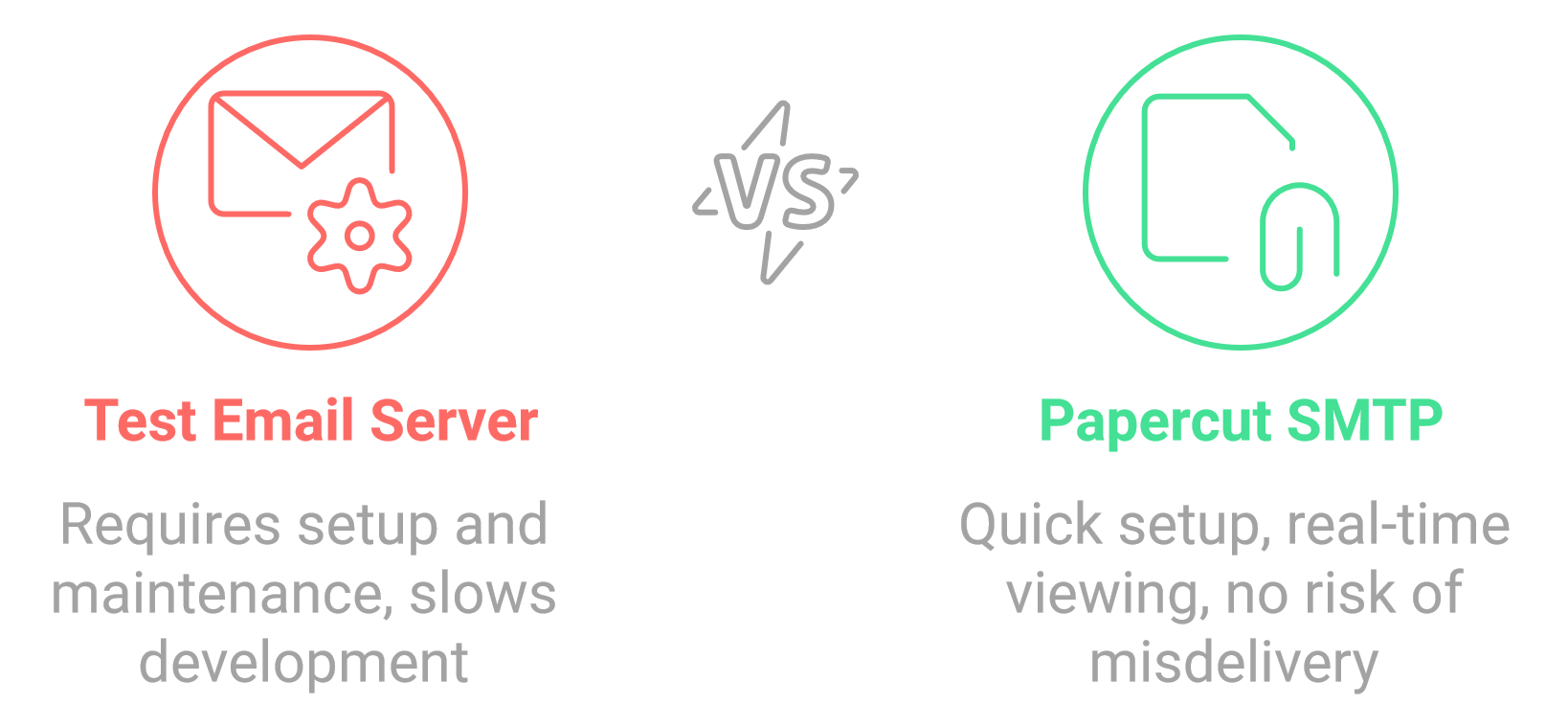
Papercut SMTP to the rescue!
Papercut SMTP is a 2-in-1 quick email viewer AND built-in SMTP server (designed to receive messages only). Papercut SMTP doesn't enforce any restrictions on how you prepare your email, but it allows you to view the whole email-chilada: body, HTML, headers, and attachment right down to the naughty raw encoded bits. Papercut can be configured to run on startup and sit quietly (minimized in the tray) only providing a notification when a new message has arrived.
Download Desktop App Now
Requirements
Papercut SMTP UI Requires the "WebView2" Microsoft shared system component to be installed on your system. If you have any problems getting it running go to this site:
WebView2 Download and install it.
Features
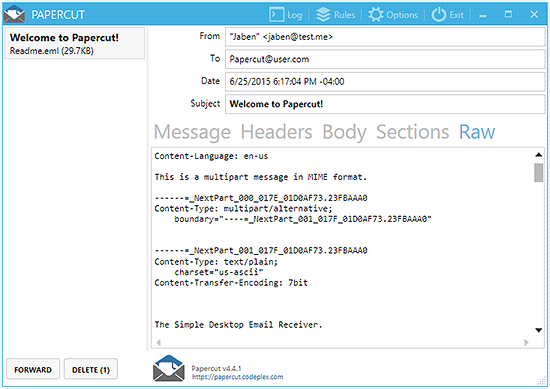
Instant Feedback When New Email Arrives

Rich and Detailed View of Received Email
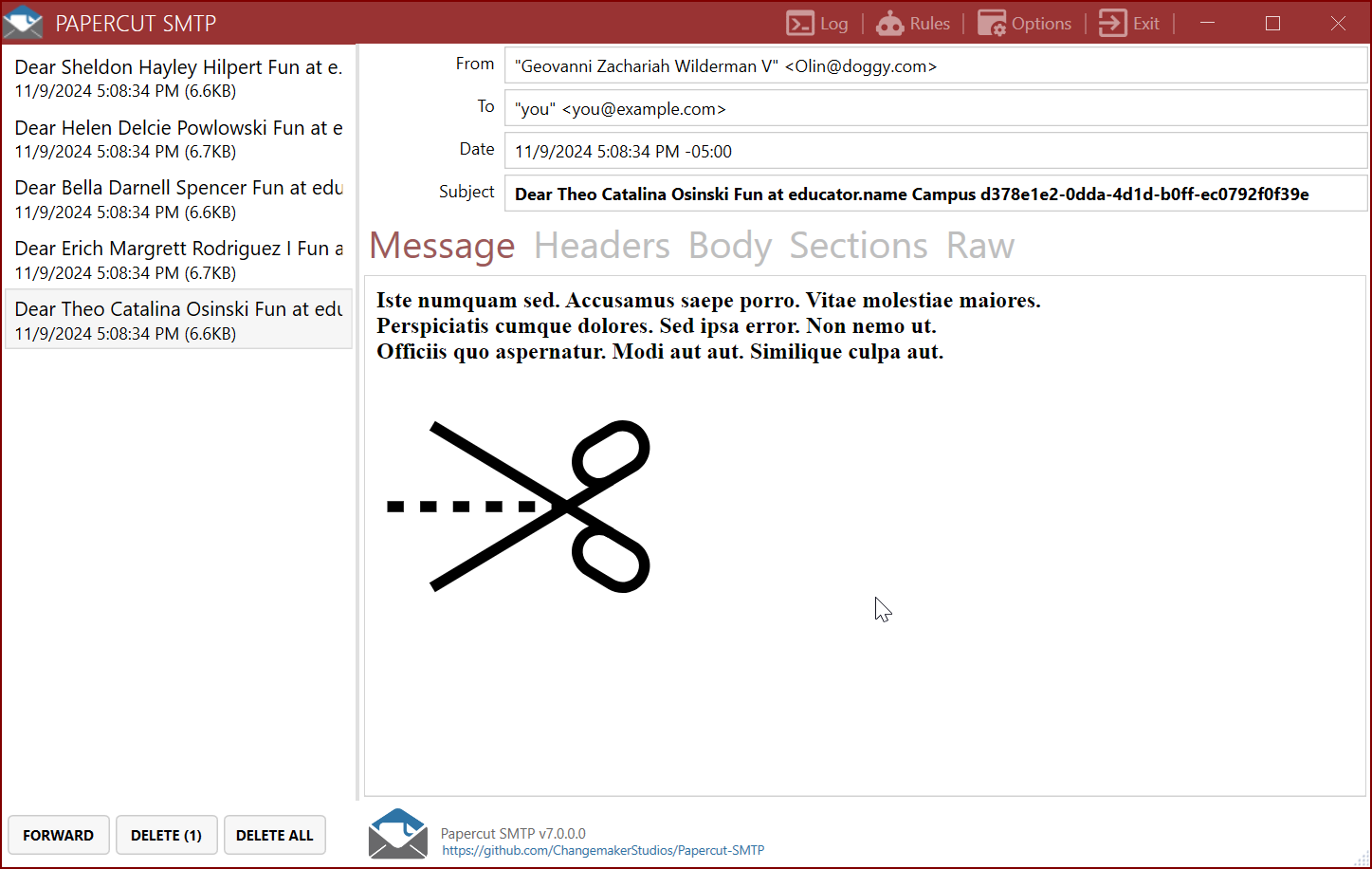
View and Download the Mime Sections of your Email
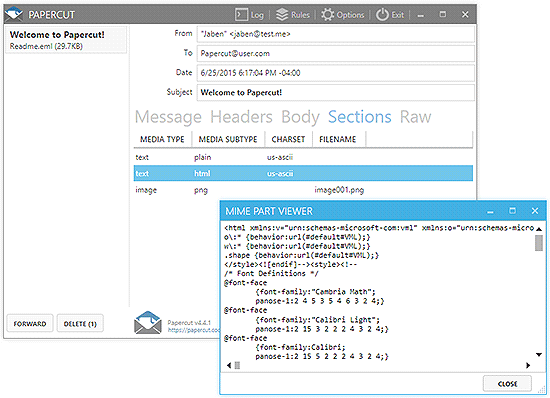
Raw View
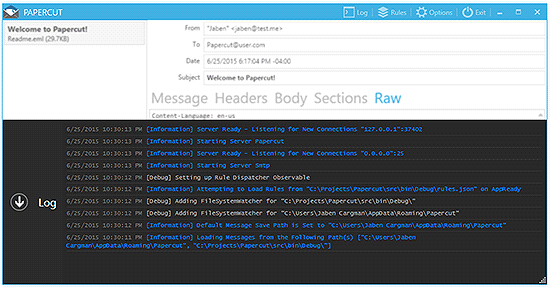
Logging View
(Optional) Download Papercut SMTP Service
Papercut SMTP has an optional HTTP server to receive emails even when the client is not running.
It can be run in an almost portable way by downloading Papercut.Smtp.Service.*.zip, unzipping, and installing as a Windows Service.
Installing Papercut SMTP Service
- Download the appropriate Papercut.Smtp.Service.*.zip for your system (win-x64 or win-x86)
- Extract the zip file to your desired location
- Run the installation script (requires administrator privileges):
- Option A: Double-click
install-papercut-service.bat
- Option B: Run
install-papercut-service.ps1 in PowerShell
- The service will be installed and configured to start automatically on system boot
To uninstall: Run uninstall-papercut-service.bat or uninstall-papercut-service.ps1
For complete Service configuration and Docker deployment instructions, see the Service README.
Host in Docker
Optionally run Papercut SMTP Service in Docker: Papercut SMTP on Docker Hub
Quick start:
docker pull changemakerstudiosus/papercut-smtp:latest
docker run -d -p 37408:8080 -p 2525:2525 changemakerstudiosus/papercut-smtp:latest
Access at: http://localhost:37408 | Send emails to: localhost:2525
Note: Docker uses non-privileged ports by default (SMTP: 2525, HTTP: 8080). See the Service README for configuration options, Docker Compose examples, and troubleshooting.
License
Papercut SMTP is Licensed under the Apache License, Version 2.0.





