scalable-form-core
(JSON Schema)的前端表单渲染引擎sdk,使用HTML原生components,仅处理联动等业务逻辑,不包含UI组件。
A React component for rendering web forms from JSON schema using HTML components




查看文档 https://scalable-form-platform.github.io/#/
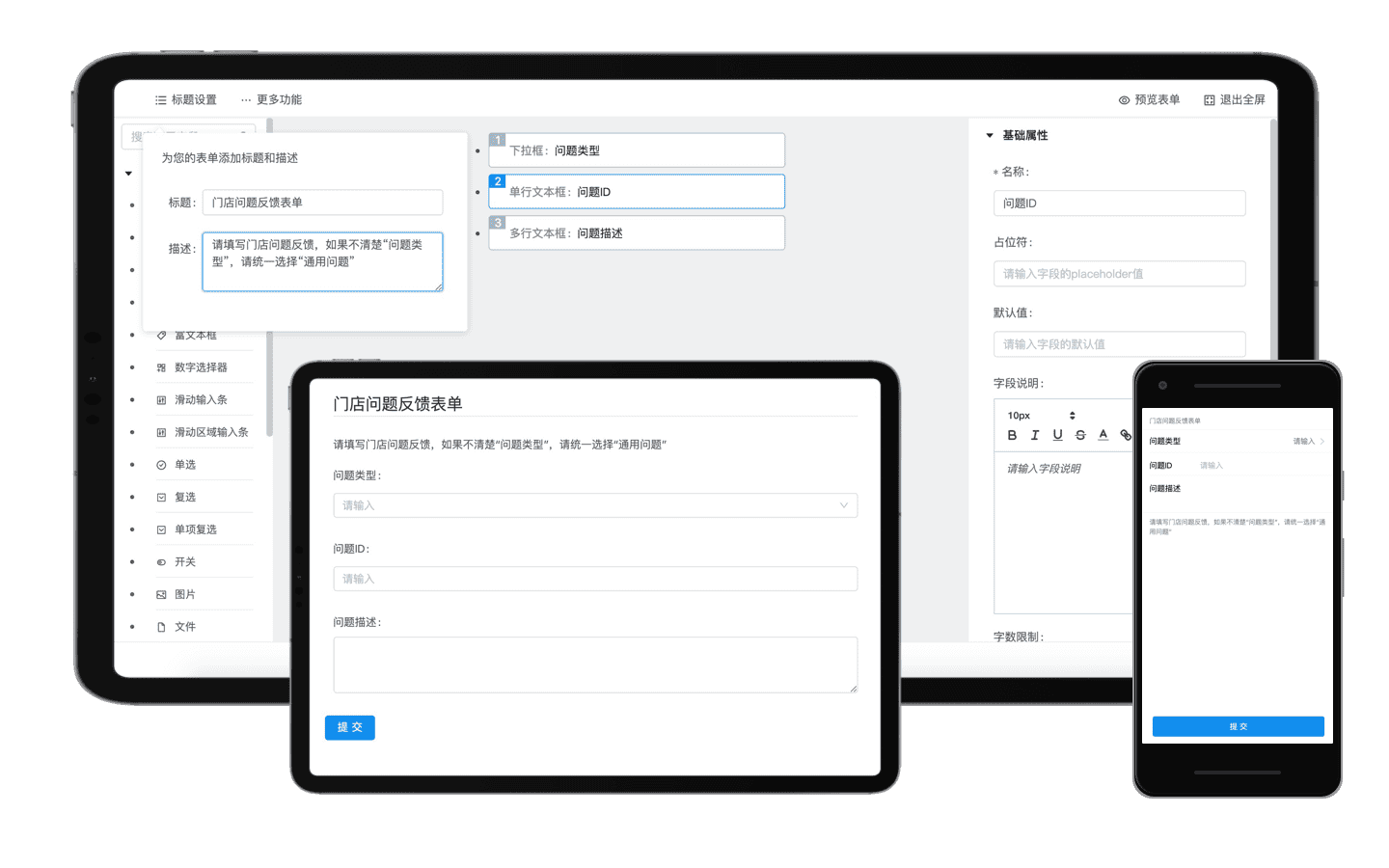
✨ 特性/features
- 🛳 企业级解决方案和高稳定性
- 📦 开箱即用的动态表单渲染sdk
- ⚙️ 完整的开发工具支持
- 🗄 服务端支持和用于管理表单的可独立部署站点
- 🛳 Enterprise-class Solutions for web form
- 📦 A set of high-quality react components for rendering web forms from JSON schema out of the box
- ⚙️ Whole package of development tools
- 🗄 Server support and independently deployable sites
快速开始
安装
使用 npm 安装
npm i scalable-form-core -S
如果你的网络环境不佳,推荐使用 cnpm。
引入使用
import ScalableForm from "scalable-form-core";
Hello World
在第一个例子中,我们需要渲染一个表单,支持用户填写name,并自行选择所在城市。
注意,scalable-form是一套基于表单数据协议(JSONSchema)的动态表单解决方案。所以我们需要按照react-jsonschema-form的规则书写一下表单规则描述(schema),并且将schema作为scalable-form的props转入组件。
写这个schema会很繁琐,不过放心,scalable-form的一大创新点就在于支持使用可视化的编排组件editor编排产生这个schema,您可以访问这里,查看editor的使用方法
import React from "react";
import ScalableForm from "scalable-form-core";
import "./styles.css";

export default class FormExample extends React.PureComponent {
  constructor(props) {
    super(props);
    this.state = {
      formData: {
        name: "",
        city: "hangzhou"
      }
    };
    this.jsonSchema = {
      title: "Scalable Form render sdk with Ant Design components",
      description: "",
      type: "object",
      required: ["name"],
      properties: {
        name: {
          type: "string",
          title: "名称",
          default: "",
          maxLength: 15
        },
        city: {
          type: "string",
          title: "请选择城市",
          default: "",
          enum: ["beijing", "shanghai", "hangzhou"],
          enumNames: ["北京", "上海", "杭州"]
        }
      }
    };
    this.uiSchema = {
      name: {
        "ui:help": '关于"名称"字段的帮助说明',
        "ui:options": {
          placeholder: "请输入名称"
        }
      },
      city: {
        "ui:widget": "radio",
        "ui:options": {
          vertical: false,
          validate: [
            {
              type: "empty",
              message: "请选择"
            }
          ]
        }
      }
    };
  }

  handleChanged = (formData, bizData) => {
    console.log("ScalableForm Changed!", formData);
    console.log("ScalableForm Changed!", bizData);
    this.setState({
      formData: { ...formData }
    });
  };

  handleSubmit = (formData, bizData) => {
    console.log("ScalableForm Submitted!", formData);
    console.log("ScalableForm Submitted!", bizData);
  };

  render() {
    return (
      <div className="scalable-form-demo-element">
        <ScalableForm
          jsonSchema={this.jsonSchema} //jsonSchema用于表述表单字段信息
          uiSchema={this.uiSchema} //uiSchema用于控制表单字段的UI组件
          formData={this.state.formData} //formData是表单中填写的字段数据
          onChange={this.handleChanged}
          onSubmit={this.handleSubmit}
        />
      </div>
    );
  }
}
查看更多文档
您可以访问  查看更多API文档
📦 包管理/Packages
我们使用Lerna来进行包管理,所以本仓库会发布多个包到npm,包括:
This repository is a monorepo that we manage using Lerna. That means that we actually publish several packages to npm from the same codebase, including:
| scalable-form-antd |  | | 基于react-jsonschema-form,结合ant-design的动态表单渲染sdk |
| scalable-form-antd-mobile |  | | 基于react-jsonschema-form,结合ant-design-mobile的动态表单渲染sdk,适用于移动端的渲染sdk |
| scalable-form-editor |  | | 表单可视化编辑器,可视化编排表单,产出scalable-form-antd和scalable-form-antd-mobile可用的schema |
| scalable-form-server |  | | 服务端sdk,用户可以基于scalable-form-server保存表单配置。服务端sdk提供一个可用的表单站点,提供表单编排,表单管理,表单投放,数据回流分析的能力。 |





