


Security News
The Hidden Blast Radius of the Axios Compromise
The Axios compromise shows how time-dependent dependency resolution makes exposure harder to detect and contain.
By Ahmad Nassri - Apr 01, 2026
@connectycube/chat-widget-angular
Advanced tools
A customizable Angular chat widget built on the ConnectyCube platform, enabling real-time messaging, calls, and user engagement in any web app.
An Angular component that seamlessly integrates ConnectyCube's real-time chat capabilities into your web applications. This widget offers an out-of-the-box solution for embedding chat features—such as instant messaging, user presence, and file sharing—without the overhead of building a complete chat system from scratch.
The ConnectyCube Web Chat Widget for Angular is designed to simplify the process of adding chat functionality to your Angular apps. With a few configuration steps and minimal code, you can quickly enable robust, real-time communication powered by ConnectyCube. Key benefits include:
Split-view chat widget:
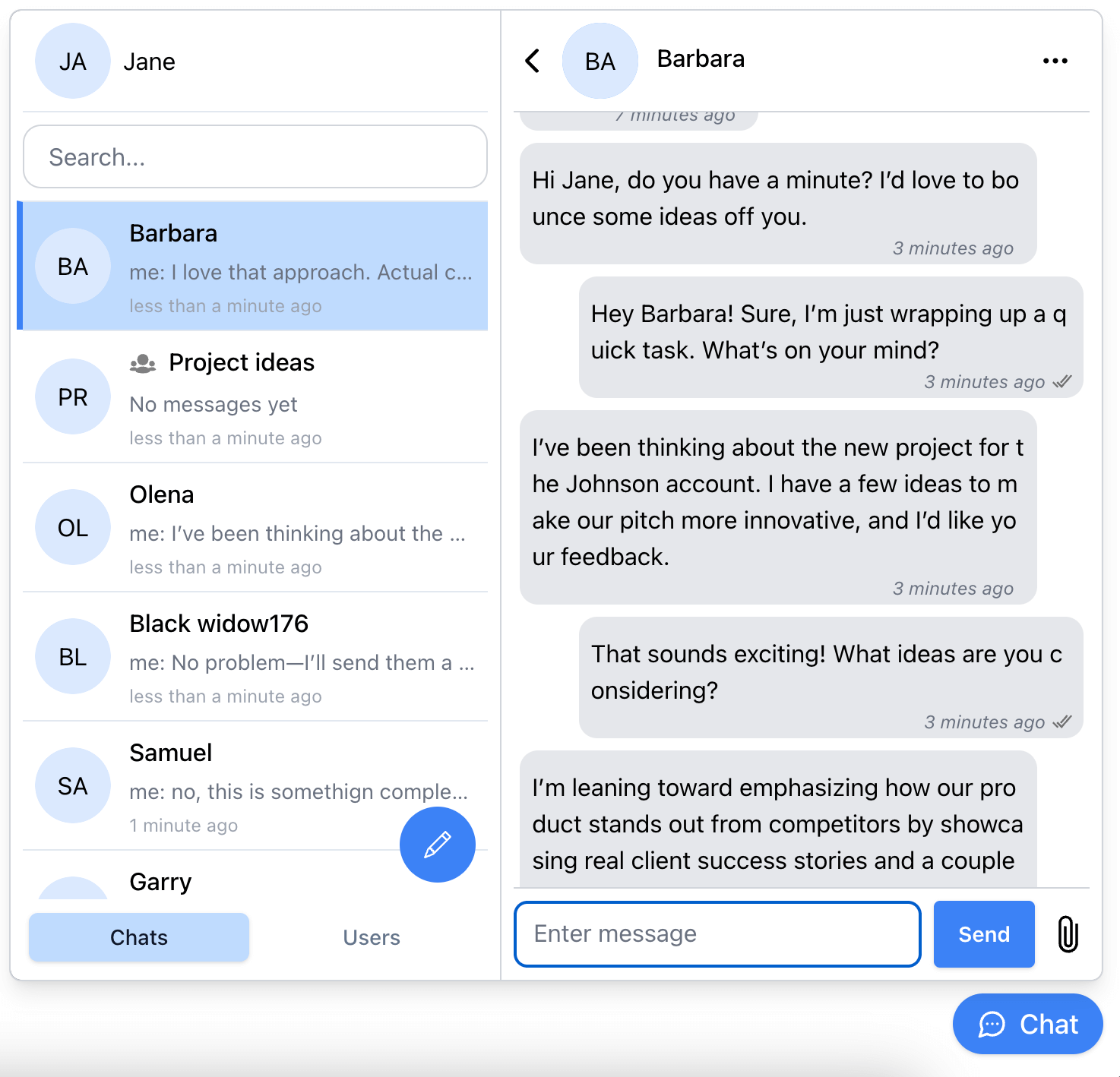
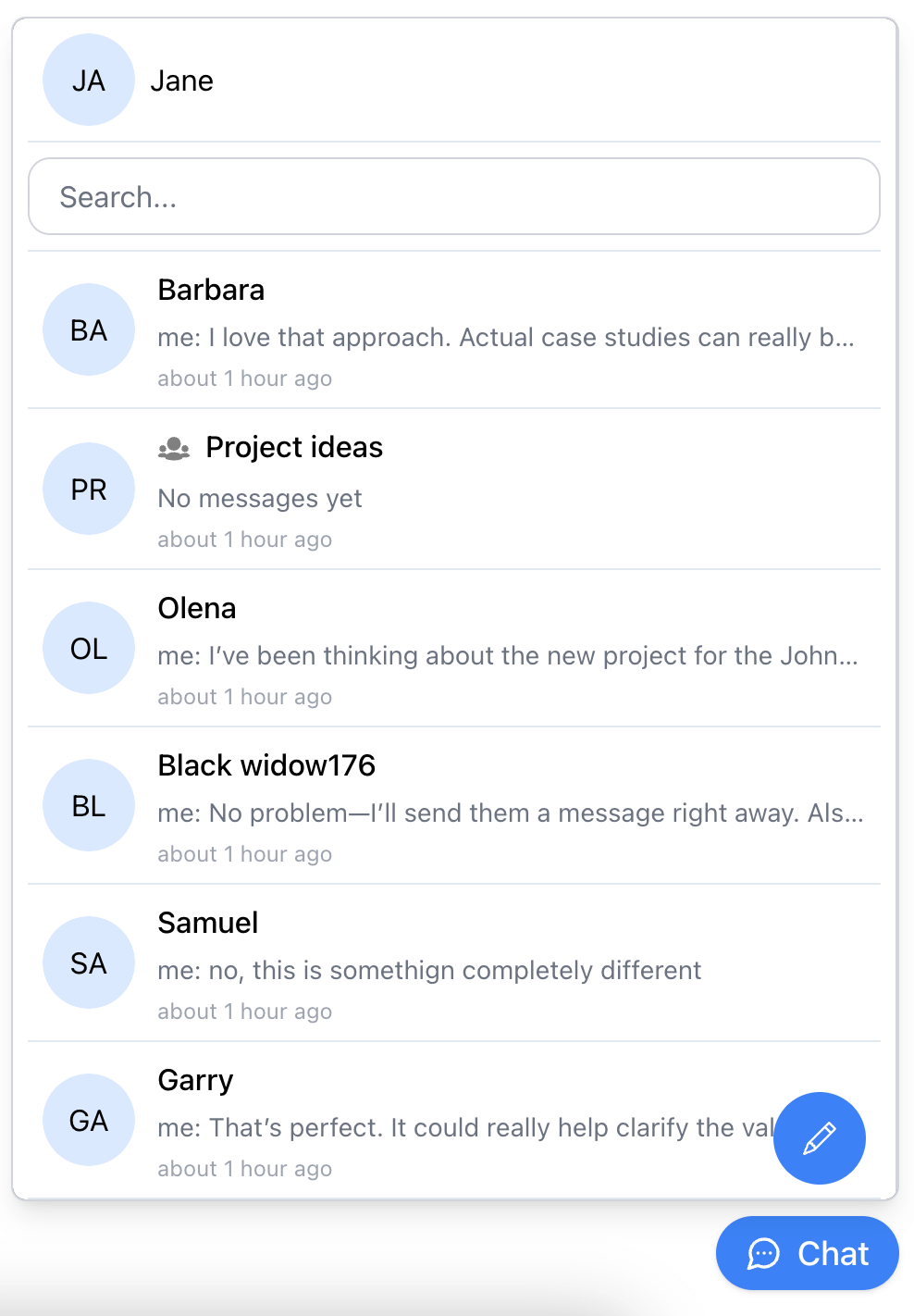
Single-view chat widget:
https://developers.connectycube.com/js/chat-widget
# npm
npm install @connectycube/chat-widget-angular
# yarn
yarn add @connectycube/chat-widget-angular
As this component uses wrapped @connectycube/chat-widget install types for React and ReactDom as devDependencies:
# npm
npm install --save-dev @types/react @types/react-dom

# yarn
yarn add --dev @types/react @types/react-dom
Before you start, make sure:
Import and connect the ConnectyCubeChatWidgetComponent component to your app (e.g. in app.ts):
import { RouterOutlet } from '@angular/router';
import { ConnectyCubeChatWidgetComponent } from '@connectycube/chat-widget-angular';

@Component({
  selector: 'app-root',
  imports: [RouterOutlet, ConnectyCubeChatWidgetComponent],
  templateUrl: './app.html',
  styleUrl: './app.css',
})
export class App {
  ...
  protected readonly props = {
    appId: 111,
    authKey: '11111111-2222-3333-4444-55555555',
    config: { debug: { mode: 1 } },
    userId: '112233', // a User Id from your system
    userName: 'Samuel', // how other users will see your user name
    showOnlineUsersTab: false,
    splitView: true,
    hideWidgetButton: false,
    onOpenChange: (open) => {
      console.log('Chat widget is open:', open);
    },
    onUnreadCountChange: (count) => {
      console.log('Unread messages count:', count);
    },
  };
}
Place the component in app.html:
<div id="app">
  ...
  <connectycube-chat-widget [props]="props" />
</div>
...
See chat widget code samples https://github.com/ConnectyCube/connectycube-chat-widget-samples/tree/main/angular as a reference for faster integration.
See all available props https://developers.connectycube.com/js/chat-widget/#props
See all available recipes https://developers.connectycube.com/js/chat-widget/#recipes
Join our Discord community to get real-time help from our team
Want to support our team:

CHANGELOG.md in the main repository.
FAQs
A customizable Angular chat widget built on the ConnectyCube platform, enabling real-time messaging, calls, and user engagement in any web app.
The npm package @connectycube/chat-widget-angular receives a total of 294 weekly downloads. As such, @connectycube/chat-widget-angular popularity was classified as not popular.
We found that @connectycube/chat-widget-angular demonstrated a healthy version release cadence and project activity because the last version was released less than a year ago. It has 3 open source maintainers collaborating on the project.
Did you know?

Socket for GitHub automatically highlights issues in each pull request and monitors the health of all your open source dependencies. Discover the contents of your packages and block harmful activity before you install or update your dependencies.
Security News
The Axios compromise shows how time-dependent dependency resolution makes exposure harder to detect and contain.

Research
A supply chain attack on Axios introduced a malicious dependency, plain-crypto-js@4.2.1, published minutes earlier and absent from the project’s GitHub releases.

Research
Malicious versions of the Telnyx Python SDK on PyPI delivered credential-stealing malware via a multi-stage supply chain attack.