



Security News
The Hidden Blast Radius of the Axios Compromise
The Axios compromise shows how time-dependent dependency resolution makes exposure harder to detect and contain.
By Ahmad Nassri - Apr 01, 2026
@nyatinte/prw
Advanced tools
English | 日本語


prw is a CLI for interactively selecting a package and script in a pnpm workspace and running it. It only uses existing package.json scripts — no extra config files required.
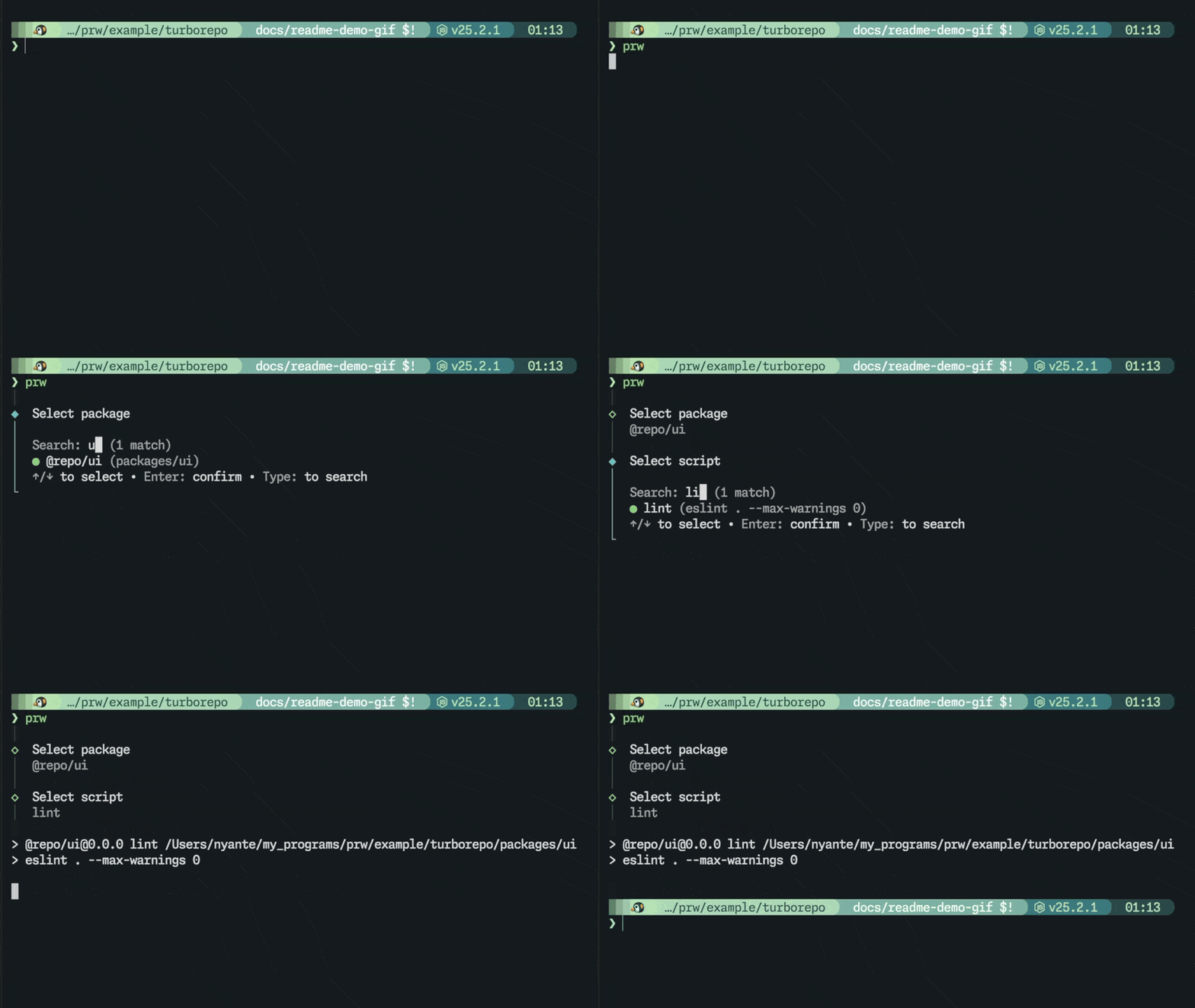
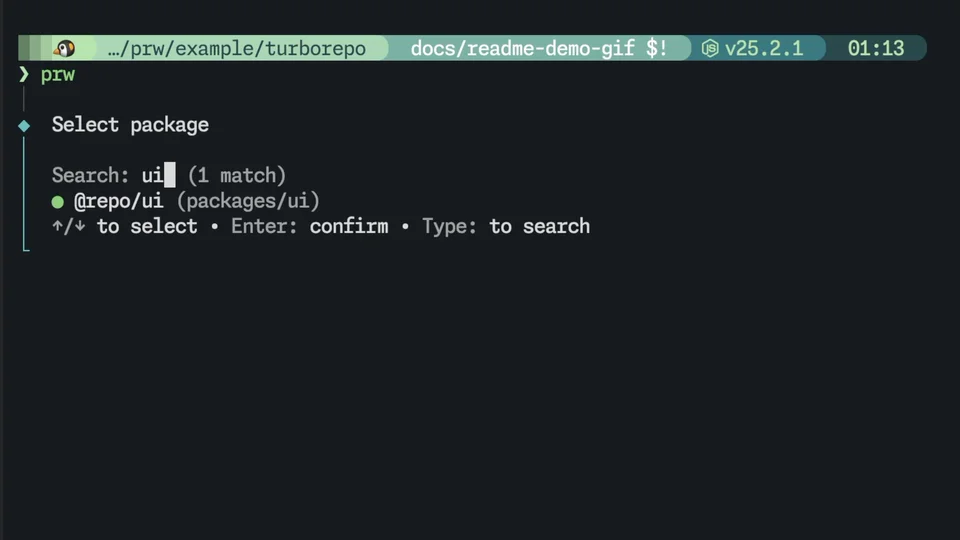
|
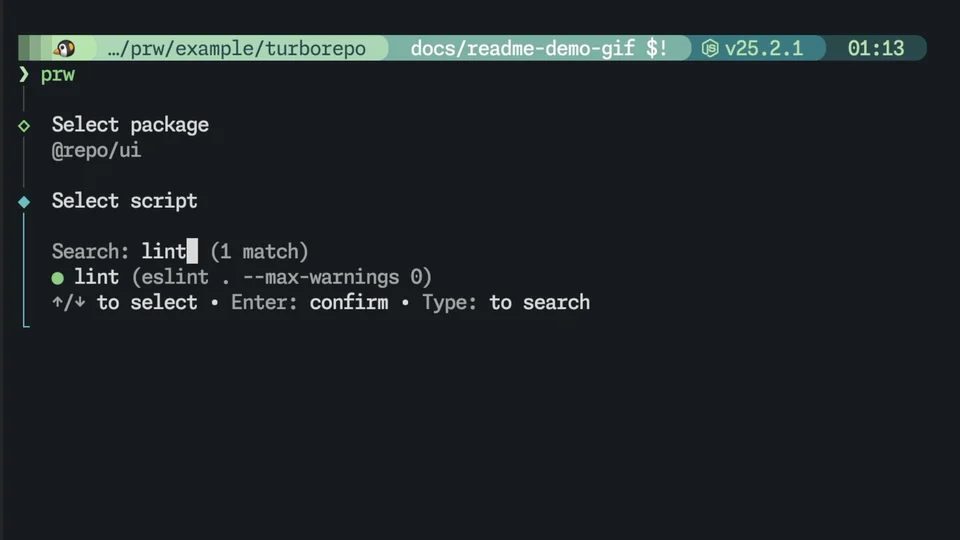
|
| Filter packages with fuzzy search. | Pick a script and run it immediately. |
npm install -g @nyatinte/prw
# or
pnpm add -g @nyatinte/prw
prw
Interactively select a package and script, then run it. The root package is also available.
prw web
Package names are matched with fuzzy search. If one package matches, it goes straight to script selection. If multiple match, the package picker is shown. Frequently used packages are shown first based on history.
prw @myapp/web dev
If both are unambiguous, prw skips the selection screens and runs immediately.
Frequently used scripts are also shown first based on history.
[!NOTE] You don't need to type the full package name every time. A short query like
prw webis usually enough.
$ prw
│
◆  Select package
│
│  Search: _
│  ● (root)
│  ○ @myapp/web
│  ○ @myapp/api
│  ↑/↓ to select • Enter: confirm • Type: to search
└
After selecting a package, you move on to script selection. The focused script shows its full command in (...).
│
◇  Select package
│  @myapp/web
│
◆  Select script
│
│  Search: _
│  ● dev (vite)
│  ○ build
│  ○ test
│  ↑/↓ to select • Enter: confirm • Type: to search
└
.
├─ package.json
├─ pnpm-workspace.yaml
├─ apps/
│  └─ web/
│     └─ package.json
└─ packages/
   ├─ ui/
   │  └─ package.json
   └─ config/
      └─ package.json
With a monorepo like this, you can run scripts from anywhere under apps/ or packages/, from anywhere in the workspace.
[!IMPORTANT]
prwcan be run from anywhere inside the workspace. It walks up parent directories to find the nearestpnpm-workspace.yaml.
[!NOTE] Usage history is stored per workspace at
$XDG_STATE_HOME/prw/histories/<workspace-id>.json(or~/.local/state/prw/histories/<workspace-id>.jsonwhenXDG_STATE_HOMEis unset).<workspace-id>is a SHA-256 hash of the resolved workspace root path.
MIT
FAQs
Interactive pnpm workspace package & script runner
We found that @nyatinte/prw demonstrated a healthy version release cadence and project activity because the last version was released less than a year ago. It has 1 open source maintainer collaborating on the project.
Did you know?

Socket for GitHub automatically highlights issues in each pull request and monitors the health of all your open source dependencies. Discover the contents of your packages and block harmful activity before you install or update your dependencies.
Security News
The Axios compromise shows how time-dependent dependency resolution makes exposure harder to detect and contain.

Research
A supply chain attack on Axios introduced a malicious dependency, plain-crypto-js@4.2.1, published minutes earlier and absent from the project’s GitHub releases.

Research
Malicious versions of the Telnyx Python SDK on PyPI delivered credential-stealing malware via a multi-stage supply chain attack.