Othent KMS JS SDK
Othent JS SDK to manage Arweave wallets backend by Auth0 and Google Key Management Service.
Try our demo at kms-demo.othent.io!

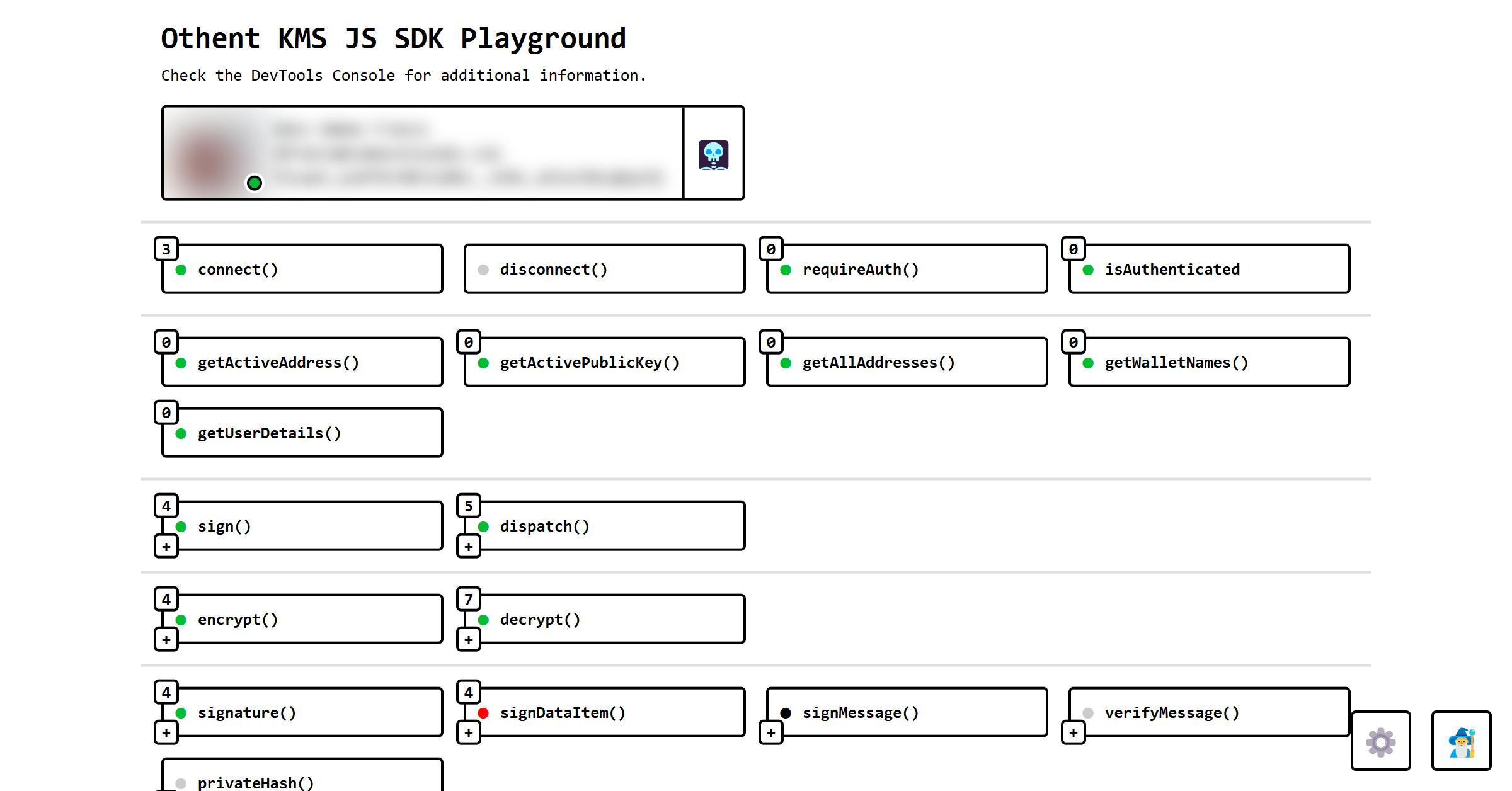
Learn how to set it up at https://docs.othent.io or looking at our demo's code at https://github.com/Othent/KMS-test-repo.
Installation
npm install --save @othent/kms
yarn install --save @othent/kms
pnpm add --save @othent/kms
Usage
import { Othent, AppInfo } from "@othent/kms";

const appInfo: AppInfo = {
  name: "My Awesome App",
  version: "1.0.0",
  env: "production",
};

const othent = new Othent({ appInfo, throwErrors: false, ... });

othent.addEventLister("error", (err) => {
  console.error(err);
});

await othent.connect();

const mySecret = await othent.encrypt("My secret");

const transaction = await arweave.createTransaction({
  data: imySecret,
});

const result = await othent.dispatch(transaction);
const transactionURL = `https://viewblock.io/arweave/tx/${result.id}`;

console.log(transactionURL);
You can find more information and examples at https://docs.othent.io or looking at our demo's code at
https://github.com/Othent/KMS-test-repo.
Publishing A New Release:
Manually:
-
Use pnpm version to bump the version, which will also make sure
the next commit has the right tags.
Stable release:
npm version patch
npm version minor
npm version major
Pre-release:
npm version prerelease --preid=beta
npm version prepatch --preid=beta
npm version preminor --preid=beta
npm version premajor --preid=beta
The preversion, version and postversion scripts defined in package.json will test, format, build, tag and
push all the changes automatically. See https://docs.npmjs.com/cli/v10/commands/npm-version.
-
To publish a stable release, simply run pnpm publish.
The latest tag will also point to this new version.
If you are publishing a pre-release version and don't want the latest tag to be updated, run this instead:
pnpm publish --tag beta
Troubleshooting
If you accidentally updated the latest tag, you can point it to another version with the following command:
npm dist-tag add @othent/kms@<version> latest
You can see the package distribution (not version) tags like this:
npm view . dist-tags
If you added / pushed an incorrect tag, you can delete it from the server with:
git push origin :refs/tags/v0.1.0
And locally with:
git tag -d v0.1.0





