Filerobot Image Editor
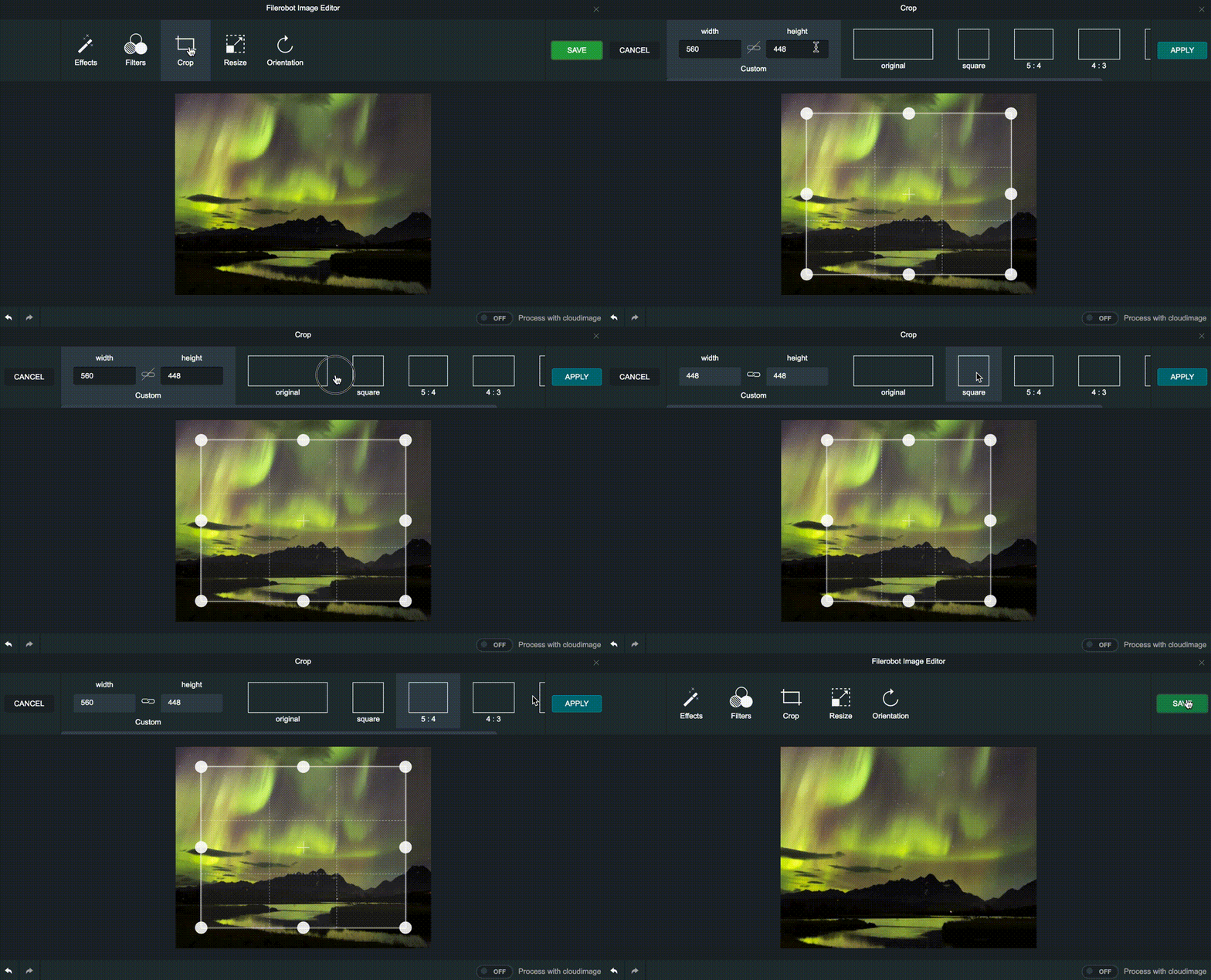
Requirements
Install
CDN
<script src="https://unpkg.com/@rotsen/vue-filerobot-image-editor"></script>
NPM
$ npm install @rotsen/vue-filerobot-image-editor --save
or
$ yarn @rotsen/vue-filerobot-image-editor
Filerobot Image Editor
Component
Then in your component:
<template>
  <div>
    <img
      v-if="!openEditor"
      width="300"
      :src="src"
      @click="openEditor = true"
      alt="example image"
    />
    <button  @click="openEditor = true"> edit</button>
    <VueFilerobotImageEditor
      v-if="openEditor"
      :config="config"
      :src="src"
      @complete="onComplete"
      @beforeComplete="onBeforeComplete"
      @close="onClose"
      @error="onError"
    />
</template>

<script>
import VueFilerobotImageEditor from "@rotsen/vue-filerobot-image-editor";

export default {
  components: { VueFilerobotImageEditor },
  data() {
    return {
      openEditor: false,
      config: {
        tools: ['adjust', 'effects', 'filters', 'rotate', 'crop', 'resize', 'watermark', 'shapes', 'image', 'text'],
        finishButtonLabel:'Save',
      }

      src: "https://scaleflex.airstore.io/demo/stephen-walker-unsplash.jpg",
      colorScheme: 'light' //  'dark'|'light'
    };
  },
  methods: {
   onComplete(url, file) {
      console.log("url" + url);
    },
    onBeforeComplete(element) {
      if (element && element.canvas) {
        this.src = element.canvas.toDataURL();
      }
    },
    onClose(status) {
      console.log("close" + JSON.stringify(status, null, 3));
      this.openEditor = false;
    },
     onError(error) {
      console.log(" error " + error);
    },


  }
};
</script>
Props
config | Object | All configuration of FilerobotImage Editor. Default: {} |
src | String | Image url to edit . Required |
Events
close | Fired when the editor is close |
error | Fired when error occurs |
beforeComplete | Event fired when click to Save of Download |
complete | Event fired when a dialog definition at the end of beforeComplete |
Docs
Full docs at [filerobot-image-editor](https://github.com/scaleflex/filerobot-image-editor)
Build Setup
You can use vue-cli or other vue templates
Created By
Thanks to contributers
License
MIT





