


New Research: Supply Chain Attack on Axios Pulls Malicious Dependency from npm.Details →
Socket
Book a DemoSign in
Socket

angular-boilerplate-cli

Package Overview
Dependencies
Maintainers
1
Versions
4
Alerts
File Explorer

Advanced tools

Socket logo

Install Socket

Detect and block malicious and high-risk dependencies

Install

angular-boilerplate-cli

During Development adding Controllers, Service, Factories, Filters, Directives, Jasmin Unit Test Cases and RWD CSS Styles with automatic Routing Configuration and index.html linking. It will speed up the development.

latest
Source
npmnpm
Version
1.0.3
Version published
Maintainers
1
Created
Source

AngularJS Boilerplate NodeJS Based CLI - MVC and Jasmin and Karma Unit Testcases

Installation -

Using NPM -

npm install -g angular-boilerplate-cli

Using Git -
  • Download/Clone this git repository into the local machin and keep this folder into a safe place.
  • Open cmd or Terminal app and go to this directry using cd command
  • Run npm install. This will install the dependencies.
  • Run npm link. This will set the boilerplate command into the Path so that boilerplate command can be accessed anywhere from cmd or Terminal app.

Usage -

  • Create a directoy mkdir AwesomeProject
  • Initialize the app boilerplate init and provide the required information like ng-app module name etc.
  • Add controller using boilerplate controller add. This will create the controller into src/app folder.
  • Similary factory, directives, filters and services can be created
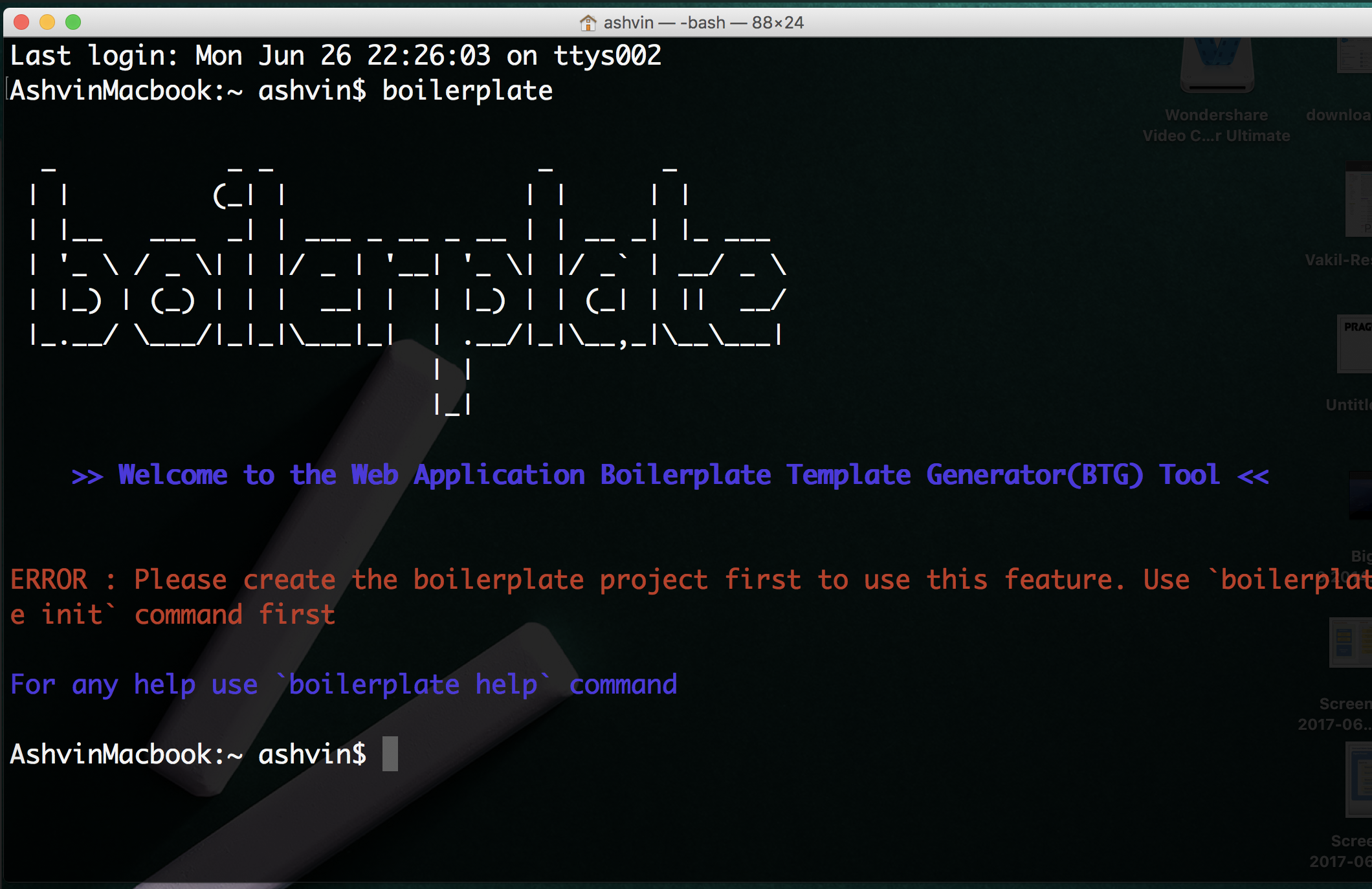
  • For help try the command boilerplate help.

Folder Structure -

Refer the example folder in this directory for the folder structure.

Video -

Angular Boilerplate

FAQs

Package last updated on 29 Jun 2017

Did you know?

Socket

Socket for GitHub automatically highlights issues in each pull request and monitors the health of all your open source dependencies. Discover the contents of your packages and block harmful activity before you install or update your dependencies.

Install

Related posts

