Responsive Login form built with Bootstrap 5. Lot of templates of signup forms and predefined form pages. Various design, styles and functionalities.
Check out Bootstrap Login Form Documentation for detailed instructions & even more examples.
Basic example
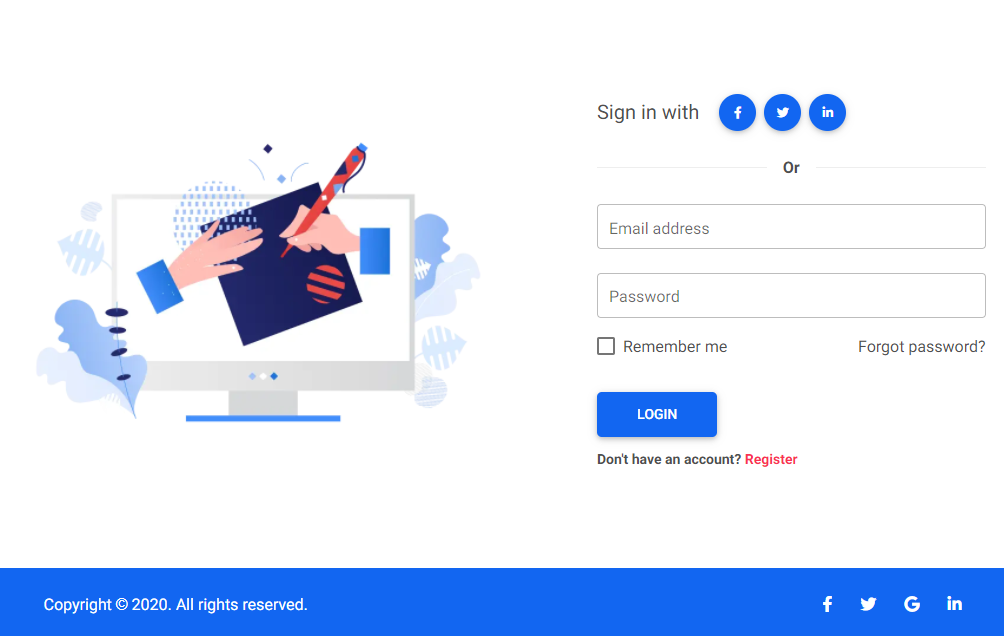
<section class="vh-100">
<div class="container-fluid h-custom">
<div class="row d-flex justify-content-center align-items-center h-100">
<div class="col-md-9 col-lg-6 col-xl-5">
<img src="https://mdbcdn.b-cdn.net/img/Photos/new-templates/bootstrap-login-form/draw2.webp" class="img-fluid"
alt="Sample image">
</div>
<div class="col-md-8 col-lg-6 col-xl-4 offset-xl-1">
<form>
<div class="d-flex flex-row align-items-center justify-content-center justify-content-lg-start">
<p class="lead fw-normal mb-0 me-3">Sign in with</p>
<button type="button" class="btn btn-primary btn-floating mx-1">
<i class="fab fa-facebook-f"></i>
</button>
<button type="button" class="btn btn-primary btn-floating mx-1">
<i class="fab fa-twitter"></i>
</button>
<button type="button" class="btn btn-primary btn-floating mx-1">
<i class="fab fa-linkedin-in"></i>
</button>
</div>
<div class="divider d-flex align-items-center my-4">
<p class="text-center fw-bold mx-3 mb-0">Or</p>
</div>
<div class="form-outline mb-4">
<input type="email" id="form3Example3" class="form-control form-control-lg"
placeholder="Enter a valid email address" />
<label class="form-label" for="form3Example3">Email address</label>
</div>
<div class="form-outline mb-3">
<input type="password" id="form3Example4" class="form-control form-control-lg"
placeholder="Enter password" />
<label class="form-label" for="form3Example4">Password</label>
</div>
<div class="d-flex justify-content-between align-items-center">
<div class="form-check mb-0">
<input class="form-check-input me-2" type="checkbox" value="" id="form2Example3" />
<label class="form-check-label" for="form2Example3">
Remember me
</label>
</div>
<a href="#!" class="text-body">Forgot password?</a>
</div>
<div class="text-center text-lg-start mt-4 pt-2">
<button type="button" class="btn btn-primary btn-lg"
style="padding-left: 2.5rem; padding-right: 2.5rem;">Login</button>
<p class="small fw-bold mt-2 pt-1 mb-0">Don't have an account? <a href="#!"
class="link-danger">Register</a></p>
</div>
</form>
</div>
</div>
</div>
<div class="d-flex flex-column flex-md-row text-center text-md-start justify-content-between py-4 px-4 px-xl-5 bg-primary">
<div class="text-white mb-3 mb-md-0">
Copyright © 2020. All rights reserved.
</div>
<div>
<a href="#!" class="text-white me-4">
<i class="fab fa-facebook-f"></i>
</a>
<a href="#!" class="text-white me-4">
<i class="fab fa-twitter"></i>
</a>
<a href="#!" class="text-white me-4">
<i class="fab fa-google"></i>
</a>
<a href="#!" class="text-white">
<i class="fab fa-linkedin-in"></i>
</a>
</div>
</div>
</section>
CSS
.divider:after,
.divider:before {
  content: "";
  flex: 1;
  height: 1px;
  background: #eee;
}
.h-custom {
  height: calc(100% - 73px);
}
@media (max-width: 450px) {
  .h-custom {
    height: 100%;
  }
}
How to use?
-
Download MDB 5 - free UI KIT
-
Choose your favourite customized component and click on the image
-
Copy & paste the code into your MDB project
▶️ Subscribe to YouTube channel for web development tutorials & resources
More examples
Bootstrap Login Form #2:
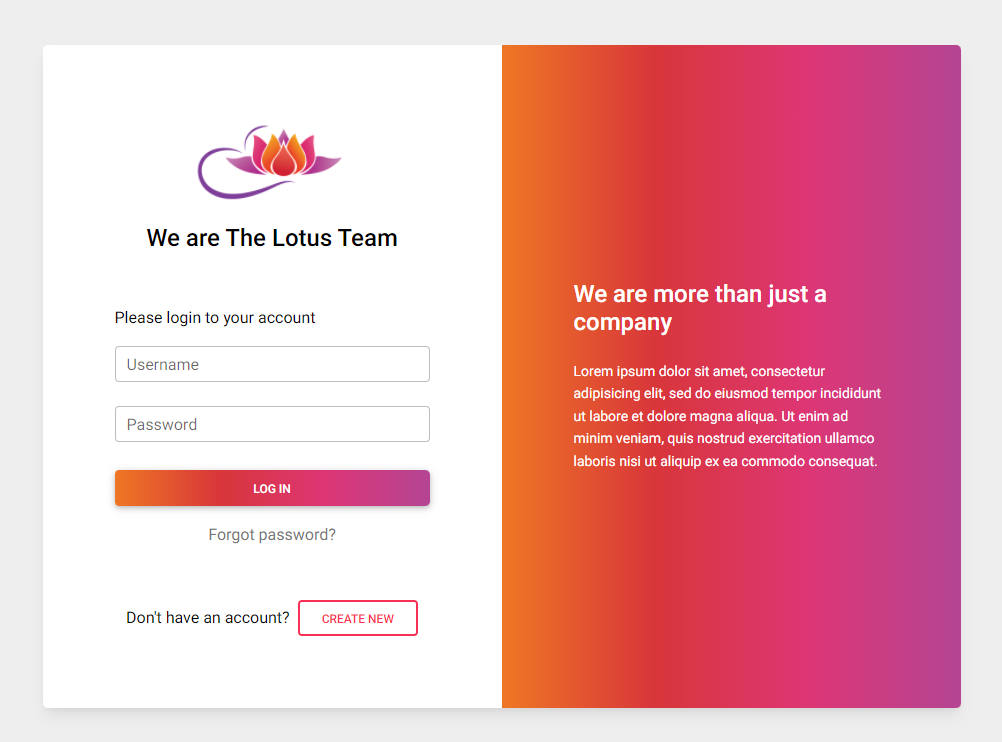
Bootstrap Login Form #3:
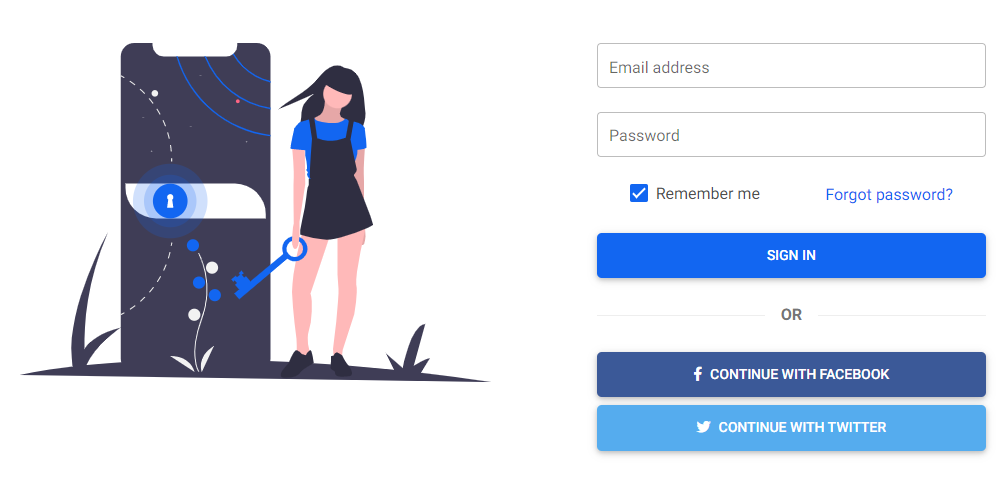
Bootstrap Login Form #4:
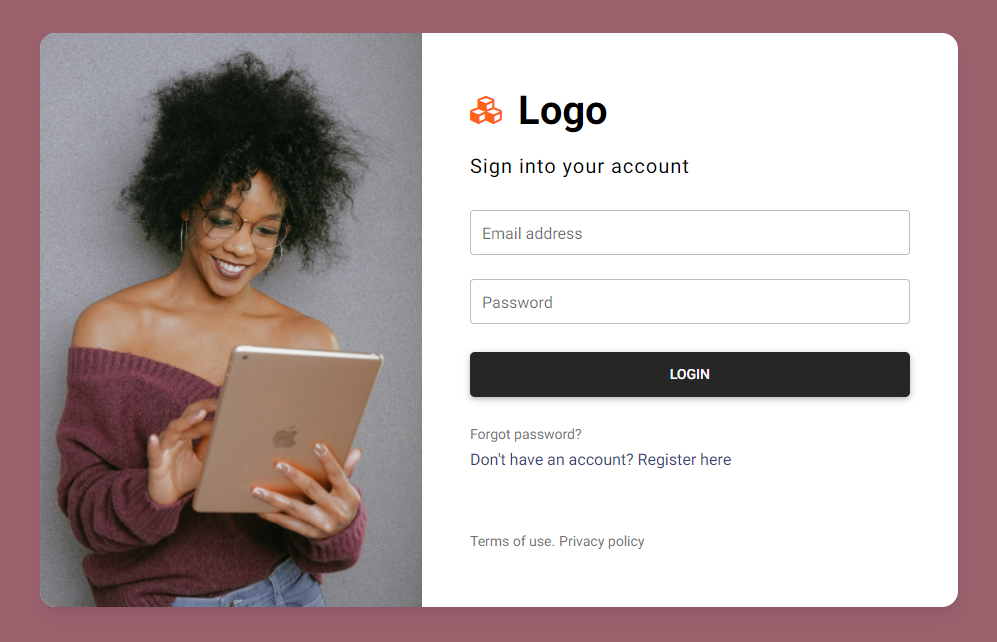
Bootstrap Login Form #5:
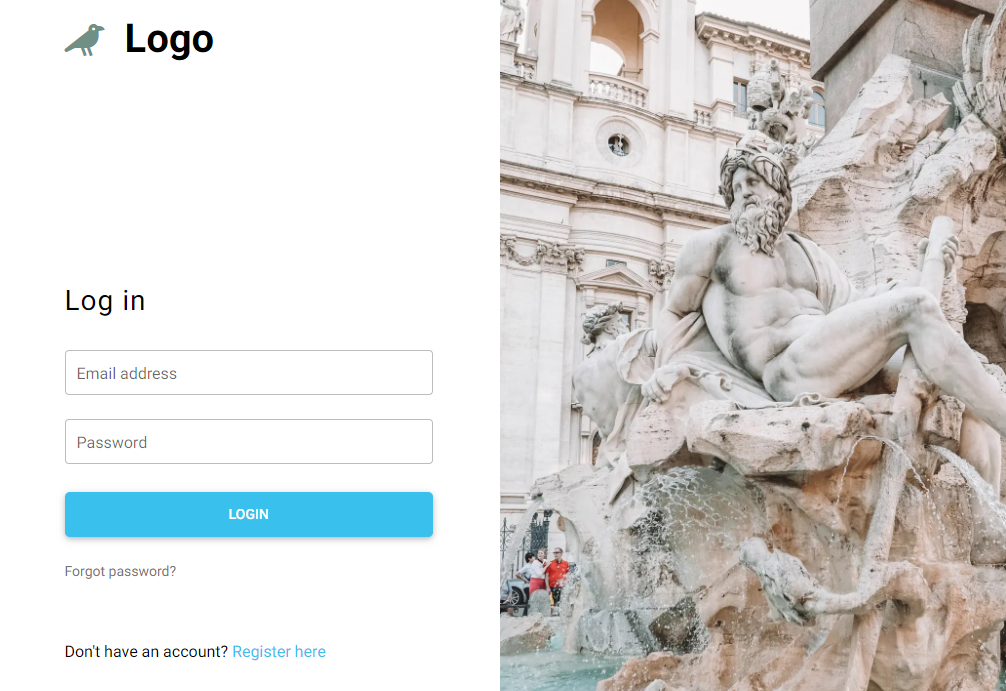
Bootstrap Login Form #6:
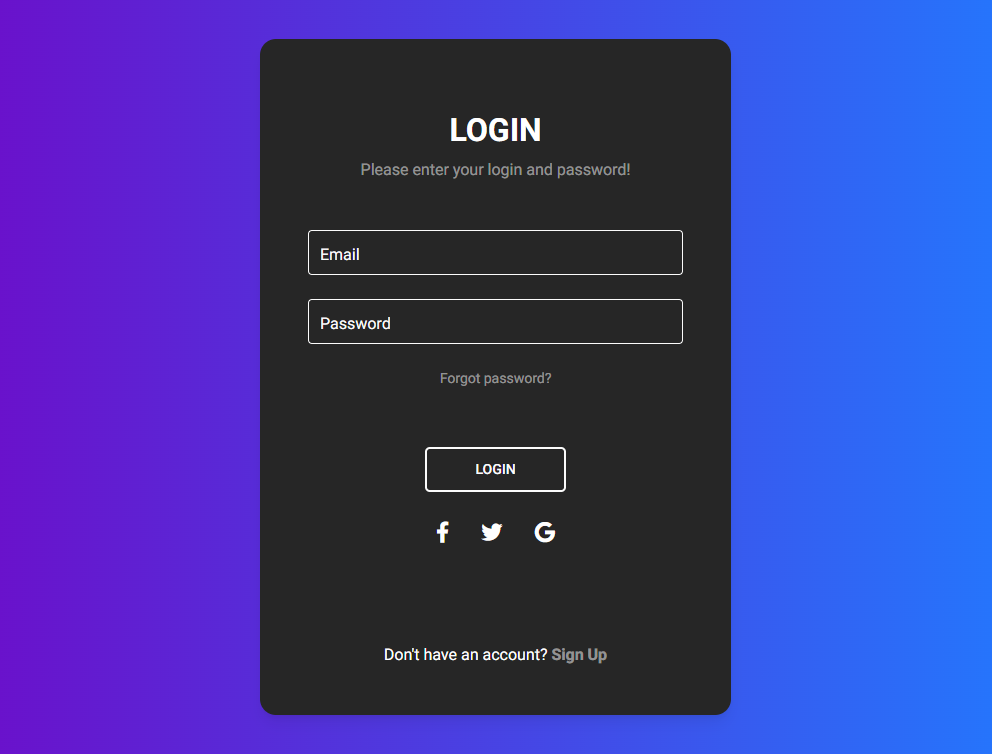
Bootstrap Login Form #7:
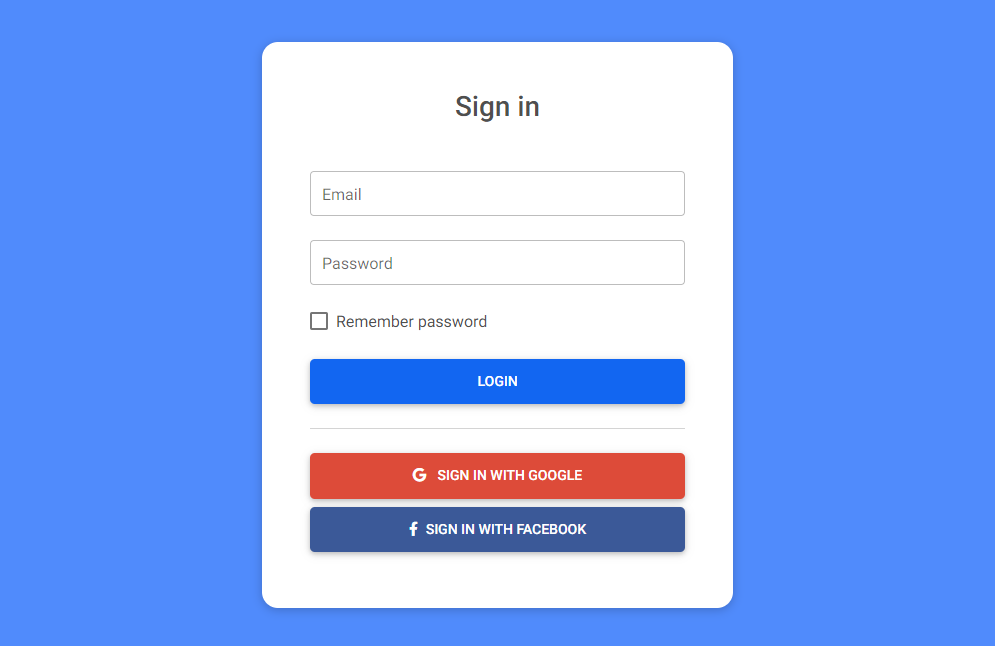
More extended Bootstrap documentation





