capture-screenshot
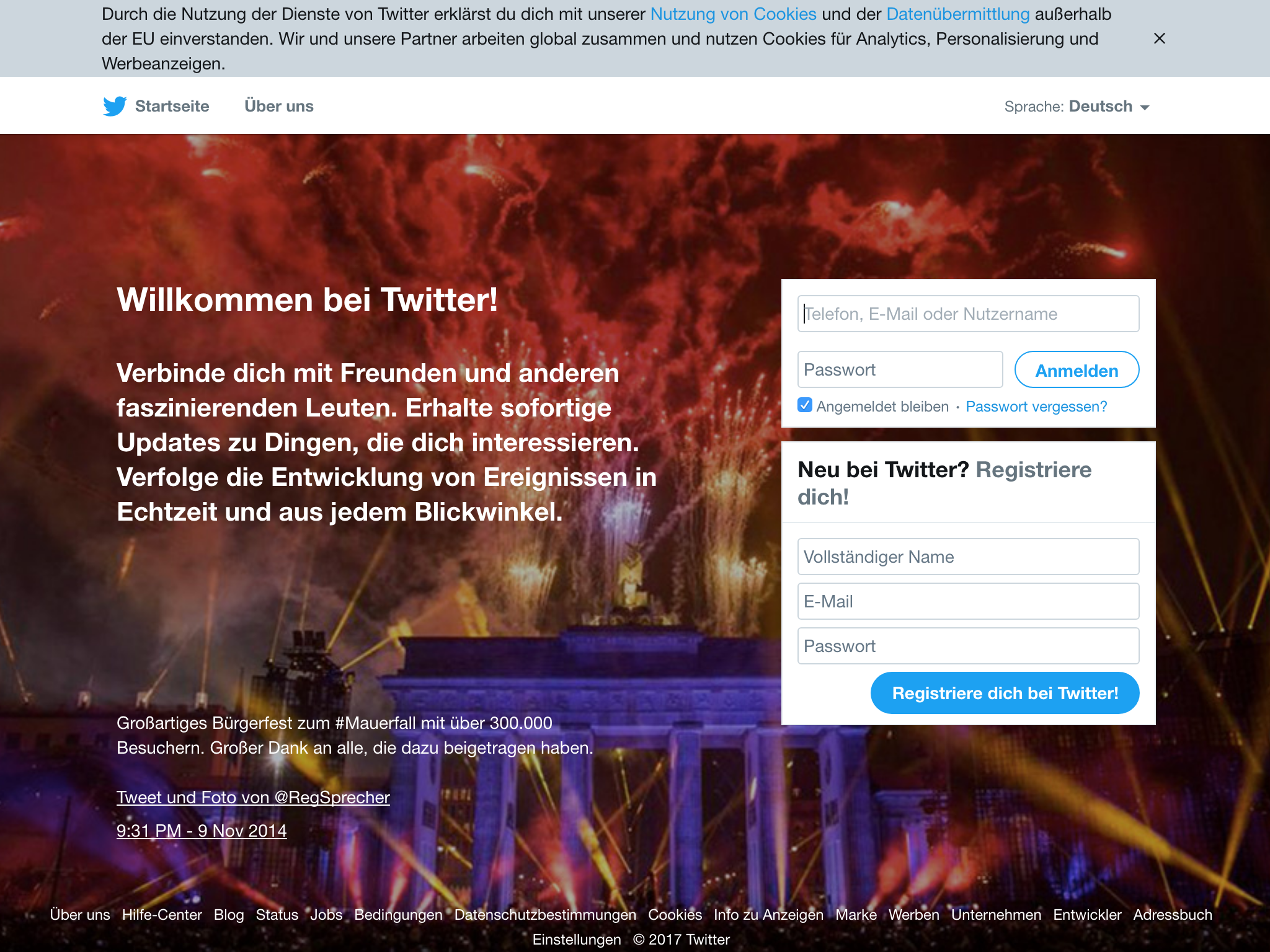
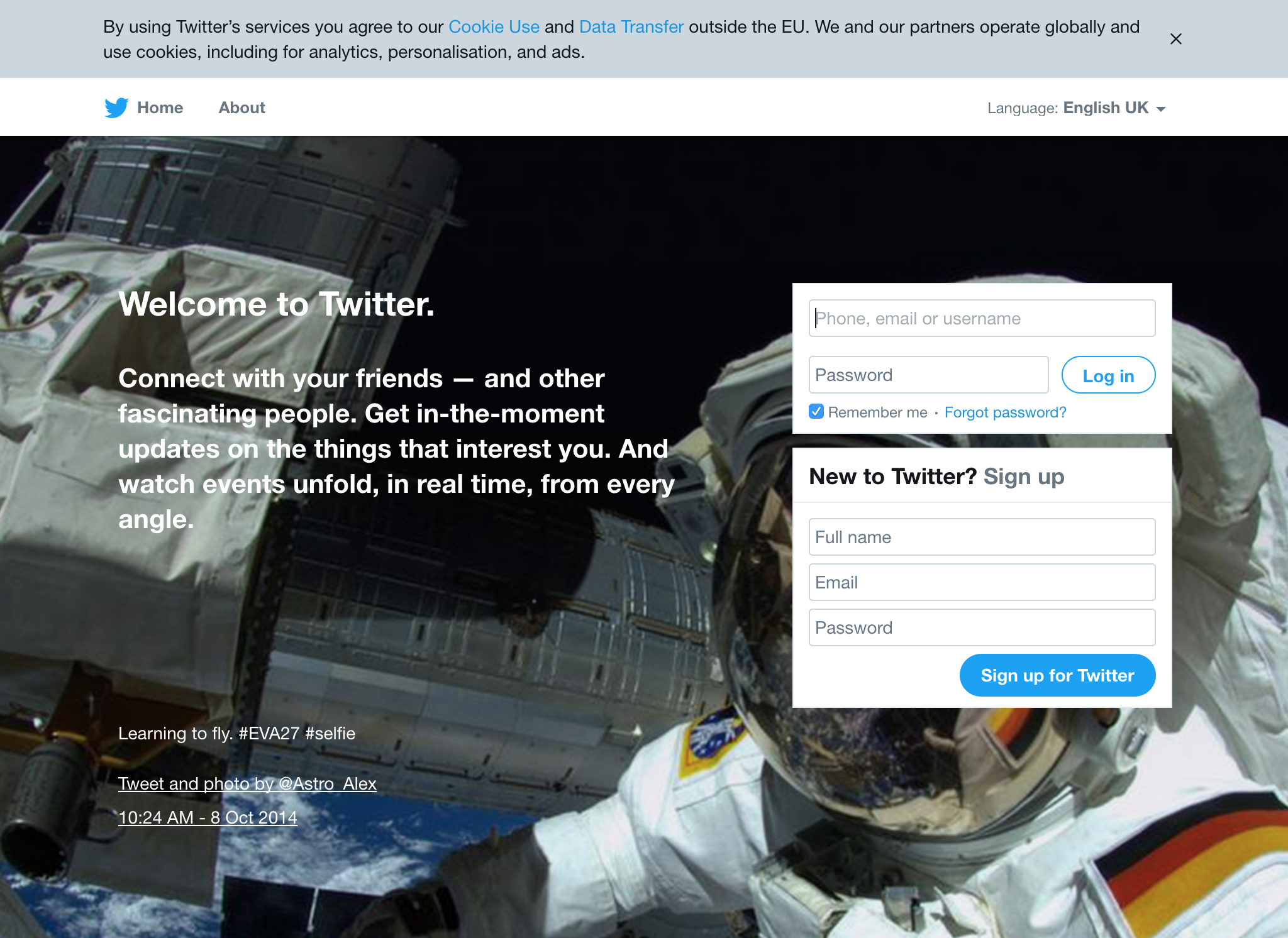
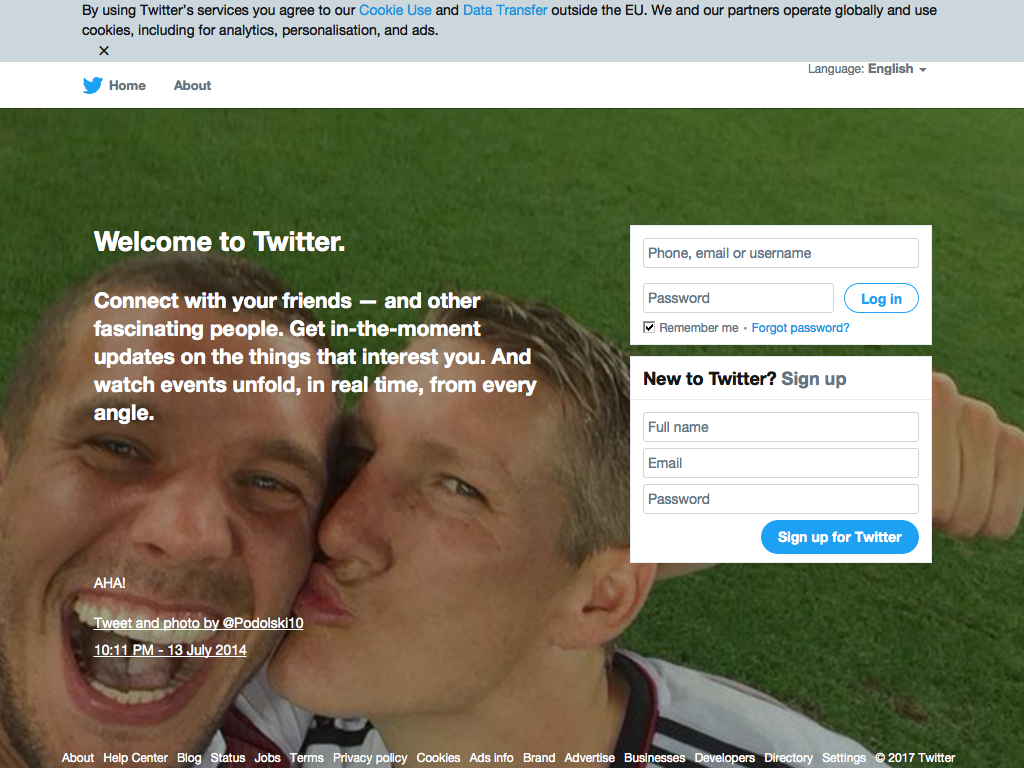
Capture screenshots in multiple browsers. One module, to rule them all!

Browsers
Usage
Capture 1024x768 screenshots of https://twitter.com/ in Chrome, Electron and PhantomJS:
const capture = require('capture-screenshot')
const fs = require('fs')

capture({ url: 'https://twitter.com/' })
  .then(imgs => {
    fs.writeFileSync('chrome.png', imgs.chrome)
    fs.writeFileSync('electron.png', imgs.electron)
    fs.writeFileSync('phantomjs.png', imgs.phantomjs)
  })
API
capture({ url, browsers = ['chrome', 'electron', 'phantomjs'], width = 1024, height = 768 })
Capture a screenshot of url, returns a Promise which resolves with an Object of Buffers.
Options:
url Page urlbrowsers The browsers to testwidth Viewport widthheight Viewport height
Installation
$ npm install capture-screenshot
CI
If you use the electron browser, this project requires an xvfb setup to be running in your CI environment.
For an example how to set one up, check out the .travis.yml.
After that, no further setup is required however, as all the executables are
installed automatically.
Related projects
This module is proudly supported by my Sponsors!
Do you want to support modules like this to improve their quality, stability and weigh in on new features? Then please consider donating to my Patreon. Not sure how much of my modules you're using? Try feross/thanks!
License
MIT
Copyright (c) 2017 Julian Gruber <julian@juliangruber.com>
Permission is hereby granted, free of charge, to any person obtaining a copy of
this software and associated documentation files (the "Software"), to deal in
the Software without restriction, including without limitation the rights to
use, copy, modify, merge, publish, distribute, sublicense, and/or sell copies
of the Software, and to permit persons to whom the Software is furnished to do
so, subject to the following conditions:
The above copyright notice and this permission notice shall be included in all
copies or substantial portions of the Software.
THE SOFTWARE IS PROVIDED "AS IS", WITHOUT WARRANTY OF ANY KIND, EXPRESS OR
IMPLIED, INCLUDING BUT NOT LIMITED TO THE WARRANTIES OF MERCHANTABILITY,
FITNESS FOR A PARTICULAR PURPOSE AND NONINFRINGEMENT. IN NO EVENT SHALL THE
AUTHORS OR COPYRIGHT HOLDERS BE LIABLE FOR ANY CLAIM, DAMAGES OR OTHER
LIABILITY, WHETHER IN AN ACTION OF CONTRACT, TORT OR OTHERWISE, ARISING FROM,
OUT OF OR IN CONNECTION WITH THE SOFTWARE OR THE USE OR OTHER DEALINGS IN THE
SOFTWARE.