React Native Pure Chart



Pure react native chart library that not using svg or ART but only using react-native components.
(You don't have to import drawing library with react-native link or add ART to your project!)
Demo
-
LineChart
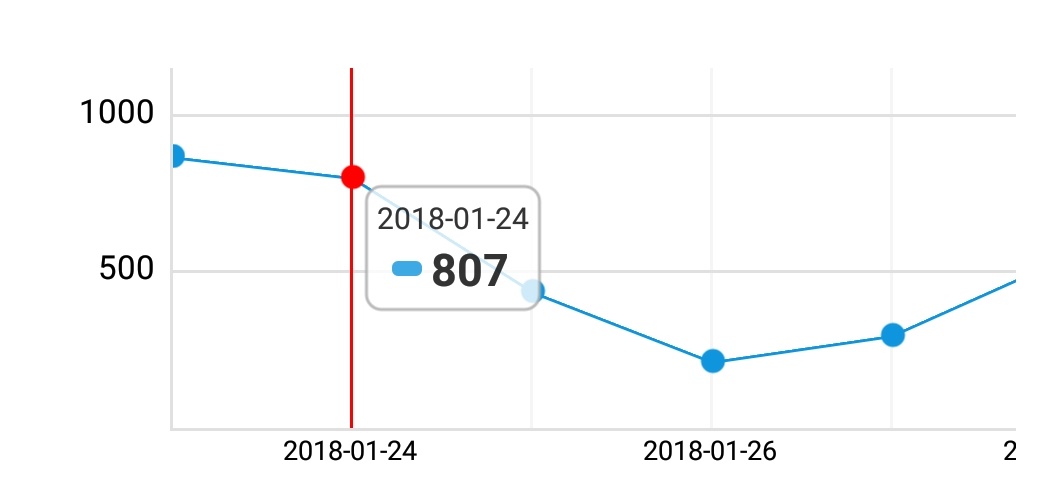
-
LineChart (Multi series)
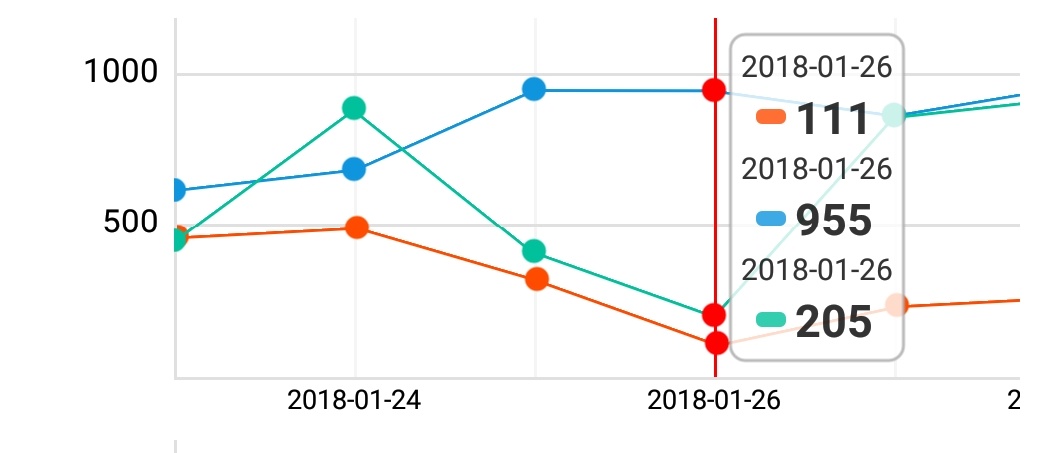
-
BarChart
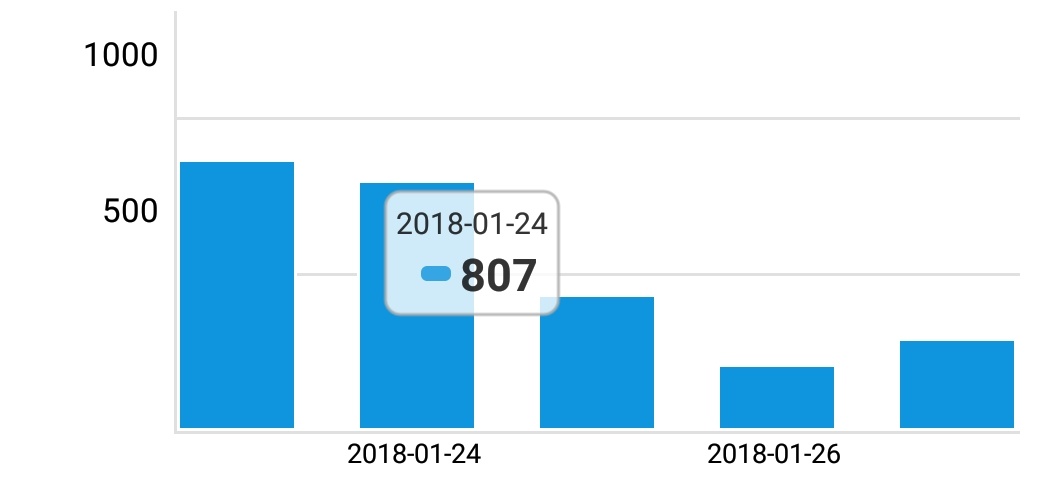
-
BarChart (Multi series)
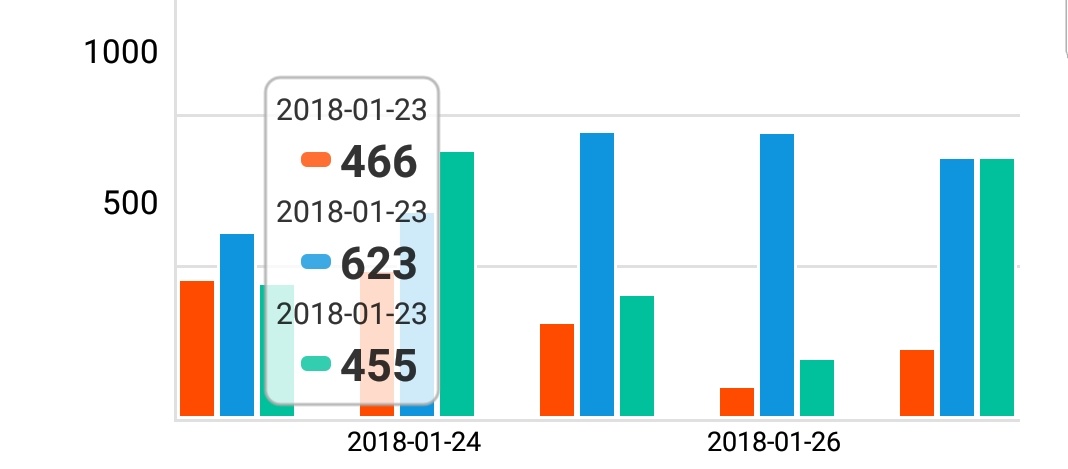
-
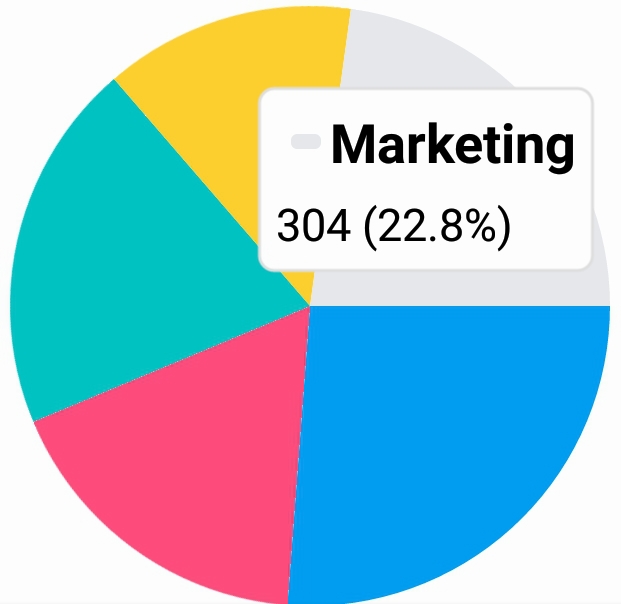
PieChart (Beta)
Installation
yarn add custom-react-native-pure-chart
Alternatively with npm:
npm install custom-react-native-pure-chart --save
Required
import PureChart from "custom-react-native-pure-chart";
Usage
Single Series: Simple
render(
  ...
  let sampleData = [30, 200, 170, 250, 10]
  <PureChart data={sampleData} type='line' />
  ...
);
Single Series: with labels
render(
  ...
  let sampleData = [
      {x: '2018-01-01', y: 30},
      {x: '2018-01-02', y: 200},
      {x: '2018-01-03', y: 170},
      {x: '2018-01-04', y: 250},
      {x: '2018-01-05', y: 10}
  ]
  <PureChart data={sampleData} type='line' />
  ...
);
Multi Series: Simple
render(
  ...
  let sampleData = [
      [
        {seriesName: 'series1', data: [30, 200, 170, 250, 10], color: '#297AB1'},
        {seriesName: 'series2', data: [20, 100, 150, 130, 15], color: 'yellow'}
      ]
  ]
  <PureChart data={sampleData} type='line' />
  ...
);
Multi Series: with labels
render(
  ...
  let sampleData = [
    {
      seriesName: 'series1',
      data: [
        {x: '2018-02-01', y: 30},
        {x: '2018-02-02', y: 200},
        {x: '2018-02-03', y: 170},
        {x: '2018-02-04', y: 250},
        {x: '2018-02-05', y: 10}
      ],
      color: '#297AB1'
    },
    {
      seriesName: 'series2',
      data: [
        {x: '2018-02-01', y: 20},
        {x: '2018-02-02', y: 100},
        {x: '2018-02-03', y: 140},
        {x: '2018-02-04', y: 550},
        {x: '2018-02-05', y: 40}
      ],
      color: 'yellow'
    }
  ]
  <PureChart data={sampleData} type='line' />
  ...
);
Pie chart
render(
  ...
  let sampleData = [
    {
      value: 50,
      label: 'Marketing',
      color: 'red',
    }, {
      value: 40,
      label: 'Sales',
      color: 'blue'
    }, {
      value: 25,
      label: 'Support',
      color: 'green'
    }

  ]
  <PureChart data={sampleData} type='pie' />
  ...
);
Props
type: string
type of chart. ['line' | 'bar' | 'pie'] is now available
height: number
height of chart
data: array
data for chart
  var data = [30, 200, 170, 250, 10]
  var dataWithLabel = [
    {x: '2017-10-01', y: 30},
    {x: '2017-10-02', y: 200},
    {x: '2017-10-03', y: 170} ...
  ]
multi series data for chart
  var data = [
    {seriesName: 'series1', data: [30, 200, 170, 250, 10], color: '#297AB1'},
    {seriesName: 'series2', data: [40, 250, 110, 290, 14], color: 'blue'}
  ]
  var dataWithLabel = [
    {
      seriesName: 'series1',
      data:[
        {x: '2017-10-01', y: 30},
        {x: '2017-10-02', y: 200},
        {x: '2017-10-03', y: 170} ...
      ],
      color: '#297AB1'
    },
    ....
  ]
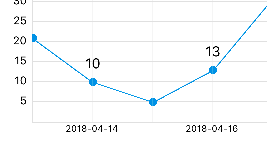
customValueRenderer: func
add custom value on the point
<PureChart
  type={"line"}
  data={data}
  width={"100%"}
  height={200}
  customValueRenderer={(index, point) => {
    if (index % 2 === 0) return null;
    return <Text style={{ textAlign: "center" }}>{point.y}</Text>;
  }}
/>
numberOfYAxisGuideLine: number
set number of Y Axis guide line
Contributing
Contributions are welcome. Any kind of contribution, such as writing a documentation, bug fix, or solving issues are helpful.
The master branch of this repository contains the latest stable release of react-native-pure-chart. In general, pull requests should be submitted from a separate branch starting from the develop branch.
License
MIT





