Dembrandt.



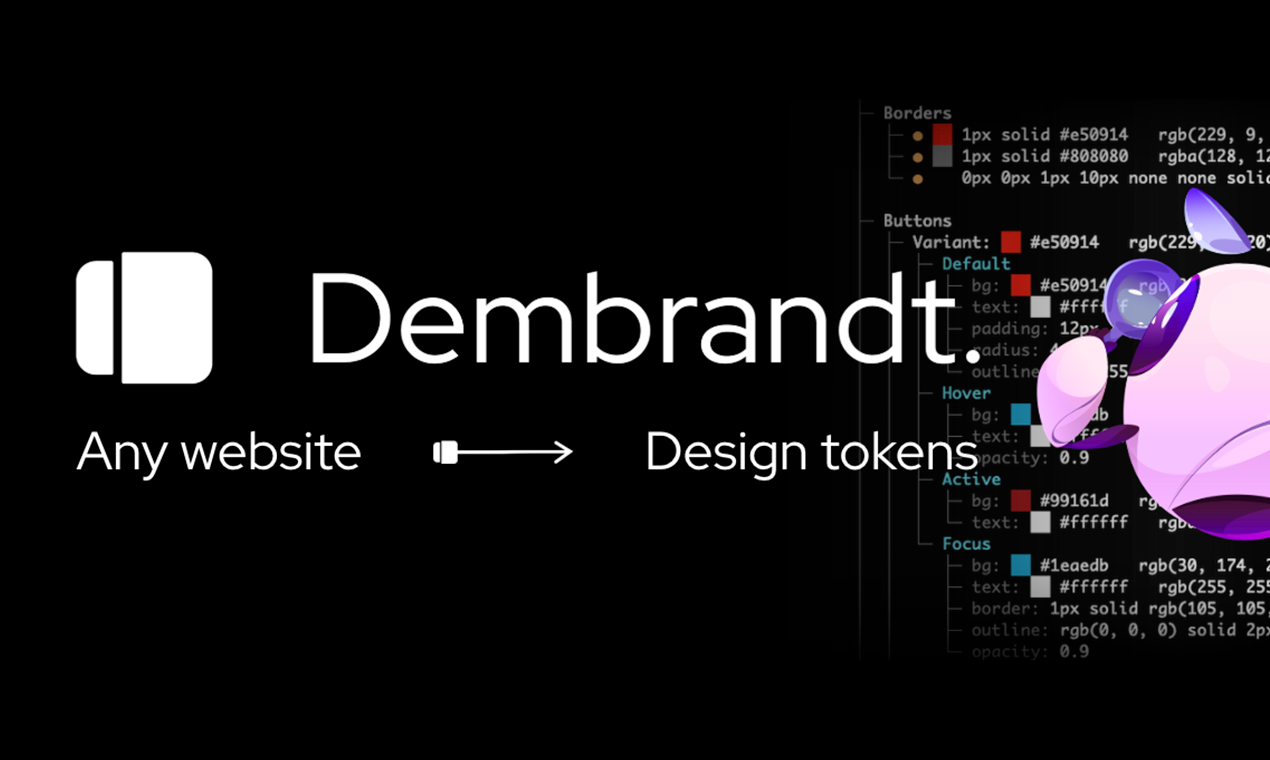
Extract a website's design system into design tokens in a few seconds: logo, colors, typography, borders, and more. One command.
Install
Install globally: npm install -g dembrandt
dembrandt example.com
Or use npx without installing: npx dembrandt example.com
Requires Node.js 18+
AI Agent Integration (MCP)
Use Dembrandt as a tool in Claude Code, Cursor, Windsurf, or any MCP-compatible client. Ask your agent to "extract the color palette from example.com" and it calls Dembrandt automatically.
claude mcp add --transport stdio dembrandt -- npx -y dembrandt-mcp
Or add to your project's .mcp.json:
{
  "mcpServers": {
    "dembrandt": {
      "command": "npx",
      "args": ["-y", "dembrandt-mcp"]
    }
  }
}
7 tools available: get_design_tokens, get_color_palette, get_typography, get_component_styles, get_surfaces, get_spacing, get_brand_identity.
- Colors (semantic, palette, CSS variables)
- Typography (fonts, sizes, weights, sources)
- Spacing (margin/padding scales)
- Borders (radius, widths, styles, colors)
- Shadows
- Components (buttons, badges, inputs, links)
- Breakpoints
- Icons & frameworks
Usage
dembrandt <url>
dembrandt example.com --json-only
dembrandt example.com --save-output
dembrandt example.com --dtcg
dembrandt example.com --dark-mode
dembrandt example.com --mobile
dembrandt example.com --slow
dembrandt example.com --brand-guide
dembrandt example.com --design-md
dembrandt example.com --pages 5
dembrandt example.com --sitemap
dembrandt example.com --pages 10 --sitemap
dembrandt example.com --no-sandbox
dembrandt example.com --browser=firefox
Default: formatted terminal display only. Use --save-output to persist results as JSON files. Browser automatically retries in visible mode if headless extraction fails.
Analyze multiple pages to get a more complete picture of a site's design system. Results are merged into a single unified output with cross-page confidence boosting — tokens appearing on multiple pages get higher confidence scores.
dembrandt example.com --pages 5
dembrandt example.com --sitemap
dembrandt example.com --pages 10 --sitemap
Page discovery works two ways:
- DOM links (default): Reads navigation, header, and footer links from the homepage, prioritizing key pages like /pricing, /about, /features
- Sitemap (
--sitemap): Parses sitemap.xml (checks robots.txt first), follows sitemapindex references, and scores URLs by importance
Pages are fetched sequentially with polite delays. Failed pages are skipped without aborting the run.
Browser Selection
By default, dembrandt uses Chromium. If you encounter bot detection or timeouts (especially on sites behind Cloudflare), try Firefox which is often more successful at bypassing these protections:
dembrandt example.com --browser=firefox
dembrandt example.com --browser=firefox --save-output --dtcg
When to use Firefox:
- Sites behind Cloudflare or other bot detection systems
- Timeout issues on heavily protected sites
- WSL environments where headless Chromium may struggle
Installation:
Firefox browser is installed automatically with npm install. If you need to install manually:
npx playwright install firefox
W3C Design Tokens (DTCG) Format
Use --dtcg to export in the standardized W3C Design Tokens Community Group format:
dembrandt example.com --dtcg
The DTCG format is an industry-standard JSON schema that can be consumed by design tools and token transformation libraries like Style Dictionary.
DESIGN.md
Use --design-md to generate a DESIGN.md file — a plain-text design system document readable by AI agents.
dembrandt example.com --design-md
Brand Guide PDF
Use --brand-guide to generate a printable PDF summarizing the extracted design system — colors, typography, components, and logo on a single document.
dembrandt example.com --brand-guide
Local UI
Browse your extractions in a visual interface.
Setup
cd local-ui
npm install
Running
npm start
Opens http://localhost:5173 with API on port 3002.
Features
- Visual grid of all extractions
- Color palettes with click-to-copy
- Typography specimens
- Spacing, shadows, border radius visualization
- Button and link component previews
- Dark/light theme toggle
- Section nav links on extraction pages — jump directly to Colors, Typography, Shadows, etc. via a sticky sidebar
Extractions are performed via CLI (dembrandt <url> --save-output) and automatically appear in the UI.
Use Cases
- Design system documentation
- Multi-site design consolidation
- Internal design audits on your own properties
- Learning how design tokens map to real CSS
How It Works
Uses Playwright to render the page, reads computed styles from the DOM, analyzes color usage and confidence, groups similar typography, detects spacing patterns, and returns design tokens.
- Browser Launch - Launches browser (Chromium by default, Firefox optional) with stealth configuration
- Anti-Detection - Injects scripts to bypass bot detection
- Navigation - Navigates to target URL with retry logic
- Hydration - Waits for SPAs to fully load (8s initial + 4s stabilization)
- Content Validation - Verifies page content is substantial (>500 chars)
- Parallel Extraction - Runs all extractors concurrently for speed
- Analysis - Analyzes computed styles, DOM structure, and CSS variables
- Scoring - Assigns confidence scores based on context and usage
Color Confidence
- High — Logo, primary interactive elements
- Medium — Secondary interactive elements, icons, navigation
- Low — Generic UI components (filtered from display)
- Only shows high and medium confidence colors in terminal. Full palette in JSON.
Limitations
- Dark mode requires
--dark-mode flag (not automatically detected)
- Hover/focus states extracted from CSS (not fully interactive)
- Canvas/WebGL-rendered sites cannot be analyzed (no DOM to read)
- JavaScript-heavy sites require hydration time (8s initial + 4s stabilization)
- Some dynamically-loaded content may be missed
- Default viewport is 1920x1080 (use
--mobile for 390x844 mobile viewport)
Intended Use
Dembrandt reads publicly available CSS and computed styles from website DOMs for documentation, learning, and analysis of design systems you own or have permission to analyze.
Only run Dembrandt against sites whose Terms of Service permit automated access, or against your own properties. Do not use extracted material to reproduce third-party brand identities, logos, or trademarks. Respect robots.txt, rate limits, and copyright.
Dembrandt does not host, redistribute, or claim rights to any third-party brand assets.
Contributing
Bugs, weird sites, pull requests — all welcome.
Open an Issue or PR.
@thevangelist
MIT — do whatever you want with it.





