Intro
This webpack plugin can export the dependencies of your project as JSON files.
Usage
First, you need install it in your project.
npm i dependency-tree-webpack-plugin -D
Second, Add webpack plug to your project.
const DependencyTreePlugin = require('dependency-tree-webpack-plugin').default;

...
    plugins:[
        ...,
        new DependencyTreePlugin(),
    ]
}
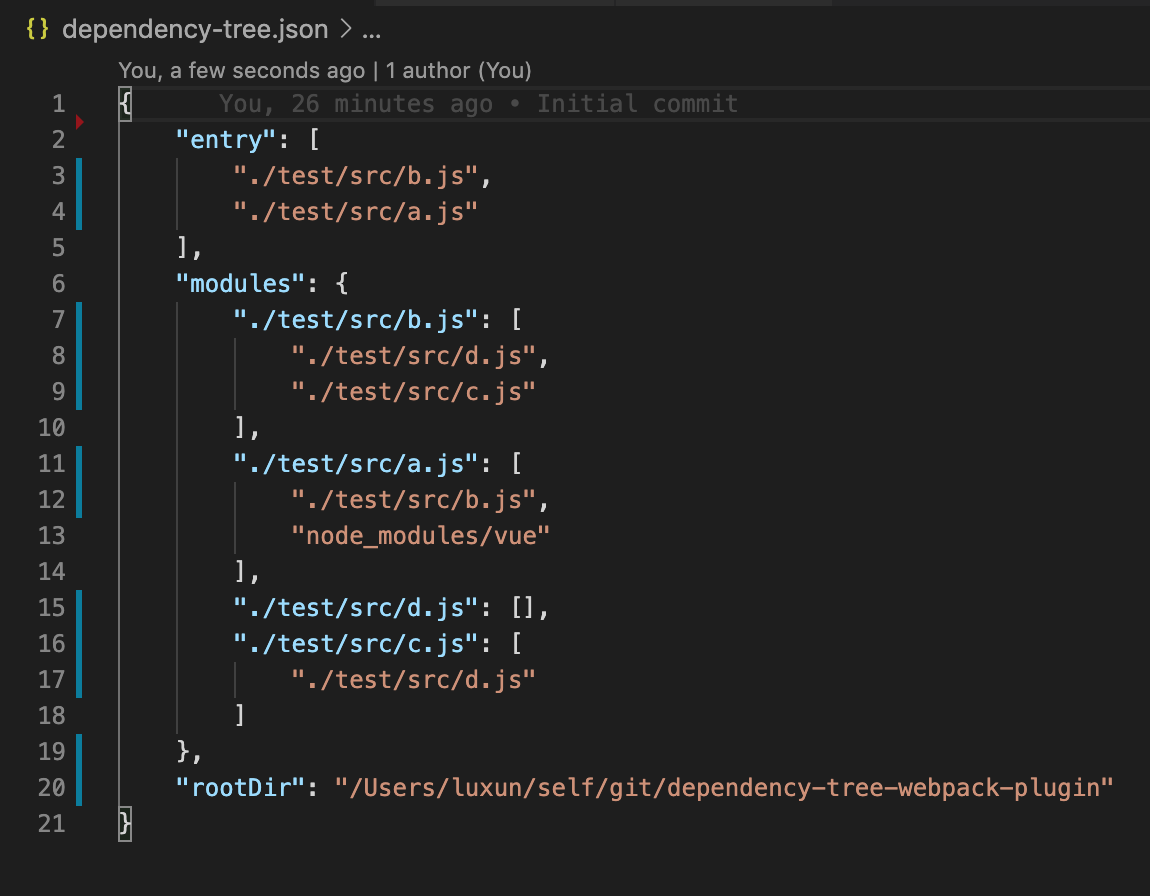
Then, just run it, a dependency-tree file will appear in your root directory. The content of this file will look like this.
What's the use of this JSON
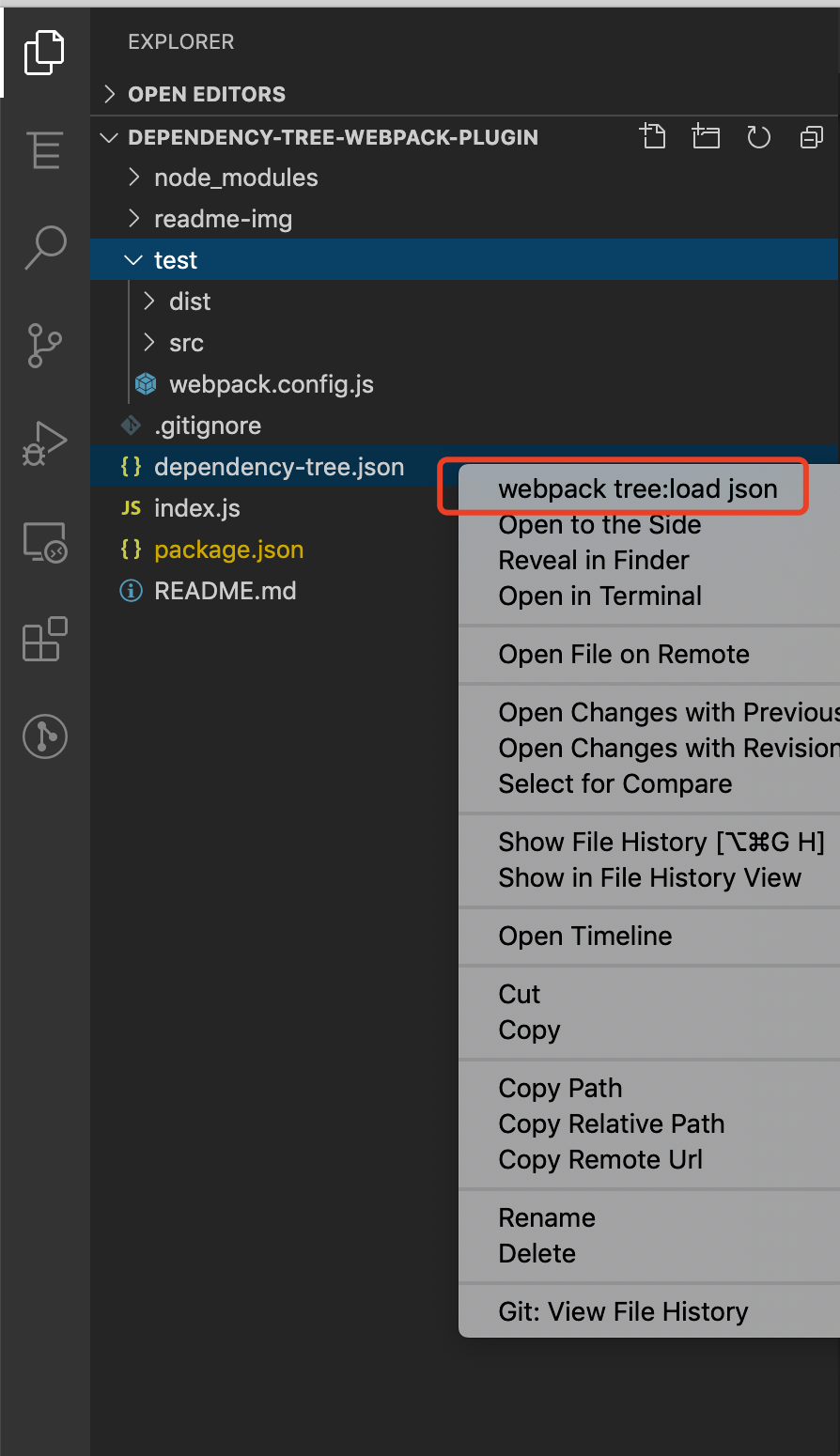
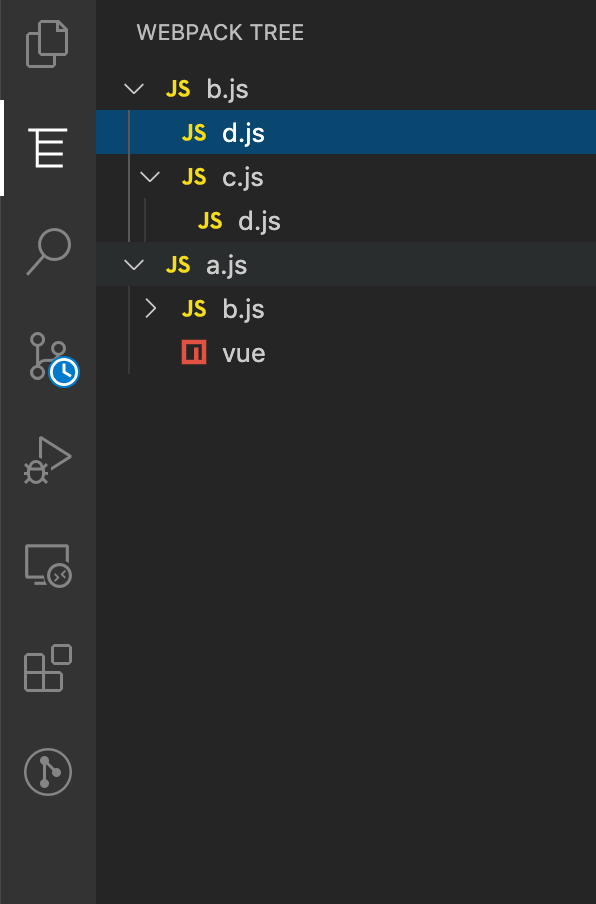
You need install the VSCode extension webpack tree, And load the json file, and it will generate a tree view in the sidebar, like this.
You can take the initiative to load the JSON file, or the VSCode extension will automatically search the / folder, build folder, .Vscode folder in the directory to find this file dependency-tree.json.
This tree is made up of project dependencies, and you can clearly understand the structure of the project. you can jump quickly between these files.