doc-giggle
Give me a docx/xlsx/pptx, I'll give you a pdf.



Installation
npm i doc-giggle --save
Usage
Get pdf file stream directly
import { convert } from "doc-giggle";
import fs from "fs";

const pdfResponse = await convert("https://your-word/excel/ppt/url");

fs.writeFileSync("test.pdf", pdfResponse.body);
Get pdf download link
Caution: The download link is temporary and will be deleted by arbitrary time, so you should download and save it to your storage as quickly as you can.
import { convertByFcDocRotary } from "doc-giggle";

const { sourceFileUrl, pdfUrl } = await convertByFcDocRotary(
  "https://your-word/excel/ppt/url"
);
How
There are several backend servers work behind the scene, which use libreoffice's command line to convert the the office document into pdf file.
They are
Credits
This project was bootstrapped with TSDX.
Local Development
Install dependencies
pnpm i
npm i
yarn install
Below is a list of commands you will probably find useful.
npm start or yarn start
Runs the project in development/watch mode. Your project will be rebuilt upon changes. TSDX has a special logger for you convenience. Error messages are pretty printed and formatted for compatibility VS Code's Problems tab.

Your library will be rebuilt if you make edits.
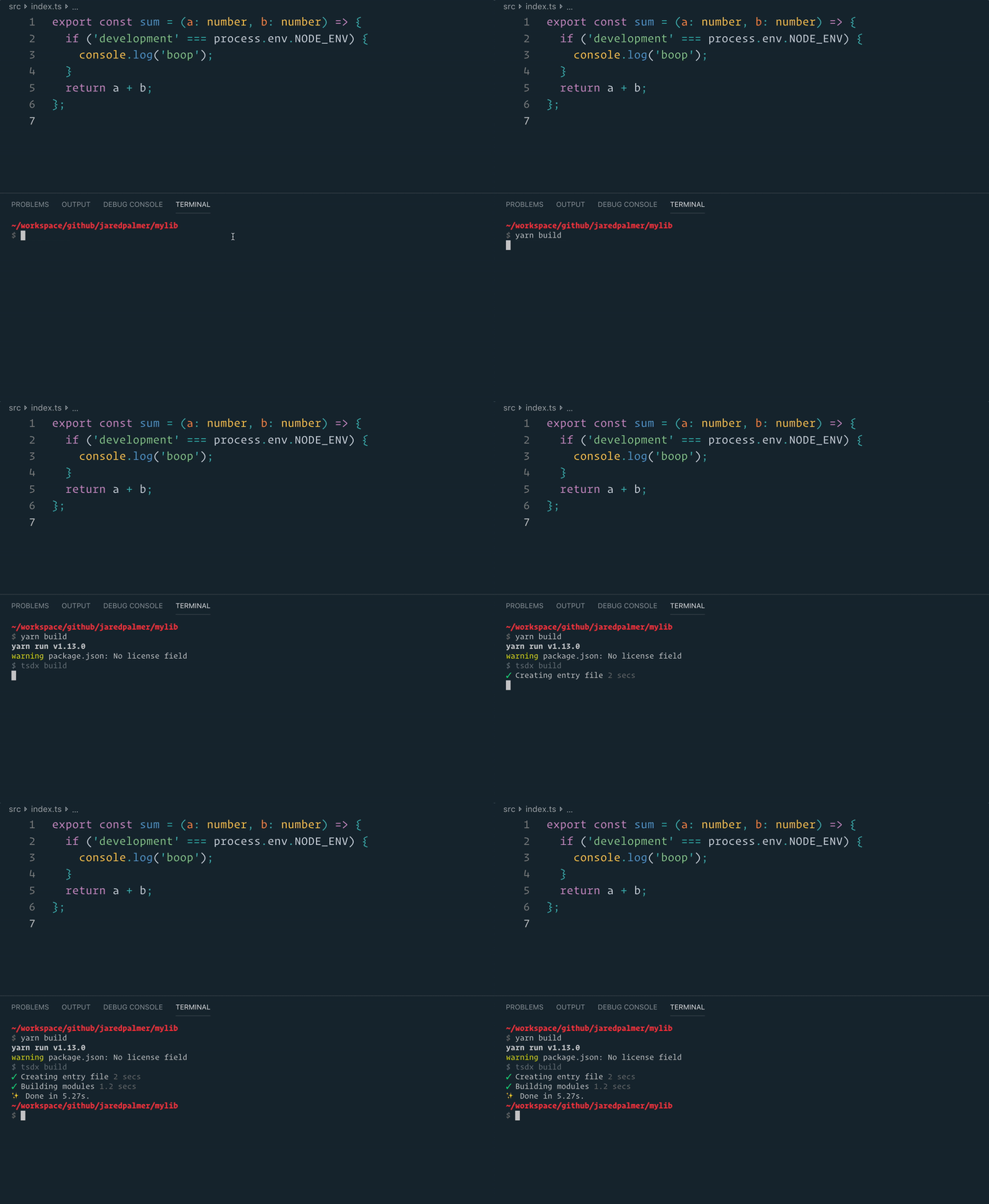
npm run build or yarn build
Bundles the package to the dist folder.
The package is optimized and bundled with Rollup into multiple formats (CommonJS, UMD, and ES Module).
npm test or yarn test
Runs the test watcher (Jest) in an interactive mode.
By default, runs tests related to files changed since the last commit.





