Electron transparency mouse fix
This script provides a workaround to allow clicking through transparent regions on Electron windows. Progress on an official fix is being discussed here.
Note: Drag & drop functionality is still in the experimental phase.
Try it out
A demo is available to quickly test if this script works on your platform.
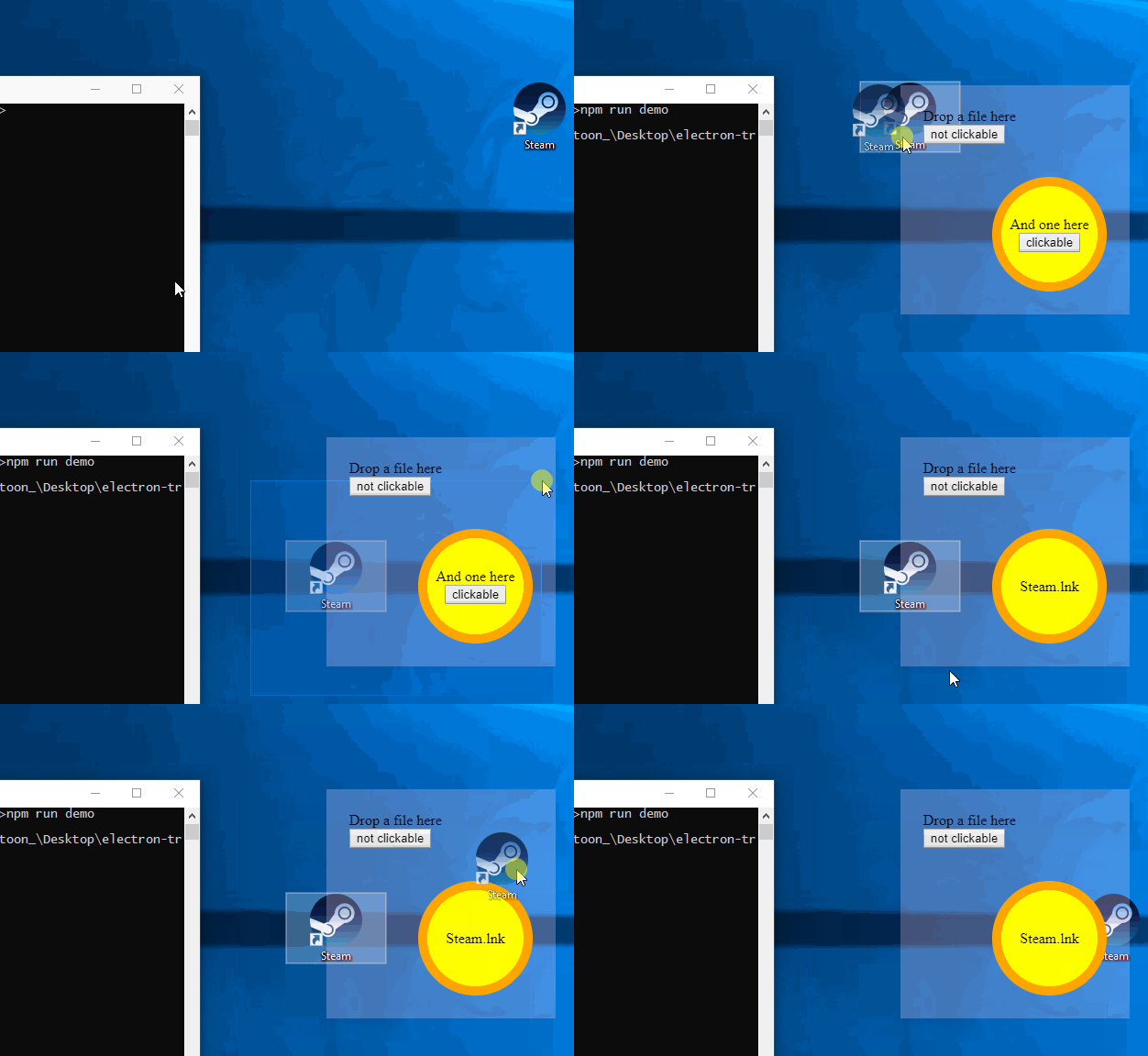
You can run the demo with your global Electron installation or a local one
npm install electron-transparency-mouse-fix
cd node_modules/electron-transparency-mouse-fix
npm run demo
npm install electron-transparency-mouse-fix --save-dev
cd node_modules/electron-transparency-mouse-fix
npm run local-demo
The magic happens here[src]:
const TransparencyMouseFix = require('electron-transparency-mouse-fix')
const fix = new TransparencyMouseFix({
  log: true,
  fixPointerEvents: 'auto'
})
.click-on      {pointer-events: all}
.click-through {pointer-events: none}
How it works
Whenever the mouse moves over your window, it catches a mousemove event. This event holds a reference to the topmost element under your mouse. This doesn't include any element having set pointer-events: none (except <html>).
If the event finds an element other than <html>, setIgnoreMouseEvents() will be adjusted so the window listens to mouse clicks and other events. An exception is the .etmf-void class which forces clicking through it regardless of what elements lie below.
For new users: The script sets pointer-events: none for the <html> tag and every of its children and their children and so on inherit this rule. Don't forget to set pointer-events: all on the elements you wish to be clickable, or the whole window will be click-through. Their children will also be clickable because of CSS inheritance.
Bugs
- All platforms:
- Hover effects are a mess when using drag&drop
- Windows:
- can't drop from within electron into a sinkhole (can be fixed with fixPointerEvents)
- can't resize windows unless pointer-events are activated near the border
- cannot drop in the same window?
- Linux:
- can't drop outwards? maybe the demo app does something wrong





