facehash
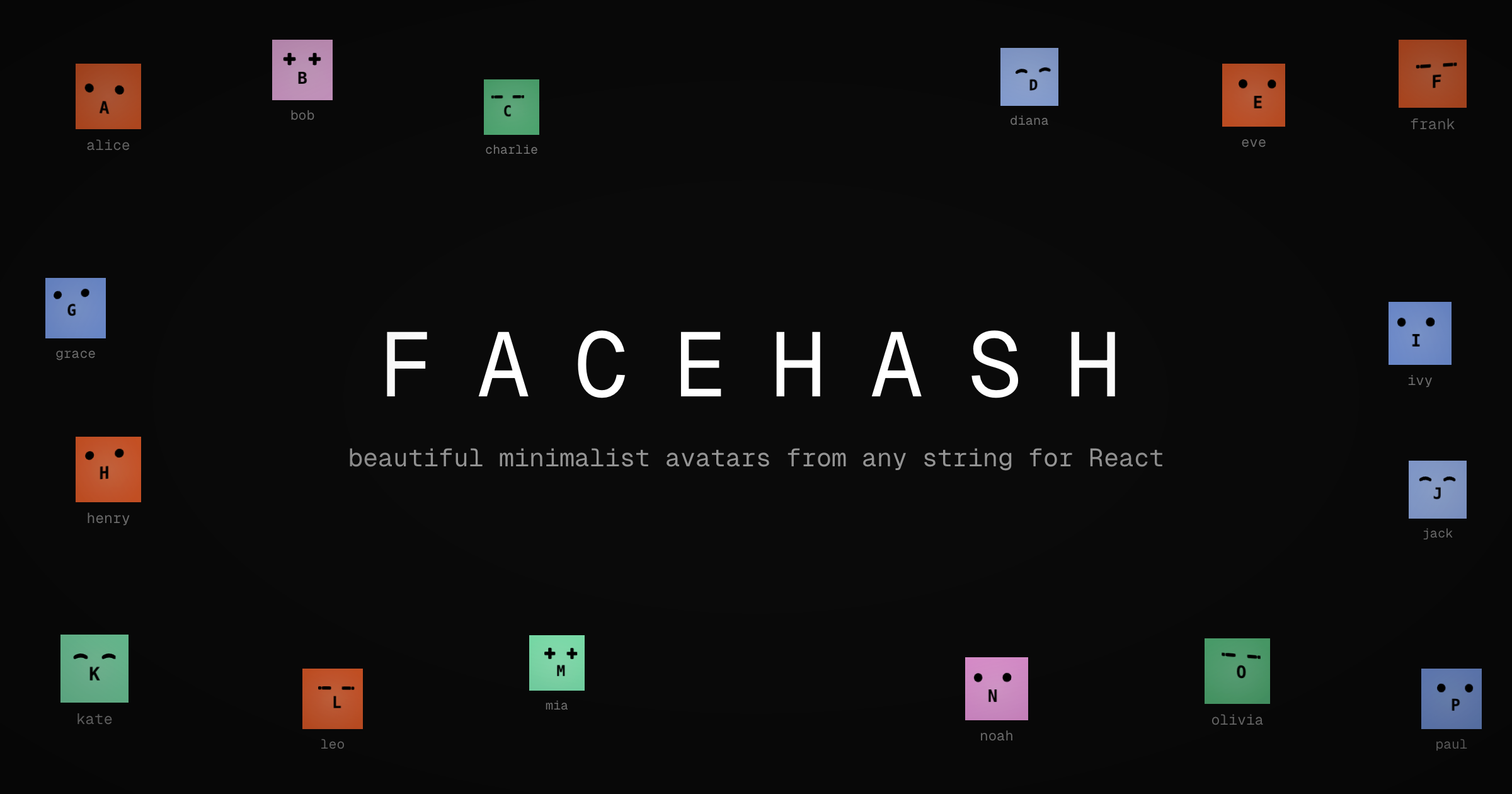
Deterministic avatar faces from any string. Lightweight (~3KB gzipped), zero dependencies, works with React 18/19 and Next.js 15/16.
Installation
npm install facehash
Quick Start
React Component
import { Facehash } from "facehash";

<Facehash name="john@example.com" />
Same string = same face. Always.
Next.js API Route (Image Generation)
Generate PNG avatar images via API endpoint — perfect for emails, Open Graph images, or anywhere you need a URL.
import { toFacehashHandler } from "facehash/next";
export const { GET } = toFacehashHandler();
Then use it:
GET /api/avatar?name=john@example.com
GET /api/avatar?name=john&size=200&variant=solid
Returns a PNG image. Cached for 1 year by default.
Props
name | string | Required | String to generate face from |
size | number | string | 40 | Size in pixels or CSS units |
colors | string[] | - | Array of hex/hsl colors |
colorClasses | string[] | - | Array of Tailwind classes (use instead of colors) |
variant | "gradient" | "solid" | "gradient" | Background style |
intensity3d | "none" | "subtle" | "medium" | "dramatic" | "dramatic" | 3D rotation effect |
interactive | boolean | true | Animate on hover |
showInitial | boolean | true | Show first letter below face |
onRenderMouth | () => React.ReactNode | - | Custom mouth renderer (replaces initial) |
enableBlink | boolean | false | Enable random eye blinking animation |
Examples
Custom Colors
<Facehash
  name="alice"
  colors={["#264653", "#2a9d8f", "#e9c46a", "#f4a261", "#e76f51"]}
/>
With Tailwind Classes
<Facehash
  name="bob"
  colorClasses={["bg-pink-500", "bg-blue-500", "bg-green-500"]}
  className="rounded-full"
/>
Flat Style (No 3D)
<Facehash name="charlie" intensity3d="none" variant="solid" />
Without Initial Letter
<Facehash name="diana" showInitial={false} />
Eye Blinking Animation
Add a subtle, chaotic blinking effect to make faces feel alive:
<Facehash name="alive" enableBlink />
The blinking is pure CSS with randomized timing per eye — each eye blinks at different intervals for a natural, chaotic effect.
Custom Mouth Renderer
Replace the initial letter with any custom component:
import { Facehash } from "facehash";
import { Spinner } from "./spinner";
<Facehash
name="loading"
onRenderMouth={() => <Spinner size={16} />}
/>
<Facehash
name="bot"
onRenderMouth={() => <BotIcon className="w-4 h-4" />}
/>
<Facehash
name="thinking"
enableBlink
onRenderMouth={() => <Spinner size={12} />}
/>
Avatar with Image Fallback
For image avatars that fall back to Facehash when the image fails:
import { Avatar, AvatarImage, AvatarFallback } from "facehash";

<Avatar style={{ width: 40, height: 40, borderRadius: "50%", overflow: "hidden" }}>
  <AvatarImage src="/photo.jpg" alt="User" />
  <AvatarFallback name="john@example.com" />
</Avatar>
AvatarFallback renders a Facehash by default. For initials instead:
<AvatarFallback name="John Doe" facehash={false} />
Next.js API Route
The facehash/next export provides a route handler factory for generating avatar images server-side. This is useful for:
- Email avatars (where you need an image URL)
- Open Graph / social sharing images
- Any context where you need a URL instead of a React component
Basic Setup
import { toFacehashHandler } from "facehash/next";
export const { GET } = toFacehashHandler();
With Custom Defaults
export const { GET } = toFacehashHandler({
size: 200,
variant: "solid",
showInitial: false,
colors: ["#ff6b6b", "#4ecdc4", "#45b7d1"],
cacheControl: "public, max-age=86400",
});
Query Parameters
All options can be overridden via URL query parameters:
name | string | Required. String to generate avatar from |
size | number | Image size in pixels (16-2000) |
variant | string | "gradient" or "solid" |
showInitial | boolean | "true" or "false" |
colors | string | Comma-separated hex colors (e.g., #ff0000,#00ff00) |
Example URLs
/api/avatar?name=john@example.com
/api/avatar?name=Alice&size=128
/api/avatar?name=Bob&variant=solid&showInitial=false
/api/avatar?name=Team&colors=%23ff6b6b,%234ecdc4,%2345b7d1
Caching
By default, responses include Cache-Control: public, max-age=31536000, immutable (1 year). Same name always generates the same image, so aggressive caching is safe.
Exports
import { Facehash } from "facehash";
import { Avatar, AvatarImage, AvatarFallback } from "facehash";
import { RoundFace, CrossFace, LineFace, CurvedFace, FACES } from "facehash";
import { stringHash } from "facehash";
import type { FacehashProps, AvatarProps, AvatarFallbackProps, AvatarImageProps } from "facehash";
import { toFacehashHandler } from "facehash/next";
import type { FacehashHandlerOptions, FacehashHandler } from "facehash/next";
License
MIT — Built by Cossistant





