GeoCraft
Minecraft world from GeoJson
Steps
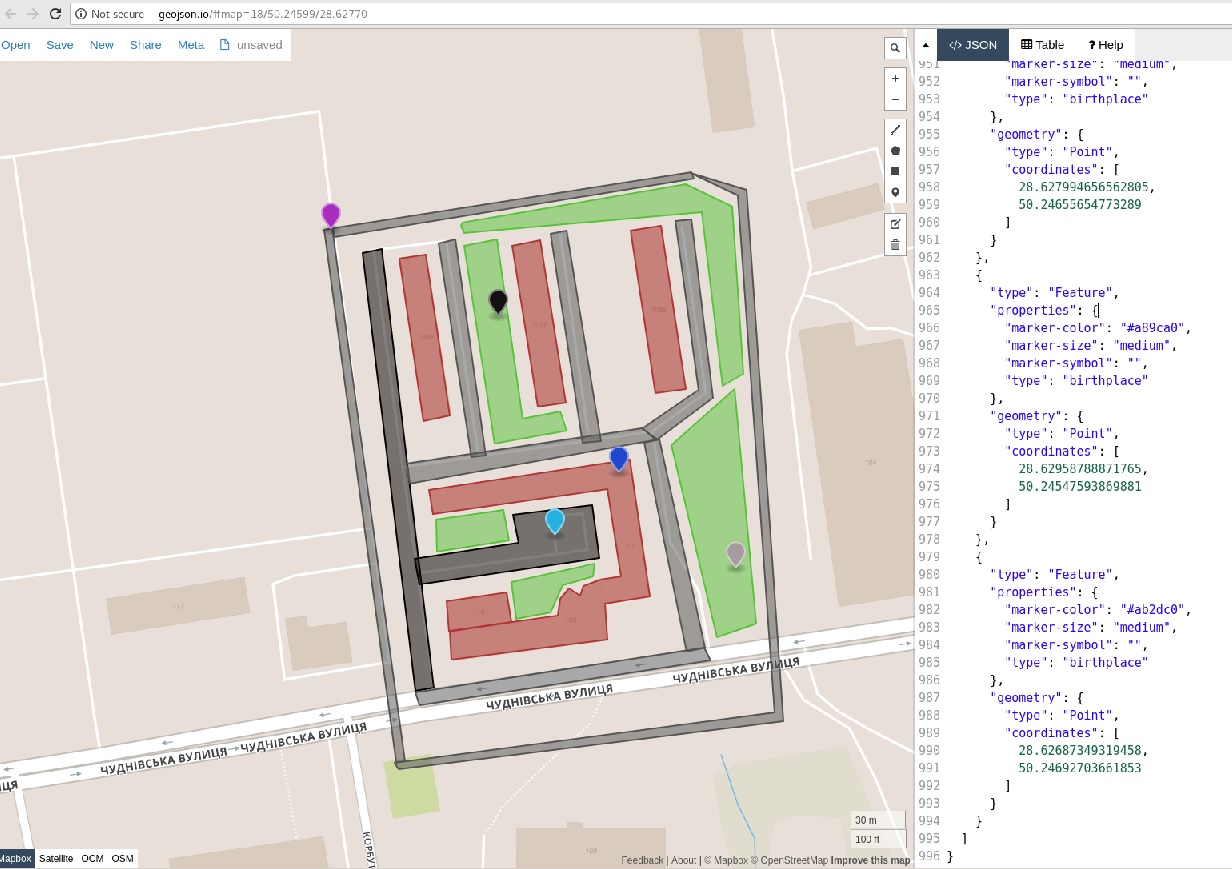
npm init
npm run demo ~/Downloads/map.geojson
or
npm init
npm run demo
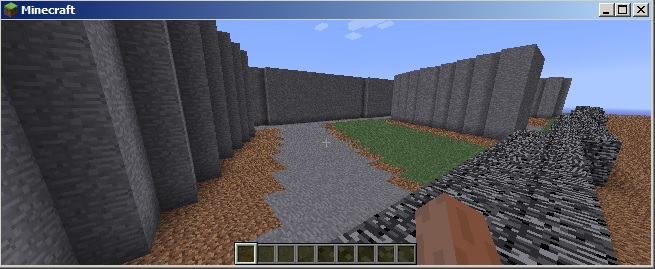
Server example
const fs = require('fs');
const Game = require('nodecraft').Game;
const GeoRender = require('..');

const GEOFILE = process.argv.length > 2 ? process.argv.pop() : `${__dirname}/map.geojson`;

const game = new Game();
const server = game.getServer();
const land = game.getLand();
const render = new GeoRender(land);

console.log(`loading ${GEOFILE}...`);
const features = JSON.parse(fs.readFileSync(GEOFILE)).features;
console.log(`features ${features.length}`);
features.forEach(feature => render.add(feature));
console.log('done');

server.on('packet:handshake', (clientID, packet) => {
        console.log(`Hi, ${packet.username}`);

        const [x, z] = render.getBirthplace();

        server
            .login(clientID, {
                eid: 0,
                level_type: 'flat',
                game_mode: 1,
                dimension: 0,
                difficalty: 0,
                magic: 0,
                max_player: 25
            })
            .spawn_position(clientID, {
                x,
                y: 30,
                z
            })
            .player_position_and_look(clientID, {
                x,
                stance: 94.62,
                y: 30,
                z,
                yaw: 0,
                pitch: 0,
                on_ground: 1
            });
    })
    .start(25565);





