gosper-curve-cli
Print the Gosper Curve to the console!
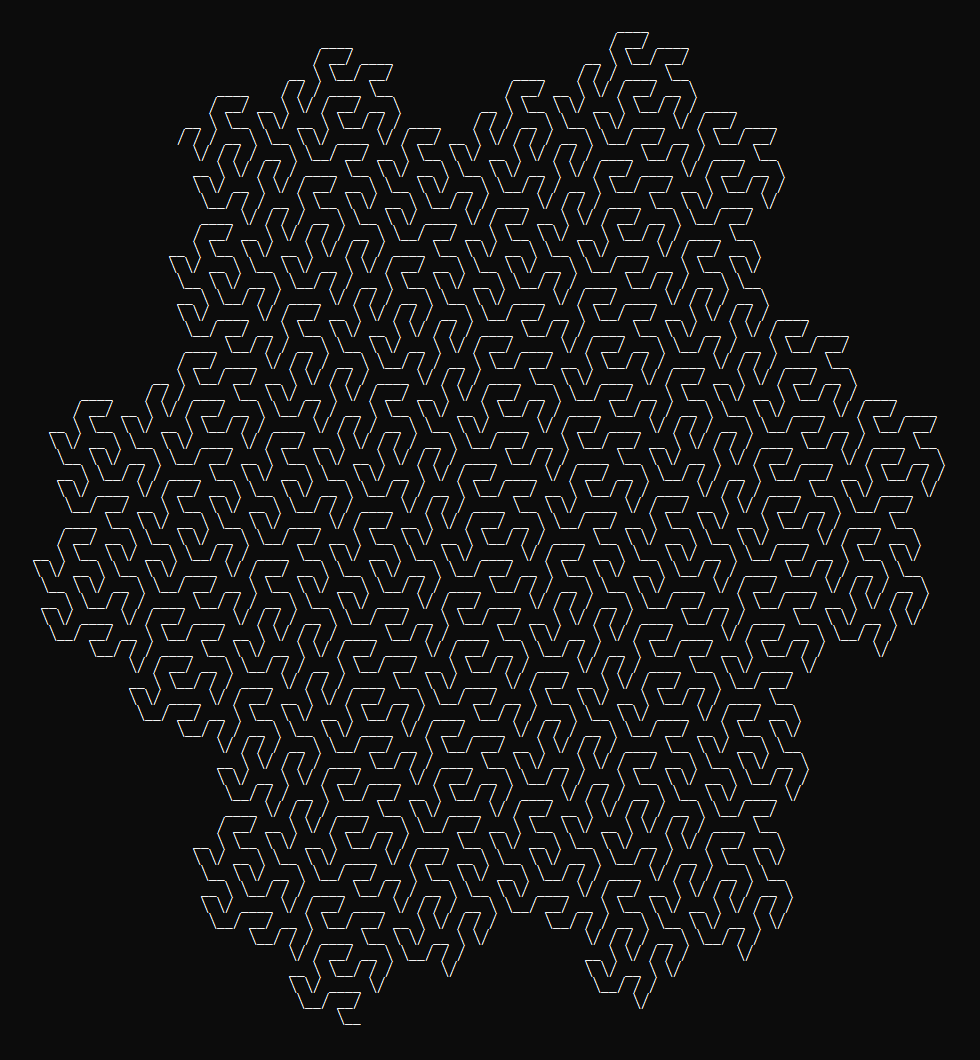




Why the console? Because it's the cool way.
See All Fractals in the fractals-cli project.
Usage
Via npx:
$ npx gosper-curve-cli <n>
$ npx gosper-curve-cli <n> [options]
where n >= 0.
Via Global Install
$ npm install --global gosper-curve-cli
$ gosper-curve-cli <n>
$ gosper-curve-cli <n> [options]
where n >= 0.
Via Import
$ npm install gosper-curve-cli
then:
const gosper_curve = require('gosper-curve-cli');
console.log(gosper_curve.create(<n>);
console.log(gosper_curve.create(<n>, {
    inverse: <boolean>,
    rotation: <left|right|standard>,
    line: <bold|standard>
});
The config params are optional.
Options
Recursive Step
$ gosper-curve-cli <n>
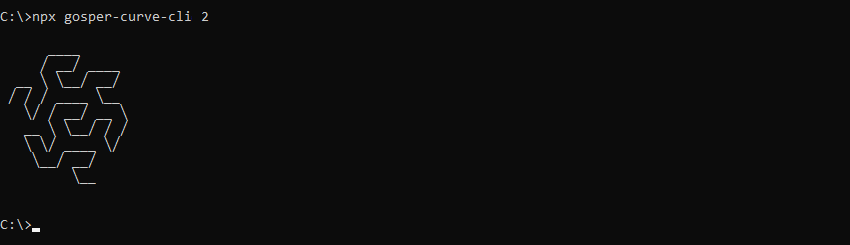
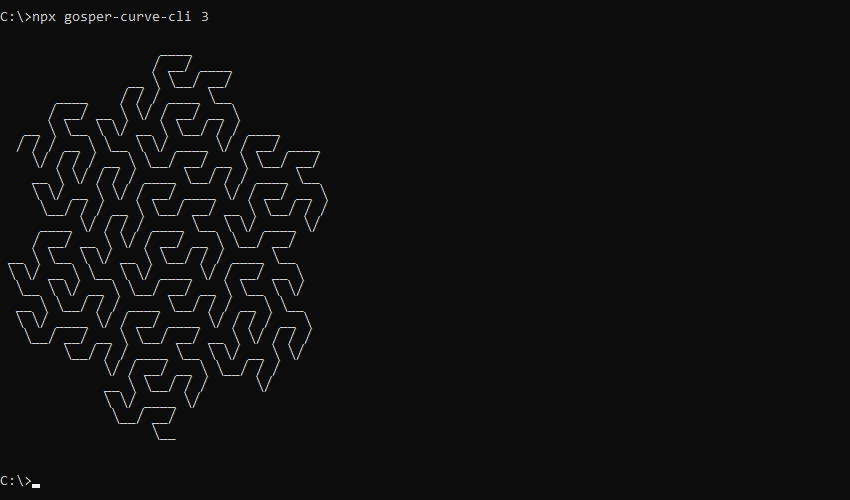
The first param <n> is the recursive step. <n> should be an integer greater than or equal to 0.
Examples:
$ gosper-curve-cli 2
$ gosper-curve-cli 3
Inverse
$ gosper-curve-cli <n> --inverse
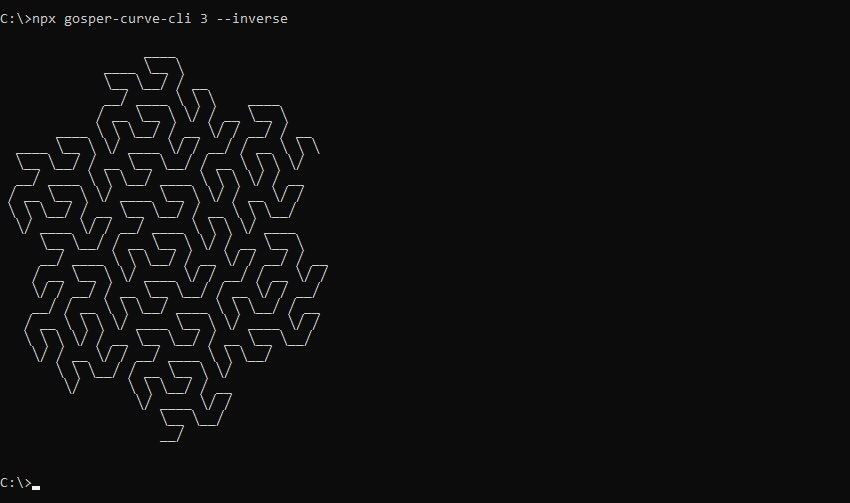
The optional --inverse param (or shorthand -i) will draw the inverse Gosper Curve.
Example:
$ gosper-curve-cli 3 --inverse
Rotation
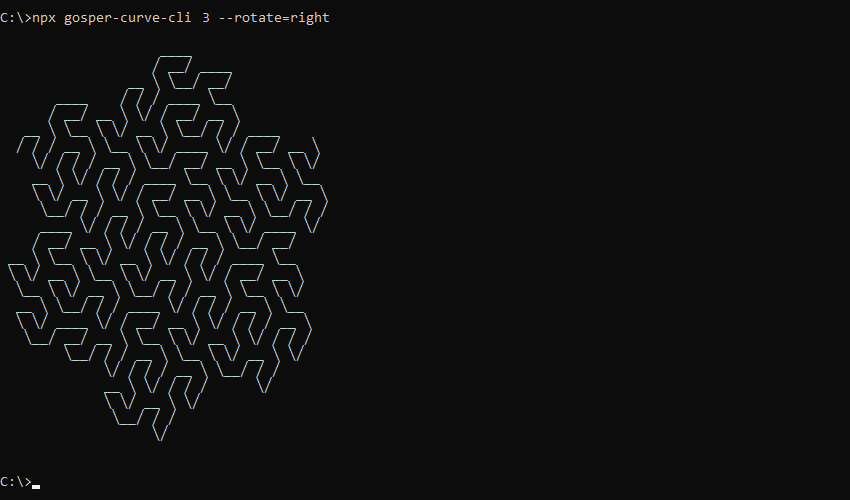
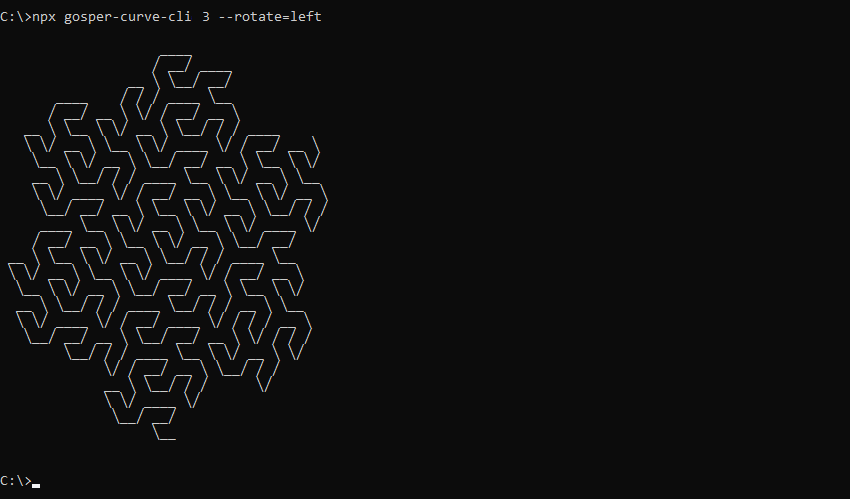
$ gosper-curve-cli <n> --rotate=<left|right|standard>
The optional --rotate param rotates the Gosper Curve. Supported values:
left: Rotate left 120 degreesright: Rotate right 120 degreesstandard: No rotation (default)
Example:
$ gosper-curve-cli 3 --rotate=right
$ gosper-curve-cli 3 --rotate=left
Line Type
$ gosper-curve-cli <n> --line=<bold|standard>
The optional --line param draws the Gosper Curve using different line types. Supported values:
bold: Draw using bold linesstandard: Draw using standard lines (default)
Examples:
$ gosper-curve-cli 3 --line=bold
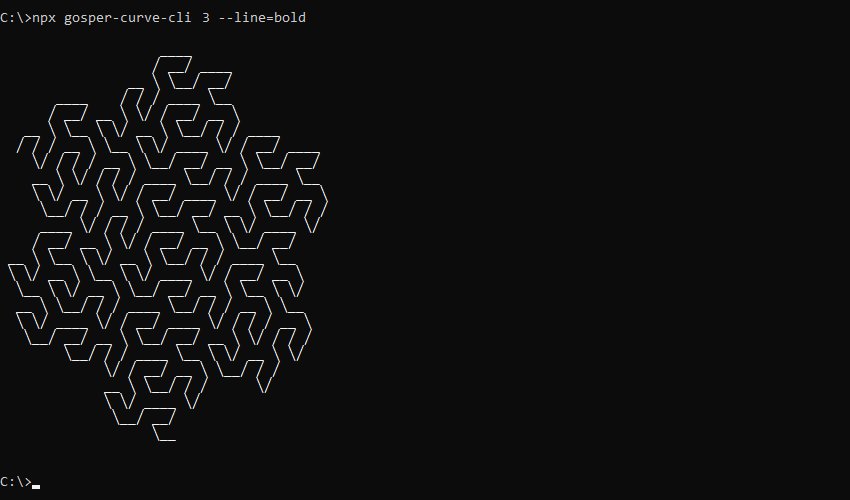
By default, lines are drawn using long unicode slash characters (╱, ╲). To instead draw using standard slash characters (/, \ ), add the --slash param (or shorthand -s).
$ gosper-curve-cli <n> --slash
(May look better/worse on certain terminals)
Related
Main Project
Fractal Shapes
Fractal Patterns
Space Filling Curves
License





