h-tree-cli
Print the H-Tree Fractal to the console!
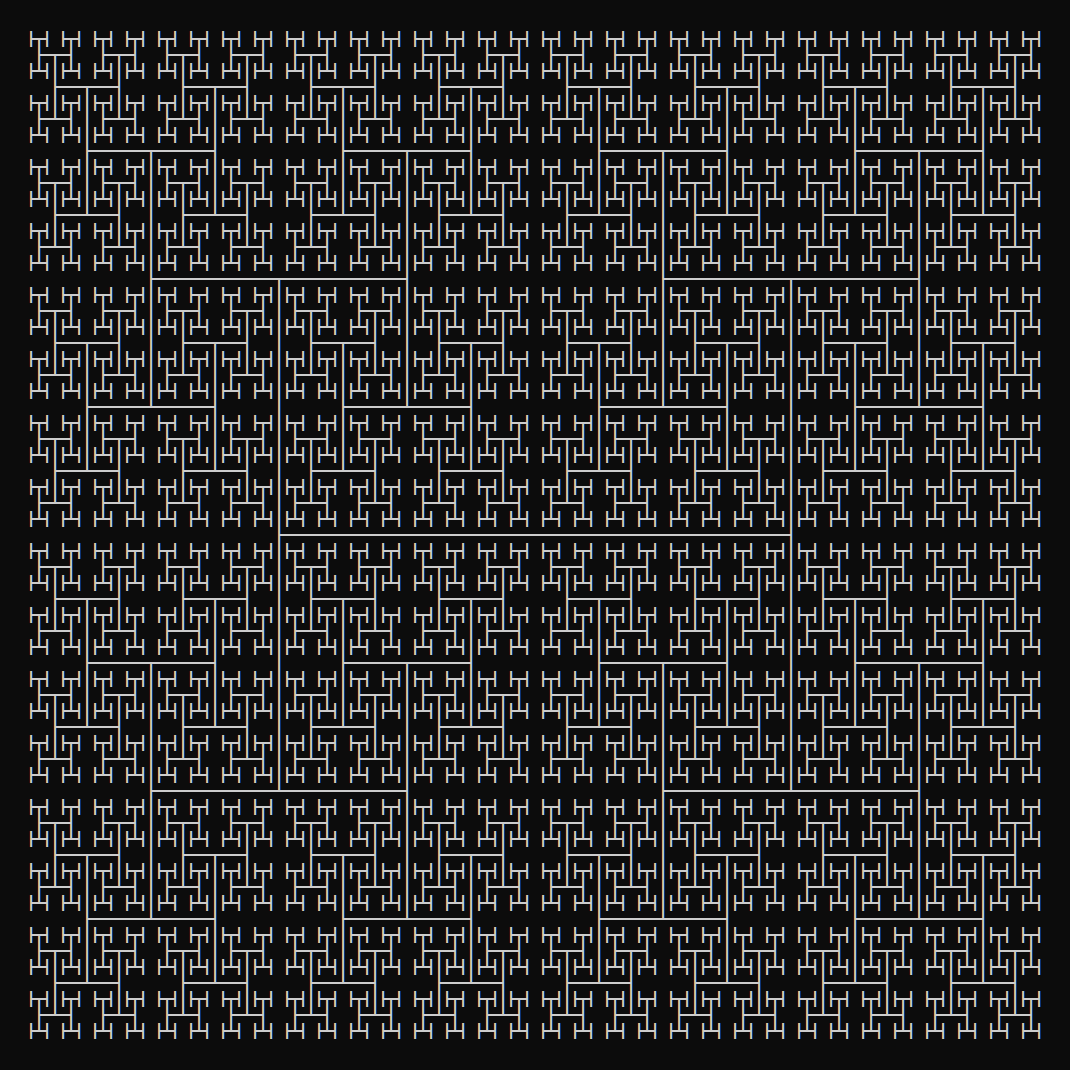




Why the console? Because it's the cool way.
See All Fractals in the fractals-cli project.
Usage
Via npx:
$ npx h-tree-cli <n>
$ npx h-tree-cli <n> [size] [options]
where n >= 0 and size >= n (if provided).
Via Global Install
$ npm install --global h-tree-cli
$ h-tree-cli <n>
$ h-tree-cli <n> [size] [options]
where n >= 0 and size >= n (if provided).
Via Import
$ npm install h-tree-cli
then:
const h_tree = require('h-tree-cli');
console.log(h_tree.create(<n>);
console.log(h_tree.create(<n>, {
    size: <number>,
    line: <bold|double|standard>
});
The config params are optional.
Options
Recursive Step
$ h-tree-cli <n>
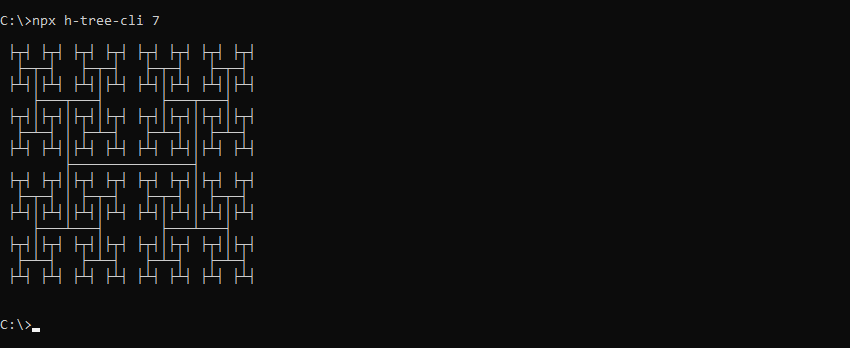
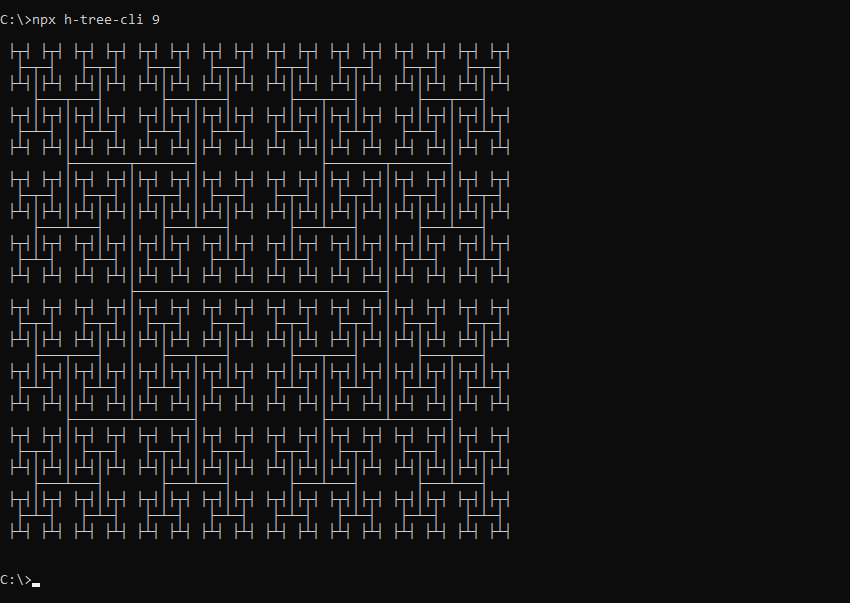
The first param <n> is the recursive step. <n> should be an integer greater than or equal to 0.
Examples:
$ h-tree-cli 7
$ h-tree-cli 9
Size
$ h-tree-cli <n> [size]
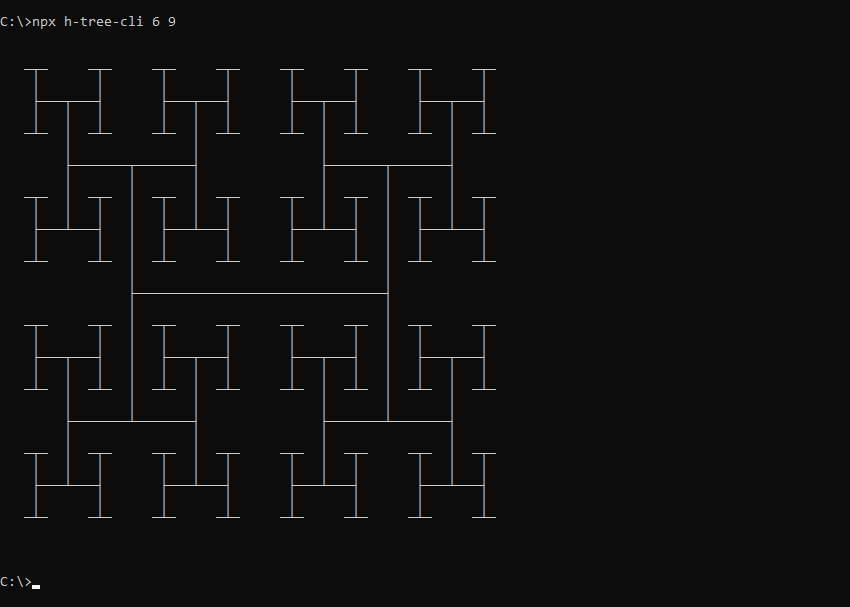
The optional [size] param allows the H-Tree fractal to be drawn at larger sizes. [size] should be an integer greater than or equal to <n>. Including size will draw a H-Tree fractal of <n> recursive steps the size of a H-Tree fractal with [size] recursive steps.
Example:
$ h-tree-cli 6 9
Line Type
$ h-tree-cli <n> --line=<bold|double|standard>
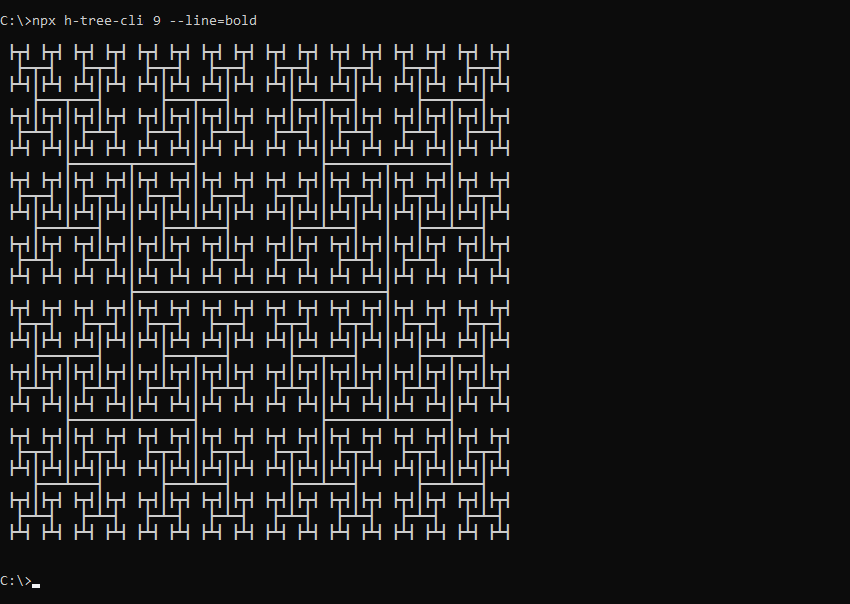
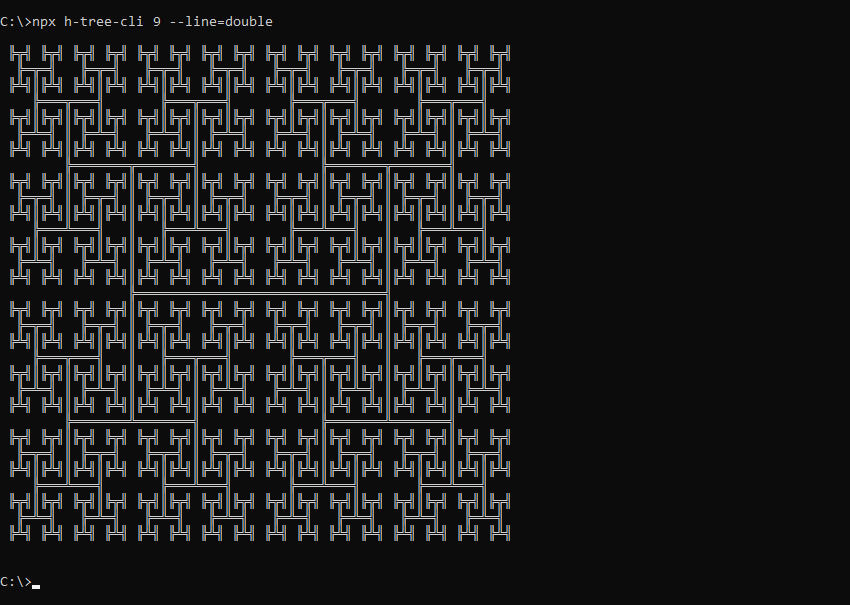
The optional --line param draws the H-Tree fractal using different line types. Supported values:
bold: Draw using bold linesdouble: Draw using double linesstandard: Draw using standard lines (default)
Examples:
$ h-tree-cli 9 --line=bold
$ h-tree-cli 9 --line=double
Related
Main Project
Fractal Shapes
Fractal Patterns
Space Filling Curves
License





