hyper-material-box 

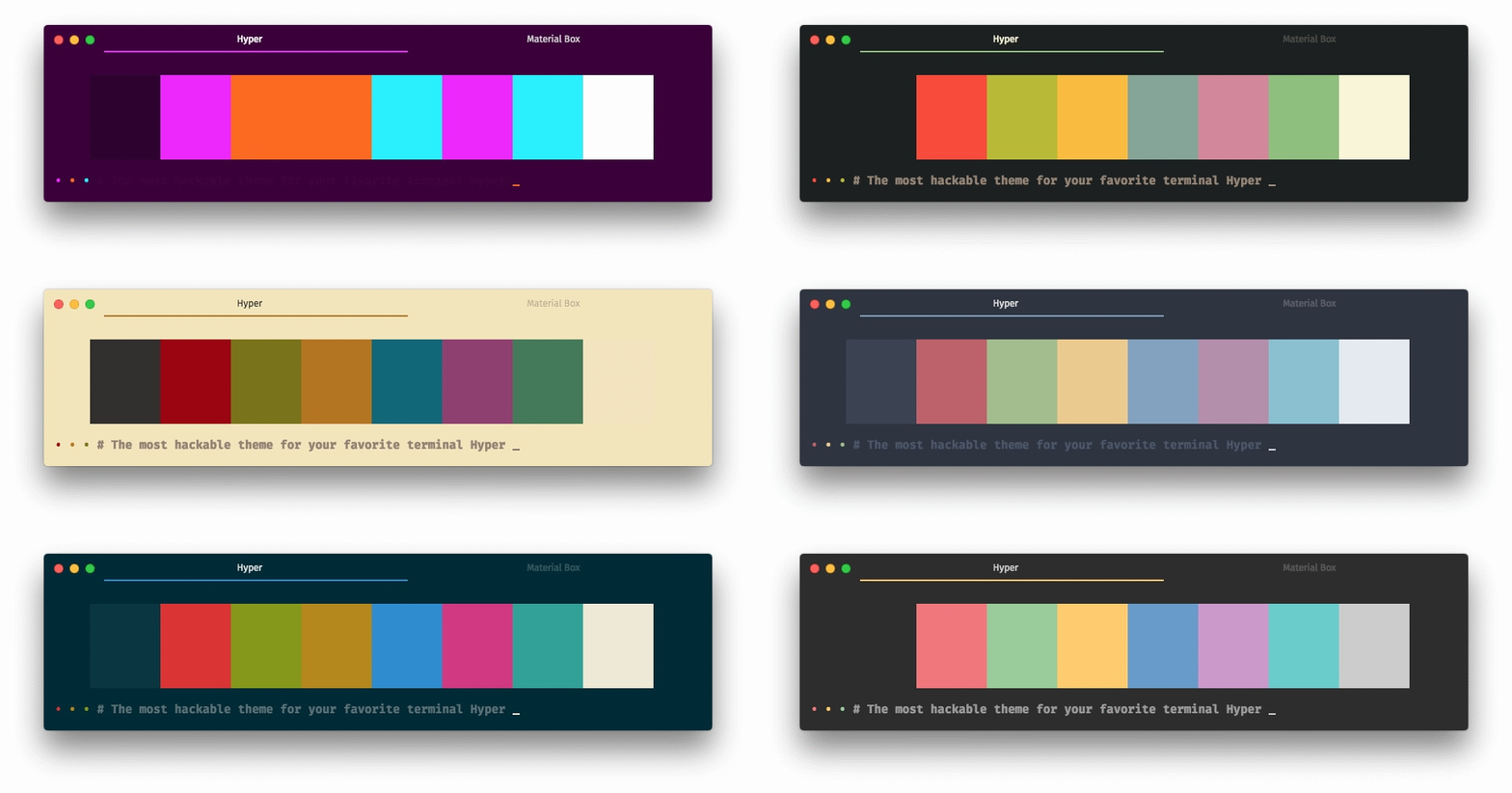
The most hackable theme for your favorite terminal Hyper
:checkered_flag: Let's jump right in
All you need is two simple steps !!
:inbox_tray: Installation
Just add the following script to your .hyper.js:
module.exports = {
  plugins: [ 'hyper-material-box' ],
}
Restart your Hyper.app.
Done :tada:
:wrench: Config
You can add the following scripts to your .hyper.js, if you like what you see.
:wrench: Color Scheme
The default color scheme is solarized-dark.
Currently, we provide our user over 30 beautiful color schemes (click the name to see the screenshot):
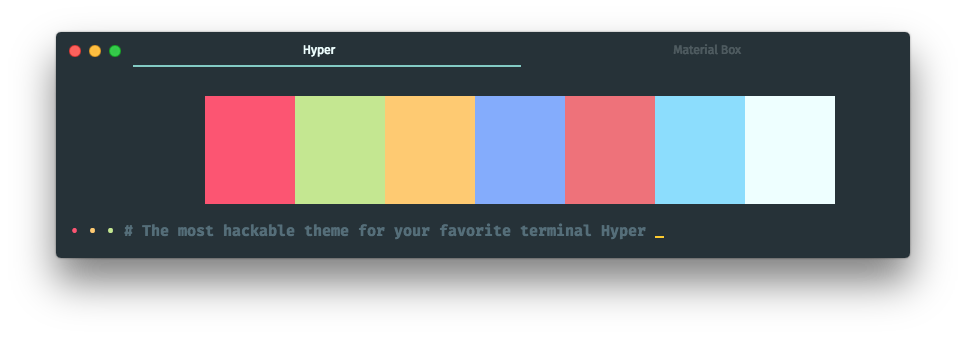
For example, if you like the material color scheme, you can add the following script:
module.exports = {
  config: {
    materialBox: {
      scheme: 'material',
    }
  }
}
:wrench: User
You can override the default color scheme with the user section.
If your favorite color scheme isn't in the list, you can create a new scheme by yourself,
for example you can add the following script instead adding scheme: 'material':
module.exports = {
config: {
materialBox: {
user: {
colors: {
black: '#263238',
red: '#FF5370',
green: '#C3E88D',
yellow: '#FFCB6B',
blue: '#82AAFF',
magenta: '#F07178',
cyan: '#89DDFF',
white: '#EEFFFF',
lightBlack: '#546E7A',
lightRed: '#FF5370',
lightGreen: '#C3E88D',
lightYellow: '#FFCB6B',
lightBlue: '#82AAFF',
lightMagenta: '#F07178',
lightCyan: '#89DDFF',
lightWhite: '#EEFFFF',
},
backgroundColor: '#263238',
foregroundColor: '#CCCCCC',
cursorColor: '#EEFFFF',
borderColor: 'transparent',
accentColor: '#80CBC4',
tabTitleColor: 'rgba(255, 255, 255, 0.2)',
selectedTabTitleColor: '#EEFFFF',
css: '',
termCSS: '',
}
}
}
}
:wrench: Selected Tab Flavor
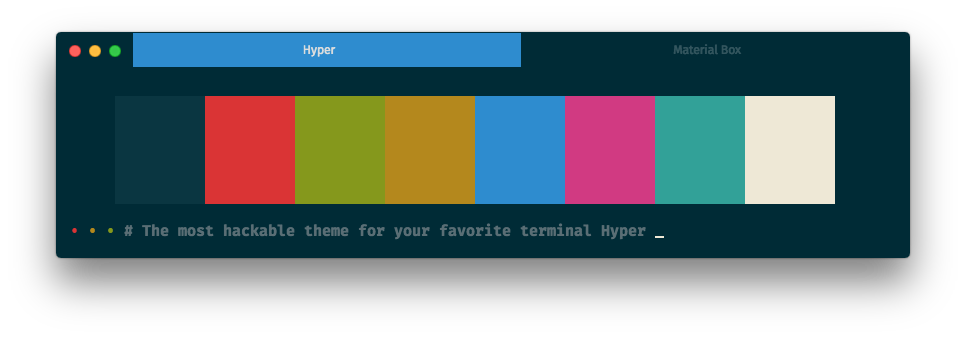
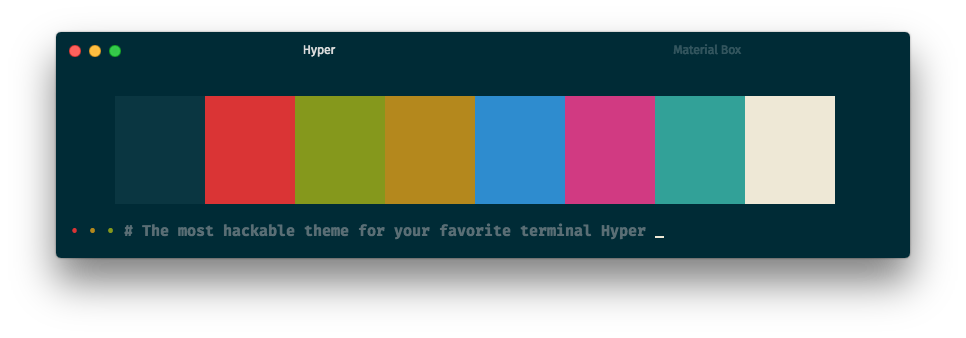
The default selected tab flavor is underline.
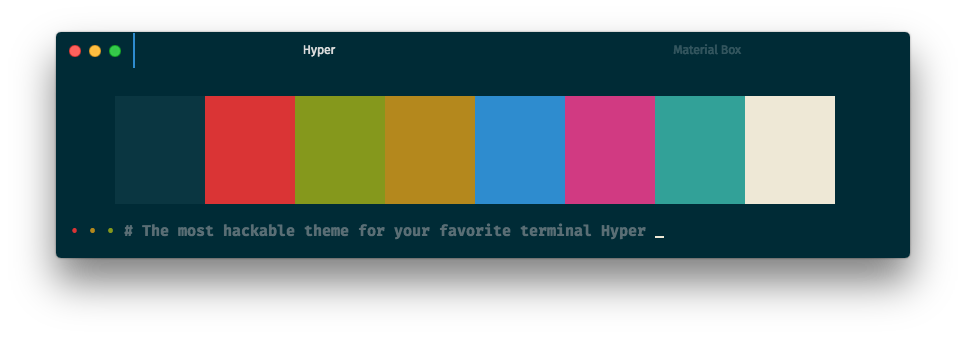
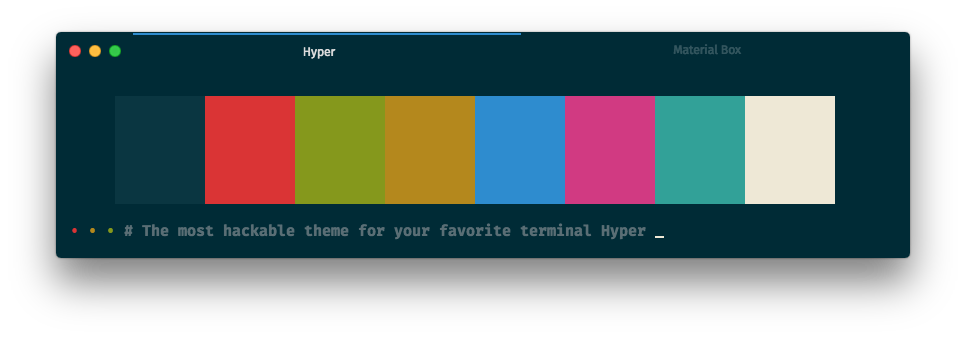
You can change the selected tab flavor by set the selectedTabFlavor to preline, overline, filled or none:
module.exports = {
  config: {
    materialBox: {
      selectedTabFlavor: 'preline',
    }
  }
}
module.exports = {
  config: {
    materialBox: {
      selectedTabFlavor: 'overline',
    }
  }
}
module.exports = {
  config: {
    materialBox: {
      selectedTabFlavor: 'filled',
    }
  }
}
module.exports = {
  config: {
    materialBox: {
      selectedTabFlavor: 'none',
    }
  }
}
:wrench: Highlight Selected Tab
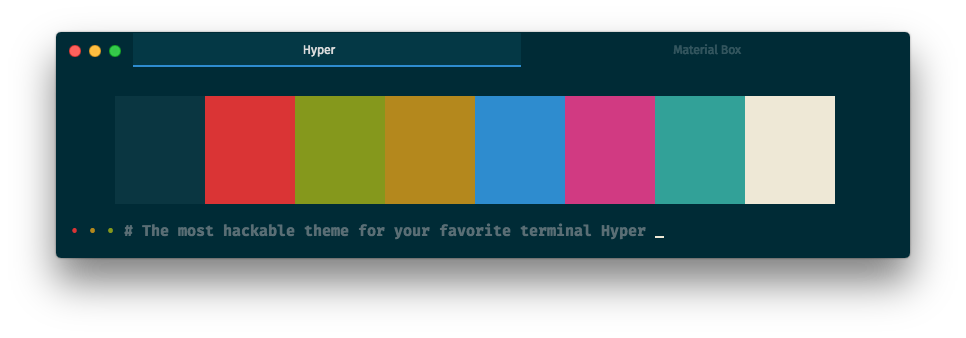
highlight selected tab is disable by default
You can highlight the selected tab by set highlightSelectedTab to true:
module.exports = {
  config: {
    materialBox: {
      highlightSelectedTab: true,
    }
  }
}
:wrench: Display Border
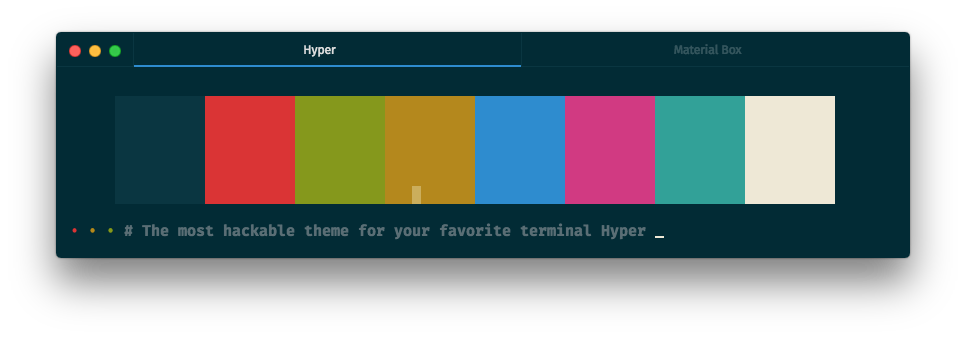
The border is hide by default.
You can enable the border by set the displayBorder to true:
module.exports = {
  config: {
    materialBox: {
      displayBorder: true,
    }
  }
}
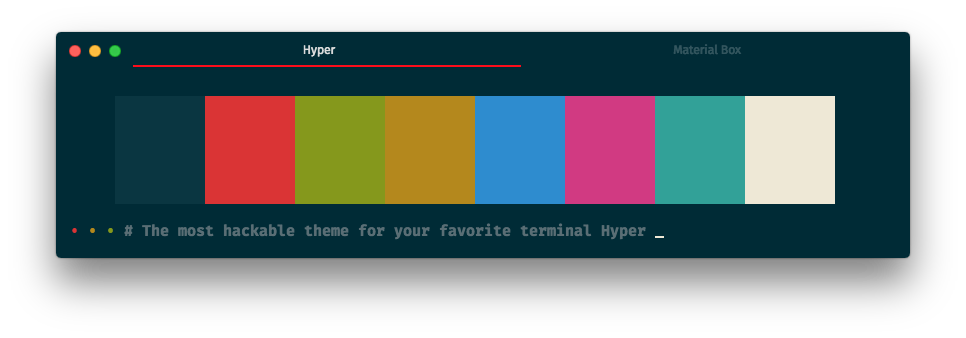
:wrench: Accent Color
You can change the accent color by set the user: { accentColor } to another color:
module.exports = {
  config: {
    materialBox: {
      user: {
        accentColor: 'red',
      }
    }
  }
}
:wrench: Light Effect
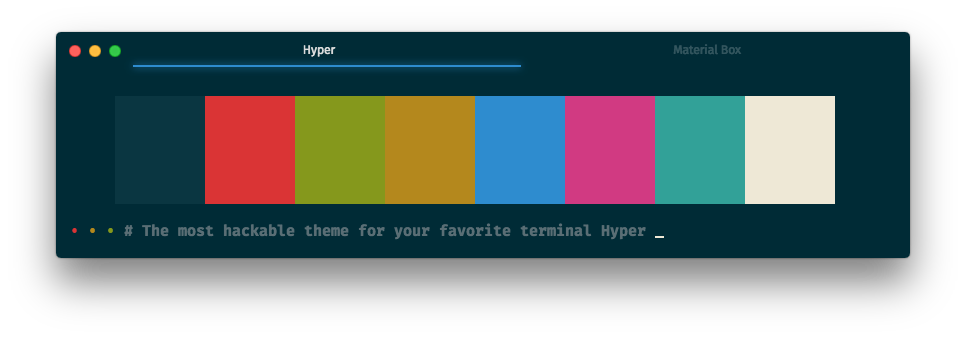
The overline selected tab flavors doesn't support light effect.
You can enable the light effect by set the lightEffect to true:
module.exports = {
  config: {
    materialBox: {
      lightEffect: true,
    }
  }
}
:wrench: Background Opacity
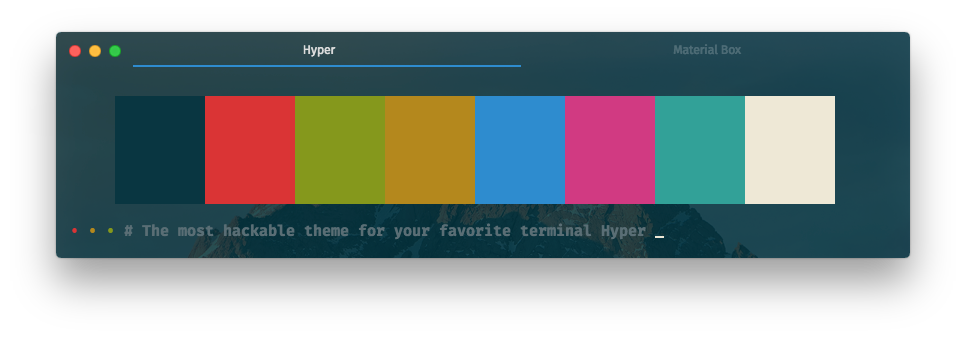
The default background opacity is 1.0.
You can change the background opacity by set the backgroundOpacity to 0.1 ~ 0.9:
module.exports = {
  config: {
    materialBox: {
      backgroundOpacity: 0.5,
    }
  }
}
:wrench: Background Vibrancy
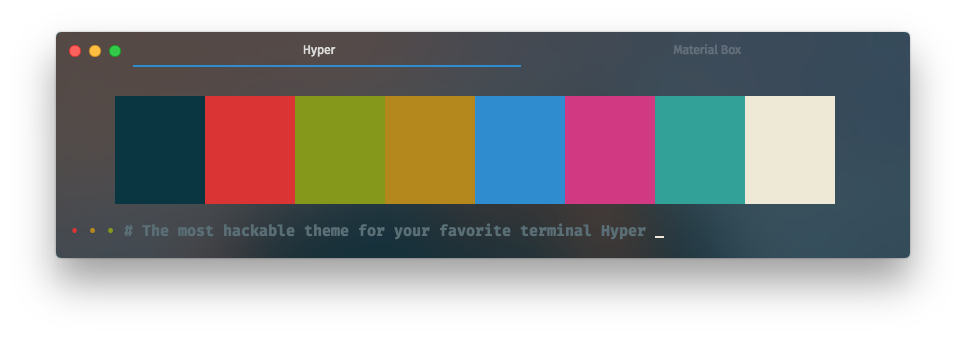
Background vibrancy only available when background opacity value is between 0.1 ~ 0.9
You can enable the background vibrancy by set the backgroundVibrancy to true:
module.exports = {
  config: {
    materialBox: {
      backgroundVibrancy: true,
    }
  }
}
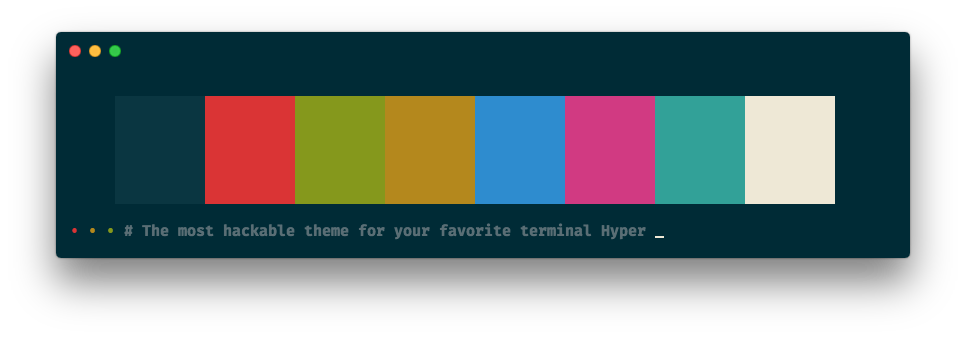
:wrench: Auto Hide Title
auto hide title is disable by default
You can set the autoHideTitle to true, it will hide the title when the window only has one tab:
module.exports = {
  config: {
    materialBox: {
      autoHideTitle: true,
    }
  }
}
:wrench: Hide Traffic-Lights
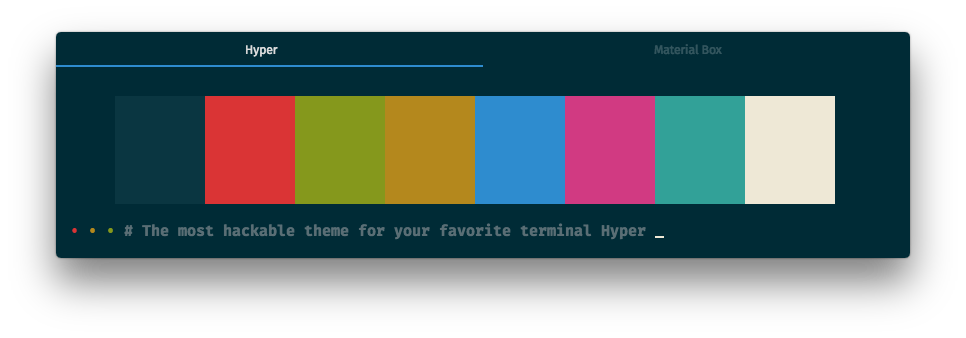
hide traffic light is disable by default
If you want to hide the traffic-lights, you can set the hideTrafficLights to true:
module.exports = {
  config: {
    materialBox: {
      hideTrafficLights: true,
    }
  }
}
:wrench: Other
:wrench: Left Close Button
left close button is disable by default
If you like the left close button, you can set the closeOnTheLeft to true:
module.exports = {
  config: {
    materialBox: {
      closeOnTheLeft: true,
    }
  }
}
:heart: Contributing to hyper-material-box
You can contribute your own color scheme to this project, see the CONTRIBUTING.md for more details.
:zap: Credit
:zap: The 80rave color scheme contributed by @PetrBarborka
:zap: The apex color scheme inspired by apex/apex-syntax
:zap: The auto hide title inspired by sindresorhus/hyper-hide-title
:zap: The base16 color scheme family inspired by Base16
:zap: The dracula color scheme inspired by Dracula — A dark theme for Atom, Alfred, Brackets, Emacs, iTerm ...
:zap: The gruvbox color scheme family inspired by Briles/gruvbox-atom
:zap: The hide traffic-lights inspired by albinekb/hyperclean
:zap: The left close button inspired by jhen0409/hyperterm-close-on-left
:zap: The light effect inspired by simeydotme/hyperterm-gooey
:zap: The material color scheme family inspired by equinusocio/material-theme
:zap: The material UI inspired by equinusocio/hyper-material-theme
:zap: The matrix color scheme inspired by giuseppeg/hyperterm-green
:zap: The monokai color scheme inspired by the most popular color scheme for Sublime Text
:zap: The nord color scheme inspired by arcticicestudio/nord-hyper
:zap: The one-dark color scheme inspired by atom/one-dark-syntax
:zap: The one-light color scheme inspired by atom/one-light-syntax
:zap: The overline selected tab flavor inspired by pauldariye/hyper-midnight
:zap: The predawn color scheme inspired by jamiewilson/predawn-hyperterm
:zap: The preline selected tab flavor inspired by Kikobeats/hyper-flat
:zap: The seti color scheme inspired by jesseweed/seti-syntax
:zap: The snazzy color scheme contributed by @stoe
:zap: The solarized color scheme faimly inspired by Solarized - Ethan Schoonover
:zap: The tomorrow color scheme family inspired by chriskempson/tomorrow-theme
:heart: Thank you guys, you guys are all amazing !!! :heart:
:page_facing_up: License
This project is licensed under the MIT License, please see the :page_facing_up:LICENSE.md for more details :+1:








