Joystick Controller



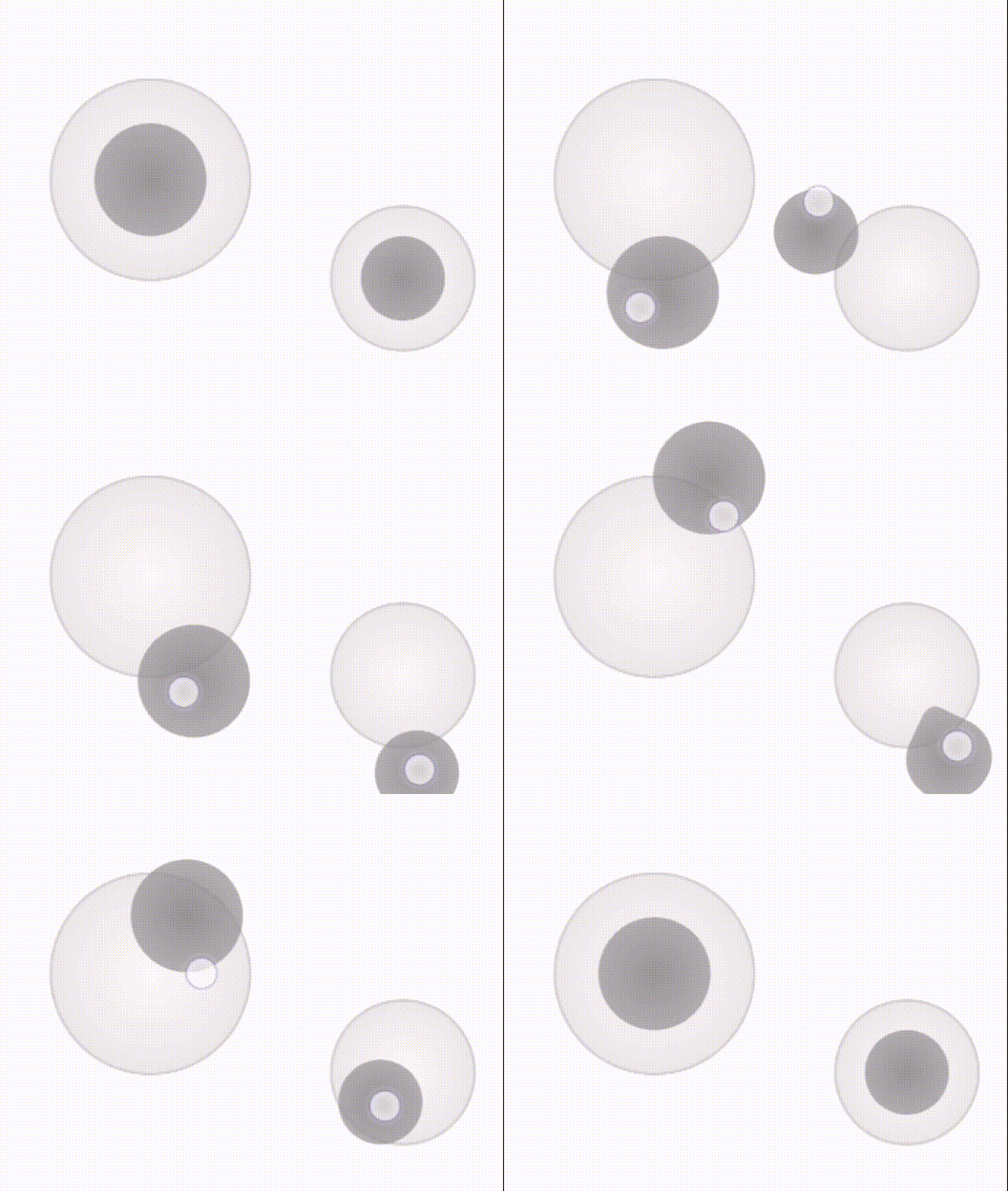
A fully customizable JavaScript virtual joystick controller for both desktop and mobile devices supporting multi instances.
Live Demo
Installation
npm install joystick-controller
Quick Start
import JoystickController from "joystick-controller";

const joystick = new JoystickController({}, (data) => console.log(data));
The import example here is module style import. JoystickController also supports global and commonJs import style.
Options
You can pass a set of options as the first argument to further customize your joystick controller
| maxRange | number | 100 | Maximum range of the joystick dot (number of pixels) |
| level | number | 10 | Number of level of the joystick (eg 10 would return integers between -10 and 10) |
| radius | number | 50 | Radius of the joystick container (number of pixels) |
| joystickRadius | 30 | number | Radius of the joystick inner dot (number of pixels) |
| opacity | number | 0.8 | Opacity of the joystick |
| containerClass | string | '' | Class for the joystick container for adding additional styles (outer container) |
| controllerClass | string | '' | Class for the joystick controller for adding additional styles (inner container) |
| joystickClass | string | '' | Class for the joystick dot for adding additional styles |
| leftToRight | boolean | true | Left to right adjustment (x position from left)(ignored if dynamicPosition=true) |
| bottomToUp | boolean | true | Bottom to up adjustment (y position from bottom)(ignored if dynamicPosition=true) |
| x | string | '50%' | x position of the joystick controller on screen (equal to left/right of css)(ignored if dynamicPosition=true) |
| y | string | '50%' | y position of the joystick controller on screen (equal to bottom/top of css)(ignored if dynamicPosition=true) |
| distortion | boolean | false | if true, the joystick will be distorted when the dot is moved to the edge of the joystick |
| dynamicPosition | boolean | false | Shows the joystick when the user touch/click on the screen at the position where it was clicked/touched |
| dynamicPositionTarget | HTMLElement | null | If dynamicPosition true, uses this target to set the event listener on (if not provided use document) |
| mouseClickButton | string|number | "ALL" (-1) | click button to show the joystick (if not provided, shows on all clicks)(Values: ALL, LEFT, MIDDLE, RIGHT, or button number (-1 to 4. -1 for all)) |
| hideContextMenu | boolean | false | if true, hides the context menu on right click (Recommended to be used dynamicPosition and dynamicPositionTarget) |
Callback Arguments
Joystick would trigger the callback on each move event. The following arguments are passed to the callback.
| x | number | x position of the joystick relative to the center of it |
| y | number | y position of the joystick relative to the center of it |
| leveledX | number | x position scaled and rounded to be a step between -level to level (level comes from options) |
| leveledY | number | y position scaled and rounded to be a step between -level to level (level comes from options) |
| angle | number | angle of the line between center of the joystick and position of the dot in radians |
| distance | number | distance of the dot from the center joystick |
Customized Example
All the options are optional, but a customized instance would look like this:
const staticJoystick = new JoystickController(
{
maxRange: 70,
level: 10,
radius: 50,
joystickRadius: 30,
opacity: 0.5,
leftToRight: false,
bottomToUp: true,
containerClass: "joystick-container",
controllerClass: "joystick-controller",
joystickClass: "joystick",
distortion: true,
x: "25%",
y: "25%",
mouseClickButton: "ALL",
hideContextMenu: false,
},
({ x, y, leveledX, leveledY, distance, angle }) =>
console.log(x, y, leveledX, leveledY, distance, angle)
);
const dynamicJoystick = new JoystickController(
{
maxRange: 70,
level: 10,
radius: 50,
joystickRadius: 30,
opacity: 0.5,
containerClass: "joystick-container",
controllerClass: "joystick-controller",
joystickClass: "joystick",
distortion: true,
dynamicPosition: true,
dynamicPositionTarget: document.getElementById("root"),
mouseClickButton: "ALL",
hideContextMenu: true,
},
({ x, y, leveledX, leveledY, distance, angle }) =>
console.log(x, y, leveledX, leveledY, distance, angle)
);
Clean Up
Run destroy function to clear all the event listeners and remove the joystick from the document
joystick.destroy();
Copyright(c) Cyrus Mobini 2023
License MIT





