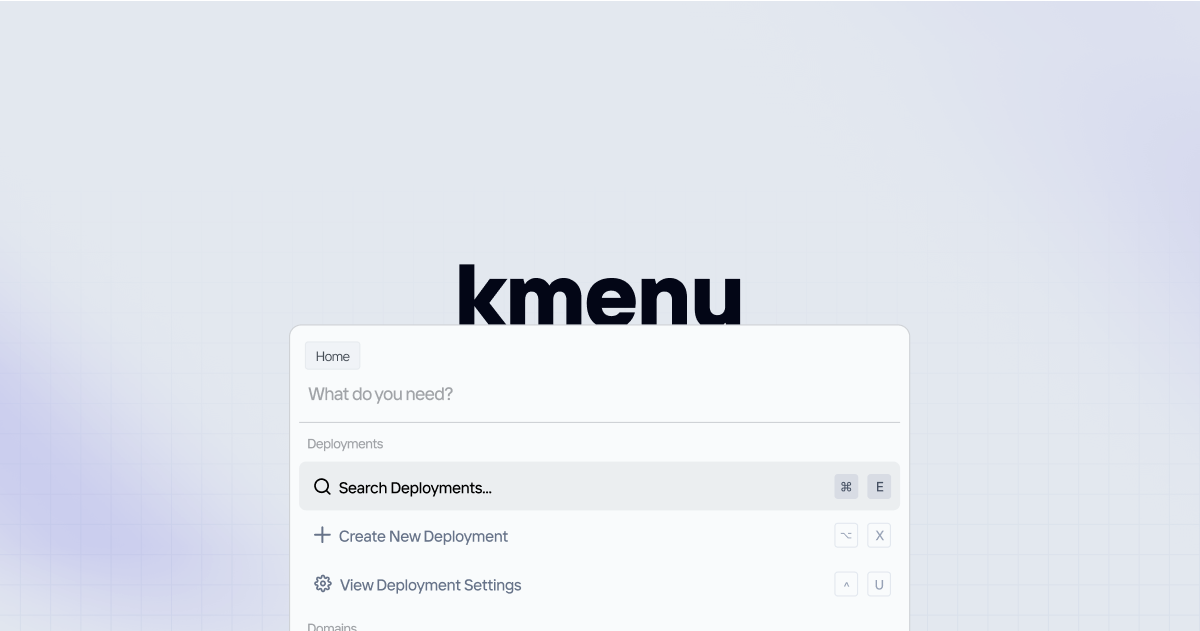
A lightweight command menu library that supercharges your web app's navigation and feature discoverability. It's framework-agnostic, headless, composable, <6kB, and has no runtime dependencies.
Installation
npm install kmenu
Usage
import { CommandCore } from "kmenu";
const command = new CommandCore({
onSelect: (option) => {
console.log("Selected:", option);
},
});
command.registerOptions([
{ id: "1", label: "Home", keywords: ["main"] },
{ id: "2", label: "Search", keywords: ["find"] },
{ id: "3", label: "Settings" },
]);
command.open();
command.close();
command.toggle();
command.navigateDown();
command.navigateUp();
command.selectActive();
const inputProps = command.getInputProps();
const listProps = command.getListboxProps();
const optionProps = command.getOptionProps("1");
command.destroy();
API Reference
CommandCore
interface CommandCore<T = any> {
  open(): void;
  close(): void;
  toggle(): void;
  setInput(value: string): void;
  registerOptions(options: CommandOption<T>[]): void;
  setActiveByIndex(index: number): void;
  navigateUp(): void;
  navigateDown(): void;
  selectActive(): void;
  on(event: EventType, handler: EventHandler): Unsubscribe;
  getState(): CommandState<T>;
  destroy(): void;
}
CommandOption
interface CommandOption<T = any> {
  id: string;
  label: string;
  keywords?: string[];
  disabled?: boolean;
  group?: string;
  data?: T;
}
Keyboard Shortcuts
Cmd/Ctrl + K - Open menu↑ / ↓ - Navigate optionsEnter - Select optionEscape - Close menu
Filters
import { fuzzyFilter, simpleFilter } from "kmenu";
const command = new CommandCore({
filter: fuzzyFilter,
});
const customFilter = (options, query) => {
return options.filter((opt) =>
opt.label.toLowerCase().includes(query.toLowerCase())
);
};







