npx lassiecoder in your terminal?
Preview
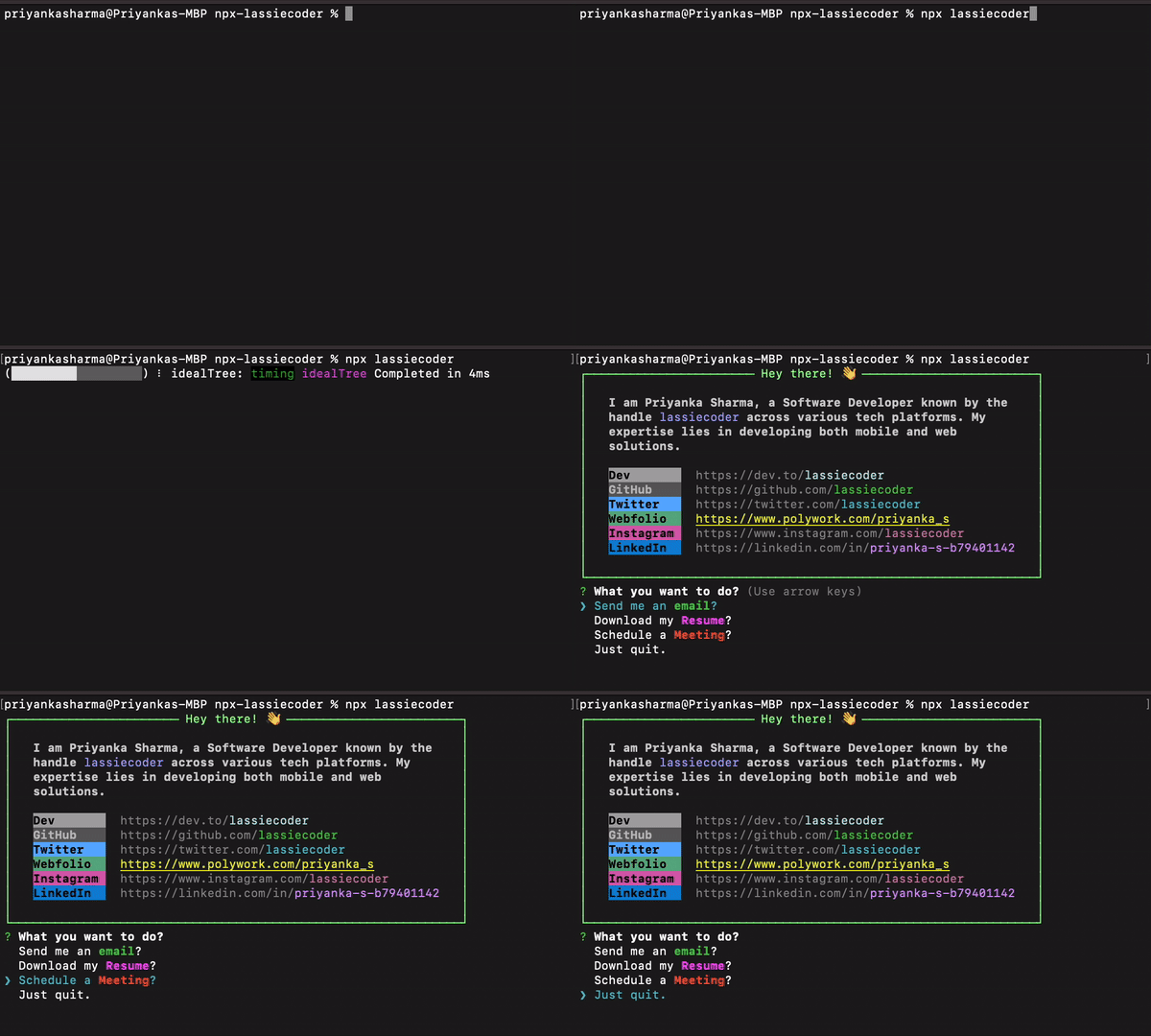
Create your personalized NPX introduction card
Step 1: Select a Unique Package Name
Choose a distinctive name for your package, as it will be the identifier for invoking your introduction command using npx.
Step 2: Establish a New Directory
Create a fresh directory for your package, naming it after the chosen package name.
mkdir npx-username
cd npx-username
Step 3: Initialize Your Package
Initialize your project as a Node.js package using the command:
npm init -y
Step 4: Develop an Executable Script
Within your project directory, create a JavaScript file named index.js and store it in a folder named bin. This file will function as the executable script for your npx command.
Ensure to specify the bin field in package.json:
"bin": {
  "username": "./bin/index.js"
}
Ensuring Script Execution Capability:
To enable script execution, follow these steps:
For Mac/Linux:
chmod +x bin/index.js
For Windows:
git update-index --chmod=+x bin/index.js
Step 5: Add your script to execute and display in terminal
Execute your script with the following command:
node bin/index.js
Step 6: Publish the package
Once your script runs successfully, publish the package:
1. Log in to npm:
npm adduser
2. After logging in, return to the terminal and run:
npm publish
Step 7: Execute Your NPX Command
Once the package is published, run your npx command:
npx username
Follow these steps to create your personalized NPX introduction command and share it with others!
Happy coding! 🚀





