lrn
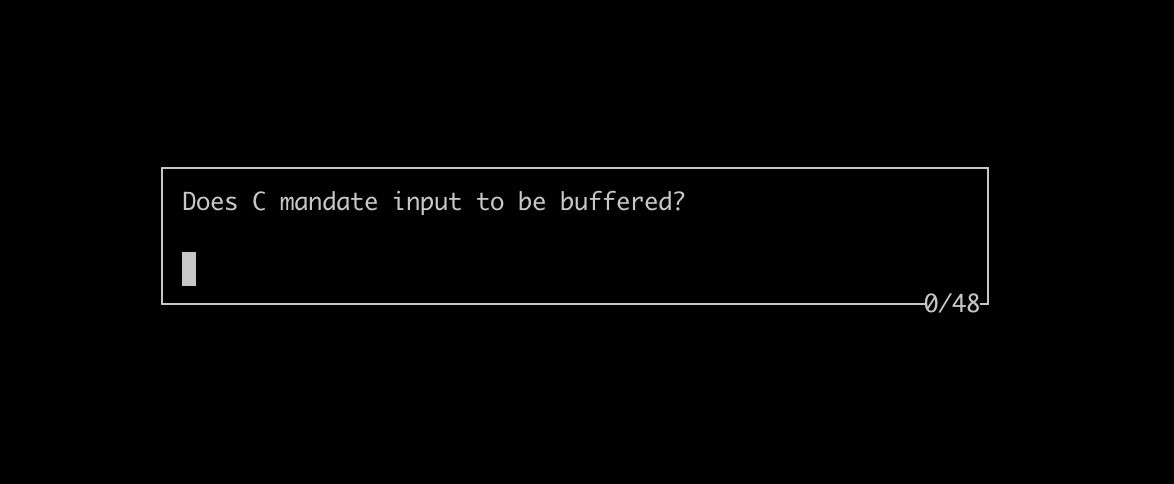
Command-line tool for learning by repetition.
In lrn you answer a series of self-prepared questions. You can choose between two modes. In the match mode you type answer to a question, which is then checked against the correct answer. In the cards mode you flip between question and the correct answer, and decide yourself whether you knew it or not (just like flashcards).
lrn doesn't support spaced-repetition algorithms, schedules, categories, tags, styles etc. The final barrier between you and the thing you want to learn is removed. No last chance to procrastinate by tweaking knobs and whistles of the learning tool itself. What's left is to learn, learn, and repeat.
Install
$ npm install --global lrn
Usage
Run lrn without arguments to see usage instructions:
$ lrn
As an example, to practice a deck in match mode:
$ lrn -m match decks/c.txt
Format of a deck file
Question and answer appear on separate lines, and are followed by a blank line:
Question 1
Answer 1

Question 2
Answer 2

...
The same deck can be practiced in match and cards modes.
Working with big decks
It's recommended to keep your decks small so each can be studied in a single session. If you end up with a big deck you can generate smaller ones with:
$ split -l 72 big_deck.txt deck_
Just keep in mind that -l specifies number of lines, and each question and answer takes three lines in the deck file. If the learning material is hard, generate decks with fewer questions. If the material is easy, make the decks bigger.
Thanks
Thanks to lnarmour for donating the lrn package name at https://www.npmjs.com/





