MatAnim – Mathematical Animation Library
A lightweight JavaScript library for creating engaging mathematical animations and visualizations for educational purposes. Perfect for teachers, students, and anyone looking to make math concepts come alive through interactive visualizations.
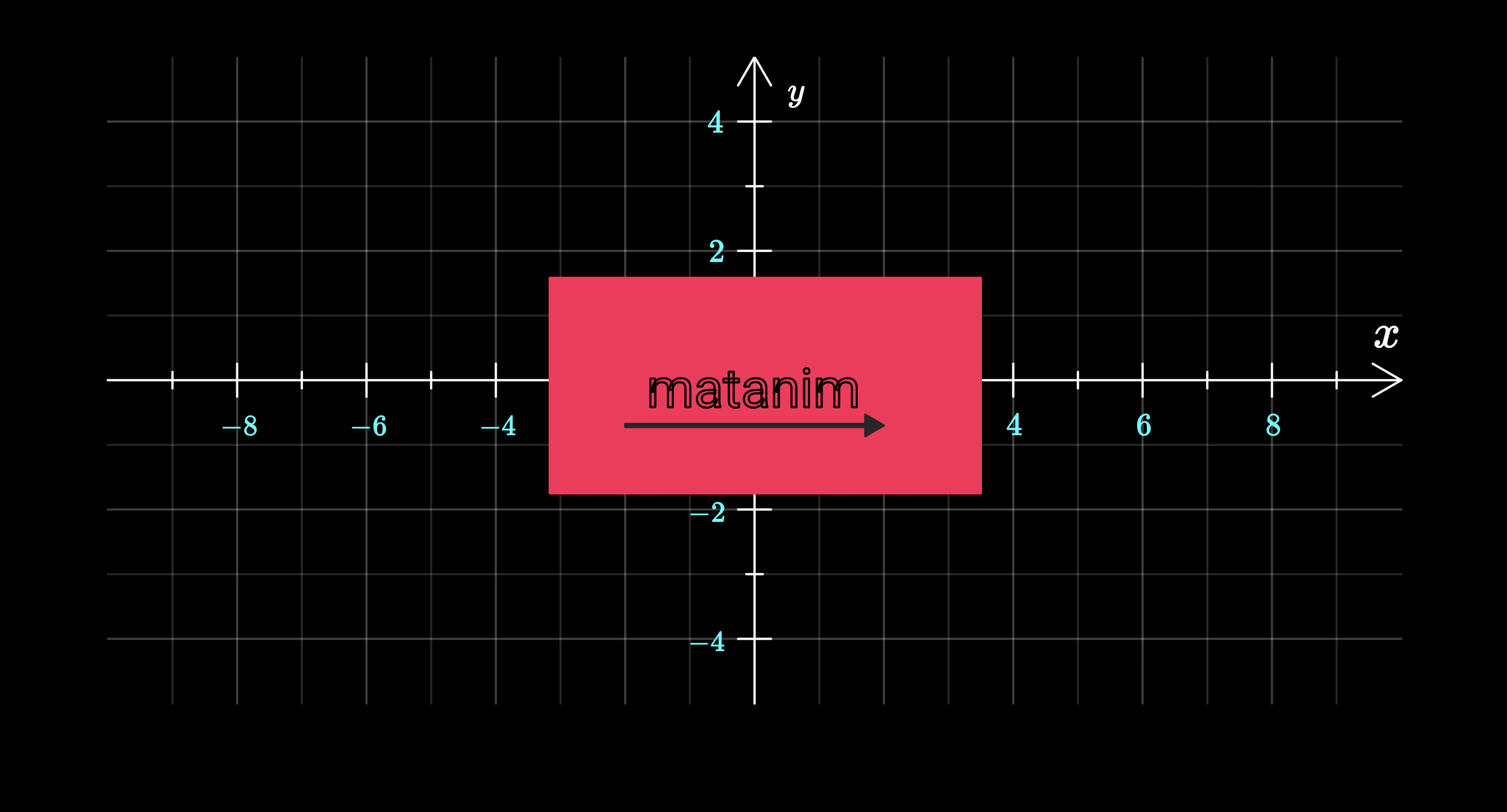
✨ Features
- Canvas-based rendering – Smooth 60fps animations
- Mathematical objects – Coordinate systems, function plots, vectors, and more
- Character animation – Animated Pi character with facial expressions
- LaTeX support – Render mathematical expressions directly
- Easing functions – Multiple easing functions for natural motion
- Flexible animation system – Combine multiple animations seamlessly
📦 Installation
npm
npm install matanim
Browser (ES Modules)
<!DOCTYPE html>
<html>
  <head>
    <style>
      html,
      body {
        margin: 0;
        padding: 0;
        width: 100%;
        height: 100%;
        overflow: hidden;
        background: black;
      }
      canvas {
        display: block;
        width: 100vw;
        height: 100vh;
      }
    </style>
  </head>
  <body>
    <canvas id="canvas"></canvas>

    <script type="importmap">
      {
        "imports": {
          "matanim": "./node_modules/matanim/src/index.js"
        }
      }
    </script>

    <script type="module" src="./src/main.js"></script>
  </body>
</html>
🚀 Quick Start
import {
Scene,
Circle,
AnimationManager,
OutlineThanFillAnimation,
CoordinateSystem,
FunctionPlot,
PiCharacter,
TranslateAnimation,
ScaleAnimation,
easeInOutSine,
} from "matanim";
const canvas = document.querySelector("canvas");
const scene = new Scene(canvas);
const coordinateSystem = new CoordinateSystem(
[
{ x: 100, y: 300 },
{ x: 1300, y: 300 },
],
[-10, 10],
[-5, 5],
{
tickStep: 2,
hasLabels: true,
hasGrid: true,
xAxisLabel: "x",
yAxisLabel: "y",
}
);
const sineWave = new FunctionPlot(coordinateSystem, (x) => Math.sin(x), {
lineWidth: 4,
color: "#4cc9f0",
dashed: true,
});
const piCharacter = new PiCharacter([{ x: 100, y: 400 }]);
scene.add(coordinateSystem);
scene.add(sineWave);
scene.add(piCharacter);
const animationManager = new AnimationManager(scene);
animationManager.add(
new OutlineThanFillAnimation(coordinateSystem, {
duration: 1500,
})
);
animationManager.add(
new TranslateAnimation(piCharacter, {
delta: { x: 200, y: 0 },
duration: 1000,
easingFunction: easeInOutSine,
})
);
📚 API Reference
Core Classes
Scene
The main container for all graphical objects.
const scene = new Scene(canvasElement);
scene.add(graphicalObject);
GraphicalObject
Base class for all graphical objects with transformation capabilities.
Methods:
translate(delta, notify = true)scale(xScale, yScale, pivot = getCenter(), notify = true)getCenter()getBoundingBox()
📐 Graphical Objects
Circle
const circle = new Circle([{ x: 200, y: 200 }], 50, {
  fillColor: "red",
  borderColor: "white",
  lineWidth: 2,
});
Rectangle
const rect = new Rectangle([{ x: 100, y: 100 }], 200, 100, {
  fillColor: "blue",
  borderColor: "yellow",
});
Line
const line = new Line(
  [
    { x: 100, y: 100 },
    { x: 300, y: 300 },
  ],
  {
    lineWidth: 3,
    color: "green",
  }
);
Text & MathText
const text = new Text([{ x: 100, y: 100 }], "Hello World", {
  fontSize: 24,
  color: "white",
});

const mathText = new MathText([{ x: 100, y: 150 }], "f(x) = \\sin(x)", {
  fontSize: 32,
  fillColor: "#4cc9f0",
});
CoordinateSystem
const coordinateSystem = new CoordinateSystem(
  [
    { x: 100, y: 300 },
    { x: 1300, y: 300 },
  ],
  [-10, 10],
  [-5, 5],
  {
    tickStep: 2,
    hasLabels: true,
    hasGrid: true,
    xAxisLabel: "x",
    yAxisLabel: "y",
  }
);
FunctionPlot
const parabola = new FunctionPlot(coordinateSystem, (x) => x * x, {
  lineWidth: 3,
  color: "red",
  dashed: false,
});
Vector
const vector = new Vector(
  [coordinateSystem.pointToCoords(0, 0), coordinateSystem.pointToCoords(3, 2)],
  {
    color: "orange",
    lineWidth: 3,
  }
);
PiCharacter
const piCharacter = new PiCharacter([{ x: 100, y: 100 }]);
piCharacter.scale(0.5, 0.5);

piCharacter.leftEye;
piCharacter.rightEye;
BubbleWithText
const bubble = new BubbleWithText(
  [{ x: 200, y: 200 }],
  "Hello!\nThis is a speech bubble.",
  {
    fontSize: 16,
  }
);
BezierCurve
const curve = new BezierCurve(
  [
    { x: 100, y: 200 },
    { x: 200, y: 100 },
    { x: 300, y: 300 },
    { x: 400, y: 200 },
  ],
  {
    color: "white",
    fill: false,
  }
);
Eye
Composite object used internally by PiCharacter, but also available for standalone usage.
const eye = new Eye([{ x: 100, y: 100 }], {
  eyeDirectionDeg: 45,
  irisRadius: 10,
  pupileRadius: 2,
});
NumberLine
Highly configurable number line with ticks, labels, arrows and rotation.
const numberLine = new NumberLine(
  [
    { x: 100, y: 300 },
    { x: 600, y: 300 },
  ],
  [-5, 5],
  {
    tickStep: 1,
    hasGrid: false,
    label: "x",
  }
);
MultiLineText
Supports mixed regular text and inline LaTeX expressions.
const text = new MultiLineText(
  [{ x: 100, y: 100 }],
  "This is text with with\n multiple lines.",
  { fontSize: 24 }
);
🎞 Animation System
AnimationManager
const animationManager = new AnimationManager(scene);
animationManager.add(animation);
Animation Types
OutlineThanFillAnimation
new OutlineThanFillAnimation(object, {
  duration: 1000,
  toTop: false,
  strokeColor: "blue",
});
TranslateAnimation
new TranslateAnimation(object, {
  delta: { x: 200, y: 100 },
  duration: 1000,
  easingFunction: easeInOutSine,
});
ScaleAnimation
new ScaleAnimation(object, {
  xScale: 2,
  yScale: 2,
  center: object.getCenter(),
  duration: 1000,
  easingFunction: easeInOutElastic,
});
Fade Animations
new FadeInAnimation(object, { duration: 1000 });
new FadeOutAnimation(object, { duration: 1000 });
🎭 Character Animations
new SquintingEyeAnimation(eyeObject);
new UnSquintingEyeAnimation(eyeObject);

new WavingRightArmAnimation(piCharacter, {
  easingFunction: easeInOutBack,
  animationManager: animationManager,
});
📈 Easing Functions
MatAnim provides a rich set of easing functions:
easeInSineeaseInOutSineeaseInOutCirceaseInQuadeaseInCubiceaseInExpoeaseInElasticeaseOutElasticeaseInOutElasticeaseInBounceeaseOutBounceeaseInOutBounce
new TranslateAnimation(object, {
  delta: { x: 100, y: 0 },
  duration: 1000,
  easingFunction: easeInOutElastic,
});
🧪 Examples
Animated Graph
const coordinateSystem = new CoordinateSystem(
  [
    { x: 100, y: 350 },
    { x: 1300, y: 350 },
  ],
  [-Math.PI, Math.PI],
  [-2, 2],
  { hasGrid: true, hasLabels: true }
);

const sine = new FunctionPlot(coordinateSystem, (x) => Math.sin(x), {
  color: "#4cc9f0",
  lineWidth: 3,
});

const cosine = new FunctionPlot(coordinateSystem, (x) => Math.cos(x), {
  color: "#f72585",
  lineWidth: 3,
  dashed: true,
});

const piCharacter = new PiCharacter([{ x: 100, y: 400 }]);

setTimeout(() => {
  animationManager.add(
    new OutlineThanFillAnimation(coordinateSystem, { duration: 1500 })
  );
}, 500);

setTimeout(() => {
  animationManager.add(new OutlineThanFillAnimation(sine, { duration: 2000 }));
  animationManager.add(
    new OutlineThanFillAnimation(cosine, { duration: 2000 })
  );
}, 2500);
🌍 Browser Support
- Modern browsers with ES6 module support
- Canvas API required
- ❌ Internet Explorer not supported
❤️ Acknowledgments
- Designed for mathematics education
- Inspired by manim
Note: MatAnim is designed for short, focused educational animations that clearly illustrate mathematical concepts.





