



Product
Introducing Reports: An Extensible Reporting Framework for Socket Data
Explore exportable charts for vulnerabilities, dependencies, and usage with Reports, Socket’s new extensible reporting framework.
By André Staltz - Apr 21, 2026
md-editor-v3
Advanced tools
Markdown editor for vue3, developed in jsx and typescript, dark theme、beautify content by prettier、render articles directly、paste or clip the picture and upload it...




English | 中文
Markdown editor for vue3, developed in jsx and typescript.
Documentation and example: Go
The same series editor for react: md-editor-rt
prettier(only for markdown content, not the code and other text).default, vuepress, github, cyanosis, mk-cute, smart-blue styles(not identical). It can be customized also(Refer to example page).mermaid(>=1.8.0), katex mathematical formula(>=1.9.0).| Default theme | Dark theme | Preview only |
|---|---|---|
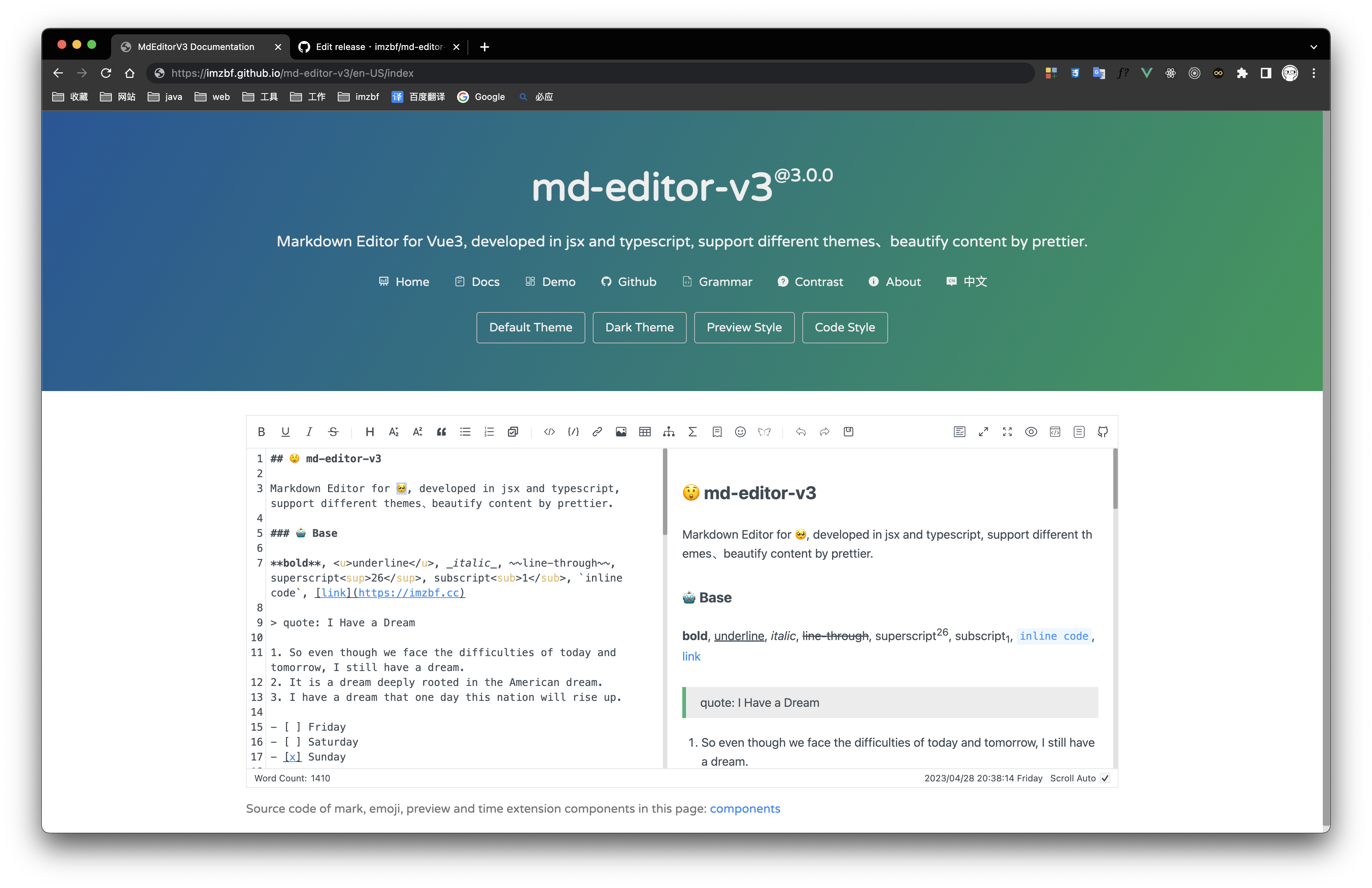 | 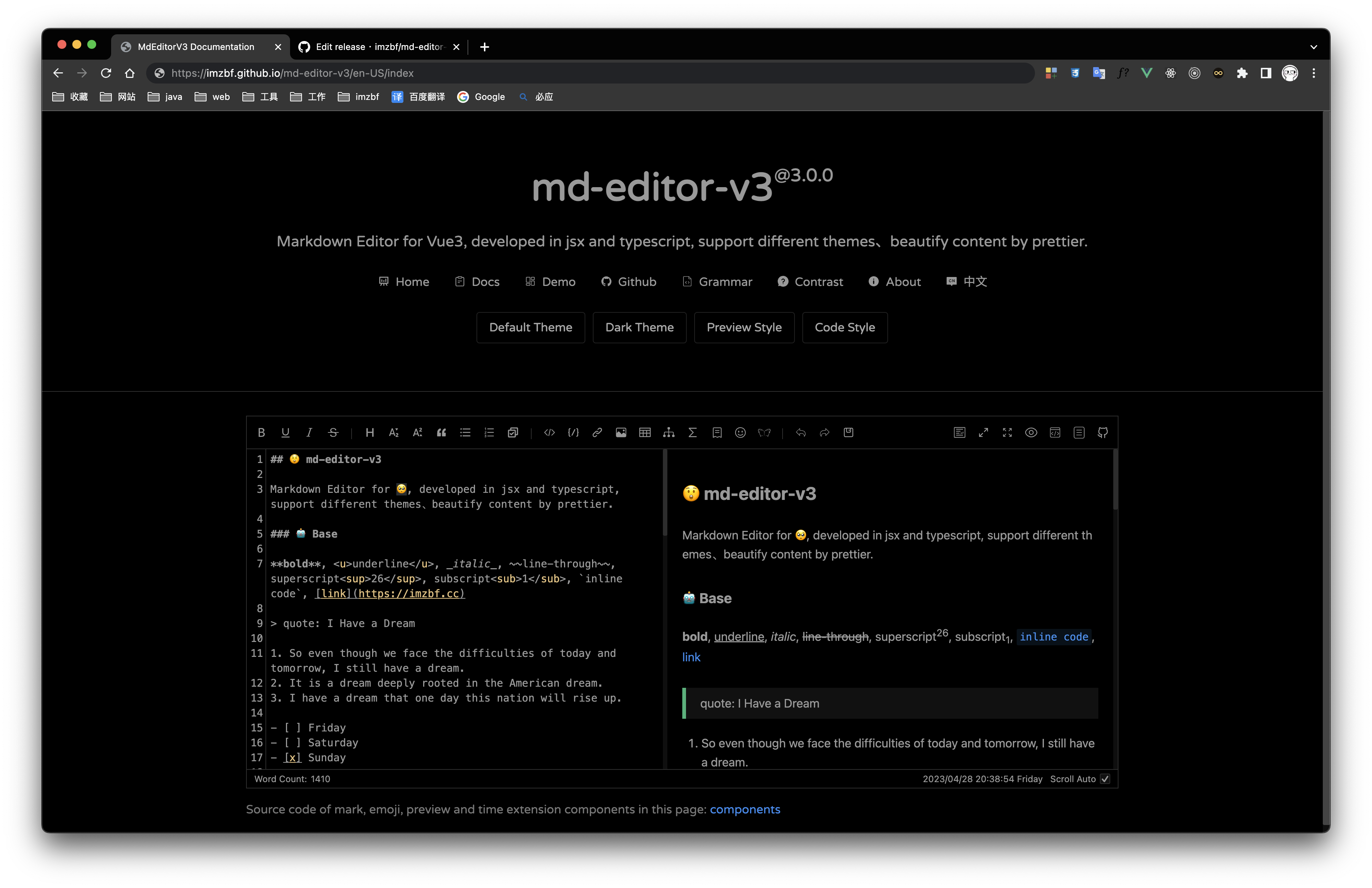 | 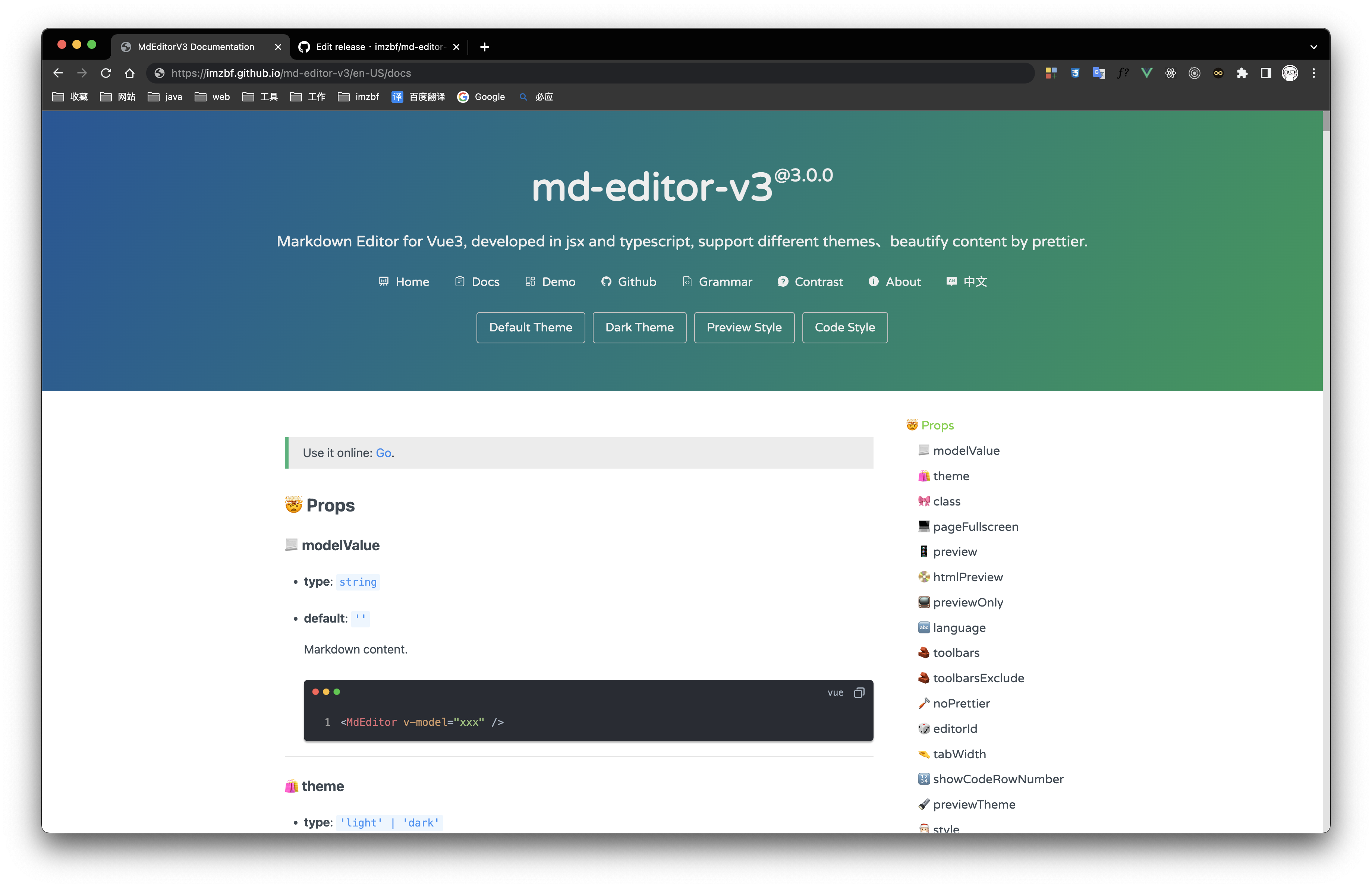 |
Inputing prompt and mark, emoji extensions
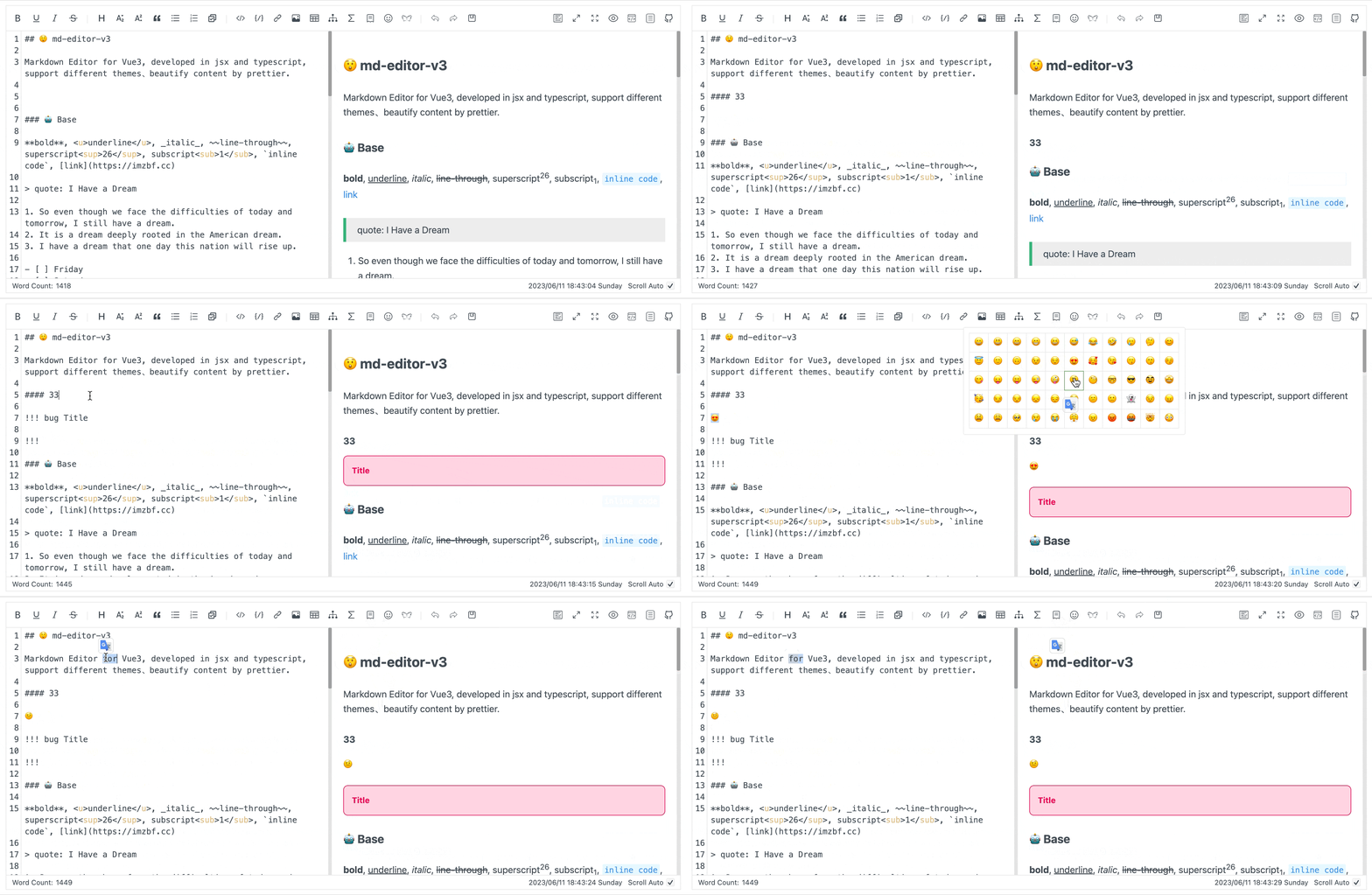
npm i md-editor-v3
Use existing extension of language and theme, such as Japanese
npm i @vavt/cm-extension
Use existing components of toolbar, such as exporting content as PDF
npm i @vavt/v3-extension
For more ways to use or contribute, please refer to: md-editor-extension
When using server-side rendering, make sure to set editorId to a constant value.
Starting from 4.0.0, internal components can be imported on-demand.
<template>
  <MdEditor v-model="text" />
</template>

<script setup>
import { ref } from 'vue';
import { MdEditor } from 'md-editor-v3';
import 'md-editor-v3/lib/style.css';

const text = ref('# Hello Editor');
</script>
<template>
  <MdPreview :id="id" :modelValue="text" />
  <MdCatalog :editorId="id" :scrollElement="scrollElement" />
</template>

<script setup>
import { ref } from 'vue';
import { MdPreview, MdCatalog } from 'md-editor-v3';
import 'md-editor-v3/lib/preview.css';

const id = 'preview-only';
const text = ref('# Hello Editor');
const scrollElement = document.documentElement;
</script>
When using server-side rendering, scrollElement should be of string type, eg: html, body, #id, .class.
For more usage, please visit the document.
The release workflow in .github/workflows/latest.yml reads commit messages to build CHANGELOG.md.
<type>(<scope>)!: <summary>feat: goes to Featuresrefactor: goes to Refactorsfix: goes to Fixed Bugsbump xxx).git cz long description) to explain motivation and impact, especially for dependency upgrades.6.3.2 or v6.3.2-beta.1 (ignored by release parser).docs(changelog): ... is reserved for the bot-generated changelog commit.#123 in subject/body, release automation will notify and close that issue after publishing. Only reference issue numbers that are truly resolved.Examples:
git commit -m "feat(editor): support drag-sort toolbar items"
git commit -m "fix(preview): sync anchor when heading id contains emoji #1234"
git commit -m "fix(deps): bump @vavt/markdown-theme to fix mermaid overflow"
git commit -m "refactor(build): simplify dts rollup pipeline"
FAQs
Markdown editor for vue3, developed in jsx and typescript, dark theme、beautify content by prettier、render articles directly、paste or clip the picture and upload it...
The npm package md-editor-v3 receives a total of 17,712 weekly downloads. As such, md-editor-v3 popularity was classified as popular.
We found that md-editor-v3 demonstrated a healthy version release cadence and project activity because the last version was released less than a year ago. It has 1 open source maintainer collaborating on the project.
Did you know?

Socket for GitHub automatically highlights issues in each pull request and monitors the health of all your open source dependencies. Discover the contents of your packages and block harmful activity before you install or update your dependencies.
Product
Explore exportable charts for vulnerabilities, dependencies, and usage with Reports, Socket’s new extensible reporting framework.

Product
Socket for Jira lets teams turn alerts into Jira tickets with manual creation, automated ticketing rules, and two-way sync.

Company News
Socket won two 2026 Reppy Awards from RepVue, ranking in the top 5% of all sales orgs. AE Alexandra Lister shares what it's like to grow a sales career here.