react-native-button




React Native Button
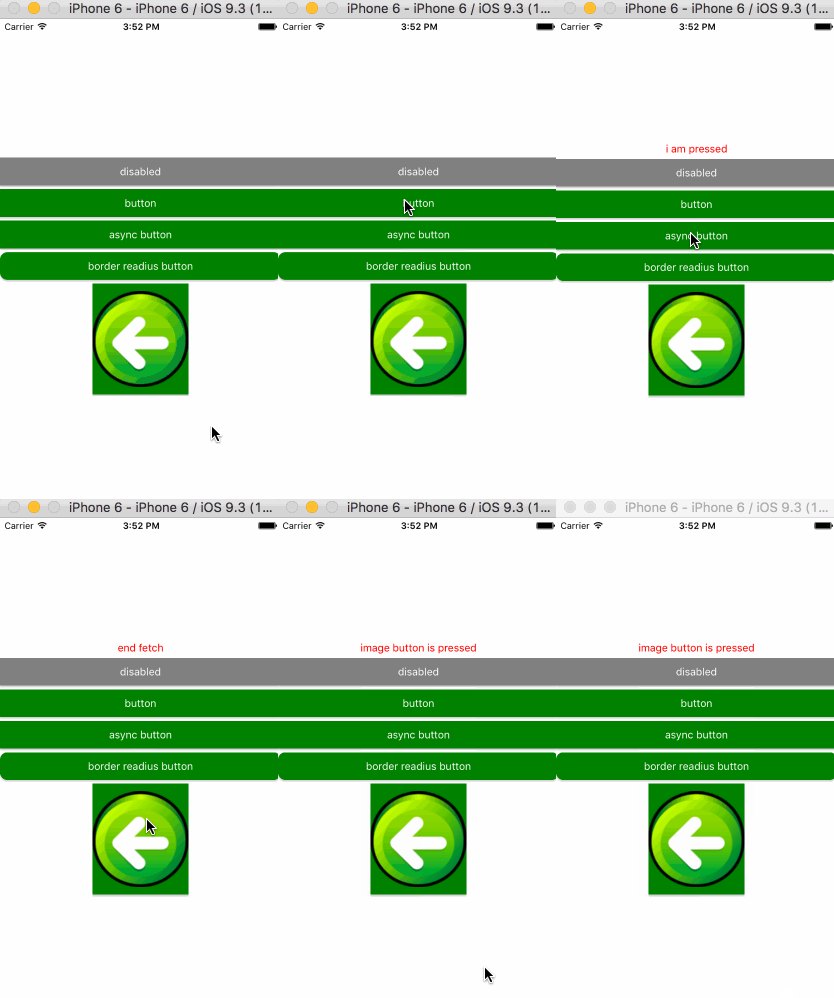
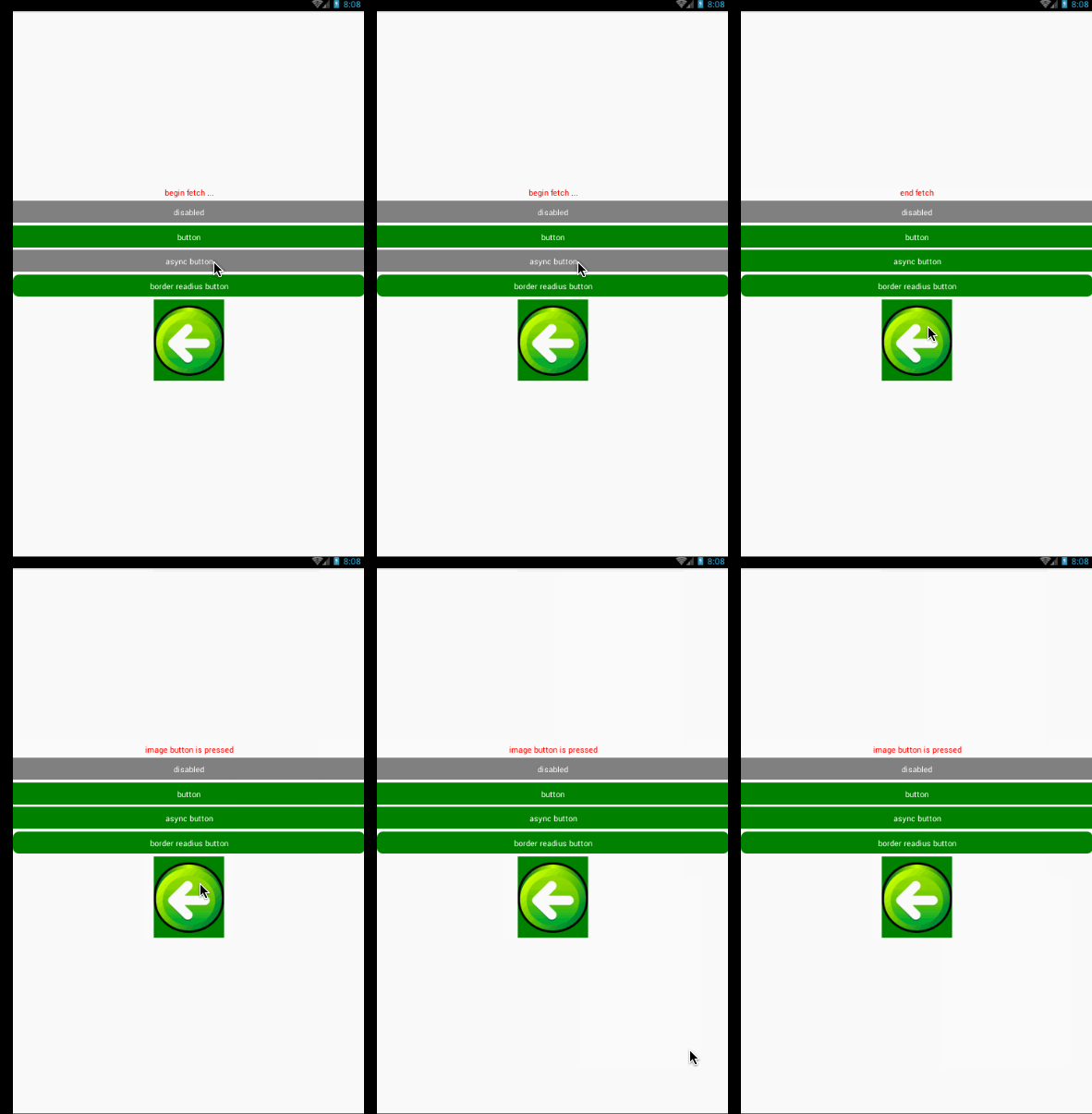
Install
$ npm install mkp-react-native-button --save
Support
ios/android
Quick Start
import Button from "mkp-react-native-button";

<Button
    styles={buttonStyles}
    disabled={true}>disabled</Button>

<Button
    styles={buttonStyles}
    onPress={event=>{
        this.message("i am pressed");
    }}>button</Button>

<Button
    styles={buttonStyles}
    onPress={(event,callback)=>{
        this.message("begin fetch ...");
        setTimeout(()=>{
            this.message("end fetch")
            callback();
        },2000);
    }}>async button</Button>

<Button
    styles={{view:{
        marginTop:5,
        borderRadius:10
    }}}>border readius button</Button>

<Button
    styles={buttonStyles}
    onPress={event=>{
        this.message("image button is pressed")
    }}>
    <Image source={require("./assets/button.png")}/>
</Button>
Props
children:any
You can specify a string or component for children.if that is string will render a .
disabled:Boolean
styles:Object
styles is a object consist of view,text,disabledView,disabledText.following simple code:
styles={
    view: {},
    text: {},
    disabledView: {},
    disabledText: {}
}
onPress:Function
invoke when button is pressed.following simple code:
<Button
onPress={event=>{
}}>button</Button>
when fetch data from remote , button can be disable before response come back later restore .
if you want to get the effect you must provide the second parameter in onPress , and all of request is done you need to invoke callback.
following code:
<Button
onPress={(event,callback)=>{
fetch("").then(res=>{
callback();
});
}}>button</Button>
activeOpacity:Number
Marking the button's opacity when pressIn.





