Getting Started
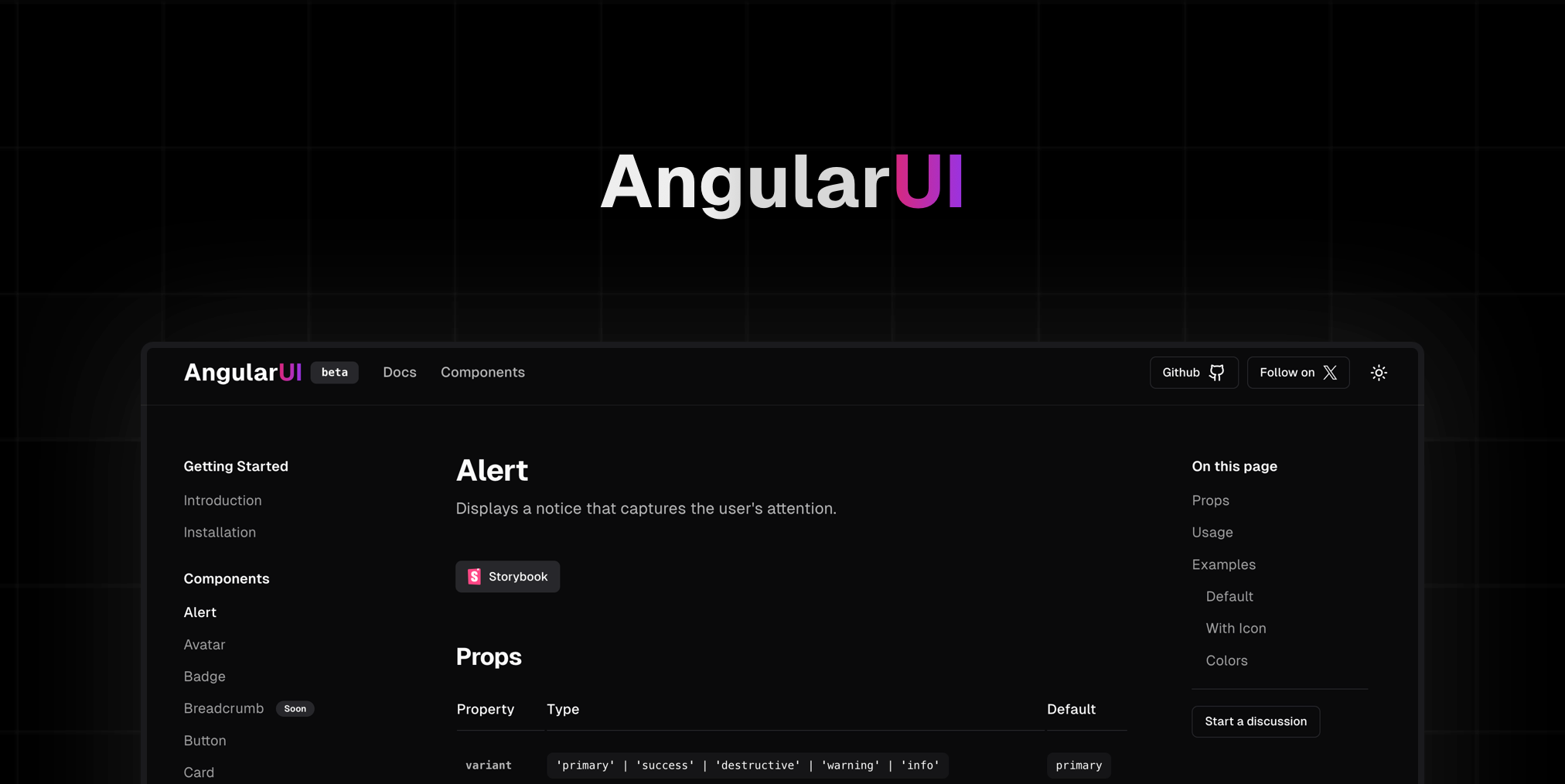
AngularUI is an open-source collection of prebuilt UI components, based on the utility-first Tailwind CSS framework.

Documentation
You can find the AngularUI documentation on our website.
Requirements:
Optional Requirements:
What is AngularUI
AngularUI is a UI component library for Angular that allows you to effortlessly create beautiful and accessible interfaces. Built on Tailwind CSS, it offers seamless integration and great flexibility. Simplify development with customizable, modern components, enhancing the user experience.
Installation Guide
1- Install Library:
npm install ngx-angular-ui@latest
2- Install Tailwind CSS:
npm install -D tailwindcss postcss autoprefixer
npx tailwindcss init
Configure tailwind.config.js to enable darkMode and define the content, including the path to ngx-angular-ui components:
module.exports = {
  darkMode: 'class',
  content: [
    "./src/**/*.{html,ts}",
    "./node_modules/ngx-angular-ui/**/*.{html,ts,js,mjs}"
  ],
  theme: {
    extend: {},
  },
  plugins: [],
}
3- Include tailwind import:
Add the following directives to your main CSS file to include Tailwind CSS base styles, components, and utilities:
@tailwind base;
@tailwind components;
@tailwind utilities;
Installation Optional
For a better visual experience, we recommend using the Geist Sans font. You can install it and add it to your project by following these steps:
npm install @fontsource/geist-sans
Add the font imports to your main styles file (e.g., styles.css or styles.scss):
@import '@fontsource/geist-sans/300.css';
@import '@fontsource/geist-sans/400.css';
@import '@fontsource/geist-sans/500.css';
@import '@fontsource/geist-sans/600.css';
@import '@fontsource/geist-sans/700.css';
@import '@fontsource/geist-sans/800.css';
@import '@fontsource/geist-sans/900.css';
Add the following CSS to ensure the font is applied throughout your application:
body {
  font-family: 'Geist Sans', sans-serif;
  -webkit-font-smoothing: antialiased;
}
Licence
This project is licensed under the MIT License.