node-pdfsigner
A Javascript library that electronically signs and dates a PDF document for Node.
Requirements
Node-pdfsigner relies on devongovett's npm package pdfkit and PDF Labs' PDFtk Server CLI tool PDFtk Server.
Installation
Installation uses the npm package manager. Just type the following command after installing npm.
npm install pdfkit
You'll need to follow the instructions from PDF labs here to install pdftk.
To install on Ubuntu Linux:
sudo apt-get install pdftk
Usage
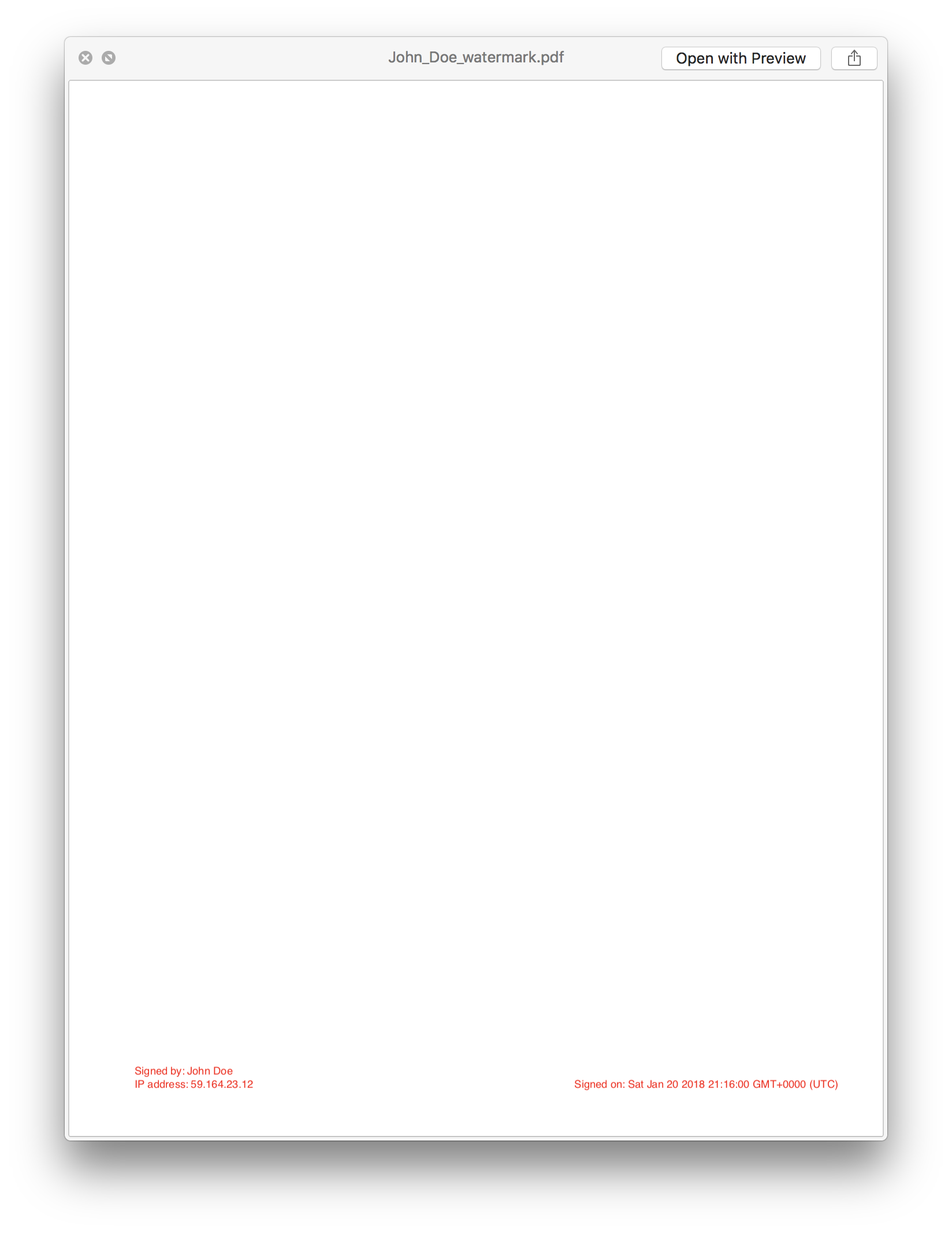
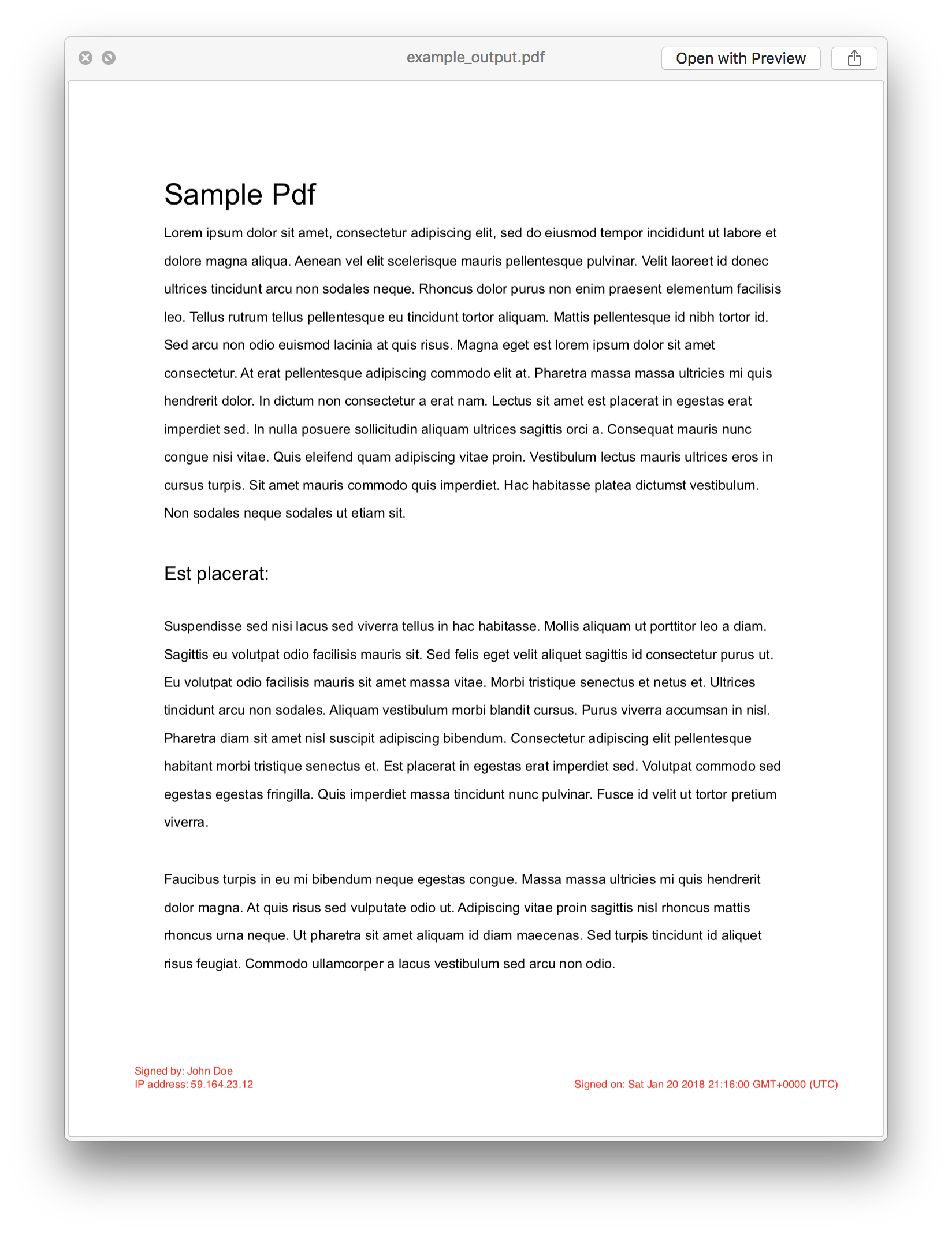
The original PDF is signed in a two-step process. A temporary pdf is created using pdfkit that contains the signature, then the signature PDF is overlayed and combined with the input file. The current version will apply the signature to each page of the PDF.
Default options:
	let defaults = {
		name: "Unknown",
		ip: 'Unknown',
		date: true,
		resultFilename: 'output.pdf',
		fontSize: 8,
		color: "black",
		removeSignaturePdf: true
	};
Example:
const pdfSigner = require('pdfSigner')

const options = {
    name: 'John Doe',
    ip: '59.164.59.14',
    date: true,
    resultFilename: 'example_output.pdf',
    color: "red"
}

pdfSigner('sample.pdf', options, function(err, output){
    if (err) console.log('callback: ', err)

    console.log(`Created signed PDF file: ${output}`)
});
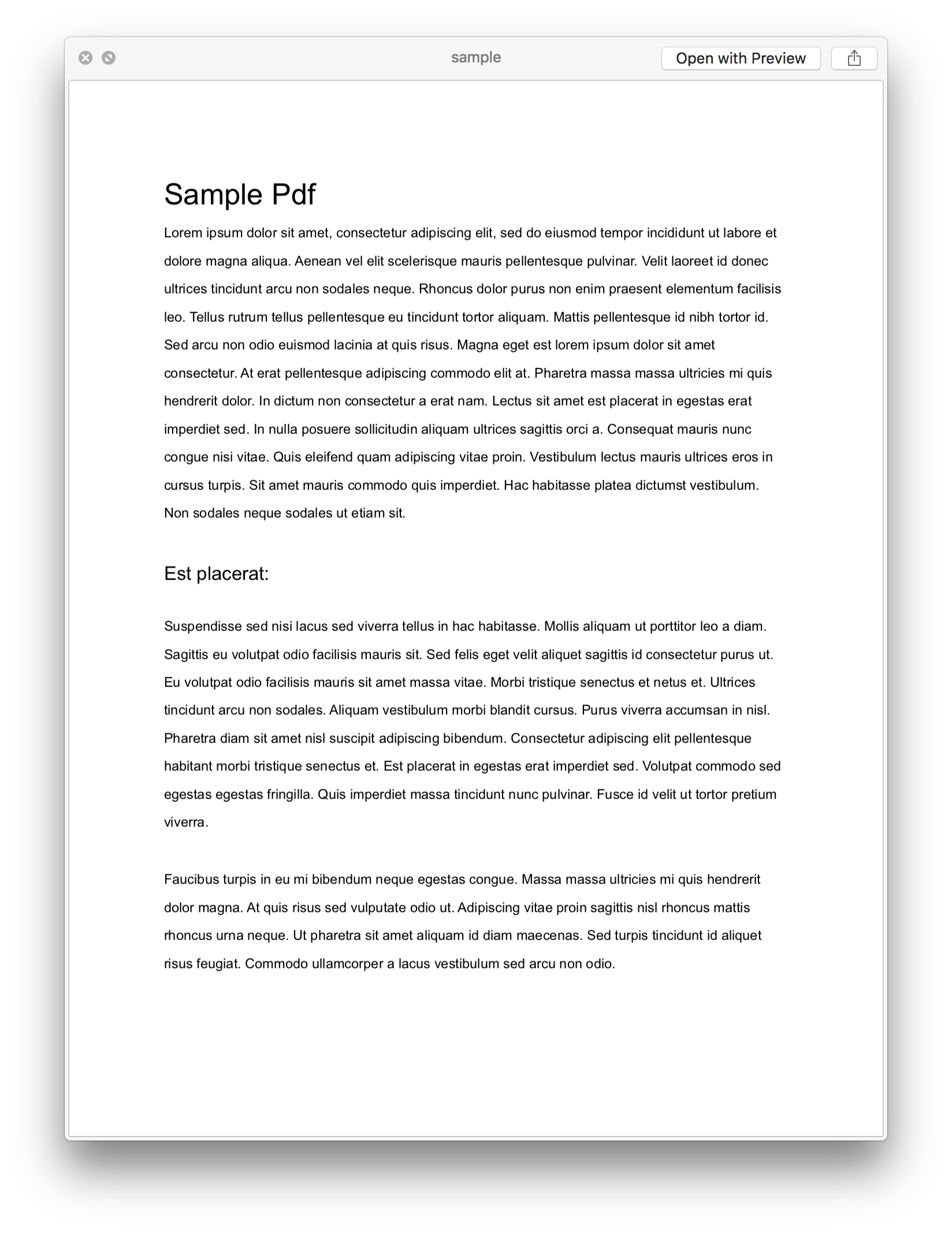
Original input file:
Generated PDF signature:
Result:
Notes
Tested on Ubuntu 16.04
License
PDFKit is available under the MIT license.





