noide
noide is a web-based code editor built using Node.js.
It's a useful, lightweight editor that runs in the browser.
Instructions
npm install noide -g
Then cd to the directory you want to edit and execute
noide
Now point your browser to http://localhost:3000/
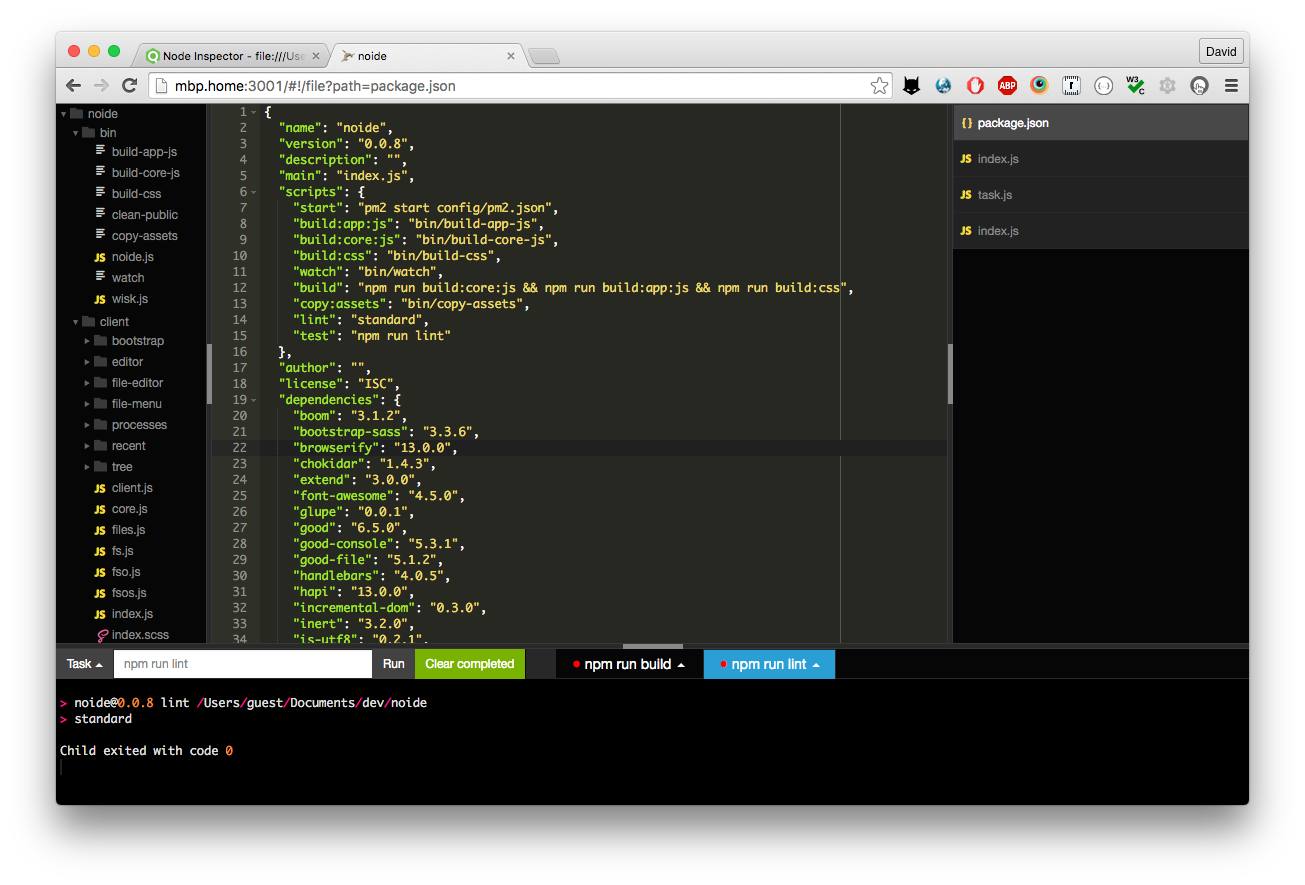
You should see a page something like this:
*** WARNING ***
If you'd like to try out this IDE that's great BUT USE CAUTION.
Ensure any code is backed up regularly.
I would not like it to be responsible for any work lost.
Also, there is no authentication or security built in. That is left to you. Do not run on a publicly accessible server/port.
Features
noide’s current features:
- File explorer tree view
- File operations (create/delete/rename files and directories etc.)
- Syntax highlighted code editing for many programming languages
- Run simple shell commands and
npm run-scripts
- Find/Find+Replace
- standardjs validation warnings and code formatting
- Emmet
- Code snippets
- Themeable
Built using:
License
noide is released under a MIT License:
Copyright (C) 2014-2016 by David Stone





