Google Maps Places AutoComplete
This is a reusable React component for quickly and easily adding an Address section to your forms.
It uses Google Maps Places Autocomplete service to predict and autocomplete your input fields.
This component offers a fast setup and inherits the styling of your app.
Live Demo
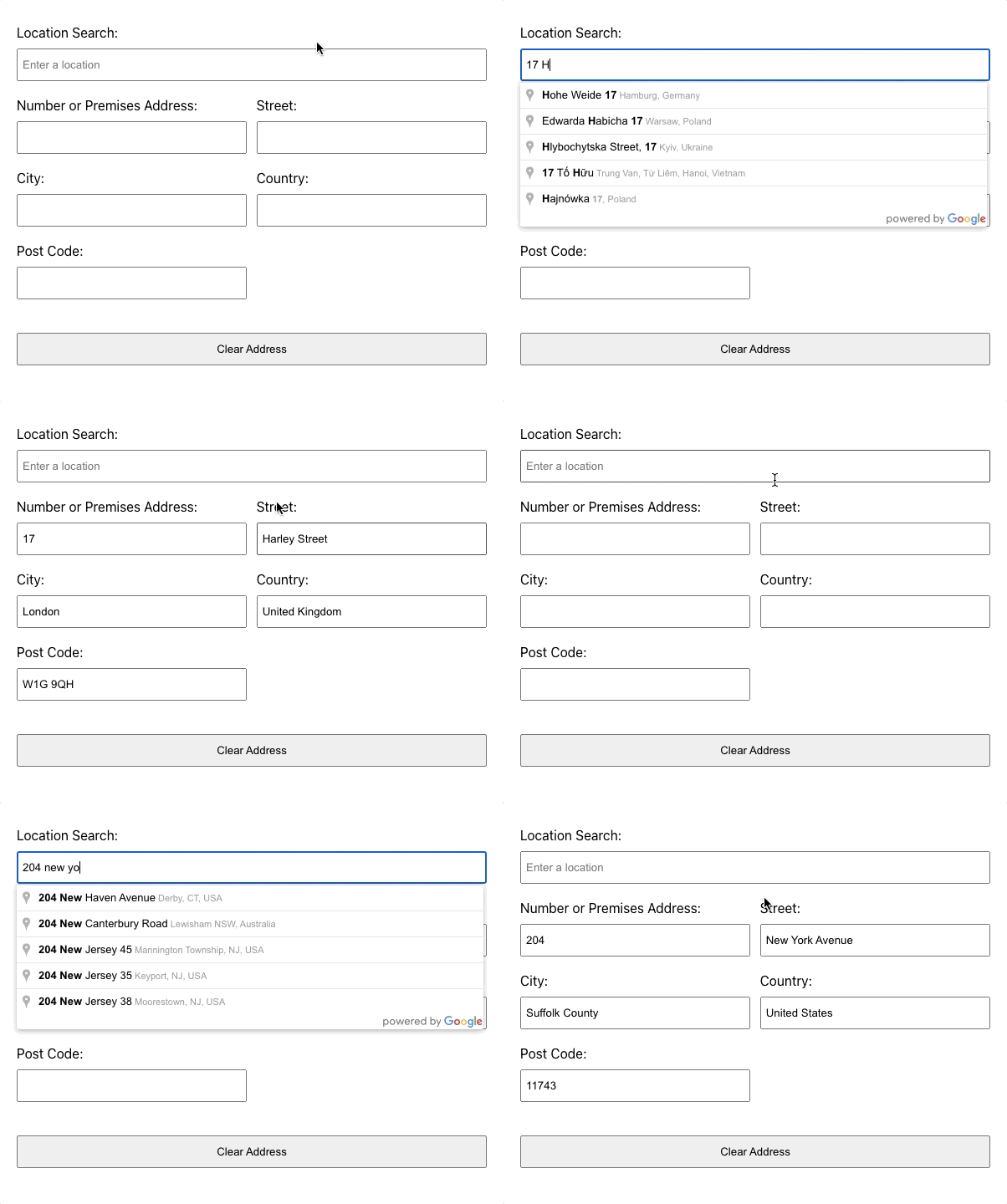
Test the demo here
Setup
- In your CLI and once navigated to your React JS project, install with the following command:
npm i places-autocomplete-react
- Implement in your app, as per the following example:
import AutoComplete from 'places-autocomplete-react'

function App() {
  return (
      <AutoComplete
        placesKey="YOUR_GOOGLE_MAPS_API_KEY"
        inputId="address"
        setAddress={(addressObject) => console.log(addressObject)}
        required={true}
        />
  );
}

export default App;
The props are of the following types:
placesKey: string - this is your api key. The component will handle the rest.
inputId: string - using distinct id's will allow you to use multiple instances of this component in your form.
setAddress: function - the formatted address and input field state is made available to the parent component via this function. It's up to you what you do with it.
required: boolean - (optional) sets the fields as required
Dependencies
None, just use it in your react project.
Support Me
If you find the component useful or like my work, why not buy me a coffee by clicking here
That's it!





