
Visual Playwright IDE with live browser preview and real-time test execution
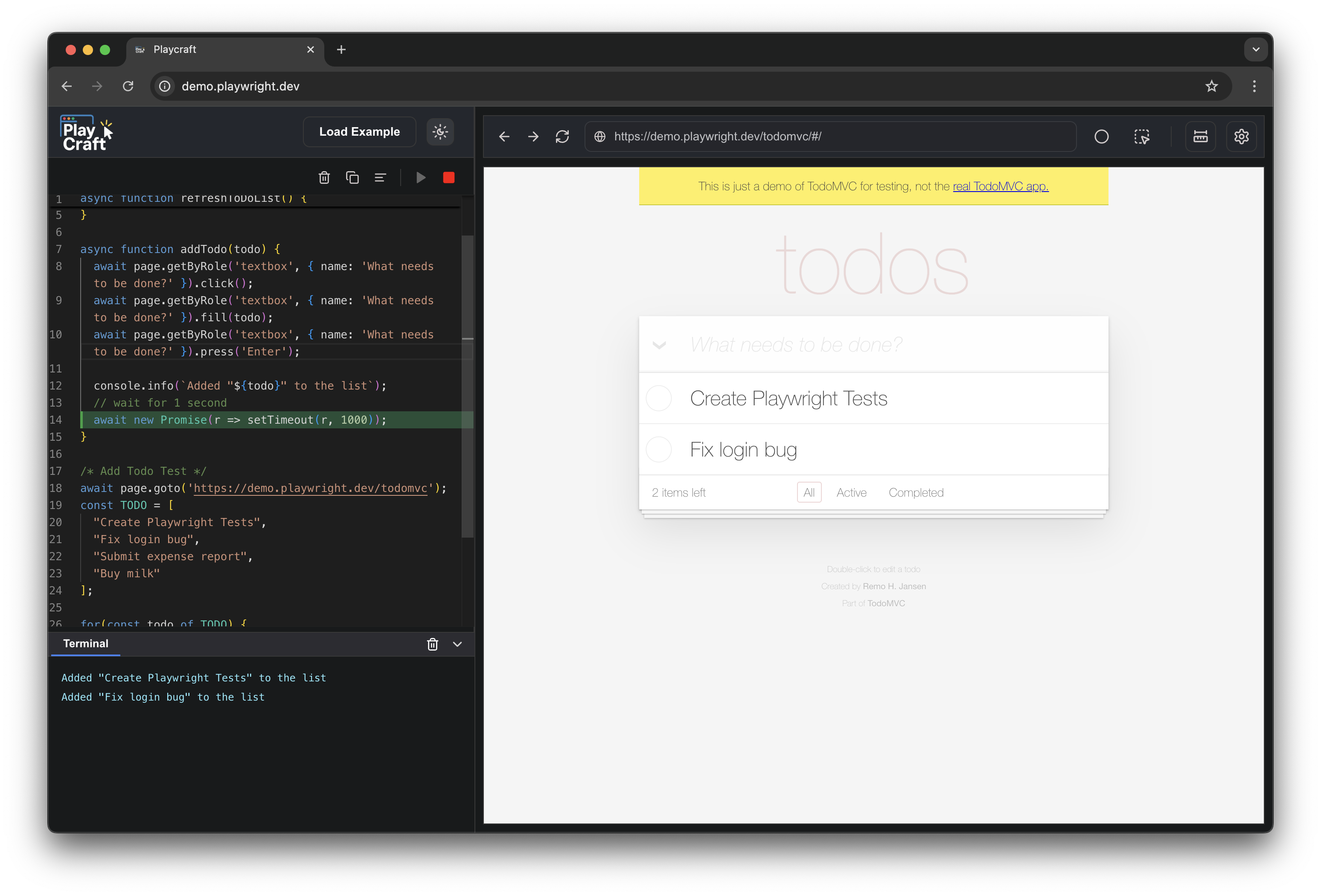
🚀 Installation
Get started with Playcraft in seconds:
npm install -g playcraft
🎯 Quick Start
Once installed, launch Playcraft from any directory:
playcraft
🎛️ CLI Options
Playcraft supports various command-line options for customization:
playcraft --browser firefox
playcraft -b webkit
playcraft --url https://example.com
playcraft -u https://playwright.dev
playcraft --port 8080
playcraft -p 9000
playcraft --browser firefox --url https://example.com --port 8080
playcraft -b webkit -u https://playwright.dev -p 9000
playcraft --help
playcraft -h
playcraft --version
playcraft -v
Available browsers: chromium (default), firefox, webkit, msedge
✨ Features
- 🖥️ Visual code editor & live browser preview
- ⚡ Real-time Playwright test execution
- 🐞 Instant error feedback & debugging
- 🔄 One-click test reruns
- 🎬 Example scripts to get started fast
- 🧩 Works with any web app URL
- 🔍 Built-in element inspector & test recorder (just like Playwright codegen)
- 🌐 Multi-browser support (Chromium, Firefox, WebKit, Edge)
⭐️ If Playcraft saves you time or makes you smile, drop us a star!
(We promise your tests will run 0.01% faster for every star you give 😉)





