Node.js Logger



A simple logger for Node.js applications. This logger provides various logging levels and can be easily integrated into your Node.js projects.
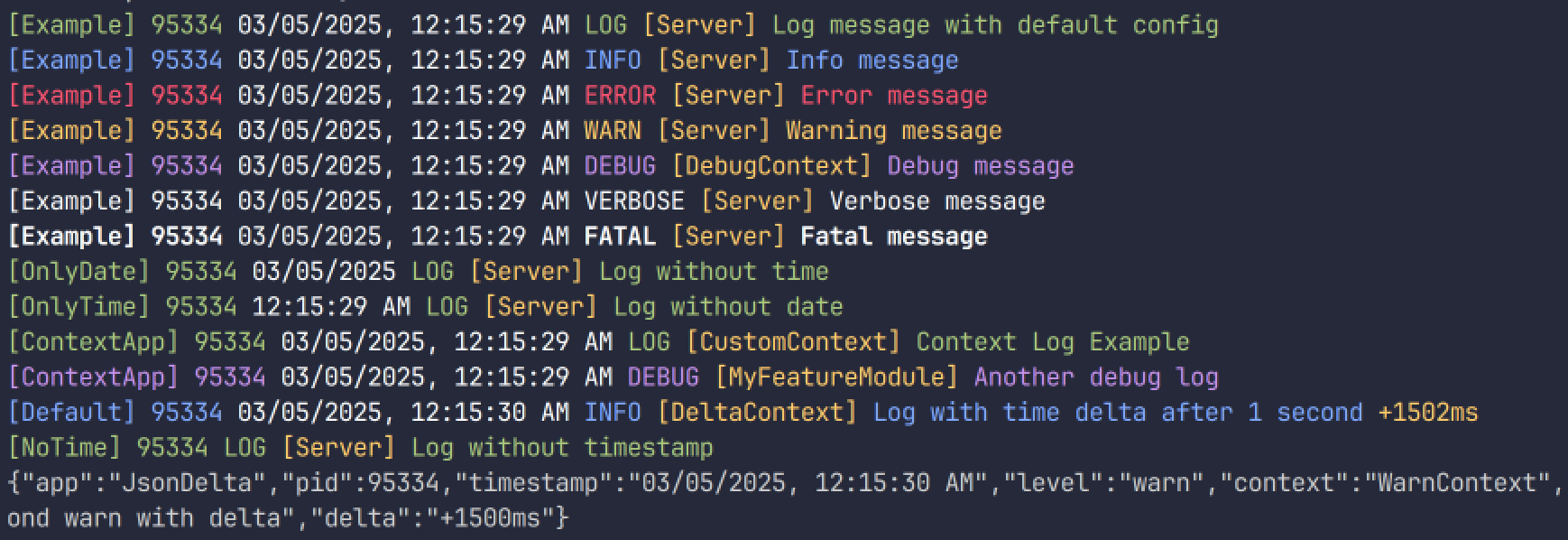
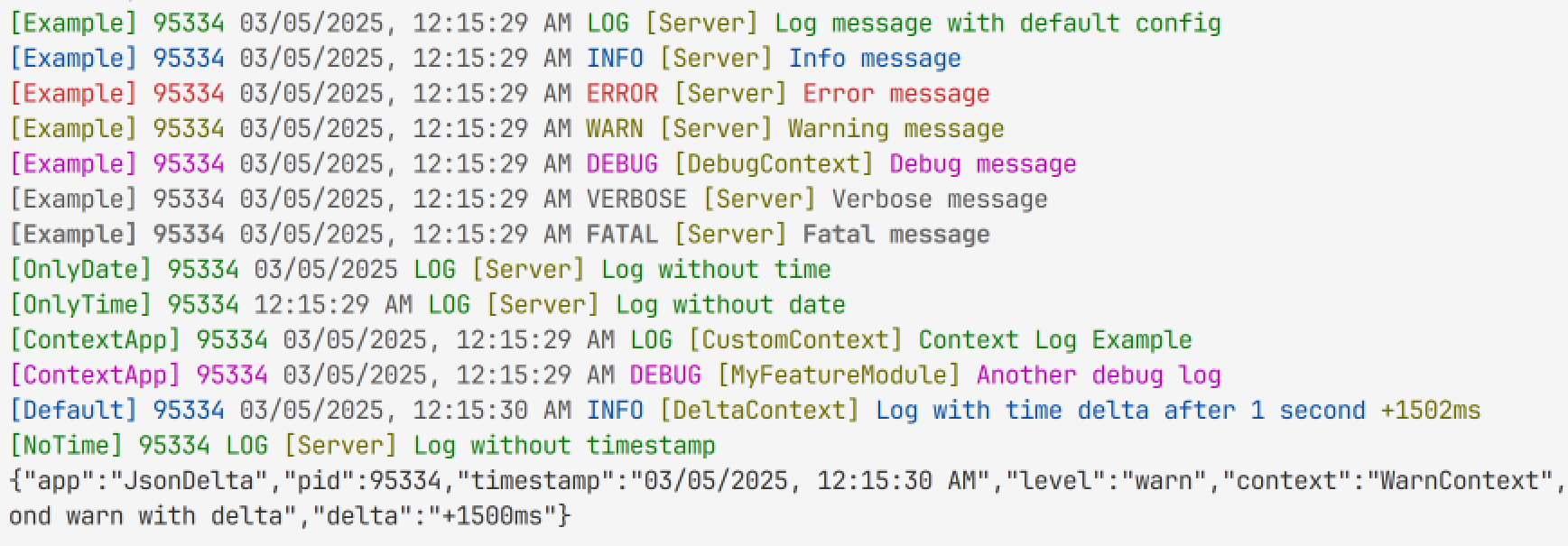
Features
- Multiple logging levels (
log, error, warn, debug, verbose, info, and fatal)
- Customizable logging format (timestamp, level, message, time taken)
- Easy to use and integrate
- Lightweight and fast
- Supports TypeScript
Installation
You can install the logger using npm or yarn:
npm install pn-logger
or
yarn add pn-logger
Usage
You can use the logger by importing it into your Node.js application. Here's a simple example:
const { logger } = require('pn-logger');

logger.log('🪵 This is a simple log message.');
You can also use it with TypeScript:
import { logger } from 'pn-logger';

logger.warn('⚠️ Oh no! Something went wrong.');
Basic Configuration
You can configure the logger by passing options to the logger function. The available options are:
format: The logging format (default: 'text')
- The available formats are:
'text' and 'json'.
- The
'text' format will log messages in a human-readable format.
- The
'json' format will log messages in a JSON format.
timestamp: Whether to include a timestamp in the log message (default: true)timeDelta: Whether to include the time taken for the log message in ms (default: false)time: The time when the log message was created (default: true)date: The date when the log message was created (default: true)
The logger will automatically format the log messages based on the provided options. The configuration is optional, and if not provided, the logger will use the default options.
Example:
import { logger } from 'pn-logger';

const loggerConfig = {
  format: 'text',
  timestamp: true,
  timeDelta: false,
  time: true,
  date: true,
};

logger.log('🪵 This is a simple log message.');
Advanced Configuration
The logger can also be configured programmatically using the LoggerService class:
import { LoggerService } from 'pn-logger';

const logger = new LoggerService('MyApp', true);
logger.info('Custom logger message with delta.');
You can also enable logging of the time delta by passing the showDelta parameter:
logger.log('🪵 Log message with delta.', 'CustomContext', true);
Configuration Options
appName: Custom application name (default: Logger).showDelta: Whether to show the time difference between log messages (default: false).
JSON Output Example
When format: 'json' is enabled, the log output will be in the following format:
{
  "appName": "MyApp",
  "pid": 12345,
  "timestamp": "2025-05-02 14:30:00",
  "level": "info",
  "context": "CustomContext",
  "message": "This is a JSON log message",
  "delta": "+10ms"
}
License
MIT License. See the LICENSE file for more details.





