PowerModeInput


PowerModeInput can make your text input box more compelling
This project can make your input box lively. One day I saw a vscode plugin called Power Mode, so I wanted to write a similar javascript library. This project uses proton.js and it is also great.
Online demo
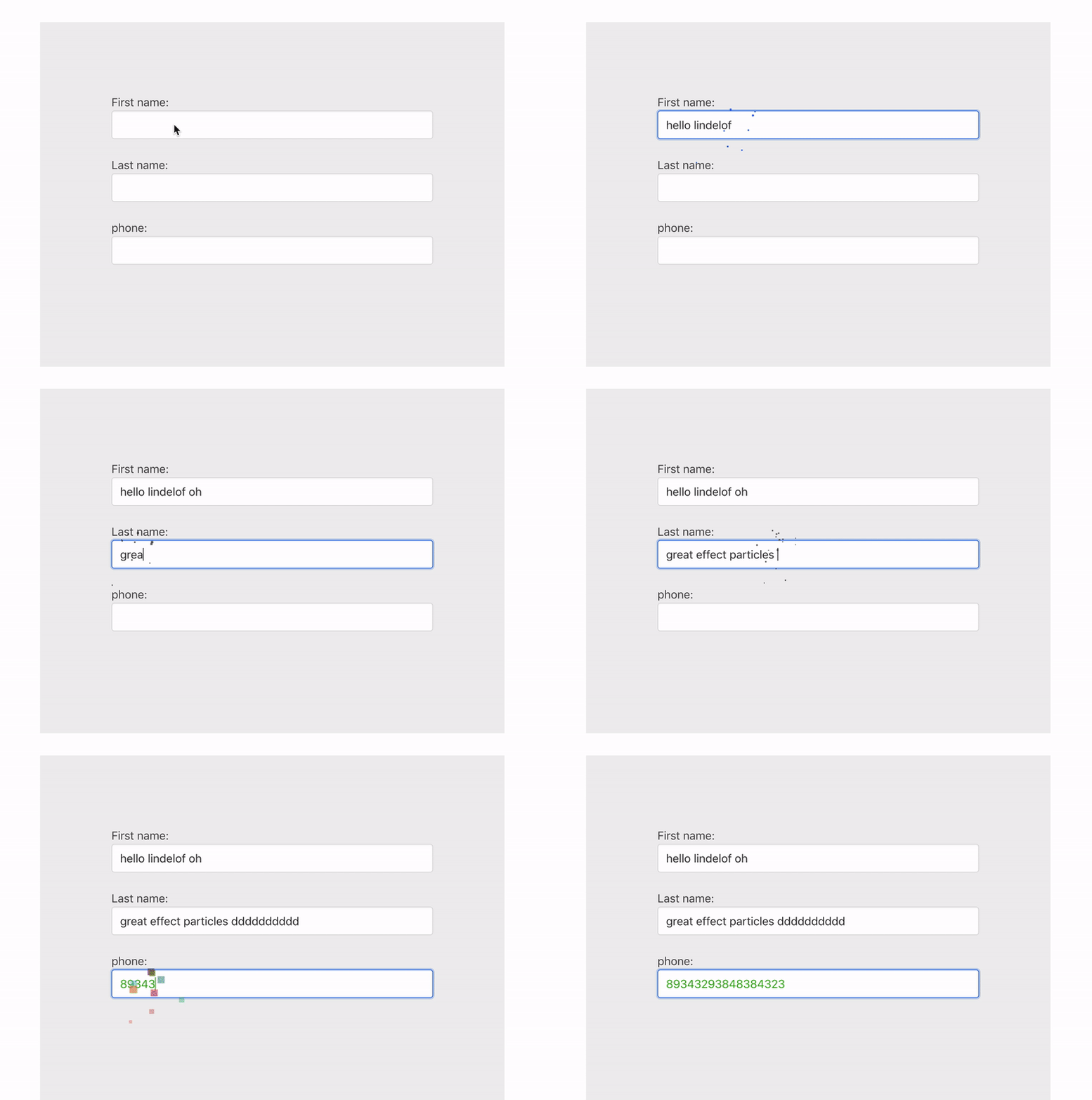
Install
npm install --save power-mode-input
Usage
import PowerModeInput from "power-mode-input";
const input = document.getElementById("obinput");
PowerModeInput.make(input);
PowerModeInput.close(input);
PowerModeInput.destroy();
PowerModeInput.make(".phone", {
height: 5,
tha: [0, 360],
g: 0.5,
num: 5,
radius: 6,
circle: true,
alpha: [0.75, 0.1],
color: "random"
});
If you are in react, you can use it like this
componentDidMount(){
  PowerModeInput.make(this.inputRef.current);
}
You can use it like this in vue.js
mounted() {
  PowerModeInput.make(this.$refs.inputRef);
}
Of course this can be done in angular
const inputElement = this.elementRef.nativeElement.querySelector('input');
PowerModeInput.make(inputElement);
Parameter Description
PowerModeInput.make(input, {
height: 5,
tha: [0, 360],
g: 0.5,
num: 5,
...
});
g | Whether to add gravity | number | 1 |
num | The number of particles emitted each time | number | 3 |
radius | The radius of every particle | number | 10 |
alpha | The alpha of every particle | number | .1 |
tha | The Particle emitter angle | array | [0, 360] |
v | The Particle emitter Particle velocity | number | 0.5 |
life | The life of every particle | number | 1.2 |
color | Particle color | array or string | #ffcccc |
random | Random force | number | 1.2 |
y | Particle emitter height | number | 2 |
height | Particle emitter height Ibid | number | 2 |
Explanation
For some special types of input boxes, the cursor may not be positioned correctly. I am also looking for a solution to this problem. If you know, please let me know. See here for specific reasons
Contribution
I very much hope that you can work with me to modify the code. I also have a lot of fun ideas. Maybe you can join me to implement it.
License
https://opensource.org/licenses/MIT





