Getting Started with PayPal Server SDK
Introduction
⚠️ Beta Release Notice
This version is considered a beta release. While we have done our best to ensure stability and functionality, there may still be bugs, incomplete features, or breaking changes in future updates.
Important Notes
- Available Features: This SDK currently contains only 3 of PayPal's API endpoints. Additional endpoints and functionality will be added in the future.
- API Changes: Expect potential changes in APIs and features as we finalize the product.
Information
The PayPal Server SDK provides integration access to the PayPal REST APIs. The API endpoints are divided into distinct controllers:
Find out more here: https://developer.paypal.com/docs/api/orders/v2/
Building
Requirements
The SDK relies on Node.js and npm (to resolve dependencies). It also requires Typescript version >=4.1. You can download and install Node.js and npm from the official Node.js website.
NOTE: npm is installed by default when Node.js is installed.
Verify Successful Installation
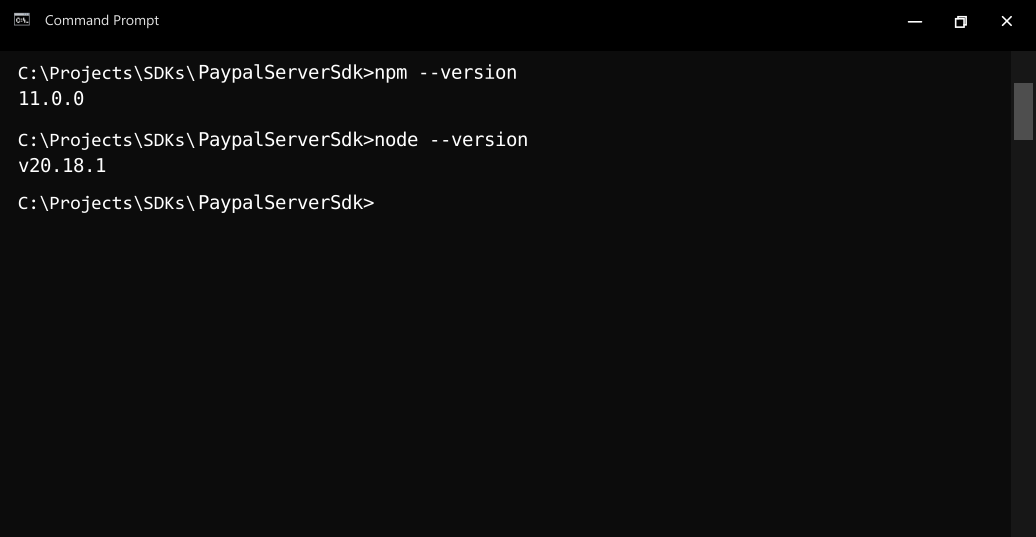
Run the following commands in the command prompt or shell of your choice to check if Node.js and npm are successfully installed:
-
Node.js: node --version
-
npm: npm --version
Install Dependencies
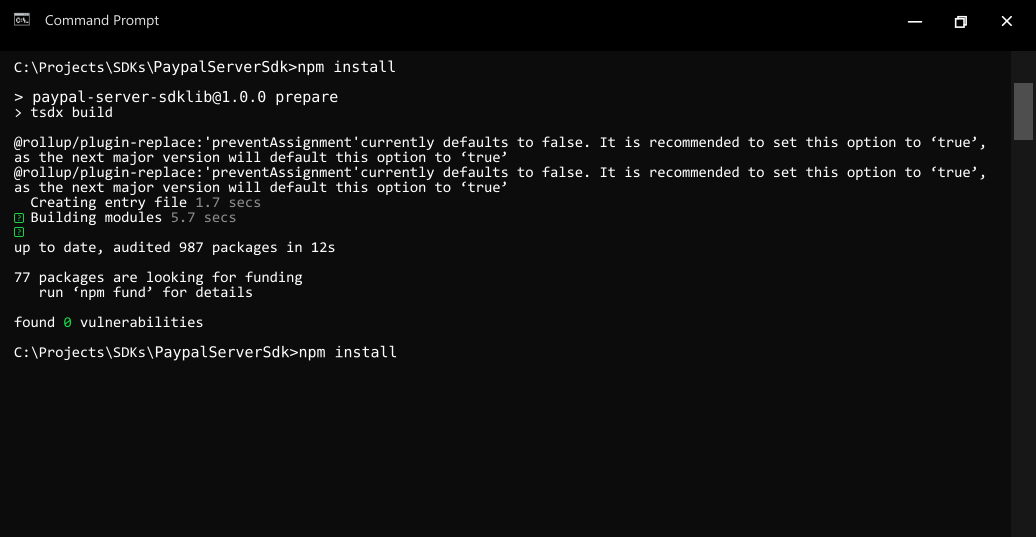
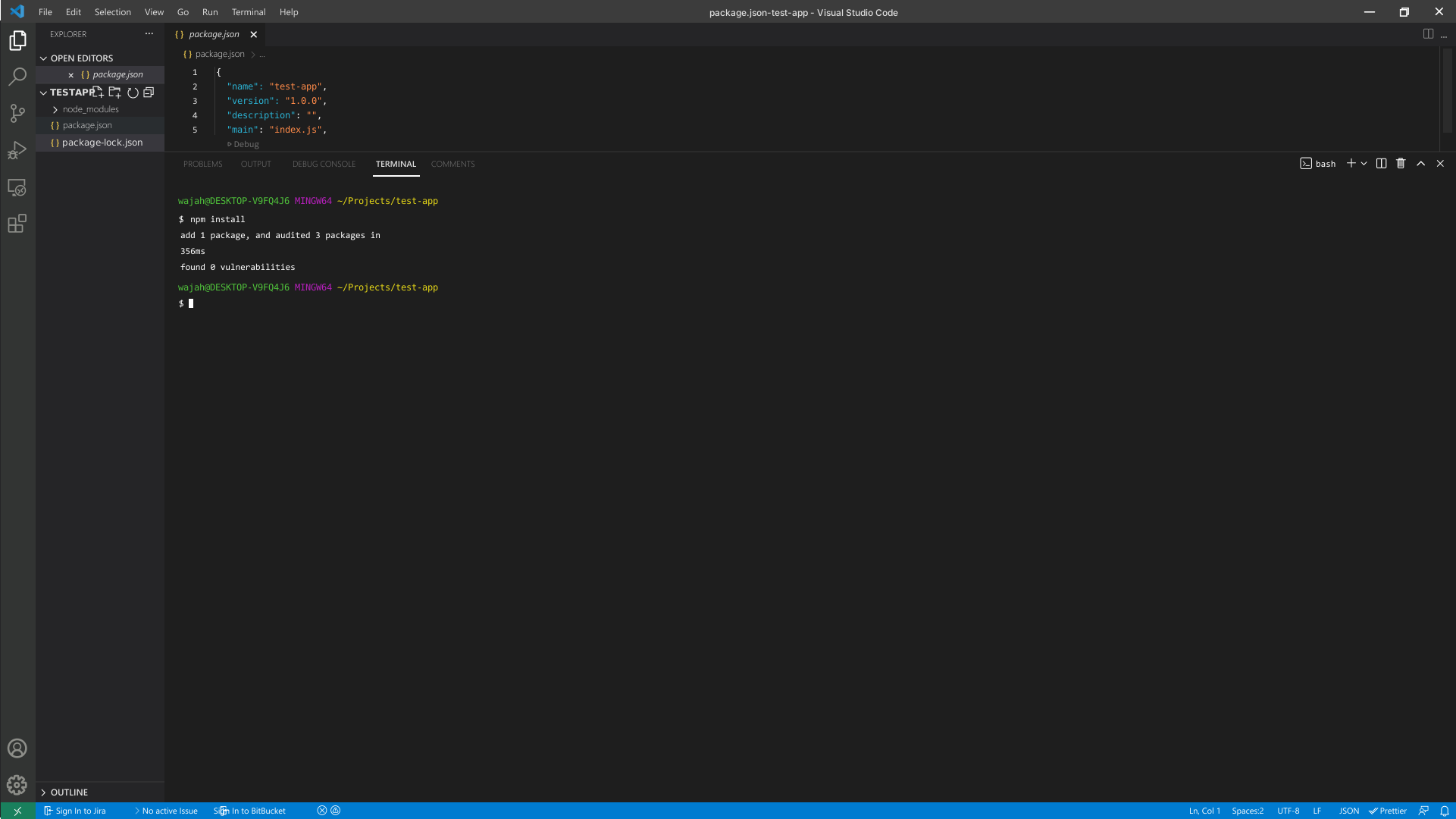
- To resolve all dependencies, go to the SDK root directory and run the following command with npm:
npm install
- This will install all dependencies in the node_modules folder.
Installation
The following section explains how to use the generated library in a new project.
1. Initialize the Node Project
-
Open an IDE/text editor for JavaScript like Visual Studio Code. The basic workflow presented here is also applicable if you prefer using a different editor or IDE.
-
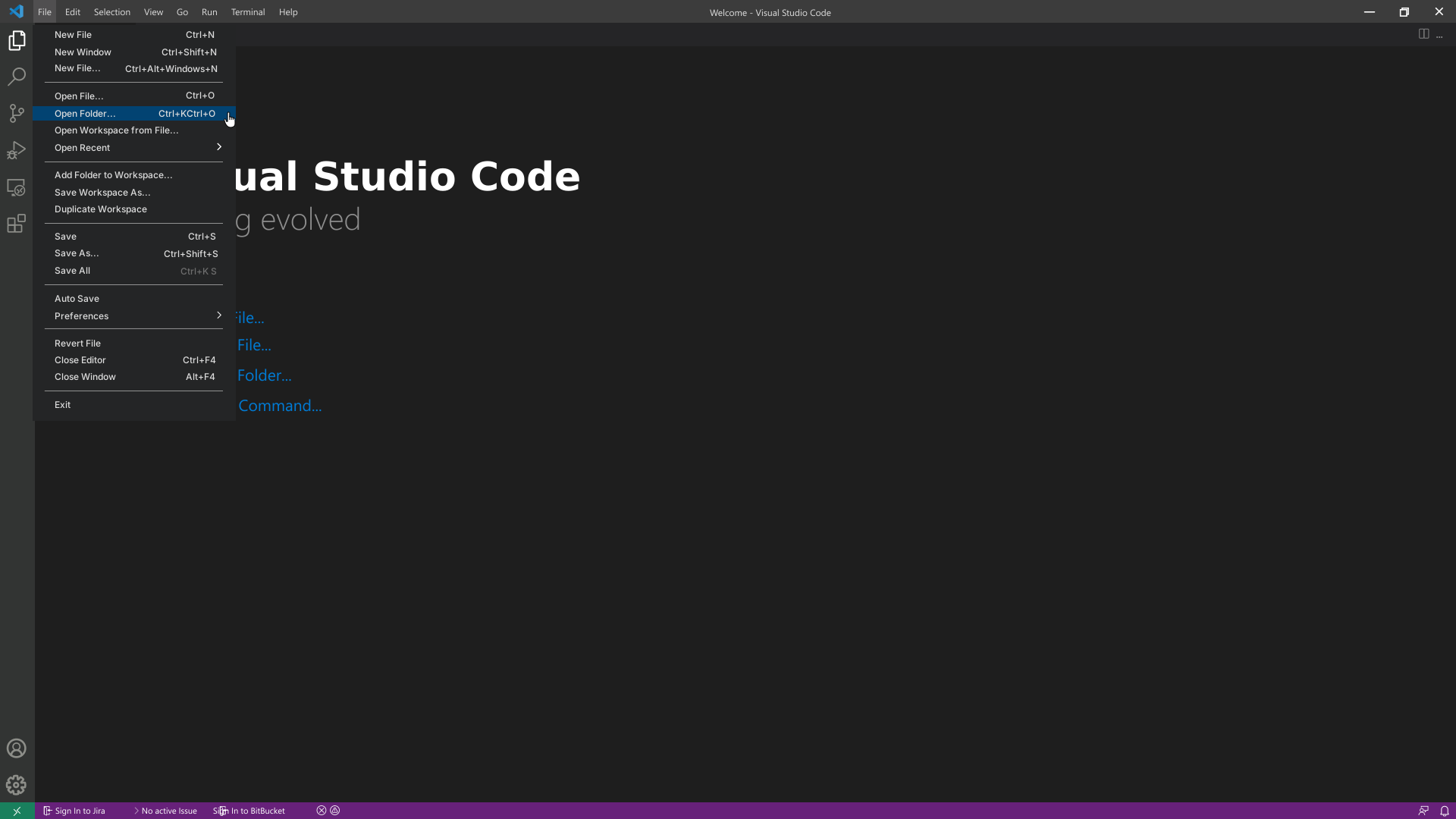
Click on File and select Open Folder. Select an empty folder of your project, the folder will become visible in the sidebar on the left.
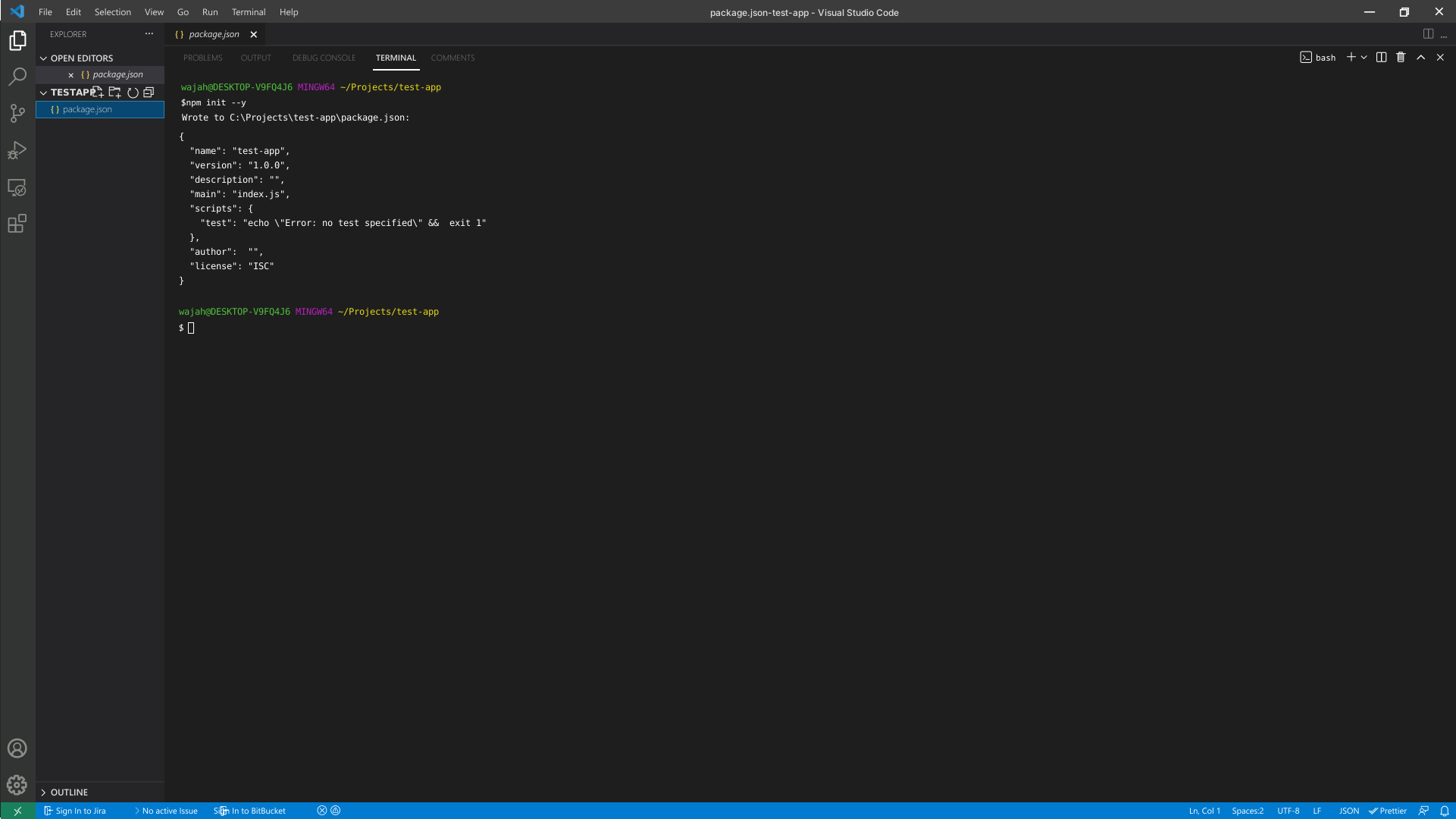
- To initialize the Node project, click on Terminal and select New Terminal. Execute the following command in the terminal:
npm init --y
2. Add Dependencies to the Client Library
- The created project manages its dependencies using its
package.json file. In order to add a dependency on the PayPal Server SDKLib client library, double click on the package.json file in the bar on the left and add the dependency to the package in it.
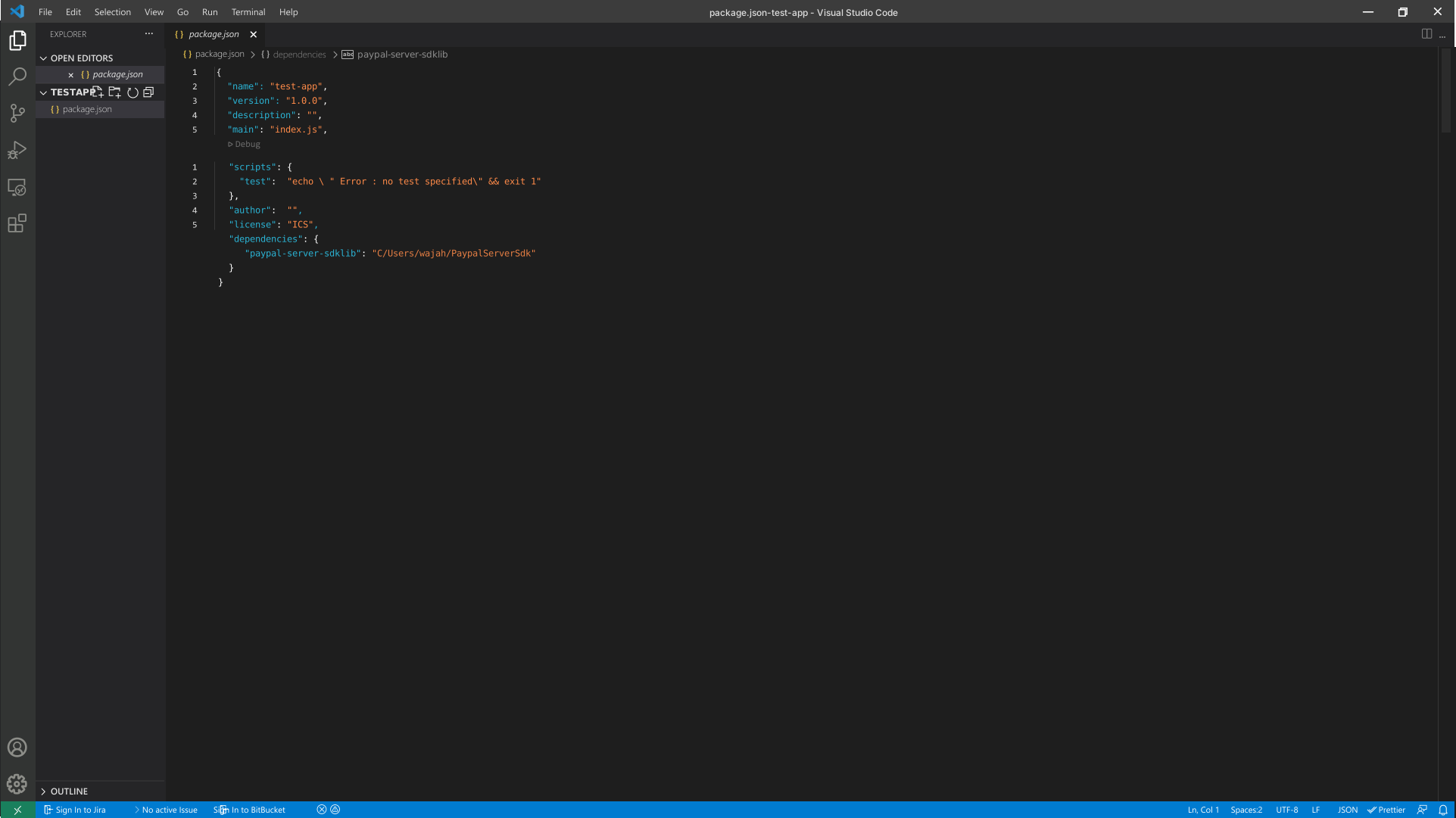
- To install the package in the project, run the following command in the terminal:
npm install
Initialize the API Client
Note: Documentation for the client can be found here.
The following parameters are configurable for the API Client:
| environment | Environment | The API environment.
Default: Environment.Sandbox |
| timeout | number | Timeout for API calls.
Default: 0 |
| httpClientOptions | Partial<HttpClientOptions> | Stable configurable http client options. |
| unstableHttpClientOptions | any | Unstable configurable http client options. |
| logging | PartialLoggingOptions | Logging Configuration to enable logging |
| clientCredentialsAuthCredentials | ClientCredentialsAuthCredentials | The credential object for clientCredentialsAuth |
The API client can be initialized as follows:
const client = new Client({
  clientCredentialsAuthCredentials: {
    oAuthClientId: 'OAuthClientId',
    oAuthClientSecret: 'OAuthClientSecret'
  },
  timeout: 0,
  environment: Environment.Sandbox,
  logging: {
    logLevel: LogLevel.Info,
    logRequest: {
      logBody: true
    },
    logResponse: {
      logHeaders: true
    }
  },
});
Environments
The SDK can be configured to use a different environment for making API calls. Available environments are:
Fields
| Production | PayPal Live Environment |
| Sandbox | Default PayPal Sandbox Environment |
Authorization
This API uses the following authentication schemes.
List of APIs
SDK Infrastructure
Configuration
HTTP
Utilities





