react-brackets
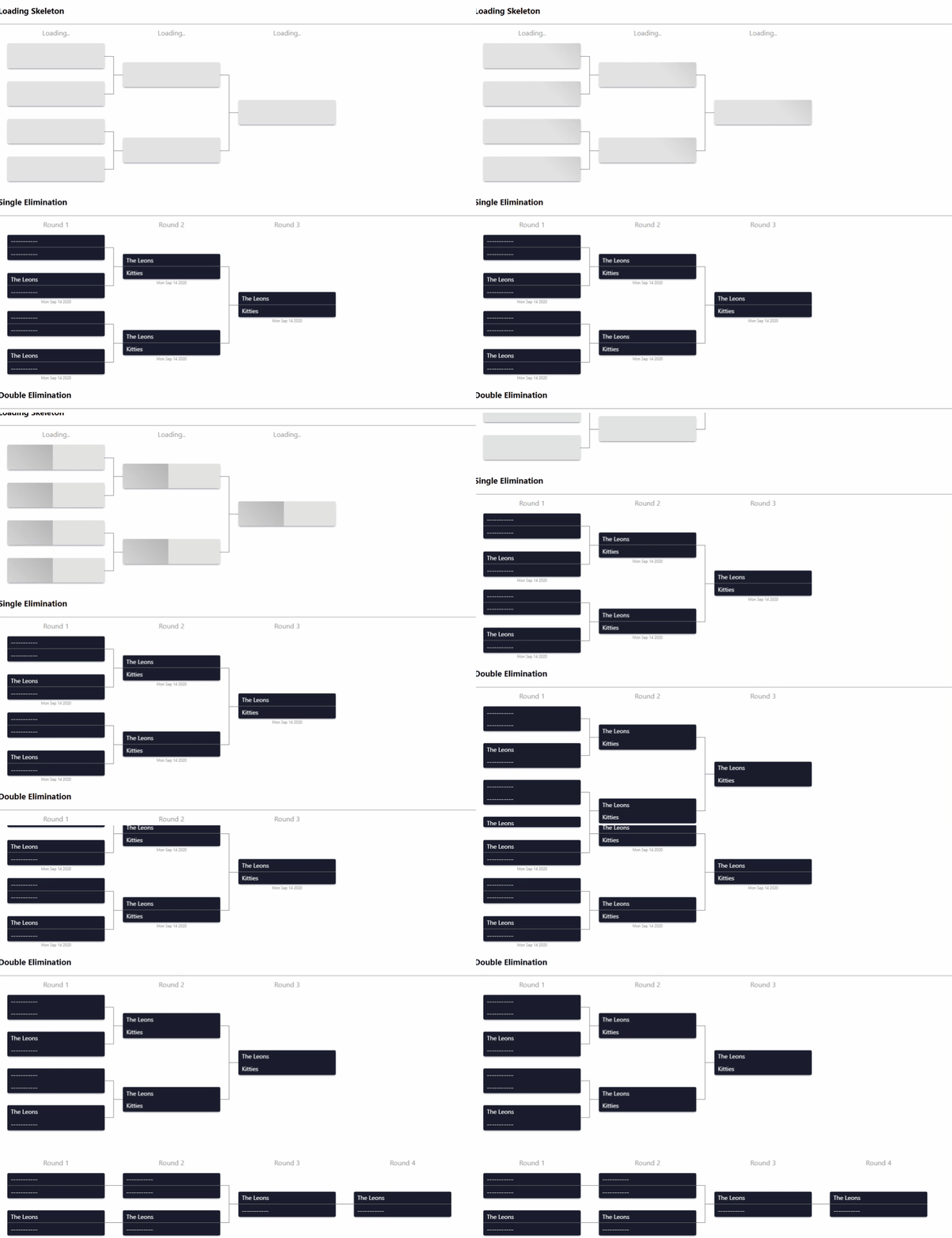
Dynamic bracket component, usable for brackets such as single elimination and double elimination


Install
via npm
npm install --save react-brackets
via yarn
yarn add --save react-brackets
Usage
The simplest usage of this component is
import { Bracket, RoundProps } from 'react-brackets';

const rounds: RoundProps[] = [
  {
    title: 'Round one',
    seeds: [
      {
        id: 1,
        date: new Date().toDateString(),
        teams: [{ name: 'Team A' }, { name: 'Team B' }],
      },
      {
        id: 2,
        date: new Date().toDateString(),
        teams: [{ name: 'Team C' }, { name: 'Team D' }],
      },
    ],
  },
  {
    title: 'Round one',
    seeds: [
      {
        id: 3,
        date: new Date().toDateString(),
        teams: [{ name: 'Team A' }, { name: 'Team C' }],
      },
    ],
  },
];

const Component = () => {
  return <Bracket rounds={rounds} />;
};
The core shape is similar to the above, since we can customize seeds and titles, you can pass any additional data to a seed or treat the title as a component.
modifying a title of the round is so simple,
import { Bracket, RoundProps } from 'react-brackets';
import React from 'react';
const Component = () => {
return (
<Bracket
rounds={rounds}
roundTitleComponent={(title: React.ReactNode, roundIndex: number) => {
return <div style={{ textAlign: 'center', color: 'red' }}>{title}</div>;
}}
/>
);
};
Customizing a seed on the other hand is a little bit more complicated, yet still easy,
because we need to let the bracket tree to have a consitent design
Any additional data you pass inside a seed object is accessibile via renderSeedComponent
import { Bracket, RoundProps, Seed, SeedItem, SeedTeam, RenderSeedProps } from 'react-brackets';
import React from 'react';
const CustomSeed = ({seed, breakpoint, roundIndex, seedIndex}: RenderSeedProps) => {
return (
<Seed mobileBreakpoint={breakpoint} style={{ fontSize: 12 }}>
<SeedItem>
<div>
<SeedTeam style={{ color: 'red' }}>{seed.teams[0]?.name || 'NO TEAM '}</SeedTeam>
<SeedTeam>{seed.teams[1]?.name || 'NO TEAM '}</SeedTeam>
</div>
</SeedItem>
</Seed>
);
};
const Component = () => {
return <Bracket rounds={rounds} renderSeedComponent={CustomSeed} />;
};
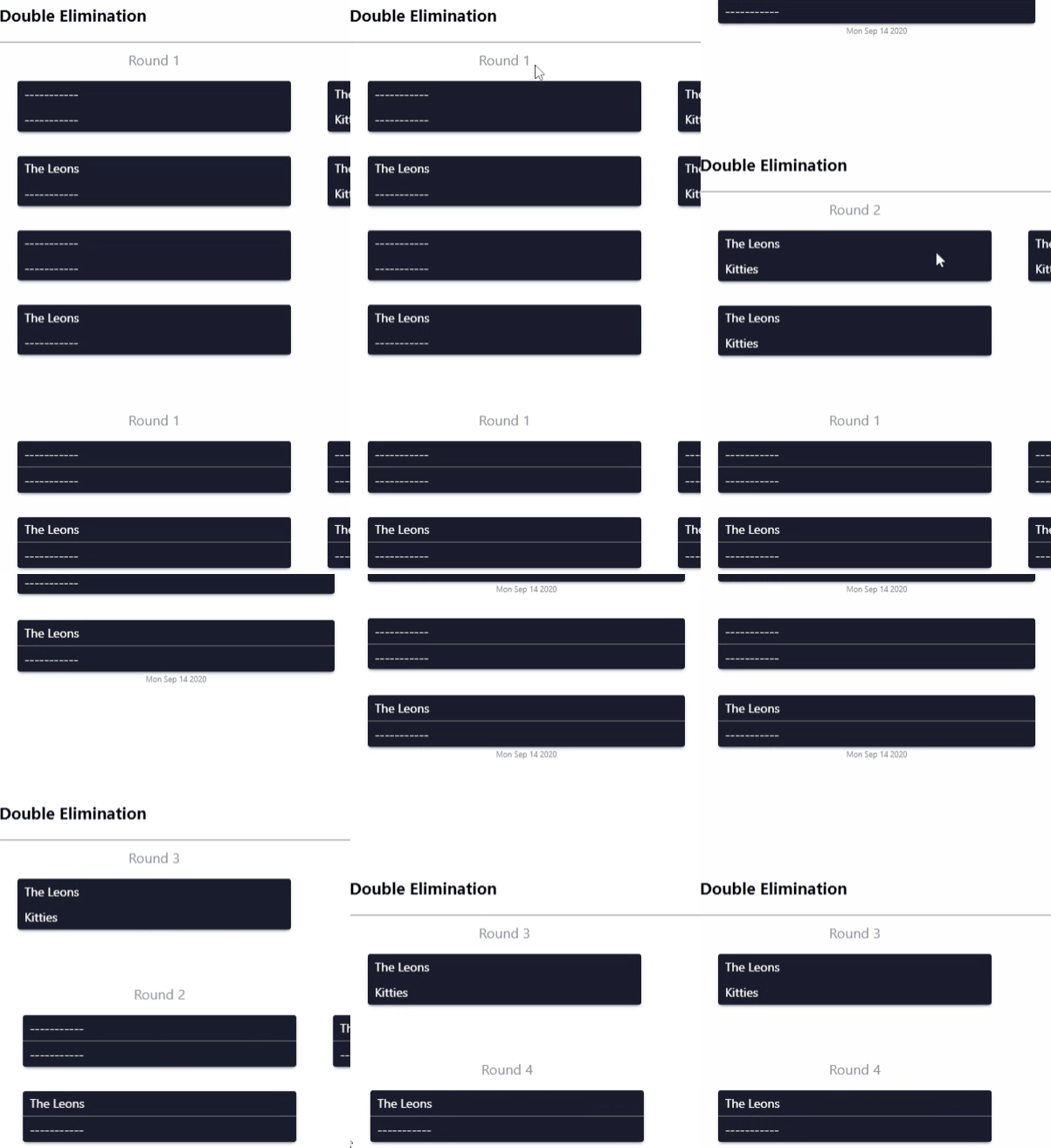
How about if I want to use this component for double elimination losing bracket? the current Seed component only works on single elimination, the answer is fairly simple as well.
import { Bracket, RoundProps, Seed, SingleLineSeed, SeedItem, SeedTeam, RenderSeedProps } from 'react-brackets';
import React from 'react';
const CustomSeed = ({seed, breakpoint, roundIndex, seedIndex}: RenderSeedProps) => {
const isLineConnector = rounds[roundIndex].seeds.length === rounds[roundIndex + 1]?.seeds.length;
const Wrapper = isLineConnector ? SingleLineSeed : Seed;
return (
<Wrapper mobileBreakpoint={breakpoint} style={{ fontSize: 12 }}>
<SeedItem>
<div>
<SeedTeam style={{ color: 'red' }}>{seed.teams[0]?.name || 'NO TEAM '}</SeedTeam>
<SeedTeam>{seed.teams[1]?.name || 'NO TEAM '}</SeedTeam>
</div>
</SeedItem>
</Wrapper>
);
};
const Component = () => {
return <Bracket rounds={rounds} renderSeedComponent={CustomSeed} />;
};
Bracket Props
| rounds | RoundProps[] | Array of rounds, each round has {title,array of seeds}, if you're not using a custom seed render, each seed needs an array of teams, each team should have a name |
| mobileBreakpoint | number | This bracket supports responsive design, on window reaching this size, it will trigger mobile swipable view, if you want to disable it, you can pass 0, (default is 992) |
| rtl | boolean | Direction of the bracket as RTL (default is LTR) |
| roundClassName | string | Round wrapper className |
| bracketClassName | string | The bracket className |
| renderSeedComponent | functional component | Custom render for every seed |
| roundTitleComponent | functional component | Custom render for every round title |
| swipeableProps | SwipeableProps | Please check this React Swipeable Views |
For detailed examples, you can clone this repo then:
you can skip starting the root folder, but if you want to modify the library you have to run it.
yarn
then
yarn start
then open a new terminal
cd example
then
yarn
lastly
yarn start
License
MIT © mohammadou1





