React CSS Page Loader
A powerful React component for page loading animations with CSS-based animations, automatic route detection, and customizable loading states.
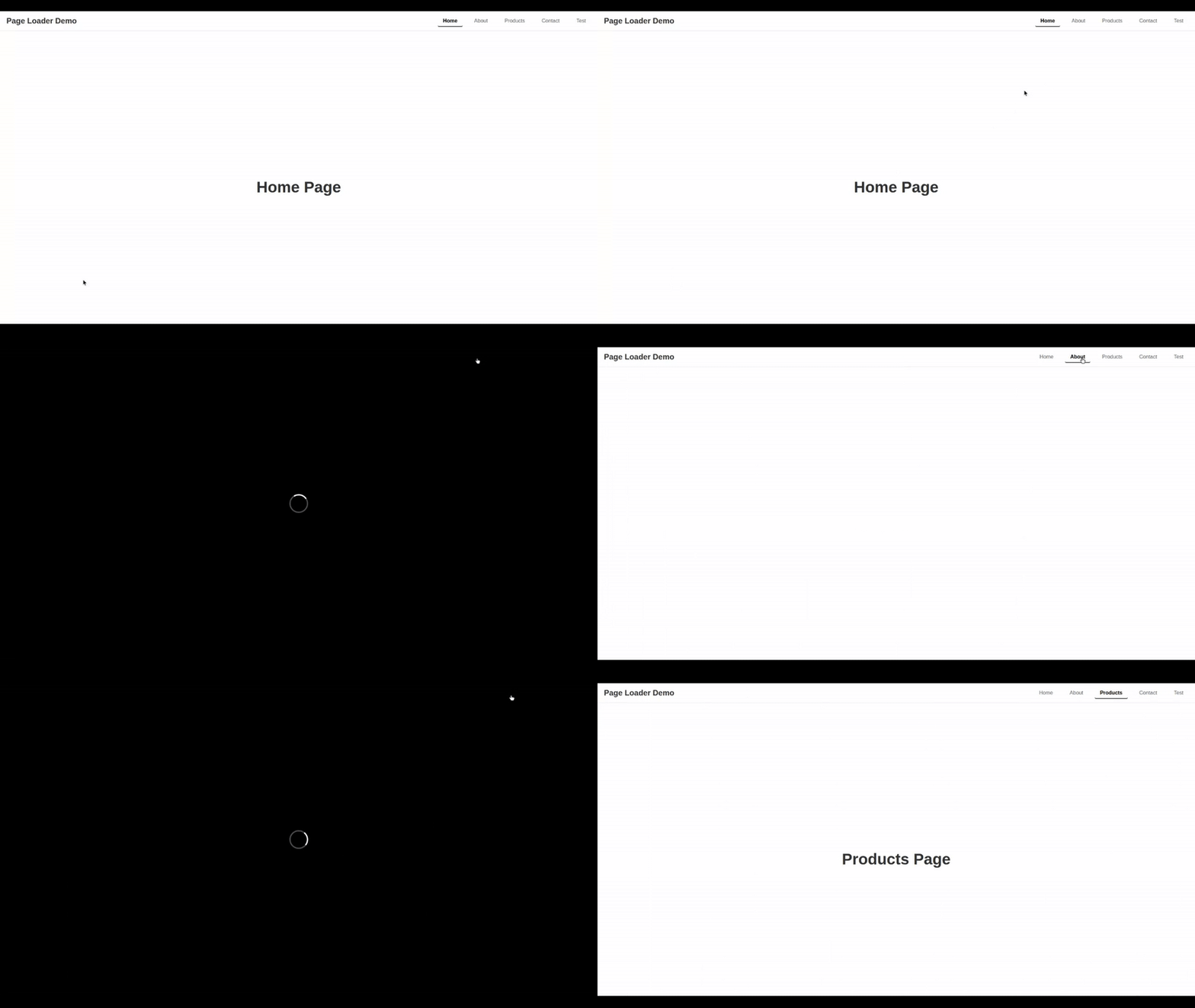
Demo
Features
- Multiple Animation Types: Circle, text, and custom loader animations
- Automatic Route Detection: Automatically triggers loading on route changes
- Custom Loading Content: Pass custom HTML/JSX as loading content
- External Loading Control: Control loading state from parent components
- Custom Styling: Apply custom styles to the loader
- Scroll Prevention: Automatically prevents page scrolling during loading
- High Z-Index: Always displays on top of other content
- Auto CSS Import: Automatically imports required CSS styles
- TypeScript Support: Full TypeScript definitions included
Installation
npm install react-css-page-loader
Basic Usage
import React from 'react';
import PageLoader from 'react-css-page-loader';

function App() {
  return (
    <PageLoader loadingText="Loading..." duration={2000}>
      <YourPageContent />
    </PageLoader>
  );
}
Props
animationType | 'circle' | 'text' | 'custom' | 'circle' | Type of loading animation |
loadingText | string | 'Loading...' | Text to display during loading |
duration | number | 2000 | Loading duration in milliseconds |
isLoading | boolean | undefined | External loading state control |
onLoadingComplete | () => void | undefined | Callback when loading completes |
customLoader | ReactNode | undefined | Custom loading content |
customStyles | React.CSSProperties | undefined | Custom styles for loader |
autoRouteLoading | boolean | false | Enable automatic route change detection |
Animation Types
Circle Animation
<PageLoader
  animationType="circle"
  loadingText="Loading..."
  duration={2000}
>
  <YourContent />
</PageLoader>
Text Animation
<PageLoader
  animationType="text"
  loadingText="Loading Page..."
  duration={2500}
>
  <YourContent />
</PageLoader>
Custom Loader
<PageLoader
  animationType="custom"
  customLoader={
    <div style={{ color: 'white', fontSize: '24px' }}>
      Custom Loading Content
    </div>
  }
  duration={2000}
>
  <YourContent />
</PageLoader>
External Loading Control
import React, { useState } from 'react';
import PageLoader from 'react-css-page-loader';
function App() {
const [isLoading, setIsLoading] = useState(false);
const handleButtonClick = () => {
setIsLoading(true);
setTimeout(() => {
setIsLoading(false);
}, 3000);
};
return (
<div>
<button onClick={handleButtonClick}>Start Loading</button>
<PageLoader
isLoading={isLoading}
onLoadingComplete={() => console.log('Loading completed!')}
loadingText="Processing..."
duration={3000}
>
<YourContent />
</PageLoader>
</div>
);
}
Custom Styling
<PageLoader
  customStyles={{
    backgroundColor: 'rgba(0, 0, 0, 0.8)',
    borderRadius: '15px',
    padding: '30px'
  }}
  loadingText="Loading..."
  duration={2000}
>
  <YourContent />
</PageLoader>
Automatic Route Detection
import React from 'react';
import { BrowserRouter, Routes, Route } from 'react-router-dom';
import PageLoader from 'react-css-page-loader';

function App() {
  return (
    <BrowserRouter>
      <PageLoader
        autoRouteLoading={true}
        loadingText="Loading Page..."
        duration={2000}
      >
        <Routes>
          <Route path="/" element={<Home />} />
          <Route path="/about" element={<About />} />
          <Route path="/contact" element={<Contact />} />
        </Routes>
      </PageLoader>
    </BrowserRouter>
  );
}
Multiple PageLoaders per Route
import React from 'react';
import { BrowserRouter, Routes, Route } from 'react-router-dom';
import PageLoader from 'react-css-page-loader';

function App() {
  return (
    <BrowserRouter>
      <Routes>
        <Route path="/" element={
          <PageLoader loadingText="Loading Home..." duration={2000}>
            <Home />
          </PageLoader>
        } />
        <Route path="/about" element={
          <PageLoader loadingText="Loading About..." duration={2500}>
            <About />
          </PageLoader>
        } />
        <Route path="/contact" element={
          <PageLoader loadingText="Loading Contact..." duration={2000}>
            <Contact />
          </PageLoader>
        } />
      </Routes>
    </BrowserRouter>
  );
}
Advanced Configuration
<PageLoader
  animationType="custom"
  customLoader={
    <div style={{
      display: 'flex',
      flexDirection: 'column',
      alignItems: 'center',
      color: 'white'
    }}>
      <div style={{
        width: '50px',
        height: '50px',
        border: '3px solid #fff',
        borderTop: '3px solid transparent',
        borderRadius: '50%',
        animation: 'spin 1s linear infinite'
      }} />
      <p style={{ marginTop: '20px' }}>Custom Loading...</p>
    </div>
  }
  customStyles={{
    backgroundColor: 'rgba(0, 0, 0, 0.9)',
    borderRadius: '20px',
    padding: '40px',
    boxShadow: '0 10px 30px rgba(0, 0, 0, 0.3)'
  }}
  duration={3000}
  onLoadingComplete={() => console.log('Custom loading completed!')}
>
  <YourContent />
</PageLoader>
CSS Animation Keyframes
The package includes built-in CSS animations. You can override them by importing the CSS:
import 'react-css-page-loader/dist/index.css';
Or use the CSS export:
import { PageLoaderCSS } from 'react-css-page-loader';
Browser Support
- Chrome 60+
- Firefox 60+
- Safari 12+
- Edge 79+
Dependencies
- React 16.8.0 or higher
- React DOM 16.8.0 or higher
- Framer Motion 6.0.0 or higher
Development
npm install
npm run build
npm run dev
License
MIT
Contributing
- Fork the repository
- Create your feature branch (
git checkout -b feature/amazing-feature)
- Commit your changes (
git commit -m 'Add some amazing feature')
- Push to the branch (
git push origin feature/amazing-feature)
- Open a Pull Request
Changelog
Version 1.0.1
- Added external loading state control
- Added custom loader support
- Added custom styling options
- Added automatic route detection
- Added scroll prevention
- Improved animation timing
- Added TypeScript definitions
- Auto CSS import functionality





