react-cube3d
Simple 3D Cube inspired by Stripe.
Installation
npm install --save react-cube3d
Usage
import Cube, { Palette } from "react-cube3d";
const size = 35;
function getRandomFloat(min, max) {
return Math.random() * (max - min) + min;
}
<Cube
/size of the cube
size={size}
speed={{
x: getRandomFloat(-0.55555555555, 0.55555555555),
y: getRandomFloat(-0.55555555555, 0.55555555555)
}}
x={30}
y={40}
palette={Palette.orange}
/>
Defaults
noShadow: false,
shadow: {
	x: 0,
	y: 0
},
palette: Palette.white,
speed: { x: -0.11111, y: 0.1111 },
size: 100,
blurFactor: 0.2,
opacityFactor: 0.4,
easingDuration: 500,
easing: (t, b, c, d) => {
	if ((t/=d/2) < 1) return c/2*t*t + b
	return -c/2 * ((--t)*(t-2) - 1) + b
},
x: 0,
y: 0
Palette
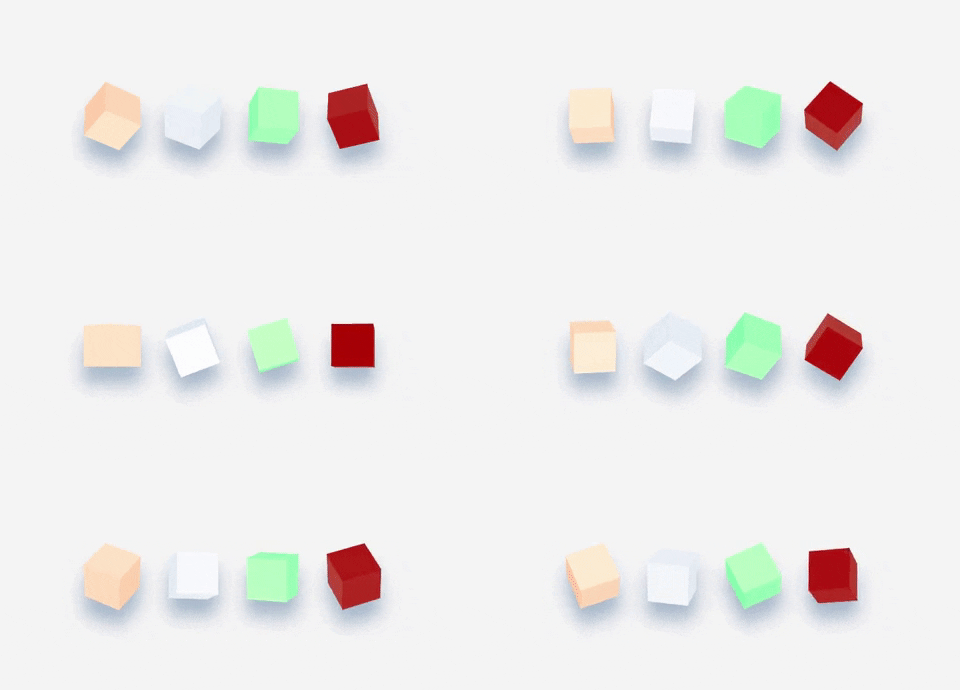
For example, this is the red palette !
{
	color: [190, 10, 0],
	shading: [200, 250, 200]
}
Easing example
Angles changes when the mouse of hover the container !
class CubeHover extends Component {


	state = {
		hover: false
	}

	render() {
		var { hover } = this.state;
		return (
			<Cube
				// noShadow
				shadow={{
					x: "35%",
					y: "70%"
				}}
				onMouseOver={() => {
					this.setState({
						hover: true
					});
				}}
				onMouseOut={() => {
					this.setState({
						hover: false
					});
				}}
				size={size}
				speed={{
					x: 0.0,
					y: 0.0
				}}
				x={!hover ? -35 : -50}
				y={!hover ? 45 : 80}
				palette={Palette.green}
			/>
		)
	}
}





