New Research: Supply Chain Attack on Axios Pulls Malicious Dependency from npm.Details →
Socket
Book a DemoSign in
Socket

react-leaflet-fullscreen

Package Overview
Dependencies
Maintainers
1
Versions
17
Alerts
File Explorer

Advanced tools

Socket logo

Install Socket

Detect and block malicious and high-risk dependencies

Install

react-leaflet-fullscreen

Fullscreen control for react-leaflet

latest
Source
npmnpm
Version
4.1.1
Version published
Weekly downloads
6.8K
8.66%
Maintainers
1
Weekly downloads
 
Created
Source

FullscreenControl for react-leaflet

It is the easiest way to add fullscreen control to your react-leaflet map. There is no fullscreen control in the standard set of leaflet controls, so here it is.
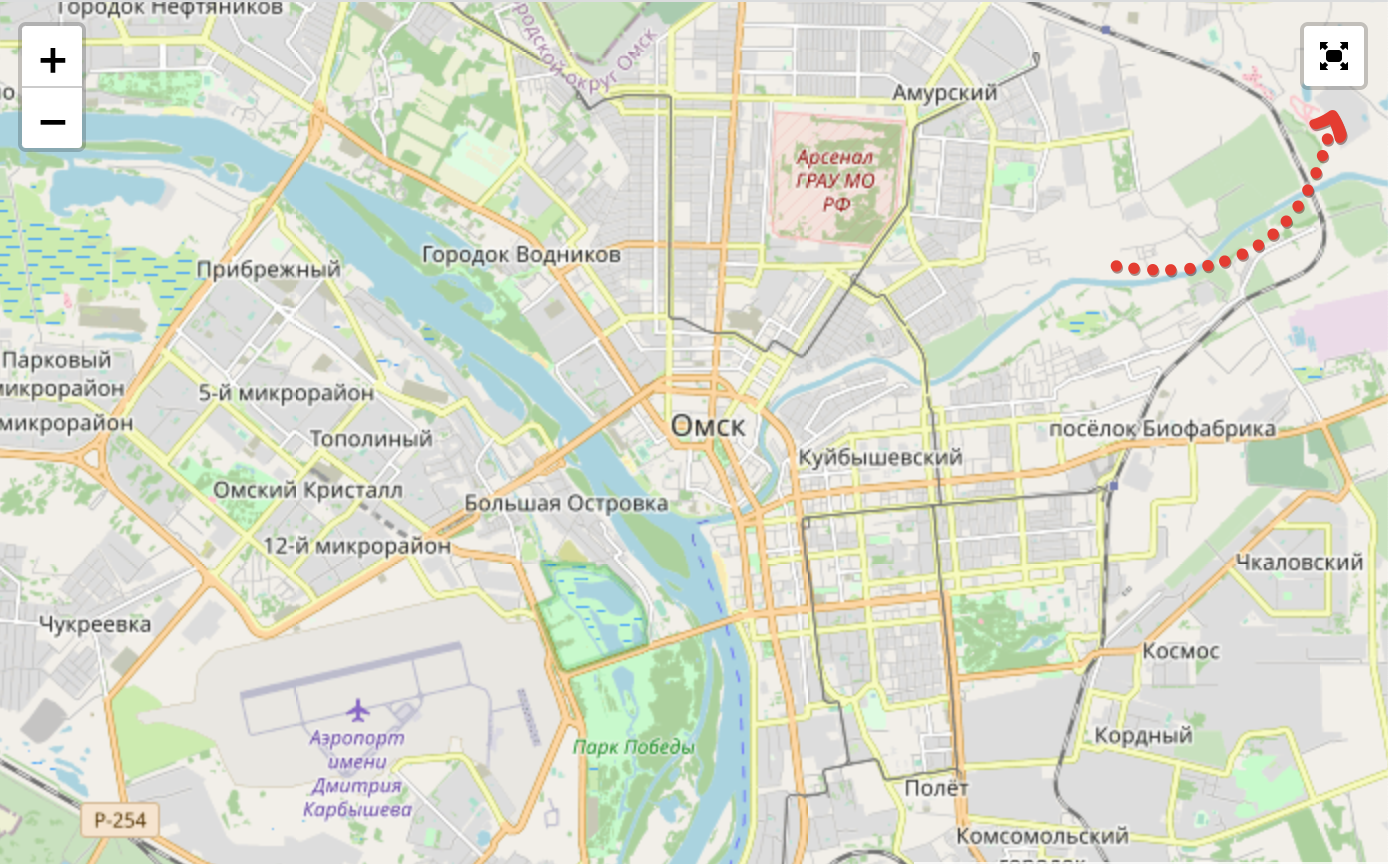
image

Live demo

Here is the live demo

Usage example

import React from "react";
import { render } from "react-dom";
import { MapContainer, TileLayer } from "react-leaflet";
import { FullscreenControl } from "react-leaflet-fullscreen";
import "react-leaflet-fullscreen/styles.css";

const App = () => {
  return (
    <div id="app">
      <MapContainer center={[54.989, 73.369]} zoom={12} scrollWheelZoom={false} id="map">
        <TileLayer
          attribution='&copy; <a href="http://osm.org/copyright">OpenStreetMap</a> contributors'
          url="https://{s}.tile.openstreetmap.org/{z}/{x}/{y}.png"
        />
        <FullscreenControl />
      </MapContainer>
    </div>
  );
};

render(<App />, document.getElementById("root"));

Component props

Since it's based on leaflet.fullscreen the properties set is just passed in leaflet.fullscreen as is.

// Position of the element. Default value is "topleft"
position: 'topleft' | 'topright' | 'bottomright' | 'bottomleft'

// Title of the button. Default value is "Full Screen"
title: string,

// Title of the button when fullscreen is on. Default value is "Exit Full Screen"
titleCancel: string 

// Content of the button. Default values is null
content: null | HTMLElement 

// Force seperate button to detach from zoom buttons. Default value if false
forceSeparateButton: boolean, 

// force use of pseudo full screen even if full screen API is available. Default value is false
forcePseudoFullscreen: boolean,

Keywords

react

FAQs

Package last updated on 03 Oct 2023

Did you know?

Socket

Socket for GitHub automatically highlights issues in each pull request and monitors the health of all your open source dependencies. Discover the contents of your packages and block harmful activity before you install or update your dependencies.

Install

Related posts




