ALTCHA React Native Widget
The AltchaWidget is a CAPTCHA-like React Native component that provides a secure, privacy-friendly way to verify that a user is human — without the frustration of traditional CAPTCHAs.
It uses a cryptographic proof-of-work mechanism combined with an optional code challenge, making it resilient against bots and spam.
ALTCHA is an open-source alternative to traditional CAPTCHA, designed to be fast, accessible, and privacy-respecting.
For more information and documentation, visit altcha.org.
Features
- Native React Native component – no WebView required
- Privacy-friendly, CAPTCHA-like verification
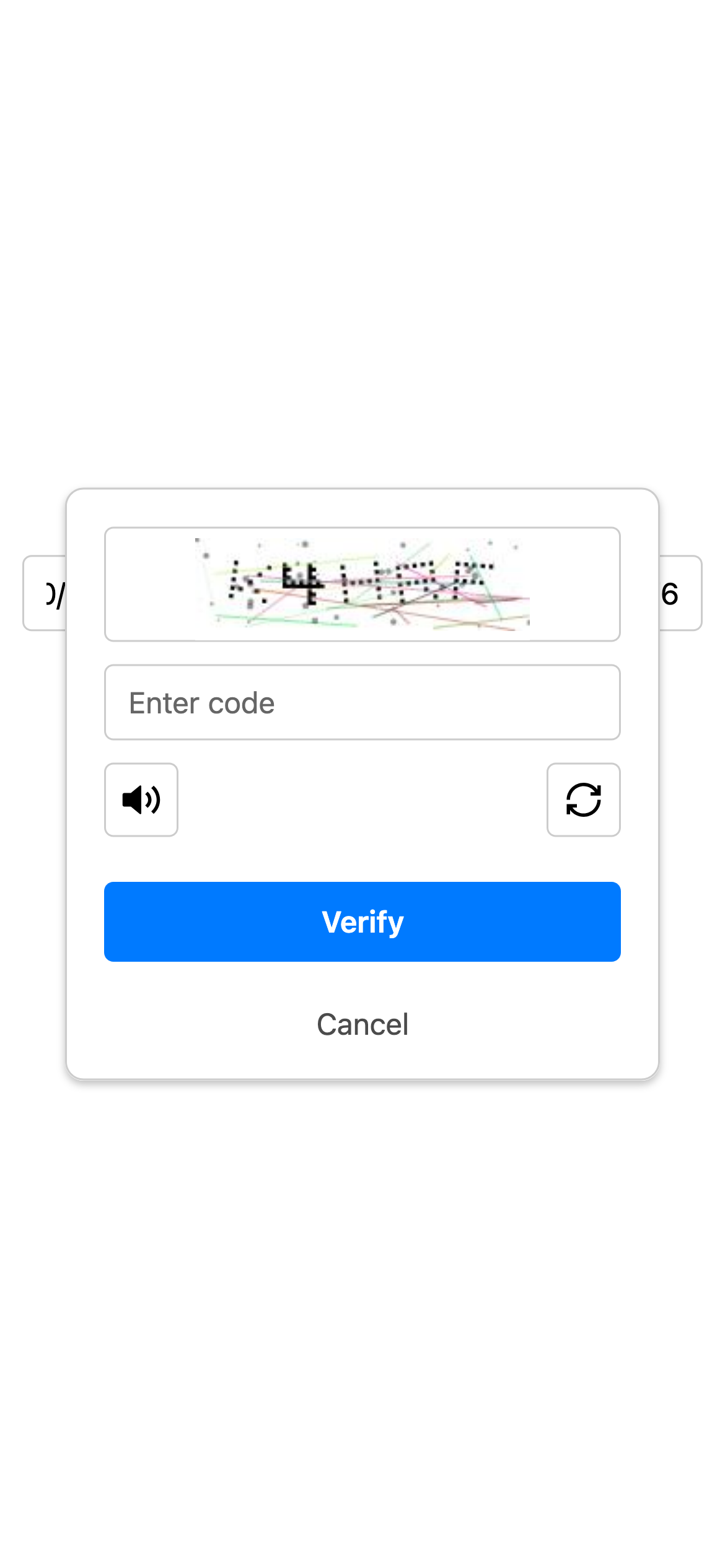
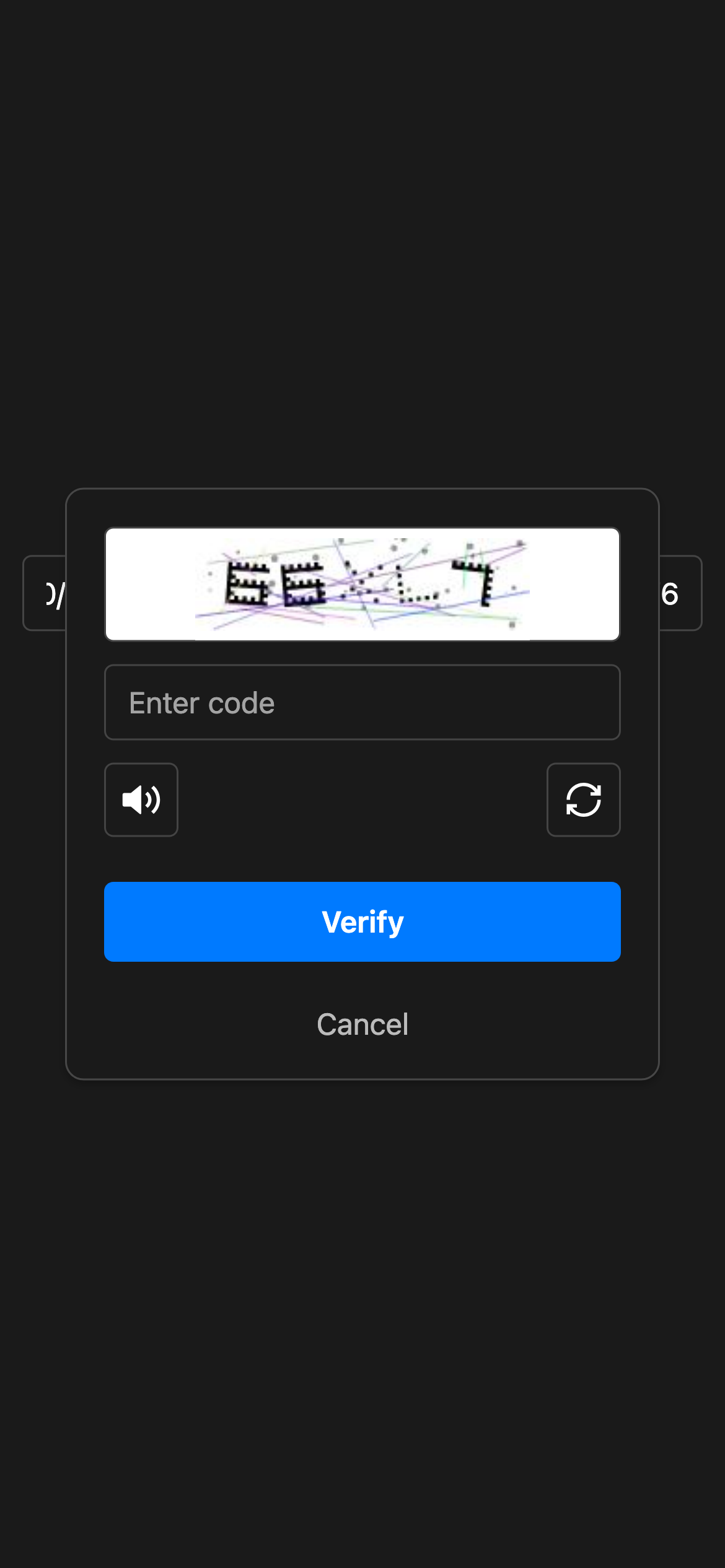
- Supports image and audio code challenges with ALTCHA Sentinel (adaptive CAPTCHA)
- Localization support for multiple languages
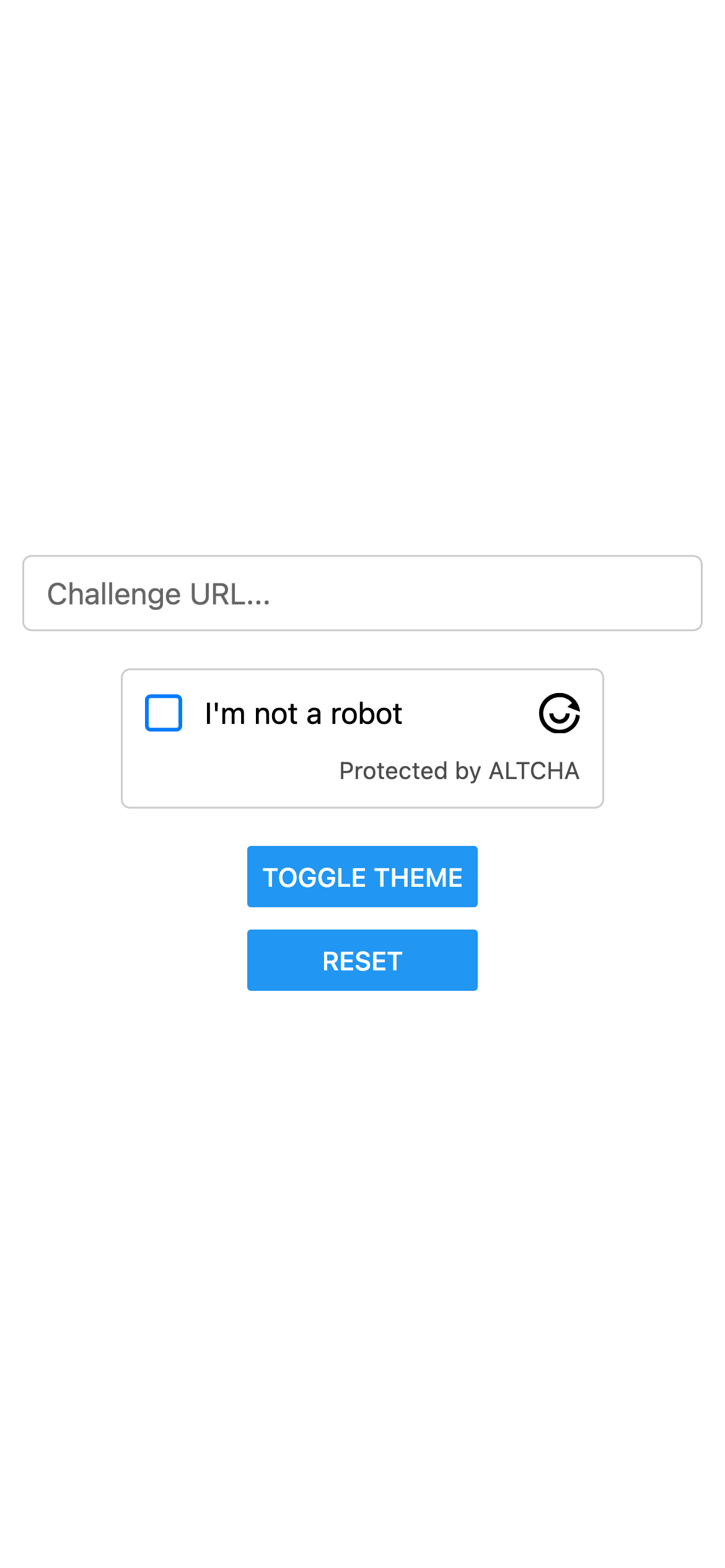
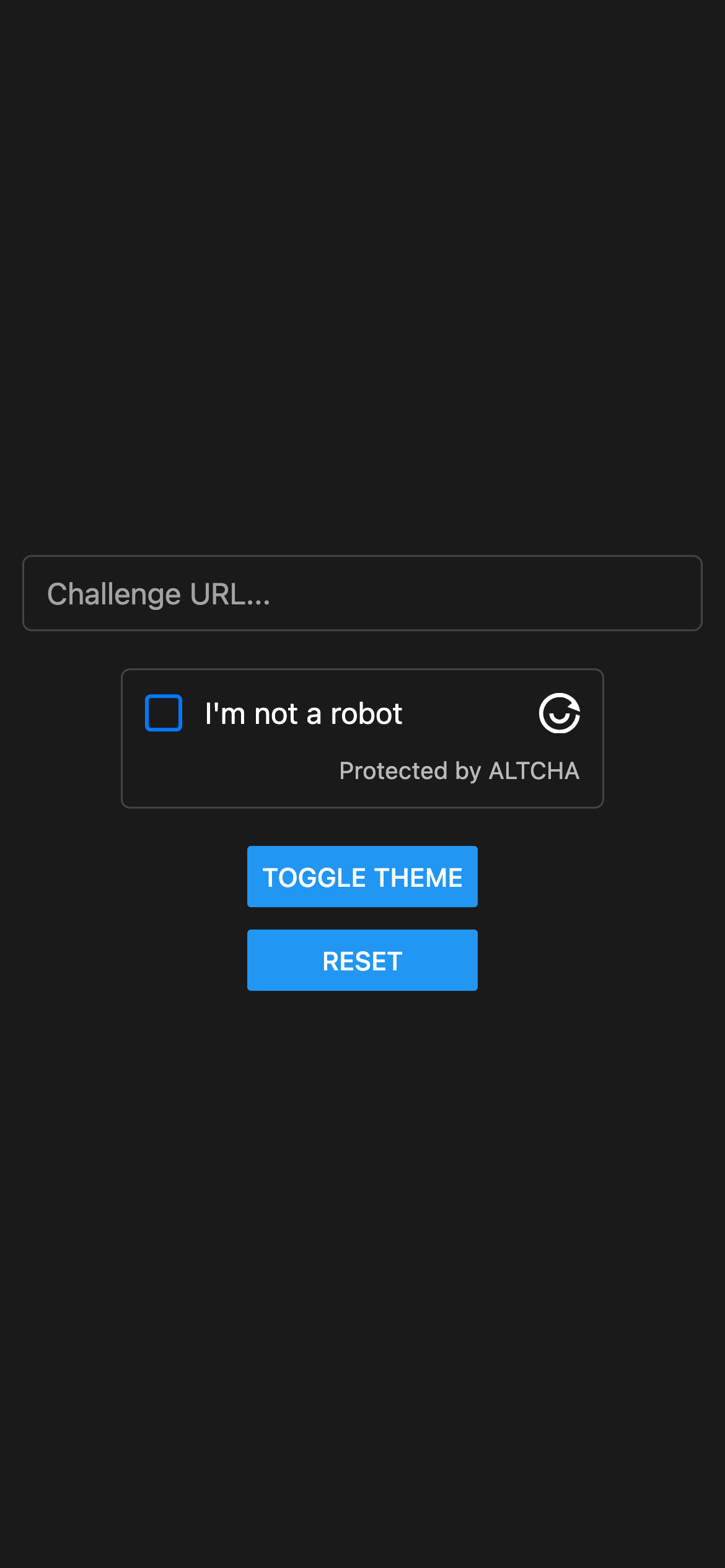
- Light and Dark theme support
Screenshots
Installation
Install peer dependencies
npx expo install expo-audio expo-crypto expo-localization react-native-svg
With npm:
npm install react-native-altcha
Or with Yarn:
yarn add react-native-altcha
Usage
import React from 'react';
import { View } from 'react-native';
import { AltchaWidget } from 'react-native-altcha';

export default function App() {
  return (
    <View style={{ padding: 16 }}>
      <AltchaWidget
        challengeUrl="https://api.example.com/altcha/challenge"
        debug={true}
        onVerified={(payload) => {
          // Send the payload to your backend
          console.log('Payload:', payload);
        }}
      />
    </View>
  );
}
Props
One of challengeUrl or challengeJson is required.
The widget will return the ALTCHA payload via onVerified, which you should send to your server for verification.
challengeUrl | string | URL to fetch the challenge JSON |
challengeJson | object | Challenge object provided directly |
colorScheme | 'light' | 'dark' | Force color scheme (optional, otherwise follows system) |
locale | string | Language to use (defaults to en) |
onFailed | (error: any) => void | Called with an error on verification failure |
onVerified | (payload: string) => void | Called with encoded payload after verification |
onServerVerification | (result: any) => void | Called with server verification result |
delay | number | Optional delay before solving (ms) |
debug | boolean | Enable verbose logging |
hideLogo | boolean | Hide the ALTCHA logo |
hideFooter | boolean | Hide the footer text |
httpHeaders | Record<string,string> | Custom HTTP headers (optional) |
themes | { dark: {}, light: {} } | Override theme properties |
customTranslations | Record<string,Translation> | Override default translations |
verifyUrl | string | Server endpoint to verify the solution |
Localization
The component includes built-in translations for multiple languages.
You can pass a customTranslations prop to override or add custom text.
<AltchaWidget
  challengeUrl="https://api.example.com/altcha/challenge"
  locale="en"
  customTranslations={{
    en: {
      label: 'I am human',
    },
  }}
/>
Customization
You can customize the widget’s appearance using the style prop for layout and basic styling:
<AltchaWidget
  style={{
    backgroundColor: '#ddd',
    borderColor: '#0000ff',
    fontSize: 20,
    width: '100%',
  }}
/>
For color customization, use the themes prop to define separate color sets for light and dark modes:
<AltchaWidget
  themes={{
    dark: {
      primaryColor: '#00ff00',
    },
    light: {
      primaryColor: '#00ff00',
    },
  }}
/>
Available theme colors:
type AltchaTheme = {
  backgroundColor: string;
  borderColor: string;
  errorColor: string;
  primaryColor: string;
  primaryContentColor: string;
  textColor: string;
};
Example App
cd example
yarn install
yarn start
License
MIT