React Native Chooser
Simple DropDown menu for React Native App! Your Select Tag for React Native. Fully Customizable too.
Introduction
React Native Chooser is simple, customizable and easy to use dropdown in React Native. It has been tested on both Android and IOS and works like a charm.
Installation
npm i react-native-chooser --save
Usage
import React, { Component } from 'react';
import {Select, Option} from "react-native-chooser";

import {
  AppRegistry,
  StyleSheet,
  Text,
  View
} from 'react-native';

export default class AwesomeProject extends Component {

  constructor(props) {
    super(props);
    this.state = {value : "Select Me Please"}
  }
  onSelect(value, label) {
    this.setState({value : value});
  }

  render() {
    return (
      <View style={styles.container}>
        <Select
            onSelect = {this.onSelect.bind(this)}
            defaultText  = {this.state.value}
            style = {{borderWidth : 1, borderColor : "green"}}
            textStyle = {{}}
            backdropStyle  = {{backgroundColor : "#d3d5d6"}}
            optionListStyle = {{backgroundColor : "#F5FCFF"}}
          >
          <Option value = {{name : "azhar"}}>Azhar</Option>
          <Option value = "johnceena">Johnceena</Option>
          <Option value = "undertaker">Undertaker</Option>
          <Option value = "Daniel">Daniel</Option>
          <Option value = "Roman">Roman</Option>
          <Option value = "Stonecold">Stonecold</Option>
          <Option value = "Rock">Rock</Option>
          <Option value = "Sheild">Sheild</Option>
          <Option value = "Orton">Orton</Option>

        </Select>
      </View>
    );
  }
}
Props
Props for Select
| onSelect | function | null | function that executes on selection of an option |
| defaultText | string | Click To Select | Text to show as default text |
| style | object | null | To style the select box. |
| backdropStyle | object | null | To style the overlay |
| textStyle | object | null | To style the text shown in the box |
| optionListStyle | object | null | To style the selection box |
| transparent | boolean | false | To set the transparent prop on Modal |
| animationType | string | "none" | To set the animationType prop on Modal |
| indicator | string | "none", "up" or "down" | "none" |
| indicatorColor | string | "black" | The color of the indicator arrow |
| indicatorSize | number | 10 | The size of the indicator arrow |
| indicatorStyle | object | null | To style the indicator arrow |
| indicatorIcon | react element | null | Show the indicator icon |
| selected | string | null | Give it same value as you give to Option |
| selectedStyle | object | null | Apply styles to the selected Option |
Functions for Select
| setSelectedText(text) | Set default text in the select option, often used to reset text. |
Props for Option
| style | object | null | To style each option |
| styleText | object | null | To style the text shown in the option |
Demo
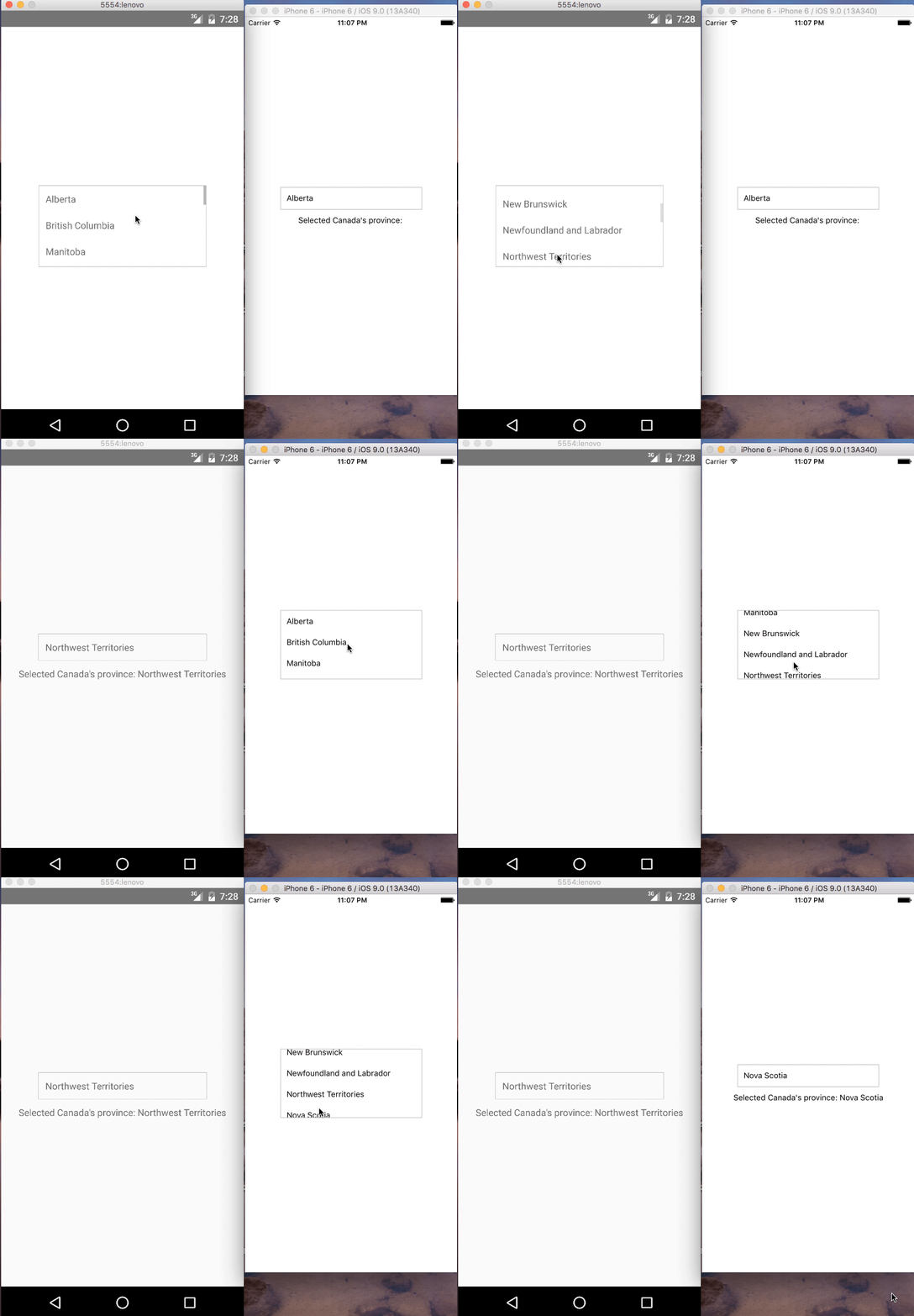
IOS and Android:
Contributions
Your contributions and suggestions are heartily♡ welcome. (✿◠‿◠)





