react-native-custom-webview
I am just using the https://github.com/d-a-n/react-native-webbrowser to create a back button. Credit goes to
https://github.com/d-a-n/react-native-webbrowser
https://github.com/magrinj/react-native-webbrowser
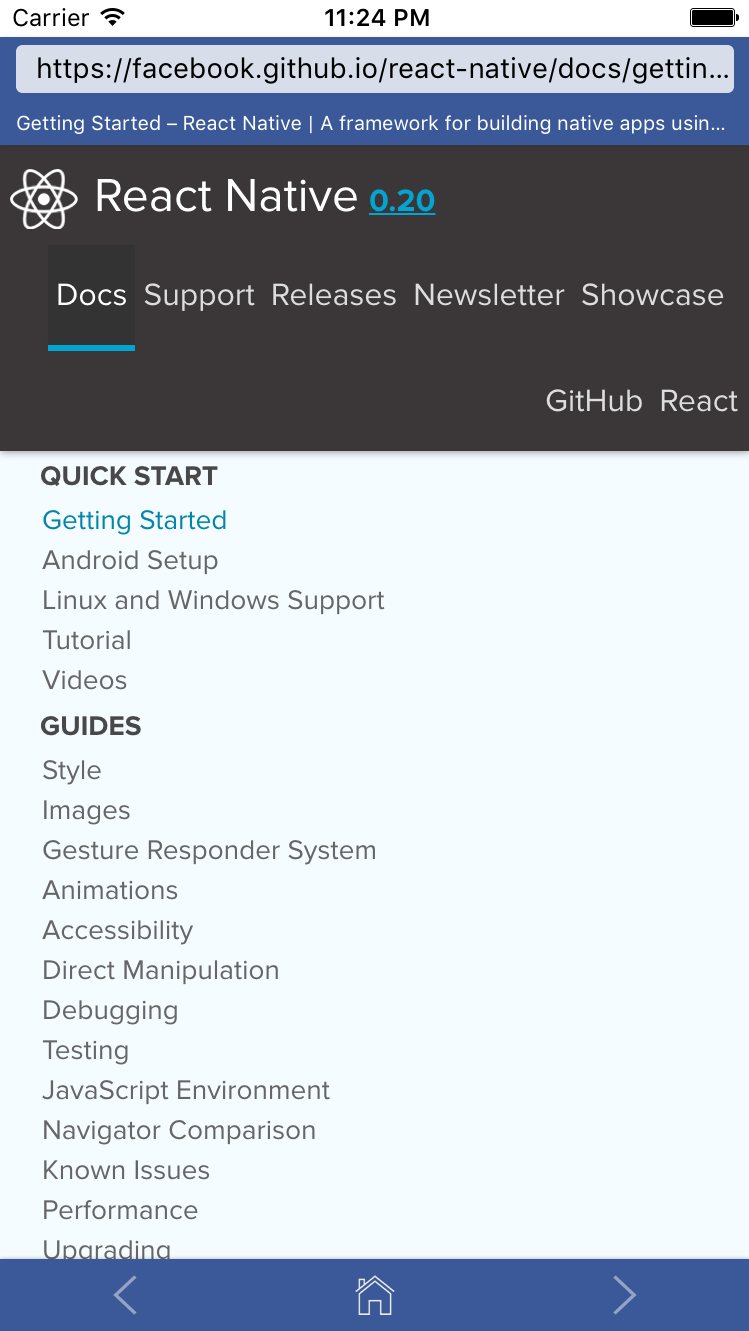
A cross-platform (iOS / Android), full-featured in-app web browser component for React Native that is highly customizable. Currently you can hide the address-, status- and toolbar. Additionally the foreground and background colors can be modified.
Install
npm i react-native-custom-webview --save
Usage
Here is an extensive overview of the component usage.
class SampleApp extends Component {
    render() {
        const goBack = () =>
        {
            this.props.navigation.goBack()
        }
        return (
            <View style={{paddingTop:20, flex:1}}>
                <Webbrowser
                    url="https://facebook.github.io/react-native/docs/"
                    hideHomeButton={false}
                    hideToolbar={false}
                    hideAddressBar={false}
                    hideStatusBar={true}
                    backButtonVisible={true}
                    onBackPress= {() => {goBack()}}
                    foregroundColor="#D61B5D"
                    backgroundColor="#F3848A"
                />

            </View>
        );
    }
}
Props
url - string required, web addresshideAddressBar - bool optional, hides the address bar / address inputhideStatusBar - bool optional, hides the status bar / site titlehideToolbar - bool optional, hides the toolbar (nav bar)hideHomeButton - bool optional, hides just the home button from the toolbarhideActivityIndicator - booloptional, hides the activity indicator (loading) overlayforegroundColor - string optional, sets the forground color of text and icon elementsbackgroundColor - string optional, sets the background coloronNavigationStateChange - function(navState) optional, url change callbackonShouldStartLoadWithRequest - function(event) optional, return false if the request should be stopped
Screenshots
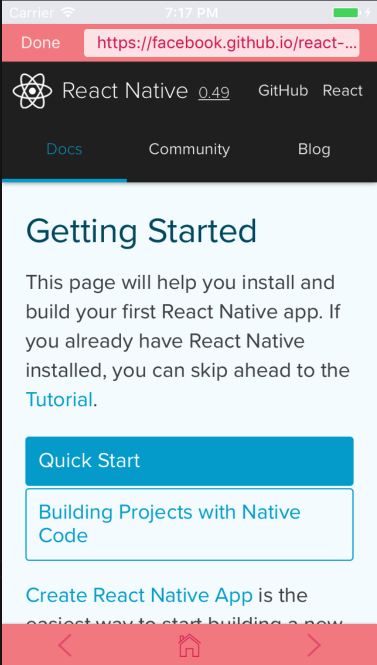
With Back button