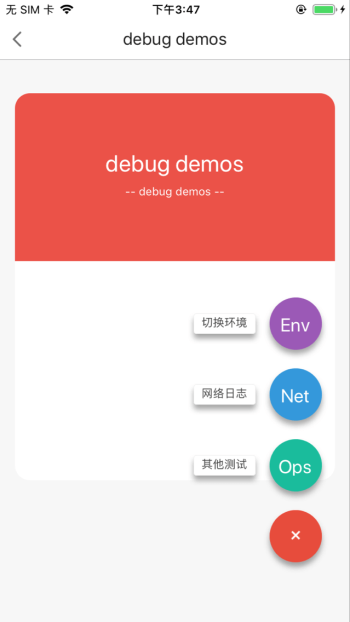
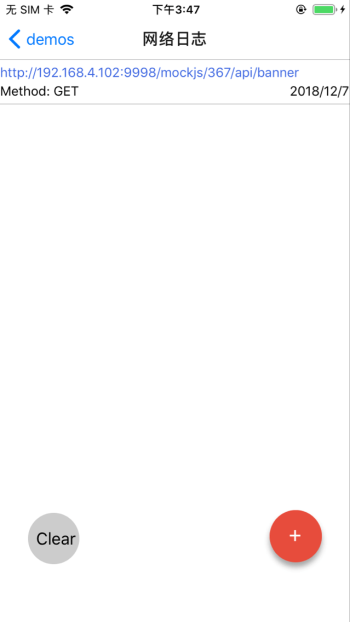
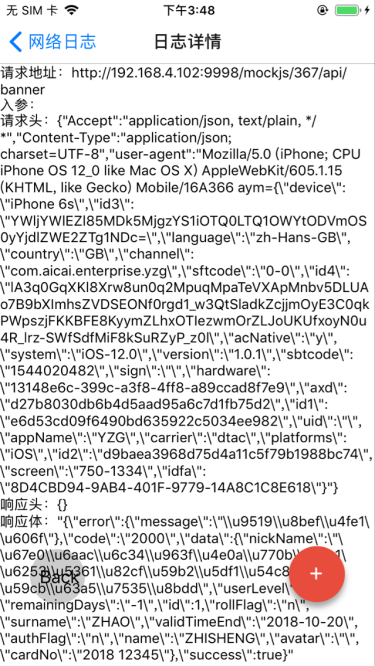
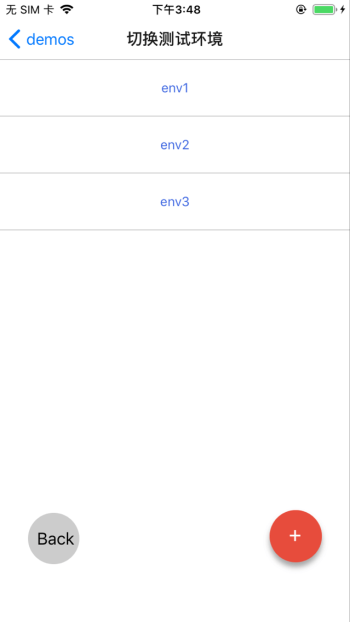
react-native-debugtools是一个简单的针对RN开发实际需要而做的一个app端调试工具集,目前主要包括两个主要功能,
- 切换测试环境
- 查看网络日志
其他计划中功能
- 扫描二维码打开Webview
- 添加原生交互日志(针对原生RN混合开发模式)
效果
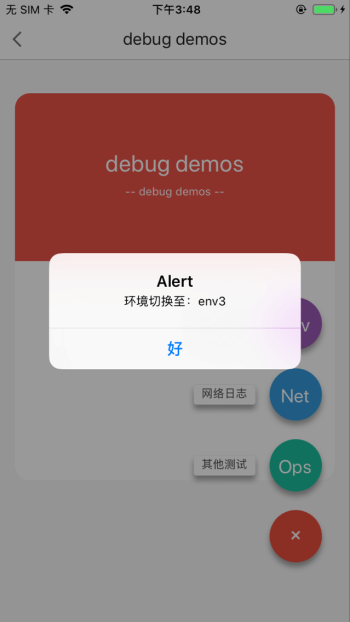
使用方式
npm install react-native-debugtools --save
目前主要暴露出两个方法initDTs与generateDebugBtn以及两个对象debugRoute与storage,以下为具体使用Demo
import {
  initDTs,
  debugRoute,
  generateDebugBtn,
  storage
} from 'react-native-debugtools'

class App extends Component {
  ...

  componentWillMount() {
    initDTs({
      envList: ['env1', 'env2', 'env3'],
      currentEnv: this.state.curEnv
    })
  }

  componentDidMount() {
    generateDebugBtn(this.props.navigation, null)
  }

  render() {
    return (
      <View style={styles.page}>
        <View style={styles.container_top}>
          <Text style={styles.welcome}>debug demos</Text>
        </View>
      </View>
    );
  }
}

const AppWithDebug = createStackNavigator({
  Home: {
    screen: App
  },
  ...debugRoute
});

export default class AppEntry extends Component {
    render() {
      return <AppWithDebug screenProps={ this.props }/>
  }
};
首先在项目路由中添加debug路由节点
const AppWithDebug = createStackNavigator({
  Home: {
    screen: App
  },
  ...debugRoute
});
在你的项目Root组件中调用初始化函数,进行环境列表、当前环境的设置存储以及开启http监听器:
initDTs({
envList: ['online', 'test', 'develop'], // 环境列表,如线上、测试、开发
curEnv: 'online' // 指定当前环境未指定时,初始化默认选择环境列表第一项为当前环境
})
在根页面中调用generateDebugBtn函数,初始化debug控制容器
generateDebugBtn(navigation, envSwitchCallBack) // navigation即当前环境的this.props.navigation对象,envSwitchCallBack为切换环境之后的回调函数





