react-native-reanimated-graph
A React Native graph component that run at 60 fps, even on low-end devices.
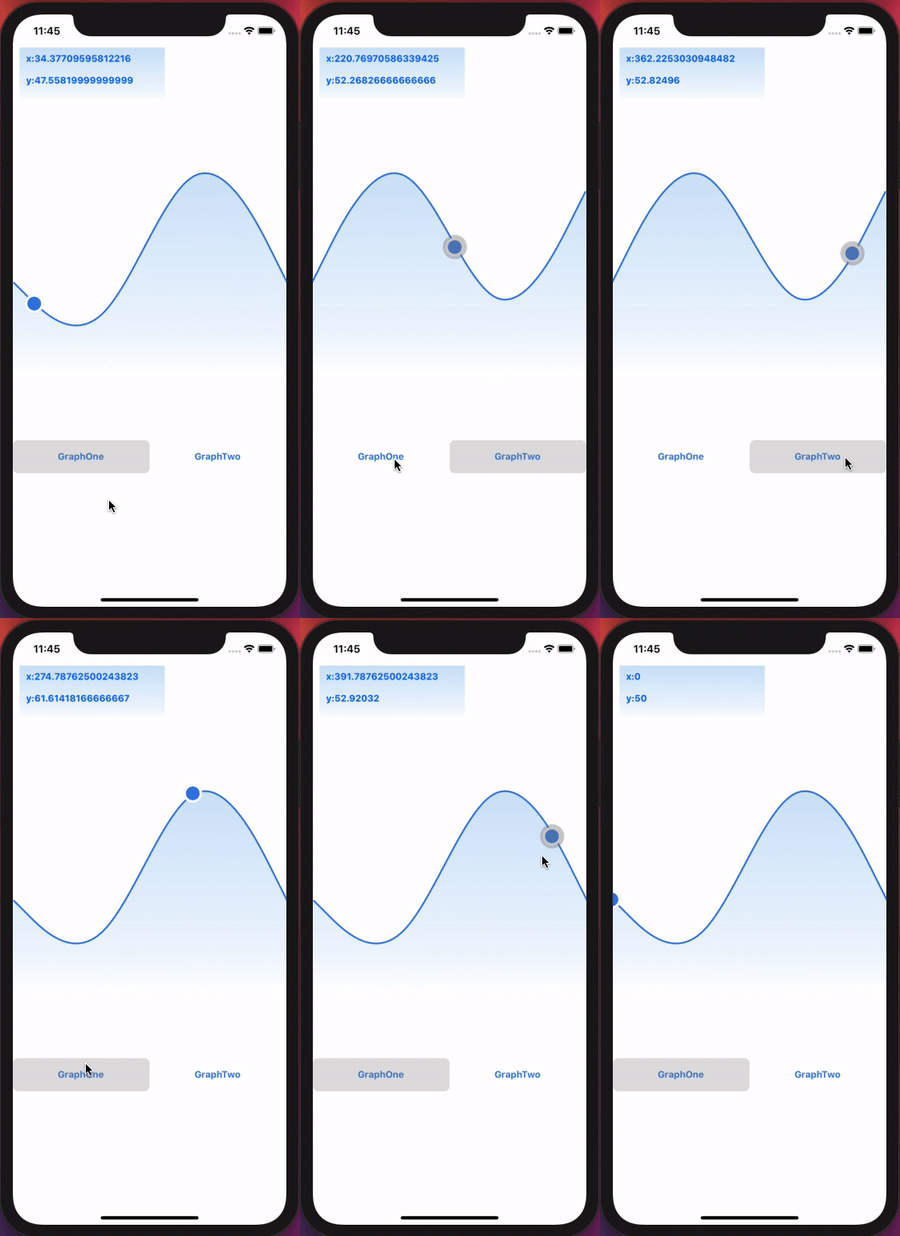
Installation
- Run:
$ npm install --save react-native-reanimated-graph or yarn add react-native-reanimated-graph
- pod install
Usage
Avalible Props:
| graphs | { axisValues: Array<{x: number, y: number}>, graphName: string } |
| tabsCustomContainerStyle? | StyleProp |
| onCursorMove? | ((point: {x: number, y: number}) => void) |
import CurveGraph from "react-native-reanimated-graph";

const graphs = [
    {
      axisValues: [{x: 1,y: 2},{x: 2,y: 5}, {x: 8,y: 9}],
      graphName: 'GraphOne',
    }
    {
       axisValues: [{x: 1,y: 2},{x: 2,y: 5}, {x: 8,y: 9}],
       graphName: 'GraphTwo',
    }
];

const App = () => (
  <View style={styles.container}>
    <Svg
      width={SVG_XY_TEXT_CONTAINER_WIDTH}
      height={SVG_XY_TEXT_CONTAINER_HEIGHT}
      style={styles.svgXYTextContainer}
    >
      <Defs>
        <LinearGradient x1="50%" y1="0%" x2="50%" y2="100%" id="gradient">
          <Stop stopColor="#FEFFFF" offset="100%" />
          <Stop stopColor="#eef6fd" offset="80%" />
          <Stop stopColor="#CDE3F8" offset="0%" />
        </LinearGradient>
      </Defs>
      <Rect
        width={SVG_XY_TEXT_CONTAINER_WIDTH}
        height={SVG_XY_TEXT_CONTAINER_HEIGHT}
        fill="url(#gradient)"
        strokeWidth="0"
      />
      <View>
        <Text style={styles.xyText}>{`x:${x}`}</Text>
        <Text style={styles.xyText}>{`y:${y}`}</Text>
      </View>
    </Svg>

    <CurveGraph
      graphs={graphs}
      tabsCustomContainerStyle={{ marginTop: 100 }}
      onCursorMove={onCursorMove}
    />
  </View>
);





