react-native-trello-login


A component that encapsulates Trello's API token-based authentication to grant third-party applications access to the Trello API.
Setup
This library is available on npm, install it with: npm install --save react-native-trello-login or yarn add react-native-trello-login.
Usage
1. Import react-native-trello-login
import TrelloLogin from "react-native-trello-login";
2. Define your Trello API key
To begin the authentication process, you need an API key. Every Trello user is given an API key.
You can retrieve your API key by logging into Trello and visiting https://trello.com/app-key/.
Because the API key is tied to the user, it is often a good idea to create a Trello user specifically for building a single application or integration. This ensures that a third-party's integration is disassociated from a third-party integration's developer's Trello account.
It's also suggested to define the API key in a separate file or in an environment variable.
const TRELLO_API_KEY = "YOUR_API_KEY_HERE";
3. Show the Trello authentication screen
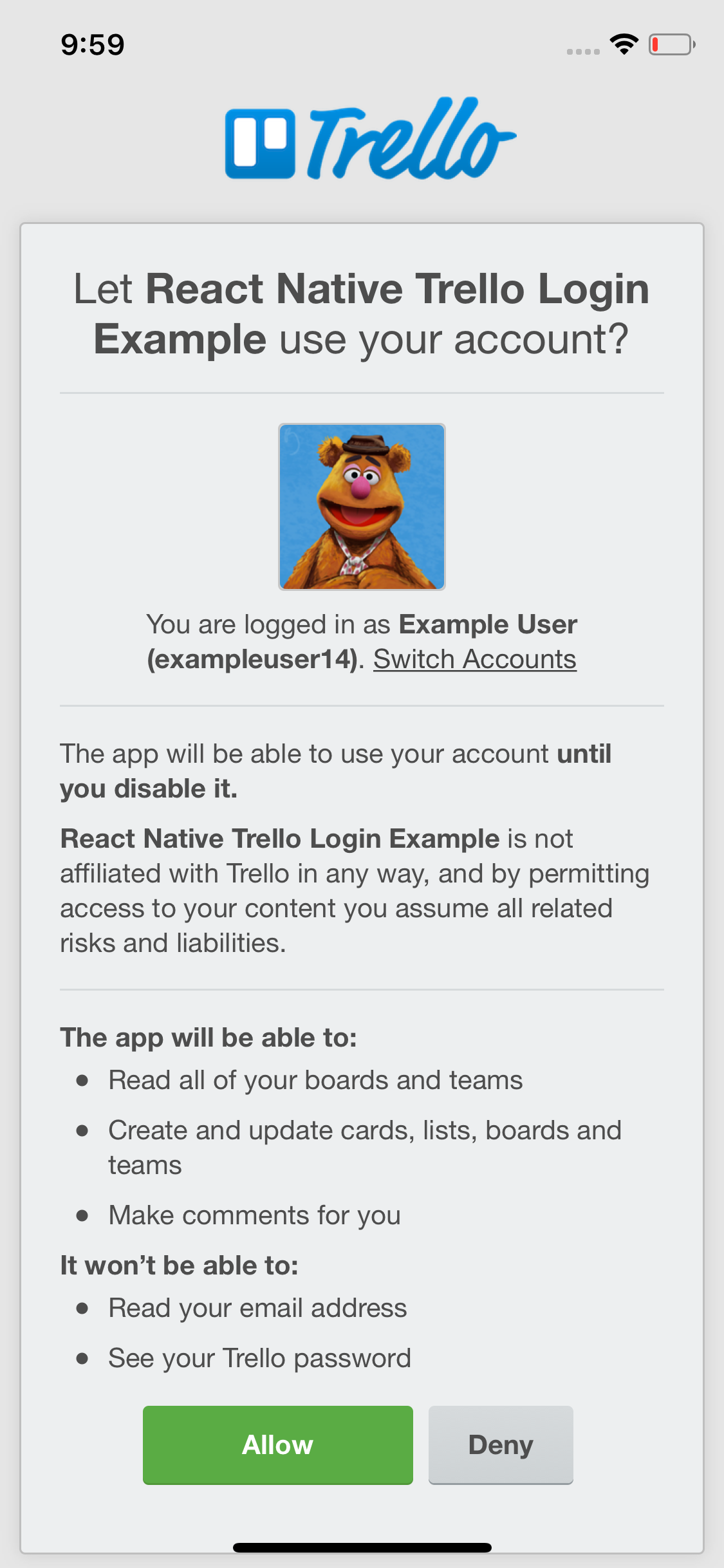
The imported TrelloLogin component is just a React-Native WebView that will take care of showing and handling the Trello auth process.
export default class TrelloLoginExample extends React.Component {
handleLoginSuccess = trelloAuthToken => {
};
handleLoginFailure = message => {
};
render() {
return (
<View style={styles.container}>
<TrelloLogin
applicationName="React Native Trello Login Example"
onLoginSuccess={this.handleLoginSuccess}
onLoginFailure={this.handleLoginFailure}
trelloApiKey={TRELLO_API_KEY}
style={styles.webview}
/>
</View>
);
}
}
A complete example
See the /example folder for a complete example (login + logout).
Available props
| applicationName | string | REQUIRED | The application name shown to the user in the login process |
| debugEnabled | bool | false | When true, shows a few useful console.debug logs during the login process |
| onLoginFailure | func | REQUIRED | Callback invoked on a failed login (callback parameter: error message) |
| onLoginSuccess | func | REQUIRED | Callback invoked on a successful login (callback parameter: auth token) |
| trelloApiKey | string | REQUIRED | The Trello API key |
| style | any | null | Style applied to the Trello login WebView |
Please notice that you can also provide any WebView prop.
Useful resources





