React Step Wizard 2
A flexible multistep wizard built for React free from default props issue

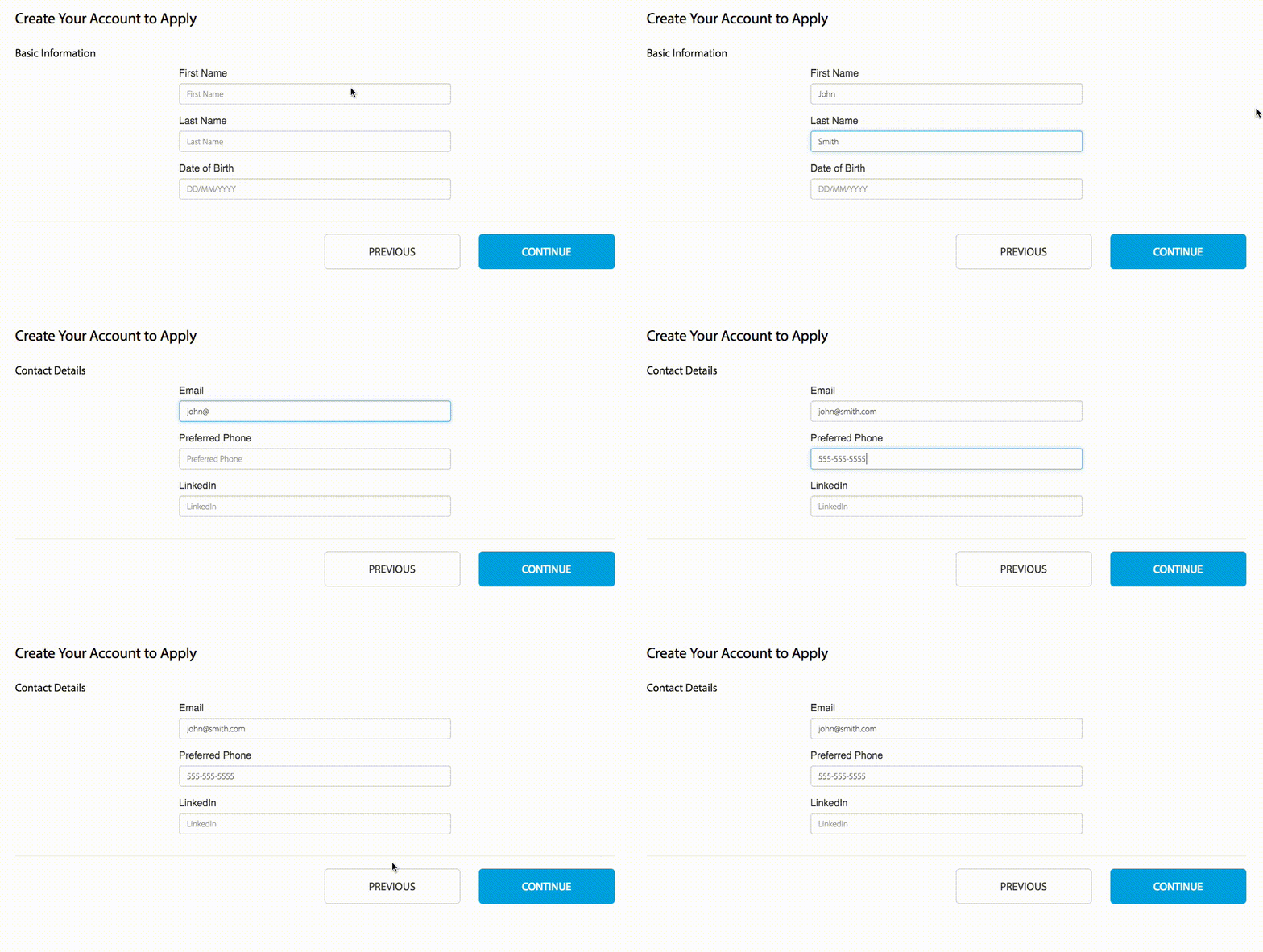
Try It Out!
Click here to see a live example! See example source code: </>
Showcasing
If you've made something you're proud of with react-step-wizard and want to show it off to the world, send me a message with a link to your project and I'll add it to the README!
Install
npm install react-step-wizard
Import Component
import StepWizard from "react-step-wizard";
JSX Syntax
Simply create a wrapper with <StepWizard></StepWizard> and each child component will be treated as an individual step.
<StepWizard>
  <Step1 />
  <Step2 />
  ...
  <Step5 />
  <WhateverComponentName />
</StepWizard>
Props
I wanted this step wizard to be as flexible as possible so each child has access to the StepWizard functions via this.props
For example:
<div>
<h2>Step {this.props.currentStep}</h2>
<p>Total Steps: {this.props.totalSteps}</p>
<p>Is Active: {this.props.isActive}</p>
<p><button onClick={this.props.previousStep}>Previous Step</button></p>
<p><button onClick={this.props.nextStep}>Next Step</button></p>
<p><button onClick={()=>this.props.goToStep(2)}>Step 2</button></p>
<p><button onClick={this.props.firstStep}>First Step</button></p>
<p><button onClick={this.props.lastStep}>Last Step</button></p>
</div>
User-Defined Props
| hashKey | string | step{n} | Prop on child component to use when updating URL hash. Corresponds with isHashEnabled. |
| initialStep | integer | 1 | |
| instance | function | | Provides an instance of StepWizard to control from anywhere in your app |
| isHashEnabled | bool | false | Persists the current step in the URL (hash) |
| isLazyMount | boolean | false | Only mounts the child component when isActive is true |
| nav | node | | Create a custom navigation component to include in the wizard |
| onStepChange | function | | Callback for step change |
| transitions | object | | CSS classes for transitioning between steps |
Props Accessible On Each Child (Step) Component
| isActive | boolean | |
| currentStep | integer | |
| totalSteps | integer | |
| firstStep | function | |
| lastStep | function | |
| nextStep | function | |
| previousStep | function | |
| goToStep | function | integer : goToStep(3) |
| goToStep | function | string : goToStep('step3') |
| goToNamedStep | function | string : goToNamedStep('contact') |
Navigation
If you wish to include a navigation in your wizard you have the flexibility to create one however you want. All the props available to the steps will also be provided to your nav component.
Position: By default the nav will be added to the top. If you want it on the bottom I suggest adding a class to the StepWizard component with flex-direction: column-reverse. That's just one solution.
Be sure to pass your component in JSX syntax like this:
import CoolNav from "./CoolNav";

<StepWizard nav={<CoolNav />}>...</StepWizard>;
Transitions
The default transitions are using CSS taken from animate.css. You can override the transitions by passing in custom CSS classes to the transitions prop in <StepWizard>.
let custom = {
  enterRight: 'your custom css transition classes',
  enterLeft : 'your custom css transition classes',
  exitRight : 'your custom css transition classes',
  exitLeft  : 'your custom css transition classes',
  intro     : 'your custom css transition classes'
}
<StepWizard transitions={custom}>...</StepWizard>
Initial Step
The order of your steps in JSX will be loaded in the same order in the browser. However, you may specify which step to start on page load by using the initialStep prop. It accepts a numeric value corresponding to the step order.
<StepWizard initialStep={3}>...</StepWizard>
Persist Step In URL
An example of how isHashEnabled and hashKey work together:
<StepWizard isHashEnabled={true}>
<BasicInfo hashKey={"basic"} />
<ContactInfo hashKey={"contact"} />
<TermsConditions />
</StepWizard>
As you can see, the hashKey corresponds with the url hash and will be updated when the step becomes active. The hashKey defaults to step{n}. If isHashEnabled is false then the url hash, or hashKey, will not be used.
When isHashEnabled is true, goToStep accepts a hashKey as an argument
Use named steps
If we don't need to use hash keys and just simply want to switch steps by their names we can use use stepName.
<StepWizard>
<BasicInfo stepName={"basic"} />
<ContactInfo stepName={"contact"} />
<TermsConditions />
</StepWizard>
Now we can use goToNamedStep and set stepName as an argument
Fixed the default Props feature that is no longer supported in react, credit goes to Jason McNeal





