
Overview
- The idea is that you can automatically create a customizable table of contents from your markdown text.
- It's regex based. Thus, managed to keep the bundle size pretty tiny.(Check it out on BUNDLEPHOBIA)
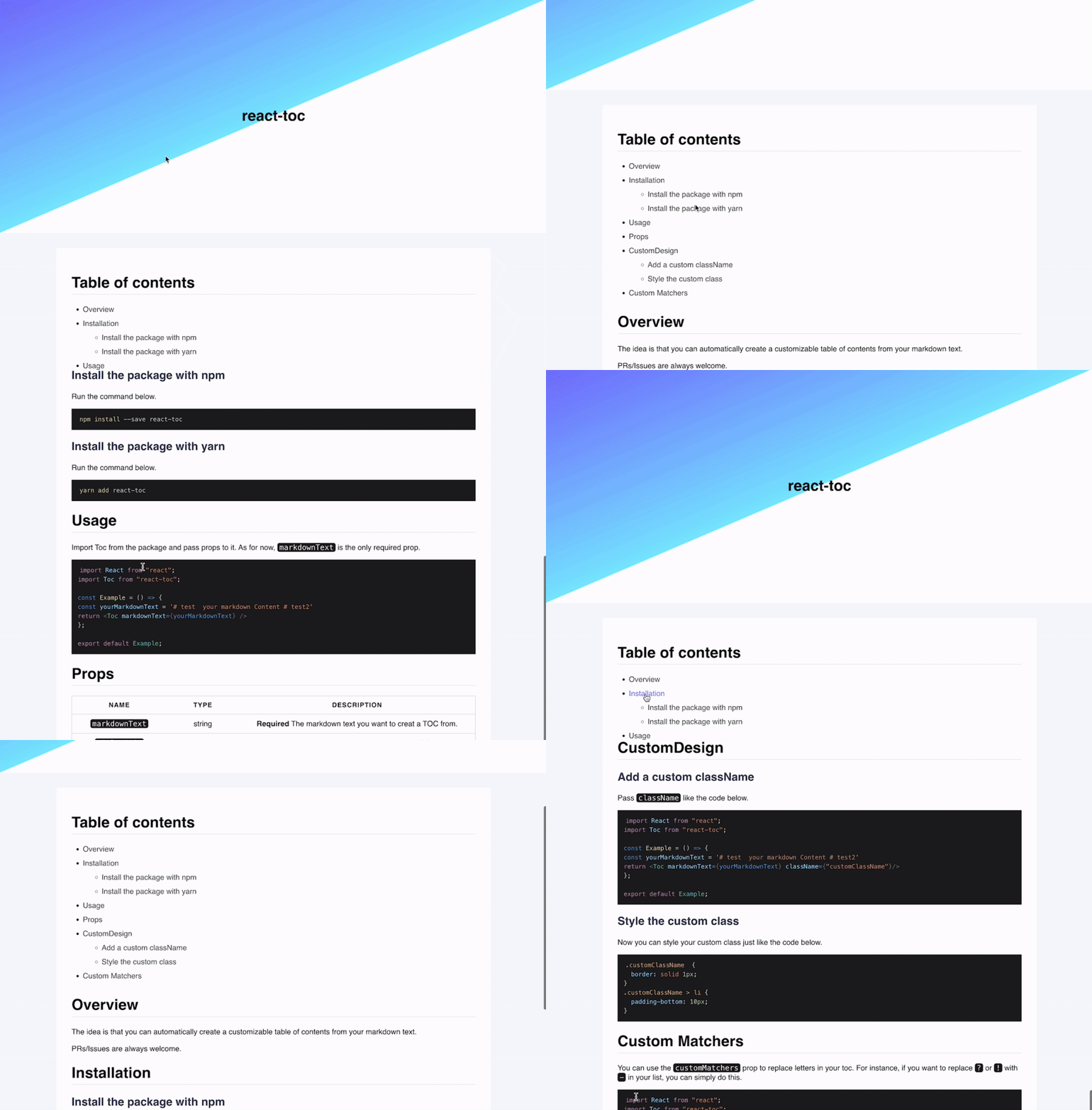
Demo
Check out the demo page.
Installation
npm install --save react-toc
or
yarn add react-toc
Usage
Import Toc from the package and pass props to it. As for now, markdownText is the only required prop.
import React from "react";
import Toc from "react-toc";

const Example = () => {
  const yourMarkdownText = "# test \n your markdown Content # test2\n";
  return <Toc markdownText={yourMarkdownText} />;
};

export default Example;
Props
markdownText | string | Required The markdown text you want to creat a TOC from. |
titleLimit | number | The maximum length of each title in the TOC. |
highestHeadingLevel | number | The highest level of headings you want to extract from the given markdownText. |
lowestHeadingLevel | number | The lowest level of headings you want to extract from the given markdownText. |
className | strig | Your custom className. |
type | "deafult" or"raw" | The type of a TOC you want to use. |
customMatchers | { [key: string]: string } | The matchers you want to use to replace the letters with. |
CustomDesign
Add a custom className
Pass className like the code below.
import React from "react";
import Toc from "react-toc";

const Example = () => {
  const yourMarkdownText = "# test \n your markdown Content # test2\n";
  return <Toc markdownText={yourMarkdownText} className={"customClassName"} />;
};

export default Example;
Style the custom class
Now you can style your custom class just like the code below.
.customClassName {
  border: solid 1px;
}
.customClassName > li {
  padding-bottom: 10px;
}
Custom Matchers
You can use the customMatchers prop to replace letters in your toc.
For instance, if you want to replace ? or ! with - in your list, you can simply do this.
import React from "react";
import Toc from "react-toc";

const Example = () => {
  const yourMarkdownText = "# test \n your markdown Content # test2\n";
  const matchers = { "[?!]": "-" }

  return <Toc markdownText={yourMarkdownText} className={"customClassName"} customMatchers={matchers}/>;
};

export default Example;
You can also give more options to the customMatchers prop like the code below.
import React from "react";
import Toc from "react-toc";

const Example = () => {
  const yourMarkdownText = "# test \n your markdown Content # test2\n";
  const matchers = { "[?!]": "-", "\\*": "" }

  return <Toc markdownText={yourMarkdownText} className={"customClassName"} customMatchers={matchers}/>;
};

export default Example;
Development
- Install dev dependencies.
$ yarn install
$ yarn test
$ yarn lint
$ cd demo && yarn && yarn start
License
MIT









