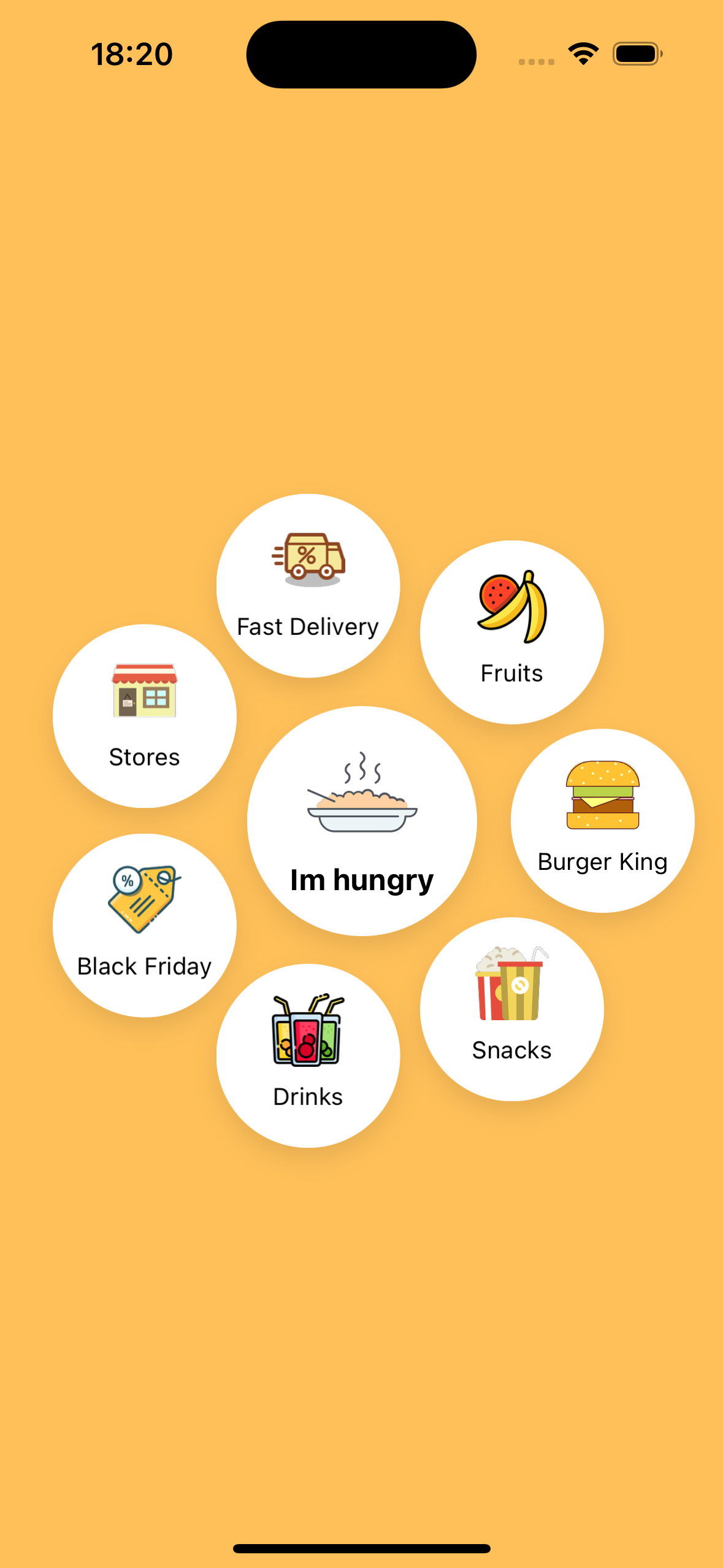
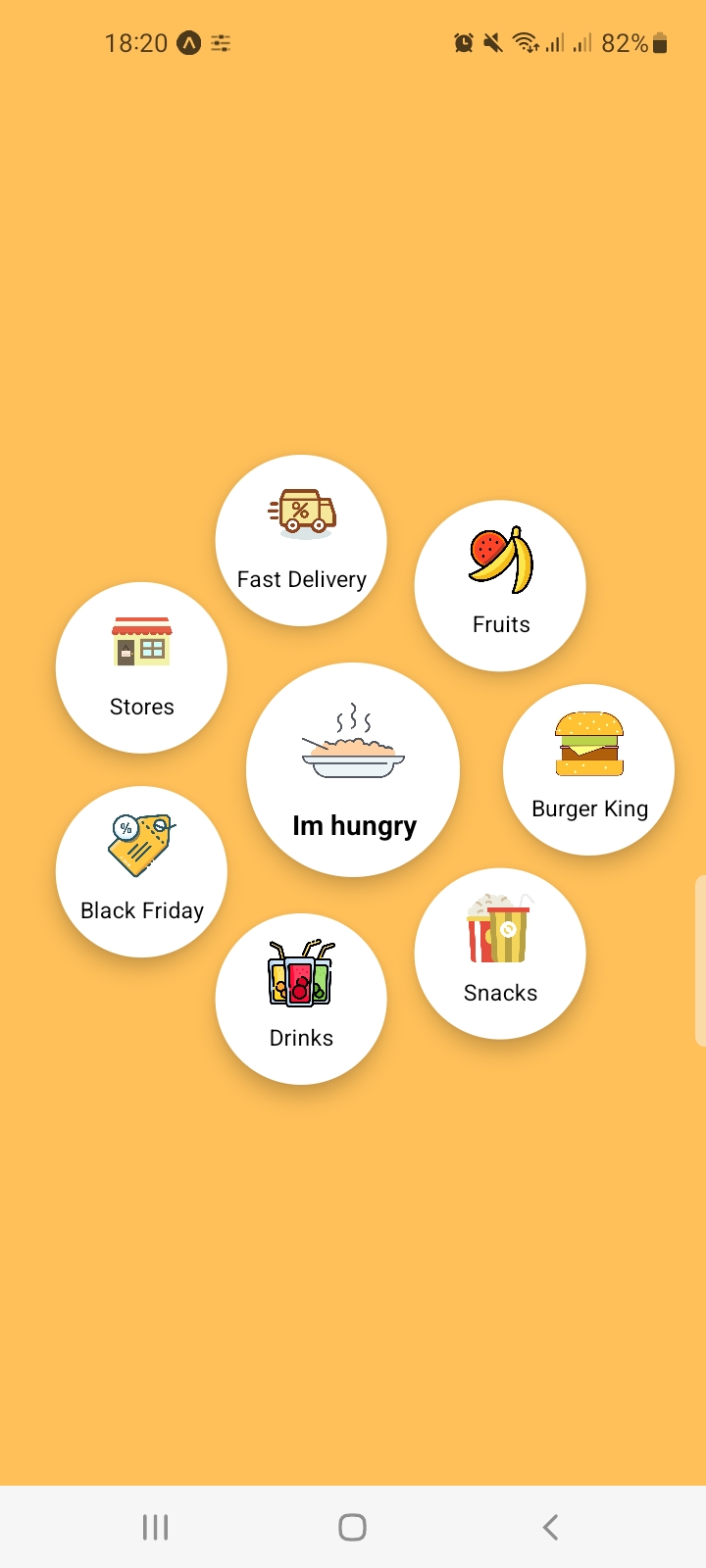
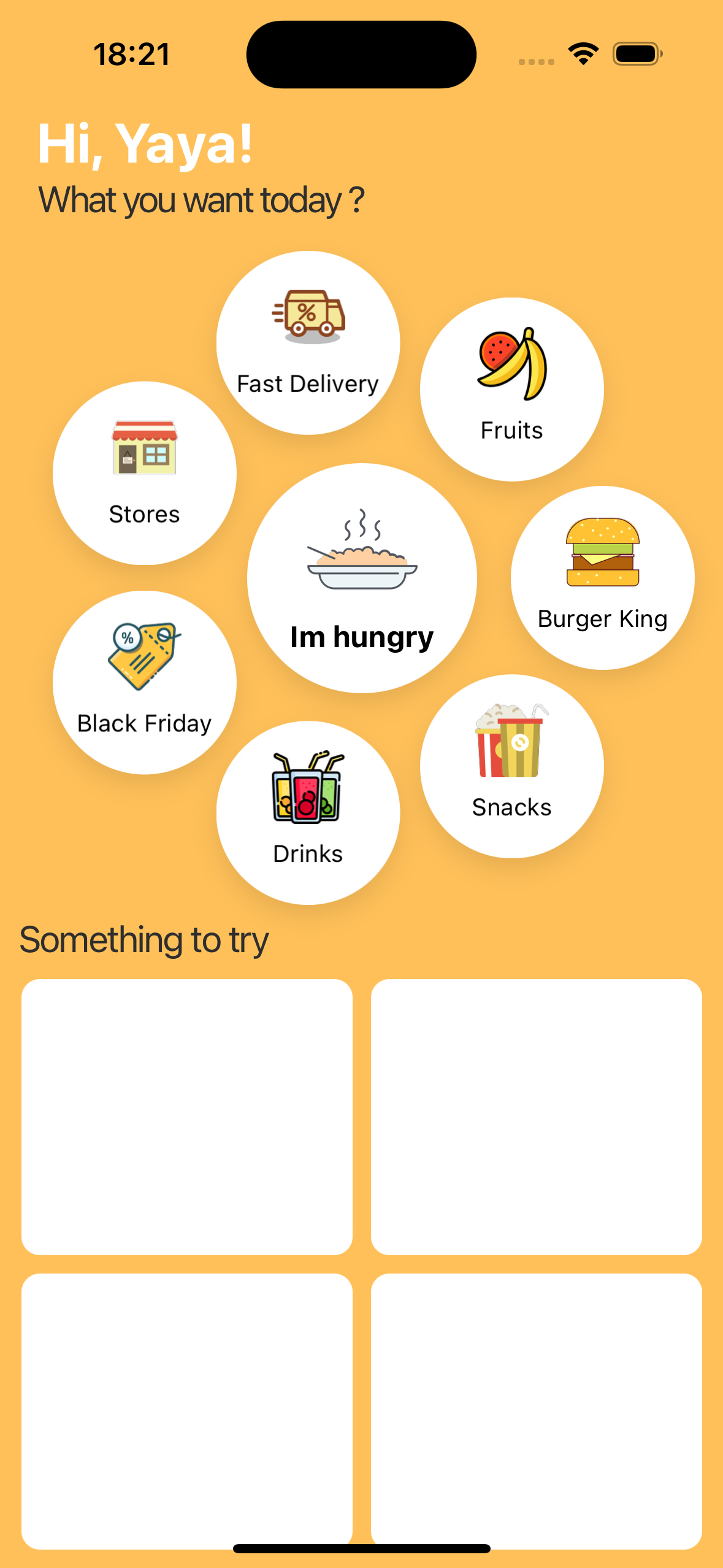
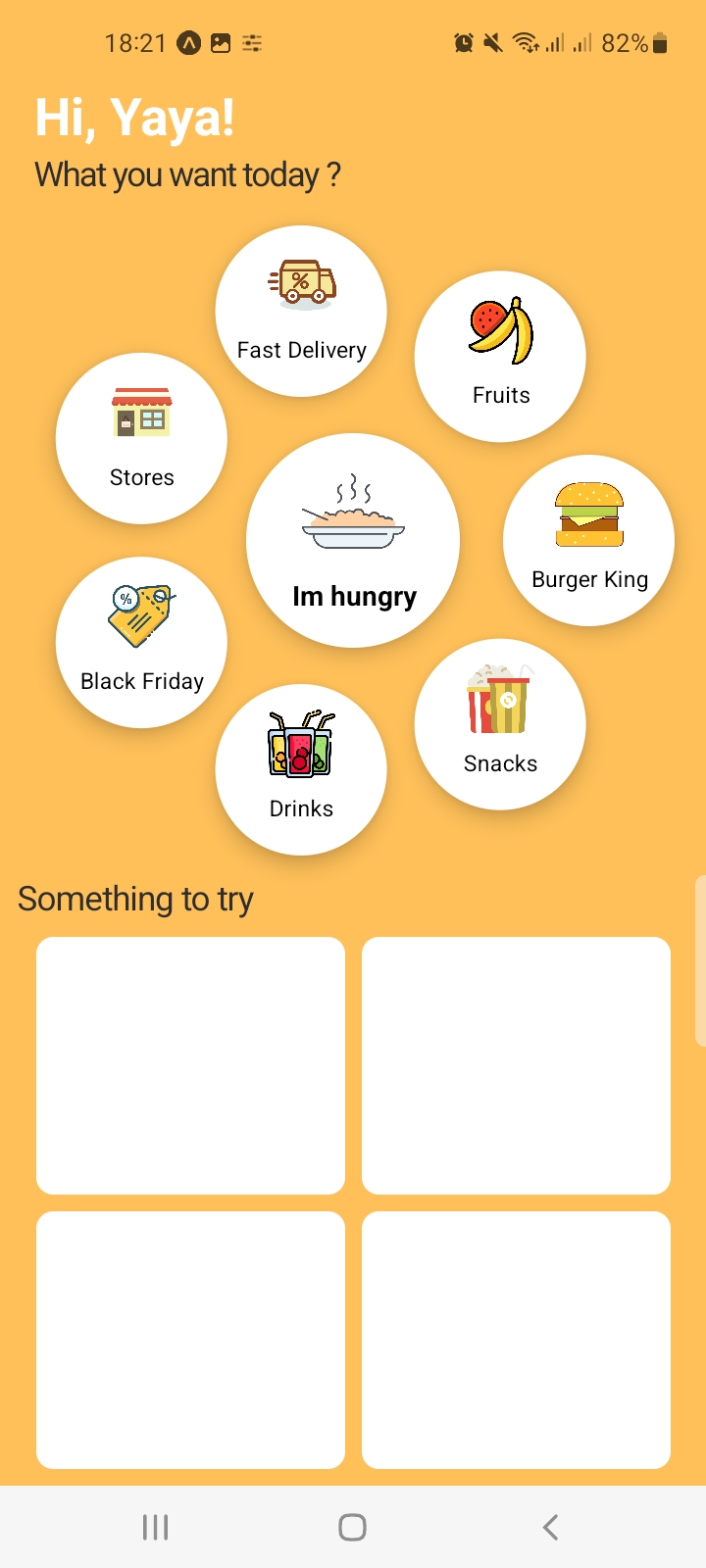
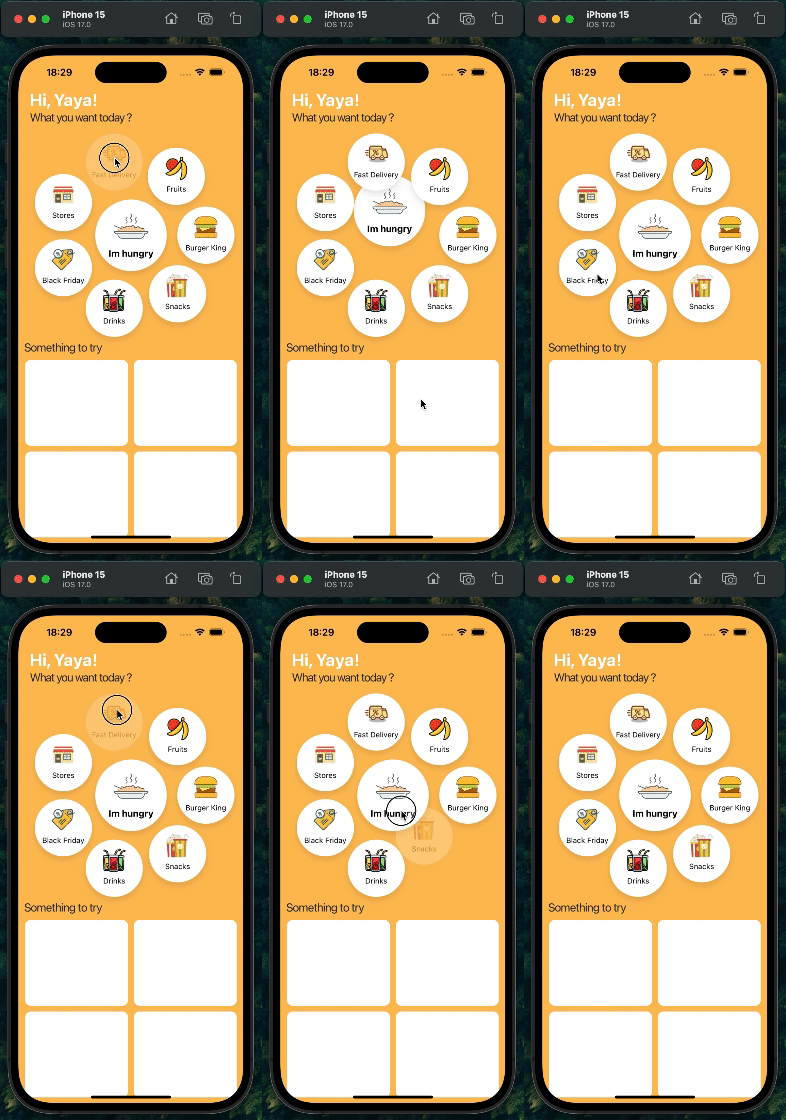
React Native Circular Menu component for creating interactive circular menus with customizable styles.
Installation
npm install rn-circular-menu
or
yarn add rn-circular-menu
Before using this library, ensure that you have the following dependencies installed in your React Native project:
Screenshots
Demo
Usage
import React from "react";
import { View } from "react-native";
import CircularMenu from "rn-circular-menu";
import { menuData } from "./path/to/menuData";

const App = () => {
return (
    <View style={{ flex: 1 }}>
        <CircularMenu
            menuData={menuData}
            containerStyles={{ backgroundColor: "#ffc059" }}
            menuStyles={{ backgroundColor: "white" }}
            iconStyles={{...}}
            labelStyles={{...}}
        />
    </View>
);
};
Props
menuData | Array | Yes | Array of objects representing menu items. |
containerStyles | Object | No | Custom styles for the circular menu container. |
menuStyles | Object | No | Custom styles for the entire circular menu item. |
iconStyles | Object | No | Custom styles for the icons within each menu item. |
labelStyles | Object | No | Custom styles for the labels (text) within each menu item. |
export const menuData = [
    {
        id: 0,
        title: "Main Menu",
        icon: require("./assets/mainIcon.png"),
        isMain: true,
        onPress: () => {
        console.log("Main Menu pressed");
    },
    },
    {
        id: 1,
        title: "Option 1",
        icon: require("./assets/option1.png"),
        onPress: () => {
        console.log("Option 1 pressed");
    },
    },
    {
        id: 2,
        title: "Option 2",
        icon: require("./assets/option2.png"),
        onPress: () => {
        console.log("Option 2 pressed");
    },
    },
    // Add more menu items as needed
];
Contributing
Pull requests are always welcome! Feel free to open a new GitHub issue for any changes that can be made.
Working on your first Pull Request? You can learn how from this free series How to Contribute to an Open Source Project on GitHub
Author
Yaya Mohamed | https://github.com/Yaya12085
License
This project is licensed under the MIT License - see the LICENSE file for details.