Getting Started
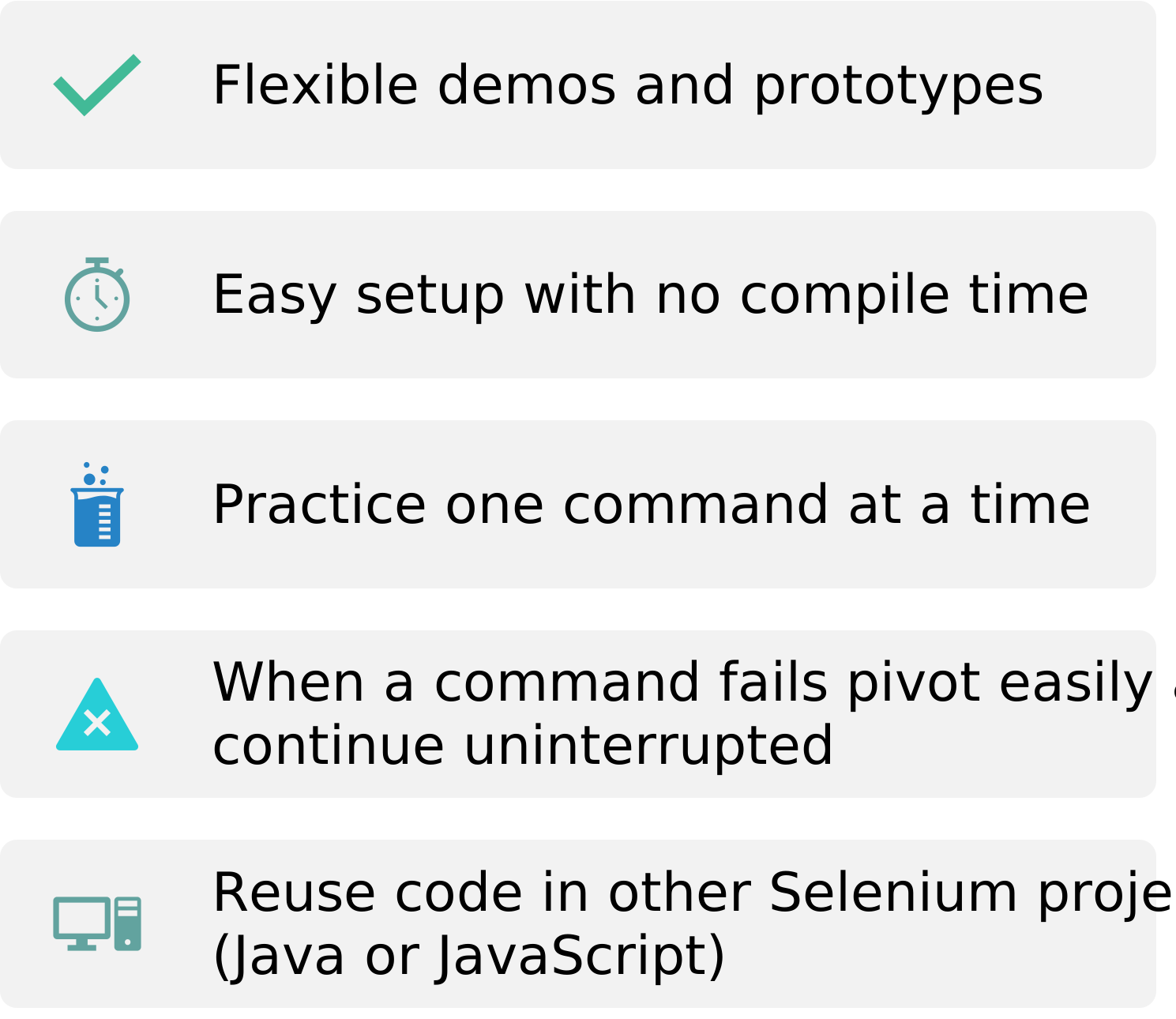
Currently supports testing in Google Chrome, Edge, and Firefox
Before you begin
- Make sure you have NodeJS installed
- If you do not have PowerShell installed, make sure you have downloaded the webdriver executable
Options
Options:
-b, --browser <browser> chrome, edge, or firefox
-d, --driverPath <path> folder location of webdriver
-h --headless webdriver headless mode
-s --selectors add additional selector functions to the REPL
--help display help for command
Quickstart
Open PowerShell. Enter npx selenium-repl.
Setup
If you have PowerShell installed, execute Setup.ps1 and skip the remaining setup instructions.
- In a Terminal Window, navigate to this repository and enter the command
npm install
- Enter the command
npm run setup BROWSER DRIVER_PATH replacing BROWSER with chrome, edge, or firefox and DRIVER_PATH with the path to your folder containing webdriver†
Run the REPL
If you have PowerShell installed, execute Start.ps1 and skip the remaining steps.
- In a Terminal Window, navigate to this repository and enter the command
npm start
Learn about Selenium REPL exclusive functions.
Right-click an element to copy its CSS Selector.
Creating Tests
Refer to the Official Selenium Documentation. It is recommended you follow the Page Object Model
.
Example Test
test.js
const DriverFactory = require('selenium-repl/DriverFactory'),
LoginPage = require('./pages/LoginPage');
function test() {
var driver = new DriverFactory('chrome').driver;
driver.get('https://www.google.com');
var loginPage = new LoginPage(driver);
var homePage = loginPage.login('Username', 'Password');
}
module.exports = test;
LoginPage.js
const { By } = require('selenium-webdriver'),
    HomePage = require('./pages/HomePage');

class LoginPage {

    usernameField = By.css('#UserName');
    passwordField = By.css('#Password');
    loginButton = By.css('#LoginButton');

    constructor(driver) {
        this.driver = driver;
    }

    inputUsername(username) {
        this.driver.findElement(this.usernameField).sendKeys(username);
    }

    inputPassword(password) {
        this.driver.findElement(this.passwordField).sendKeys(password);
    }

    clickLogin() {
        this.driver.findElement(this.loginButton).click();
    }

    login(username, password) {
        this.inputUsername(username);
        this.inputPassword(password);
        this.clickLogin();
        return new HomePage(this.driver);
    }
}

module.exports = LoginPage;
Selenium REPL Cheatsheet
JavaScript API Documentation
†If the webdriver folder is your current directory or if it is in your PATH, you may omit this step.





