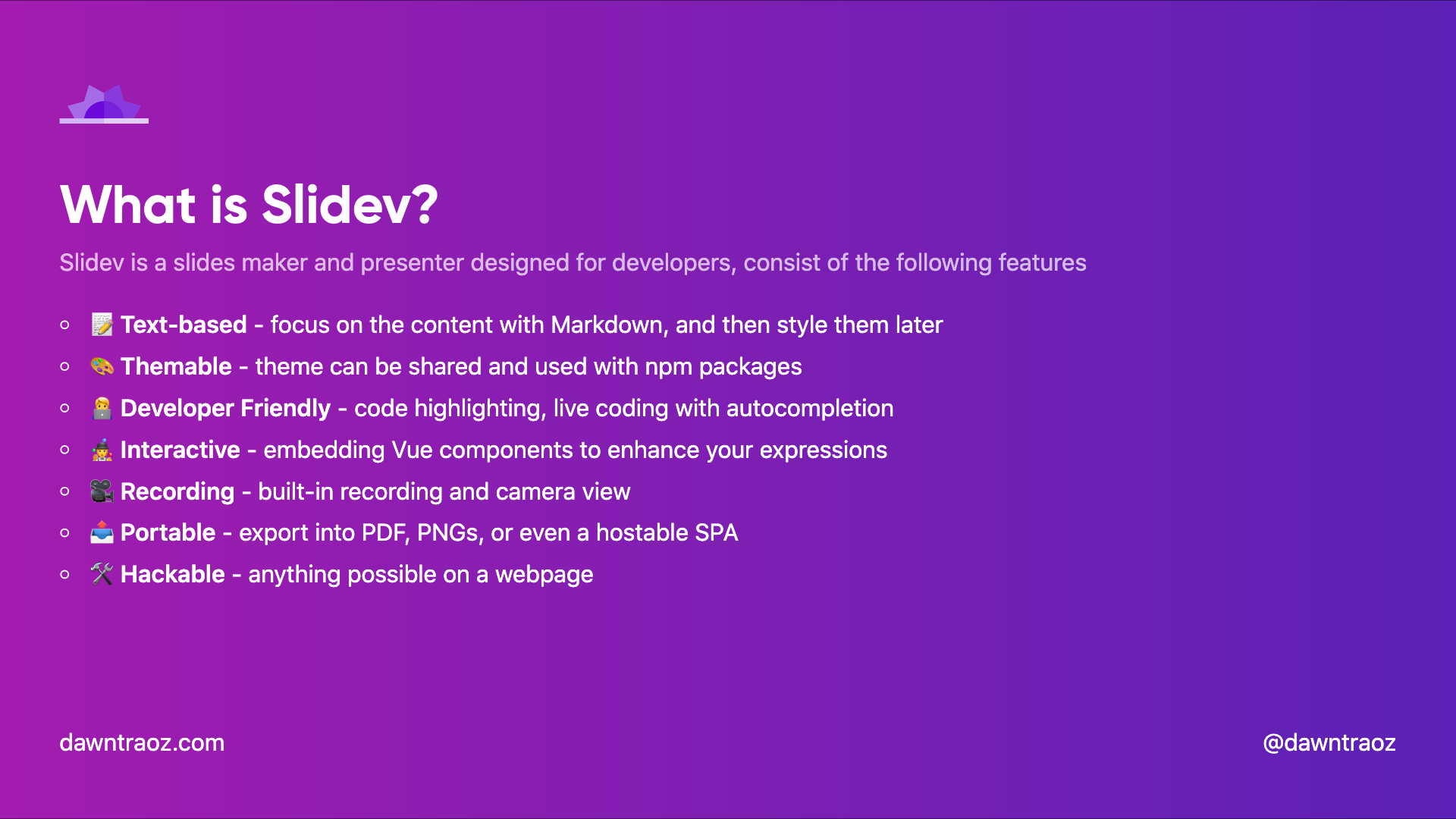
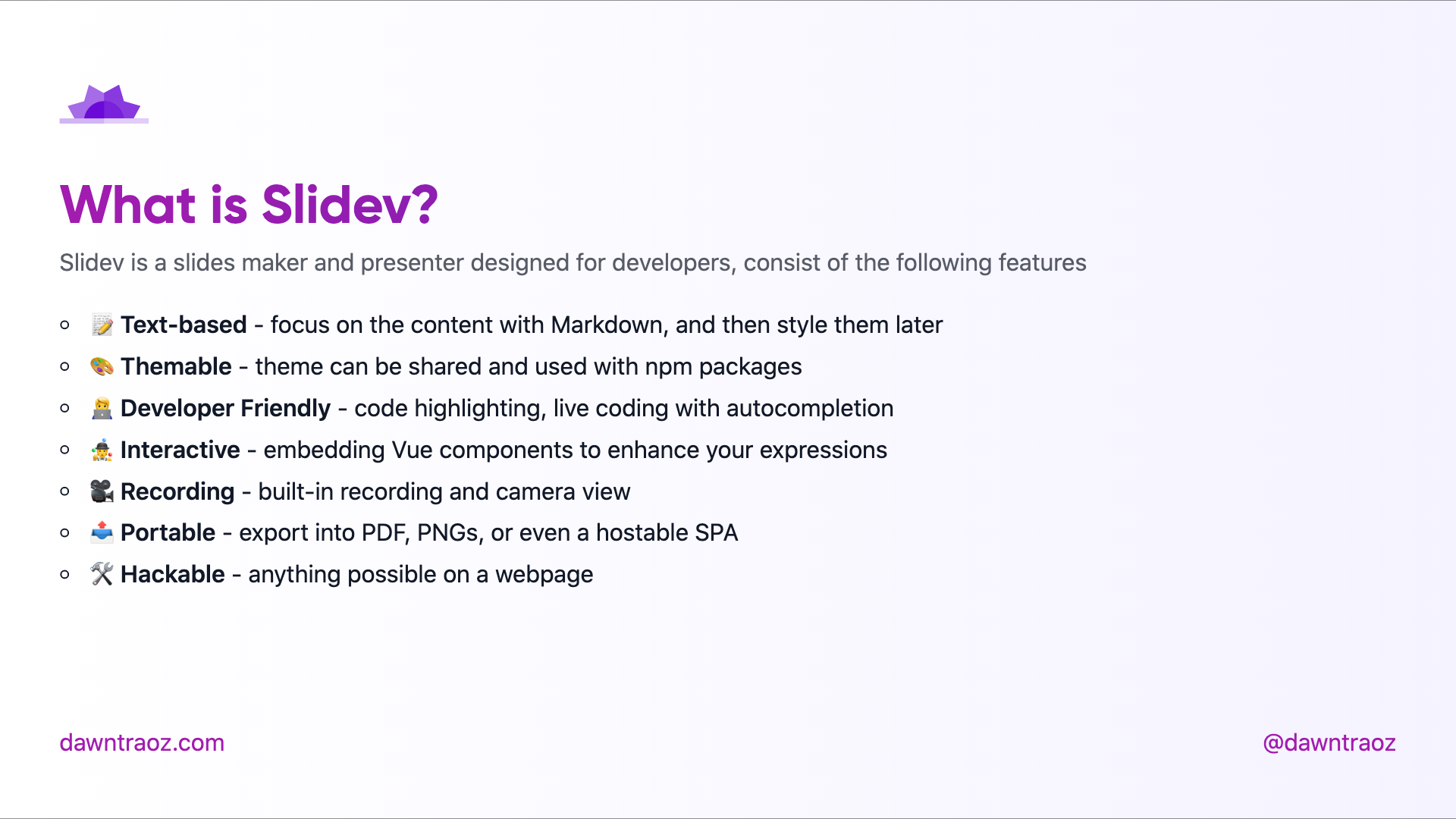
slidev-theme-unicorn

A Unicorn theme for Slidev.
This theme is based on dawntraoz.com website design.
Live demo: https://unicorn-theme.dawntraoz.com/
Install
Add the following frontmatter to your slides.md. Start Slidev then it will prompt you to install the theme automatically.
---
theme: unicorn
---
Learn more about how to use a theme.
Layouts
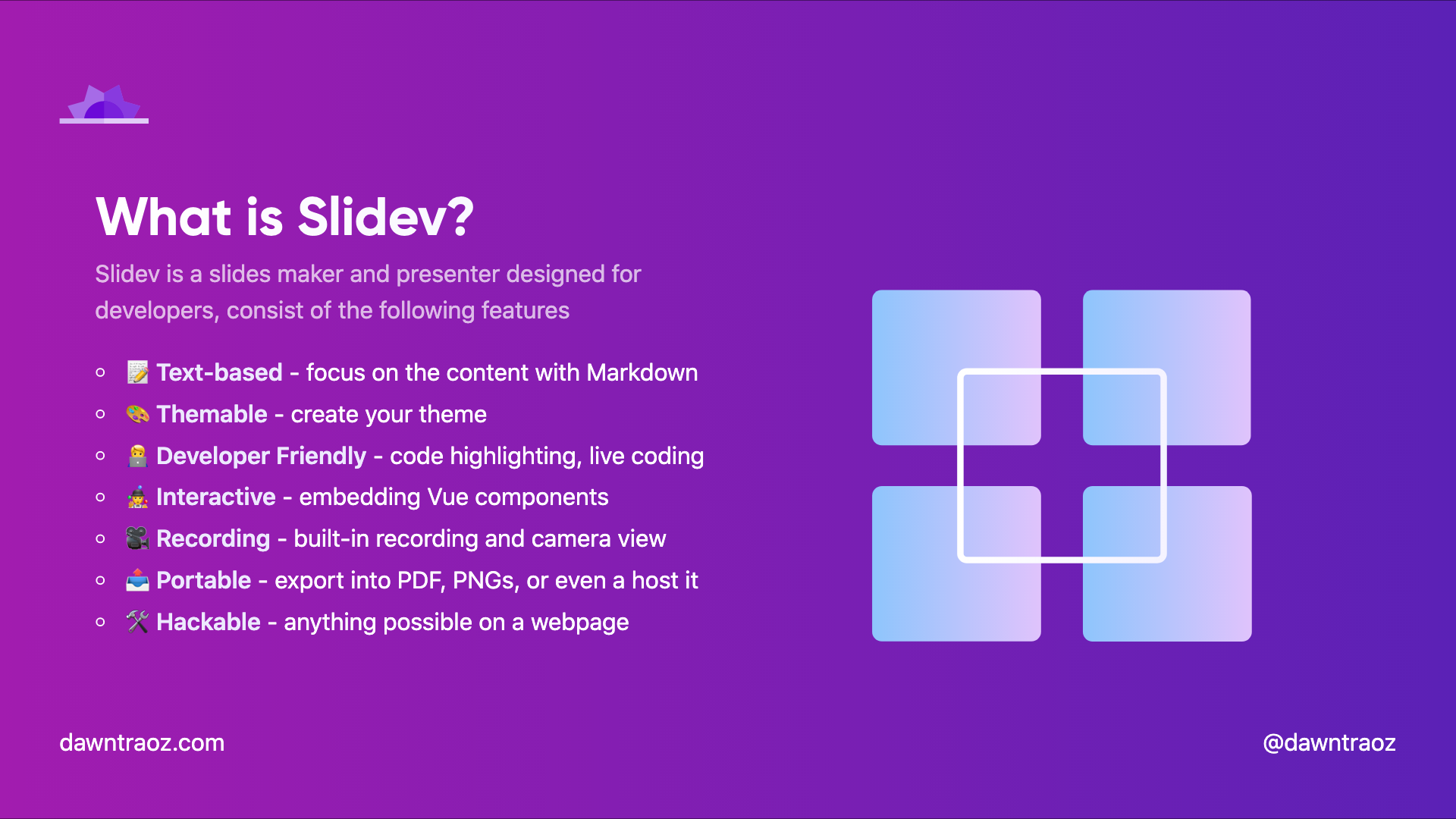
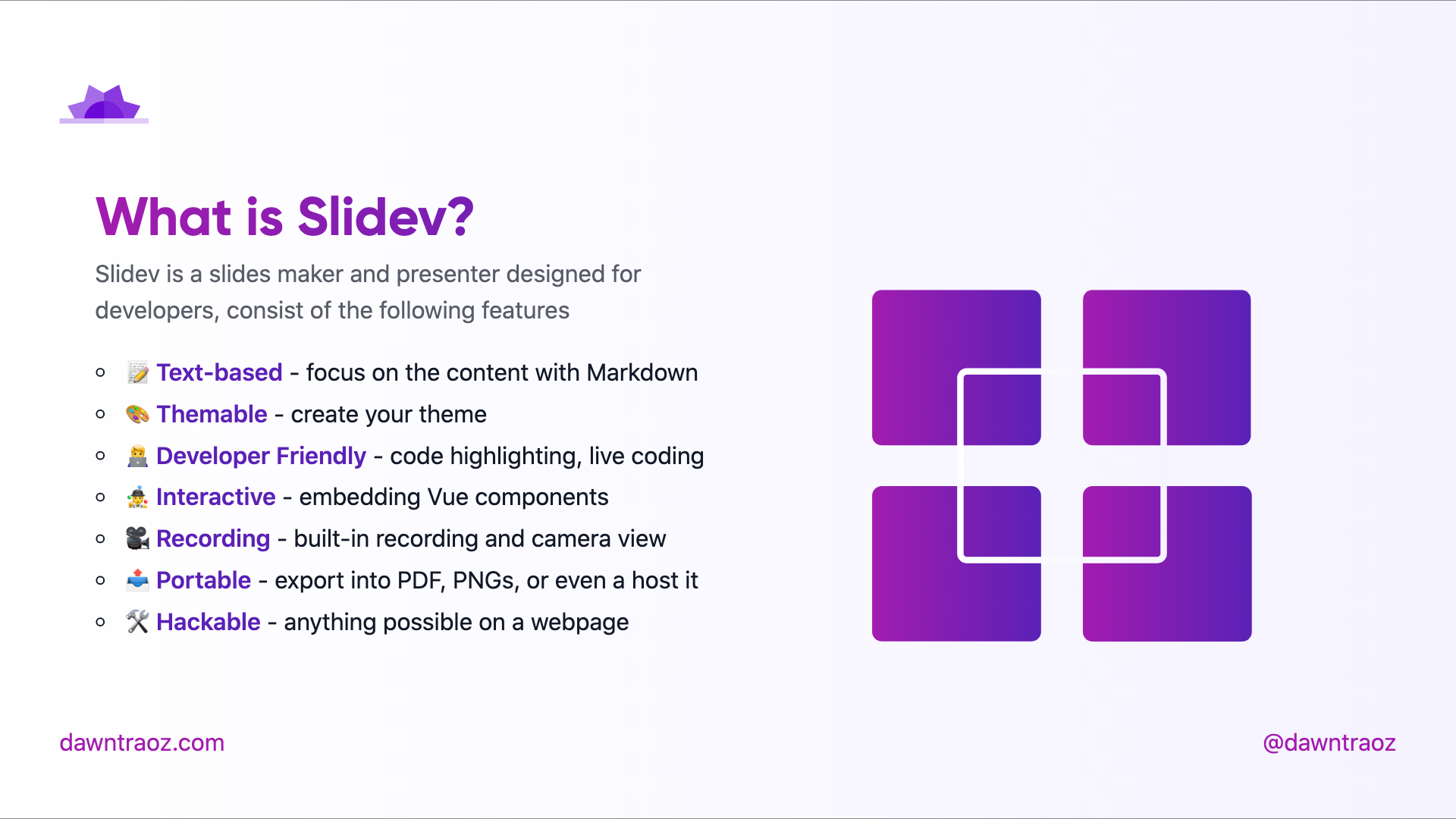
This theme provides the following layouts:
Common properties
By default any layout will contain a header and a footer expecting:
---
logoHeader: 'https://www.dawntraoz.com/images/logo.svg'
website: 'dawntraoz.com'
handle: 'dawntraoz'
---
If you don't add this property it will be an empty slide expecting your content:
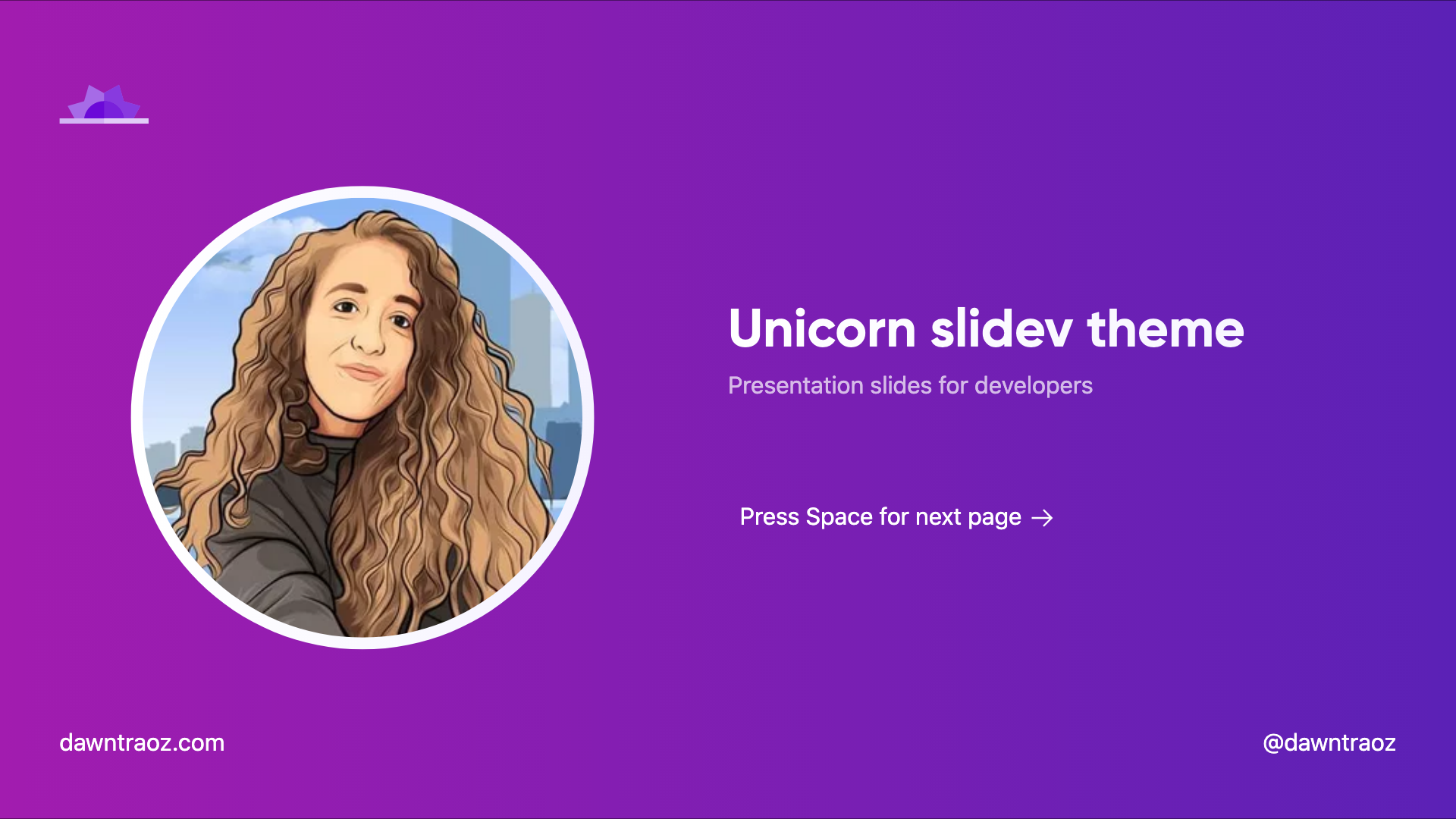
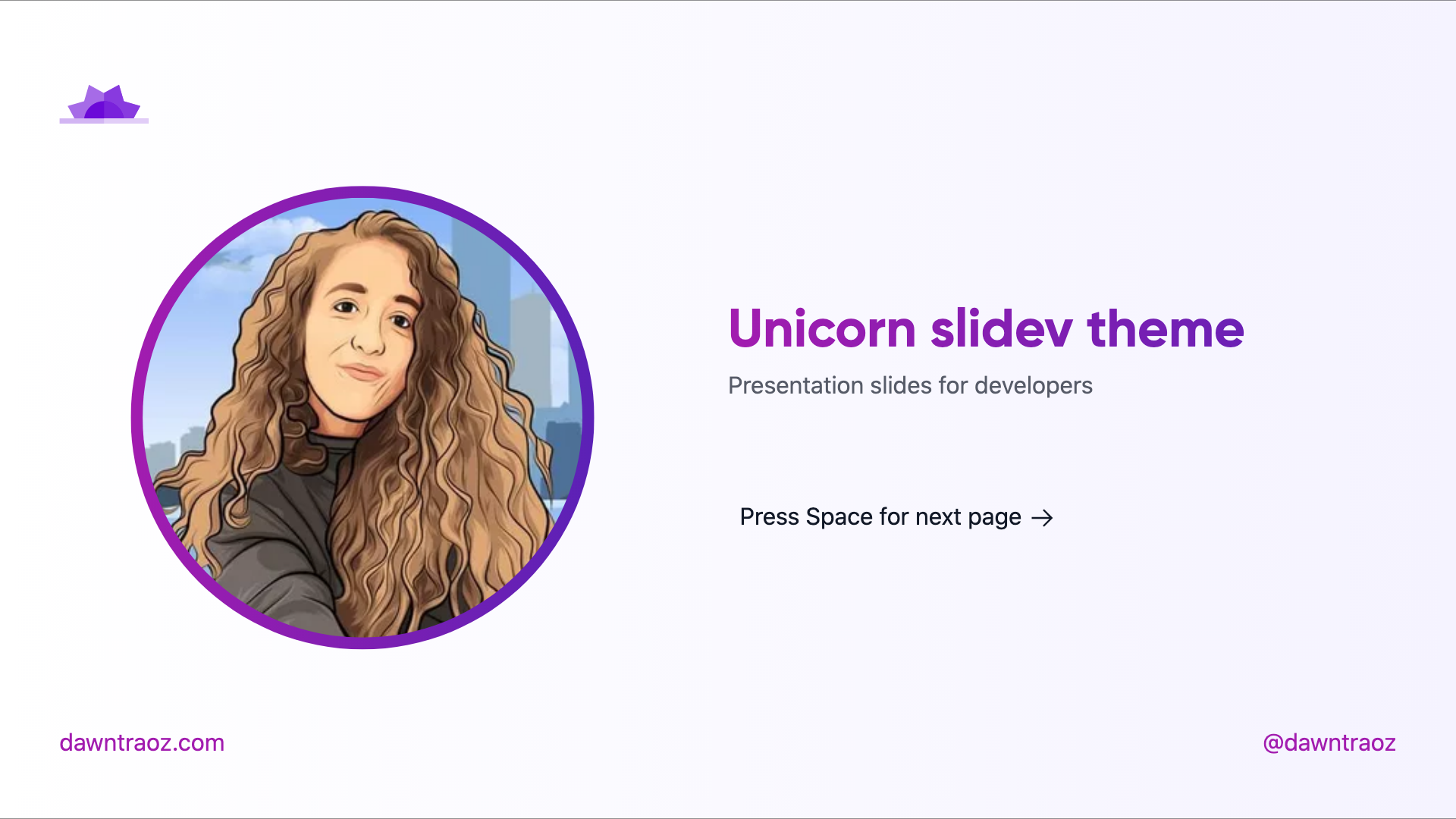
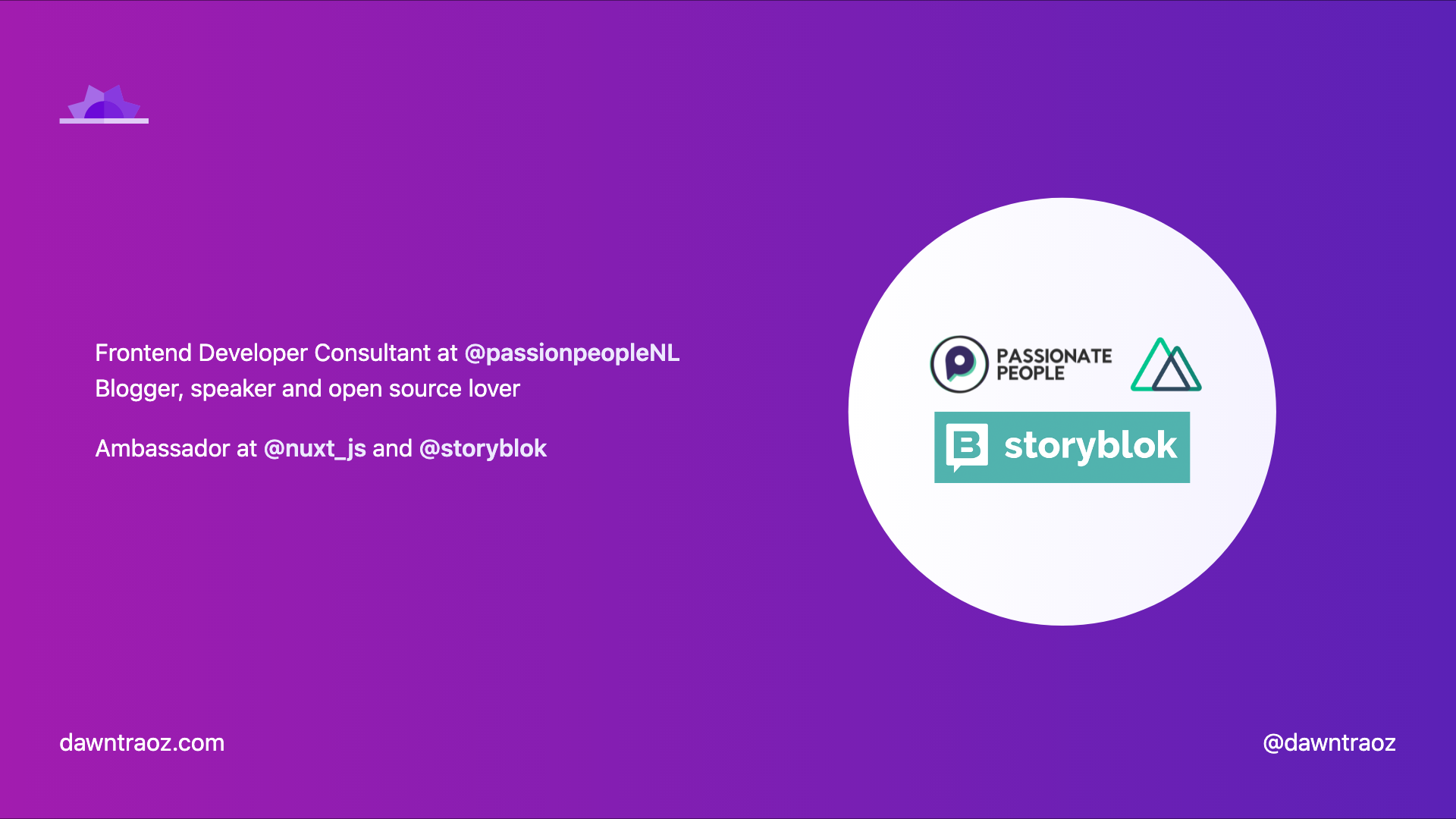
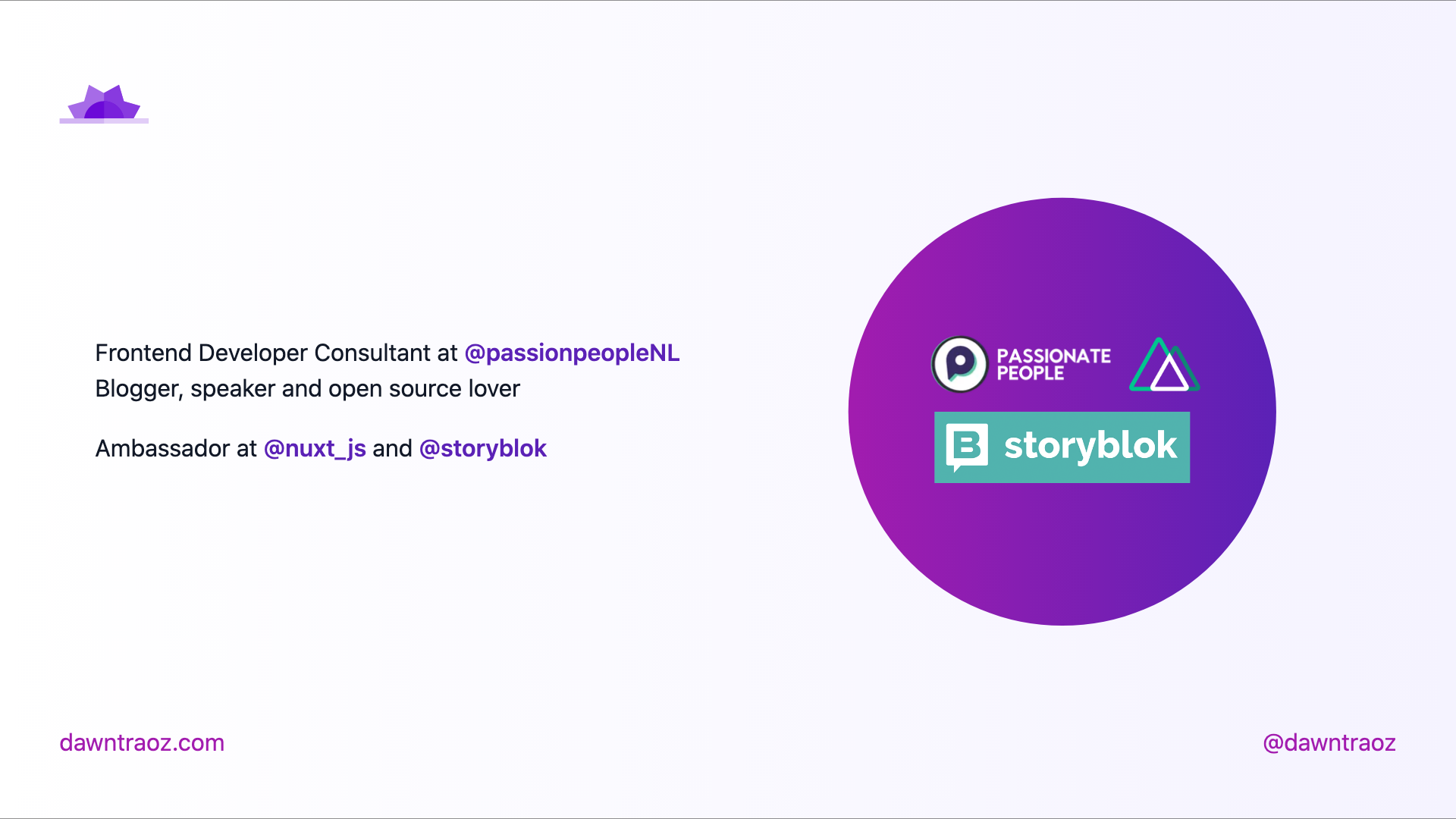
Intro intro
Usage:
- Add
intro in the layout field.
- Add your profile image in the
introImage field.
---
layout: intro
introImage: 'https://img2.storyblok.com/312x312/filters:format(webp)/f/79165/400x400/1082ff0d24/dawntraoz-alba-silvente.jpg'
---
Default cover
Cover is the default layout when none is specified.
Usage:
---
layout: cover
---
Presentation cover-logos
Usage:
- Add
cover-logos in the layout field.
- Add an Array of logo URLs in the
logos field.
---
layout: cover-logos
logos: [
  'https://img2.storyblok.com/588x0/filters::format(webp)/f/86387/x/21aa32ed18/logo-normal.svg',
  'https://nuxtjs.org/logos/nuxt-emoji.png',
]
---
Table of contents table-contents
Usage:
- Add
table-contents in the layout field.
- Add an Array of hexadecimal colours in the
gradientColors field to fill the illustration.
---
layout: table-contents
gradientColors: ['#8EC5FC', '#E0C3FC']
---
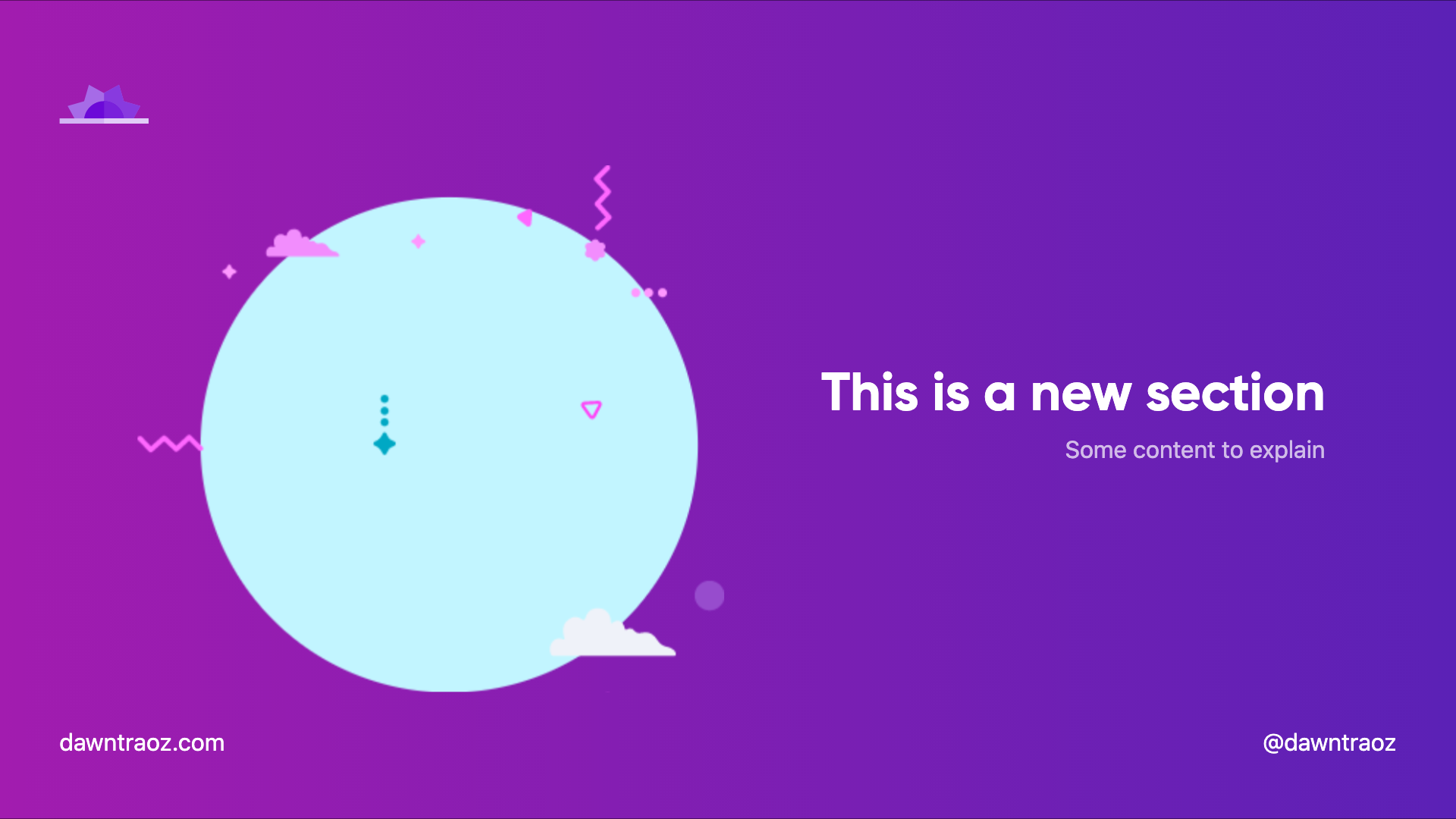
New section slide new-section
Always in dark version
Usage:
- Add
new-section in the layout field.
---
layout: new-section
---
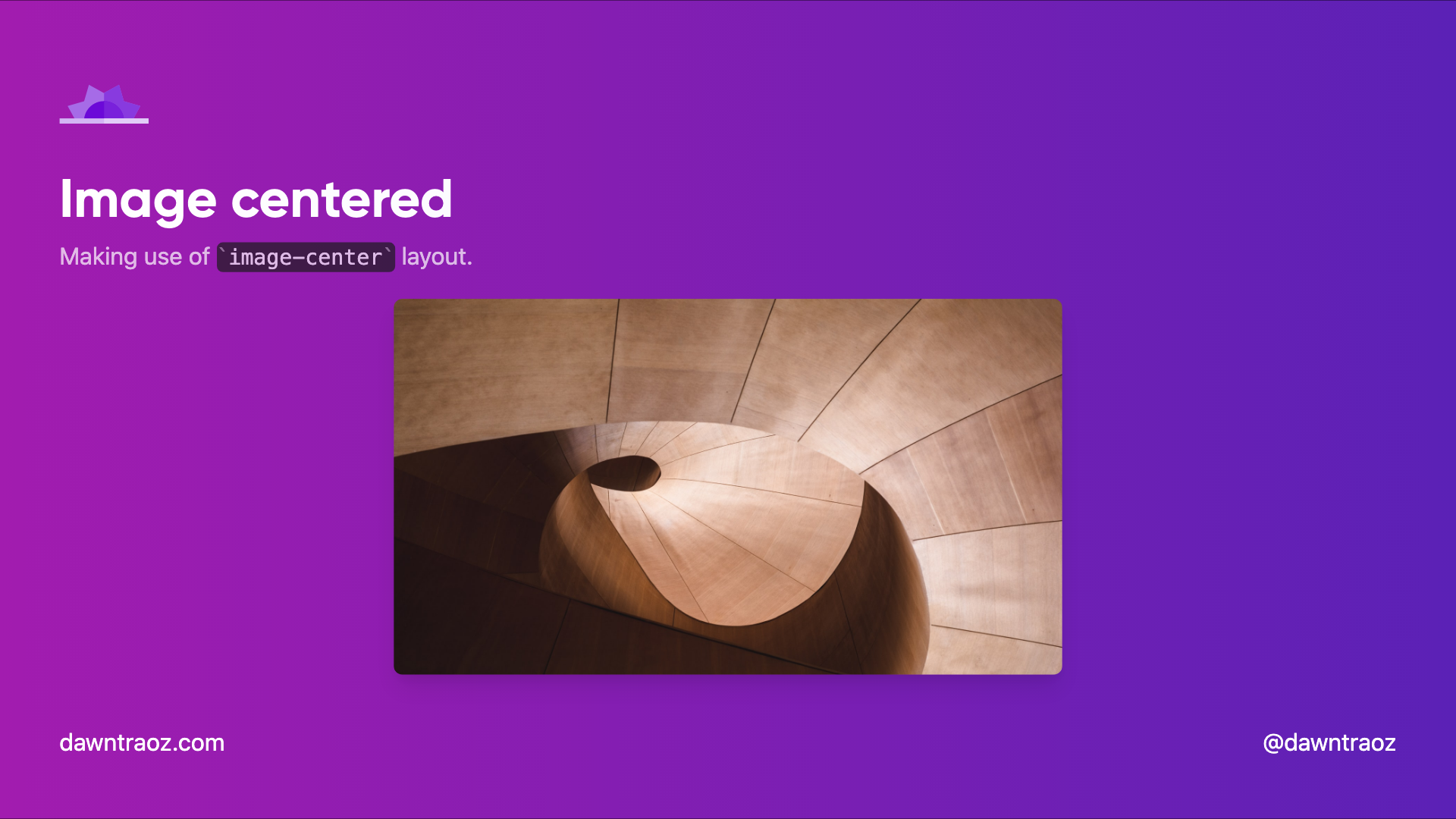
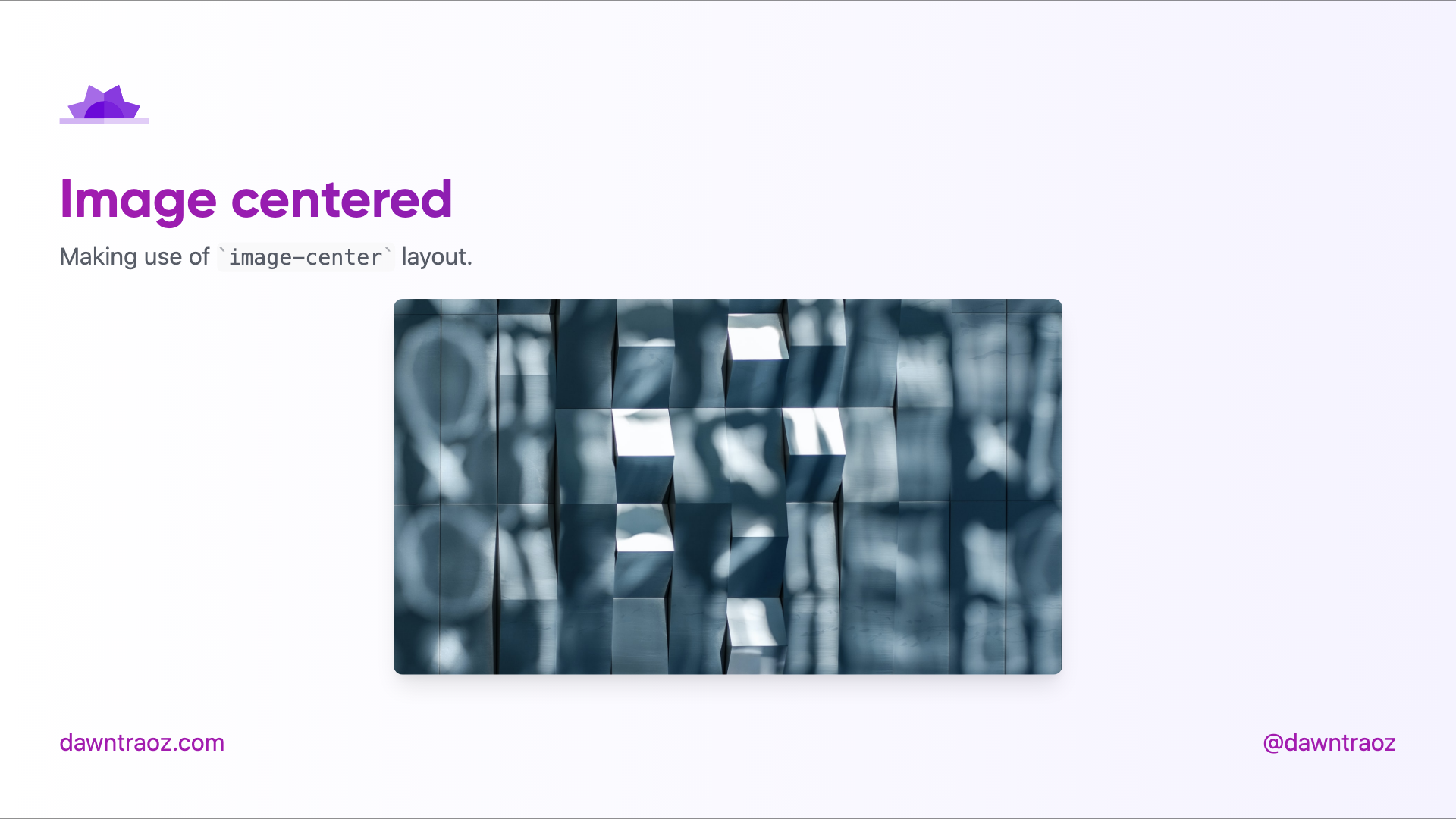
Image Centered image-center
The content will be place before the image, you can add a title, subtitle to give context to the image.
---
layout: image-center
image: 'https://source.unsplash.com/collection/94734566/1920x1080'
imageWidth: '450'
imageHeight: '950'
---
Text centered center
---
layout: center
---
Contributing
pnpm installpnpm dev to start theme preview of example.md- Edit the
example.md and style to see the changes
pnpm export to generate the preview PDFpnpm screenshot to generate the preview PNG