ST
JSON Selector + Transformer
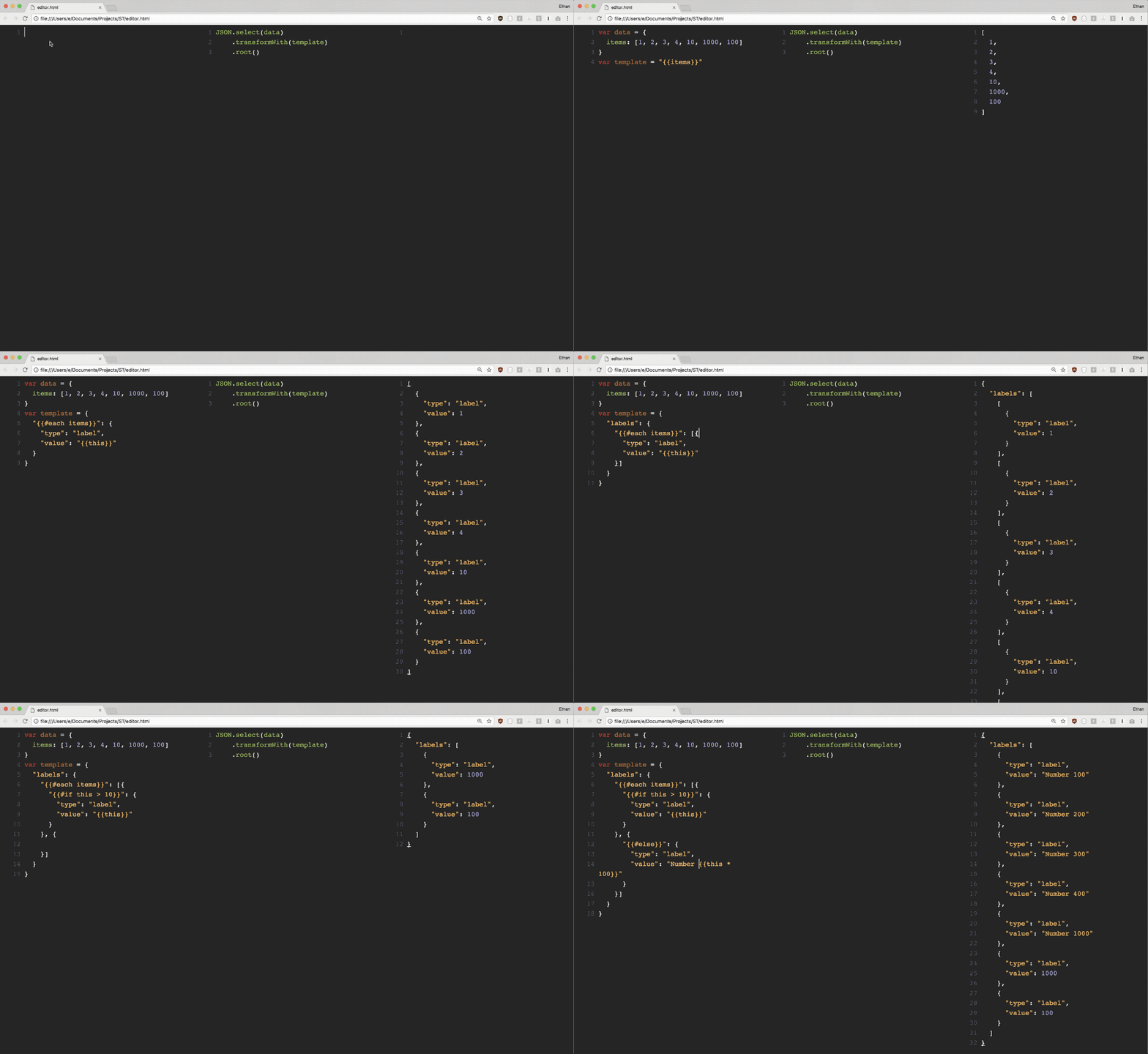
- Select: Query any JSON tree to select exactly the subtree you are looking for.
- Transform: Transform any JSON object to another by parsing with a template, also written in JSON
You can also mix and match Select AND Transform to perform partial transform, modularize JSON objects, etc.
Features
1. Select
Select a JSON object or its subtree that matches your criteria
Step 1. Take any JSON object
var data = {
"links": [
{ "remote_url": "http://localhost" },
{ "file_url": "file://documents" },
{ "remote_url": "https://blahblah.com" }
],
"preview": "https://image",
"metadata": "This is a link collection"
}
Step 2. Find all key/value pairs that match a selector function
var sel = ST.select(data, function(key, val) {
  return /https?:/.test(val);
})
Step 3. Get the result
var keys = sel.keys();
var values = sel.values();
var paths = sel.paths();
2. Transform
Use template to transform one object to another
Step 1. Take any JSON object
var data = {
  "title": "List of websites",
  "description": "This is a list of popular websites"
  "data": {
    "sites": [{
      "name": "Google",
      "url": "https://google.com"
    }, {
      "name": "Facebook",
      "url": "https://facebook.com"
    }, {
      "name": "Twitter",
      "url": "https://twitter.com"
    }, {
      "name": "Github",
      "url": "https://github.com"
    }]
  }
}
Step 2. Select and transform with a template JSON object
var sel = ST.select(data, function(key, val){
            return key === 'sites';
          })
          .transformWith({
            "items": {
              "{{#each sites}}": {
                "tag": "<a href='{{url}}'>{{name}}</a>"
              }
            }
          })
Step 3. Get the result
var keys = sel.keys();
var values = sel.values();
var objects = sel.objects();
var root = sel.root();
Usage
In a browser
<script src="st.js"></script>
<script>
var parsed = ST.select({ "items": [1,2,3,4] })
                .transformWith({
                  "{{#each items}}": {
                    "type": "label", "text": "{{this}}"
                  }
                })
                .root();
</script>
In node.js
Install through npm:
$ npm install stjs
Use
const ST = require('st');

const parsed = ST.select({ "items": [1,2,3,4] })
                .transformWith({
                  "{{#each items}}": {
                    "type": "label", "text": "{{this}}"
                  }
                })
                .root();





